Troubleshooting & Analysis
Twenty-six dollars. For a piece of pleated paper.
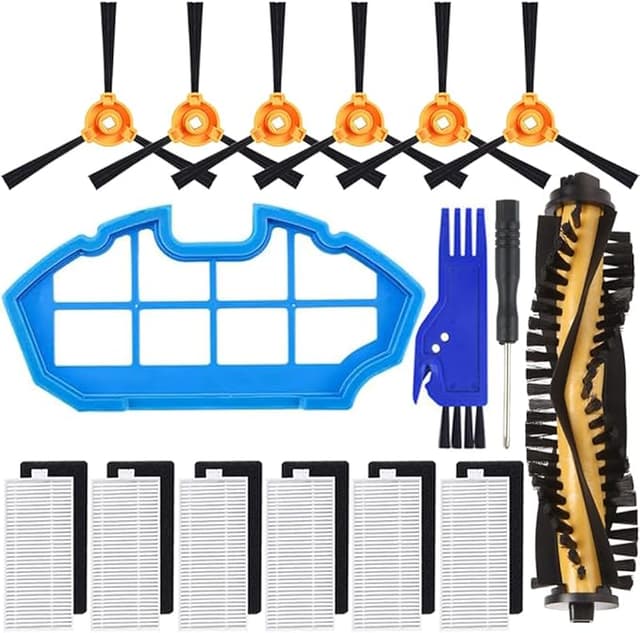
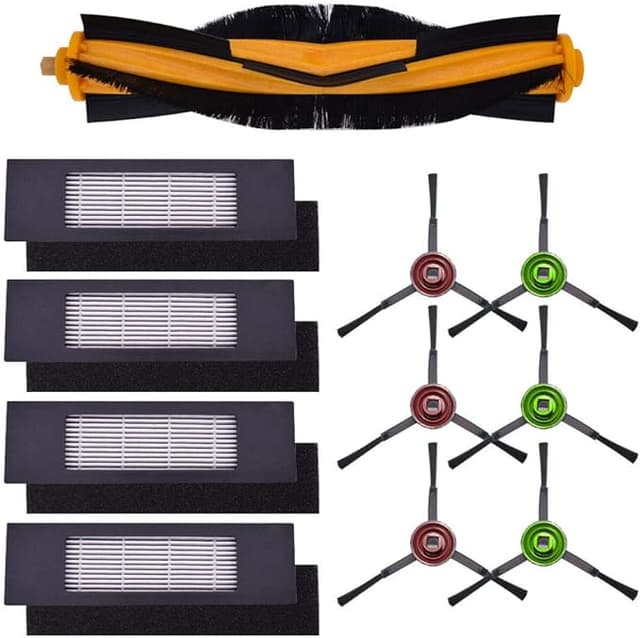
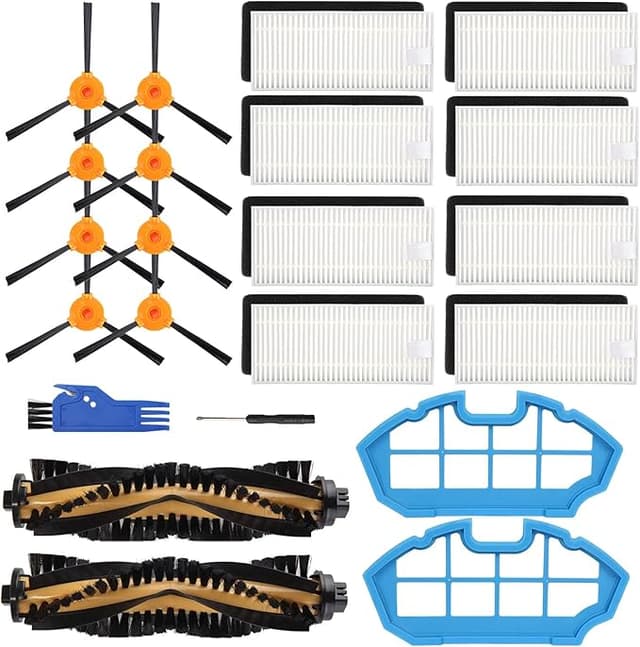
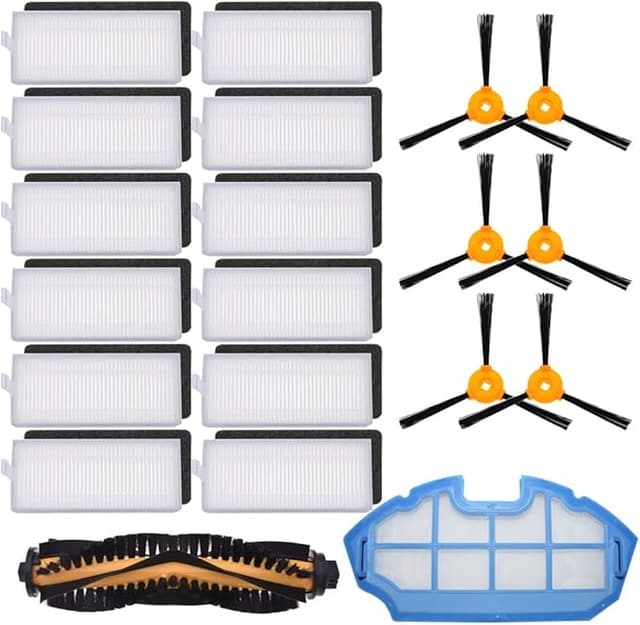
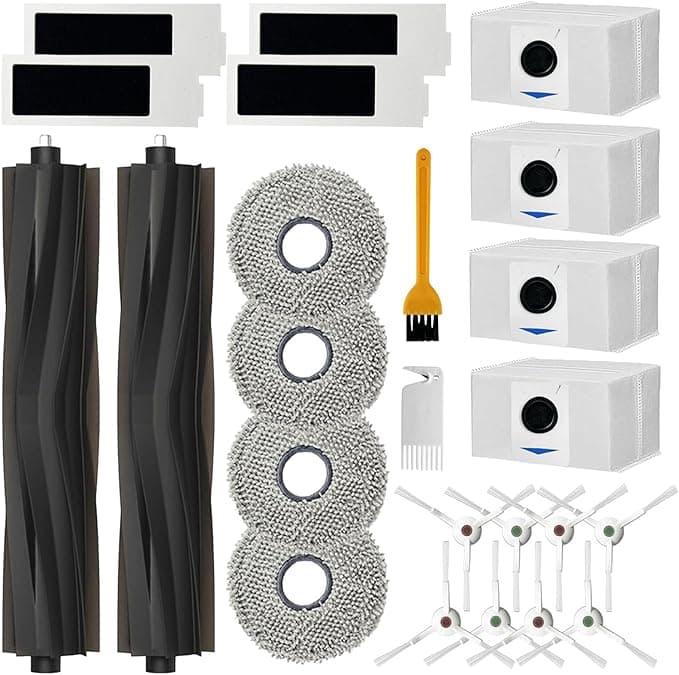
That's what stopped me cold the first time my Ecovacs DEEBOT T20 started smelling like a wet dog mid-clean. I went looking for a fresh filter, found the official Ecovacs replacement, and there it was: around $26 for a single OEM filter, or close to $24 for a two-pack if you caught it on a good day. The compatible one I ended up buying? Right around $11 for a pack of two. Same shape. Same job. Less than half the money. And I sat there for a second genuinely annoyed that I'd been about to hand Ecovacs twenty-six bucks for something that costs them maybe a dollar to make.
So I did what I always do when a number feels wrong. I bought the cheap one to find out if it was a trap.
The math nobody puts on the box
Here's the part that actually matters, because it's not a one-time thing. The DEEBOT T20 filter isn't a forever part — you're swapping it every couple of months if you've got pets or a busy floor, longer if your place stays clean. Call it four to six filters a year in a real house. On OEM pricing, that's somewhere north of $100 a year just to keep your robot breathing. On the compatible filters, you're looking at maybe $25 to $30 for the same stretch. That gap — call it seventy, eighty dollars a year — is the whole reason this article exists. It's not life-changing money. But it's a dinner out, every year, for filtering the exact same dust.
And before you ask: no, I'm not telling you the cheap filter is secretly identical to OEM. It isn't. Let me get to the parts that aren't perfect, because those are the parts that tell you whether I actually used the thing.
Fit and install — does it actually seat?
This was my first worry, because a robot vacuum filter that sits a millimeter proud doesn't filter — it just lets dirty air sneak around the edges. Good news, mostly. Installing it is genuinely a two-minute job. I powered the T20 down and pulled it off the dock first (you want it off so the fan doesn't kick while your hand's inside it). Popped the dustbin, found the filter compartment, pressed the little latch, and the old gray-brown filter slid right out. The new one dropped in and clicked. That click is the thing you're listening for — it means the frame caught the tabs.
But here's the honest wrinkle. The frame on the compatible filter is a hair looser than the Ecovacs original. On my first one, I had to give it a gentle push on the corner to feel it fully seat — it wanted to sit a touch high. Once it clicked, it held fine and hasn't budged in months. But if you just shove it in and walk away without that little press, you might leave a gap. Thirty seconds of attention fixes it. I'd rather tell you that than have you find out when your floors aren't getting cleaner.
How it actually performs
I ran one of these in my DEEBOT for a full cycle of about ten weeks before I'd say anything. Two cats, a shedding dog, a house that generates an unreasonable amount of hair. The filter caught it. When I pulled it at the ten-week mark, the pleats were packed with the same gray felt of pet hair and fine dust I'd see on the OEM. Suction held up. The robot didn't start choking or doing that sad slow crawl it does when airflow's strangled.
Where's it a touch behind? If I'm being picky — and I am — the OEM filter media feels a shade denser when you hold the two side by side. On really fine stuff, the kind of dust you don't see until it's on a black shelf, I think the original grabs a sliver more on the first pass. For allergy folks running this in a bedroom, that margin might matter to you. For me, with hair and grit being the main enemy, I couldn't tell the difference in how my floors looked or how my nose felt.
The downside I want you to actually hear
Two things. First, the smell. Fresh out of the bag, the compatible filter had a faint plastic-and-cardboard odor — not strong, but there. It ran off after two or three days of normal use and I never noticed it again. If you're sensitive, run the robot in an empty room for a cycle before you trust it in the bedroom.
Second, and this is the bigger one: the packaging and consistency are cheaper, and that shows up as variation. Across the packs I've bought, one filter out of a batch had a frame that was very slightly warped — enough that it fought me going in. It still worked once seated, but it wasn't the clean drop-in the others were. With OEM you pay extra partly for that boring reliability where every single one is identical. With the compatible filters, you're trading a few dollars for the occasional "eh, this one's a little off." For me that trade is easy. If you hate fiddling and want zero surprises, it's a real reason to stick with OEM, and I won't pretend otherwise.
Why you can't just skip the swap
Quick reality check, because people stretch these filters way too long. A clogged filter doesn't just clean worse — it makes the motor work harder to pull air through a wall of packed dust, and that heat is what kills vacuums. A saturated filter also stops trapping the fine stuff and starts puffing it back into the room every time the robot runs, which is the opposite of what you bought it for. So whichever filter you choose, the cheap one or the expensive one, change it. The low price of the compatible filter is actually the best argument for staying on schedule — when a swap costs five bucks instead of thirteen, you stop rationing them.
So who buys what
If you've got real respiratory issues and you run your DEEBOT in the room you sleep in, I'd genuinely tell you to spend the extra and grab OEM. That marginal density on fine particles is worth it for you, and you don't want to gamble on the one warped frame in the batch.
For everyone else — pets, normal dust, a house that just needs the floors handled — I buy the compatible filter, and I'll keep buying it. Same job, the frame seats fine if you give it a half-second of attention, and it's saving me close to eighty bucks a year. I was suspicious of the cheap one too. Then I used it for ten weeks and stopped thinking about it. That's about the best thing I can say about a filter.