Troubleshooting & Analysis
I didn't believe a $20 filter could be fine either
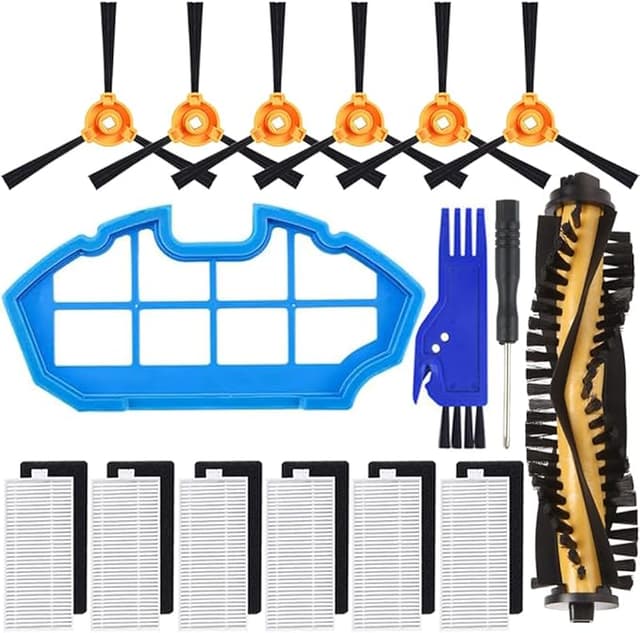
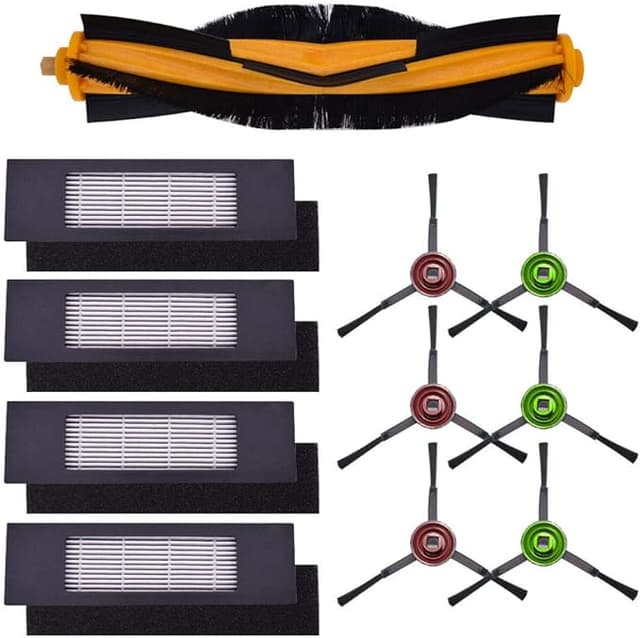
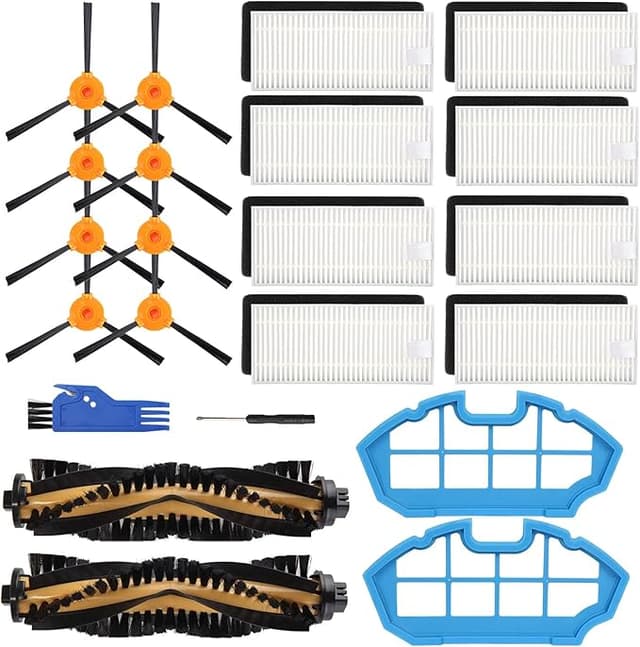
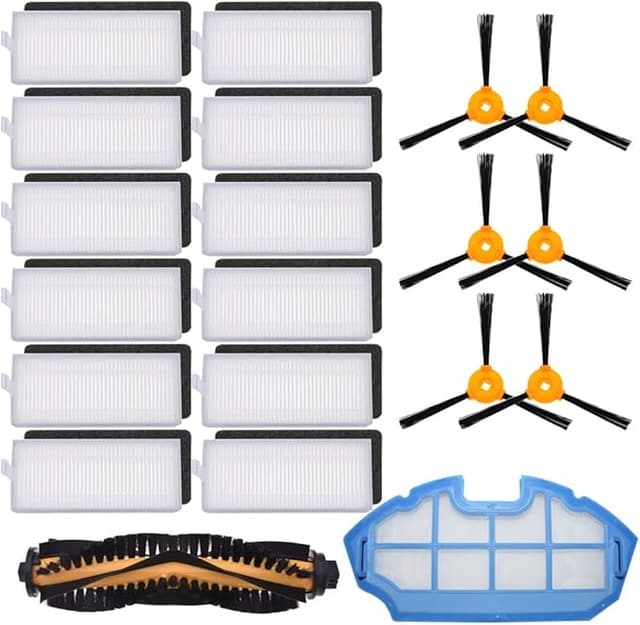
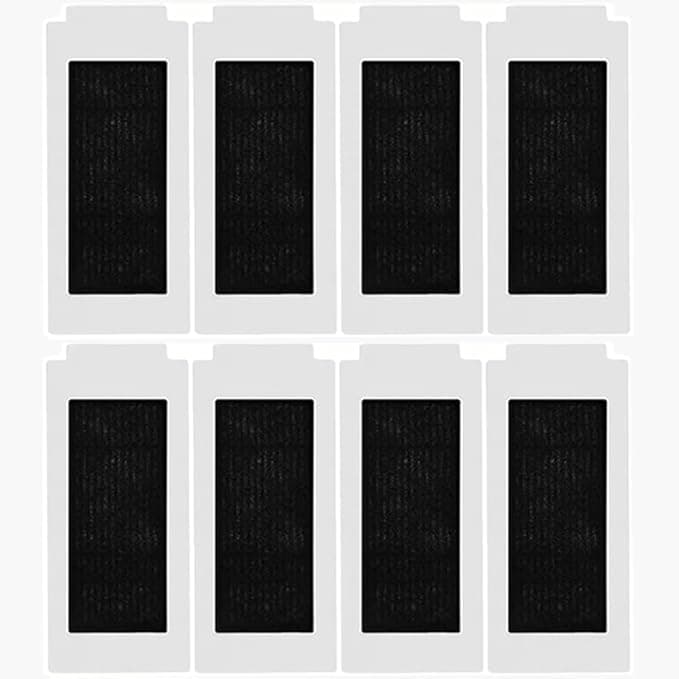
Here's the honest truth: I almost didn't write this one. I'd already decided the cheap filter was junk before it shipped. You buy a robot vacuum that cost you four hundred-something dollars, and then Ecovacs wants something like $26 for a little replacement filter kit for the DEEBOT T30S — and your gut says fine, that's the price of keeping the expensive thing alive. So when I saw the third-party version sitting at around $13, two for the price of one OEM, I assumed it was a scam. Thin mesh, loose fit, dust blowing right past it. I bought a pack mostly to prove myself right and write a "just pay for the real one" review.
Four months later I'm running one in my actual T30S, in my actual living room with two shedding dogs, and I owe the cheap filter an apology. Sort of. Let me explain the "sort of" because that part matters more than the praise.
The fit — where I expected it to fall apart first
This is the make-or-break for a robot vacuum filter. The T30S filter sits in that little compartment you pop open on the back of the bin, and OEM filters seat with a clean, slightly annoying snap — you know it's in. My first worry with the compatible one was that the frame would be a millimeter off and it'd rattle or leave a gap where dirty air sneaks around the pleats instead of through them.
It seated. Not quite as confidently as the Ecovacs one — the plastic frame on the compatible is a hair softer, and the first time I pressed it in I wasn't 100% sure it had clicked, so I pulled the bin out and reseated it twice just to be paranoid. After that, no rattle, no gap. I ran a finger around the edge with the bin out and couldn't feel any daylight between the frame and the housing. So the scary failure mode — air bypassing the filter — didn't happen. Honestly that's the whole ballgame for me, and it passed.
Install, if you've never done it: power the thing off and pull it off the dock first (don't skip that — you don't want it lurching to life while your fingers are in the bin), lift the dust bin out, open the filter flap, lift the old one out, drop the new one in, close it. Two minutes, no tools. Wipe the bin out with a dry cloth while you're in there.
Performance — does it actually clean the air it's pushing?
I can't put a particle counter on this and give you a lab number, and I'm not going to pretend I can. What I can tell you is what four months of dog-hair living looks like. Suction stayed strong — no noticeable drop-off in how the T30S picked up the fine grit it tracks in from the patio. The exhaust didn't get that musty, pushing-dirty-air smell that a clogged or cheap filter gives off. When I finally pulled the compatible filter to inspect it, the dust was caught on the dirty side of the pleats, where it belongs, and the clean side was still clean. That's the test that actually tells you a filter is doing its job: dirt on the front, nothing through the back.
Side by side with a fresh OEM filter, the pleating on the compatible is very slightly less dense — a touch fewer folds, so a little less surface area. In practice over four months I couldn't feel a difference in suction. But I'd bet the OEM goes a little longer between clogs because of that extra surface. Which brings me to the real downside.
The genuine downsides — and there are a couple
First: longevity. With the slightly thinner media, I found myself tapping this one out and rinsing it a bit more often than I did with the Ecovacs original. Where I'd get a comfortable two months out of an OEM before it really needed attention, the compatible felt ready for a clean-or-swap closer to the six-or-seven-week mark in a heavy-shedding house. Not a dealbreaker, but it means you go through them a touch faster. Even so — two compatible filters for half the price of one OEM kit means the math still lands hard in the cheap one's favor. You're not losing the savings to faster wear; you're keeping most of it.
Second, the small one: out of the bag there was a faint plastic smell for the first two or three days. Not chemical-harsh, just that new-injection-molded-frame smell. It aired out completely by the end of the first week and I haven't noticed it since. The packaging is also cheap — a flimsy plastic sleeve, no nice box, one of the two filters in my pack had a slightly squished corner on the frame (it still seated fine). If you want a premium unboxing, this isn't it. If you want a filter that works, the squished corner doesn't matter.
Why I won't let it slide too long
The reason I'm picky about any of this — OEM or not — is that a saturated robot filter isn't a neutral problem. When the media clogs, the motor has to pull harder for the same suction, and you can hear it start to strain. Worse, a filter that's packed full stops actually filtering and starts letting fine dust and allergens recirculate back into the room every time the bot runs. I've got a kid with spring allergies, so a vacuum that quietly redistributes dust instead of trapping it is the opposite of what I paid for. Cheap filter or expensive one, the rule's the same: tap it out regularly, rinse it when it looks loaded, swap it when rinsing stops bringing the suction back. The fact that these cost about $13 a pair instead of $26 each just means I swap on schedule instead of guiltily stretching a tired one another month to save money.
So who should buy what
If your T30S is under warranty and you're the type who'd blame any hiccup on the aftermarket part — or you genuinely want the maximum interval between filter maintenance and don't care about the cost — buy the Ecovacs OEM. That's a real recommendation, not a throwaway. The original media is a little denser and you'll baby the warranty.
For everyone else — which is most of us — I grab the compatible. It seats right, it catches dirt where dirt's supposed to land, suction held up through four months of dogs, and the only prices I'm paying for the savings are a slightly shorter service interval and a flimsier bag. For paying half, on a filter doing the same job in the same machine, I'd buy it again. And I have — there's a second pair sitting in my closet right now.