Troubleshooting & Analysis
Two boxes, same cart, and I sat there for ten minutes
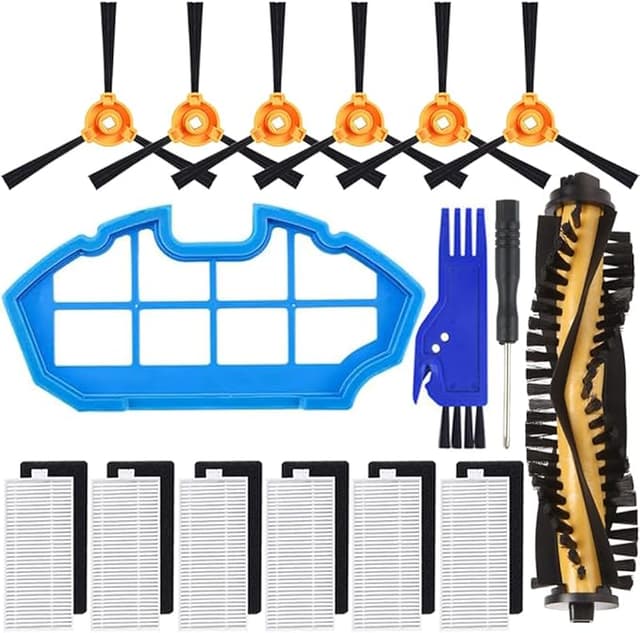
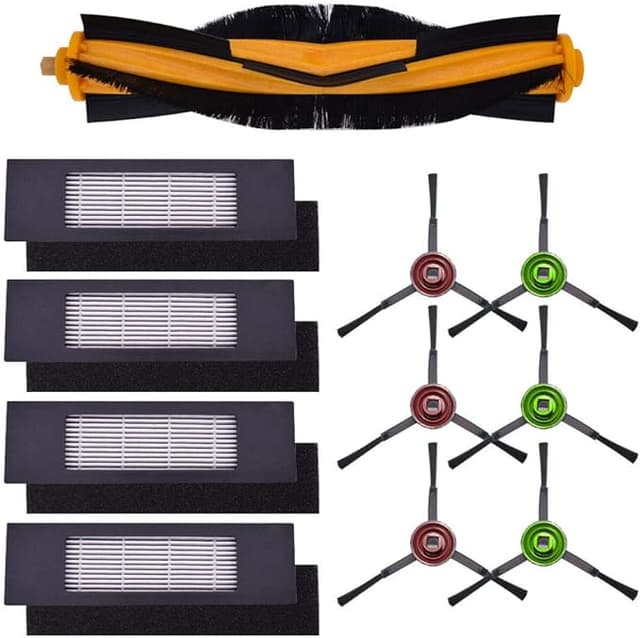
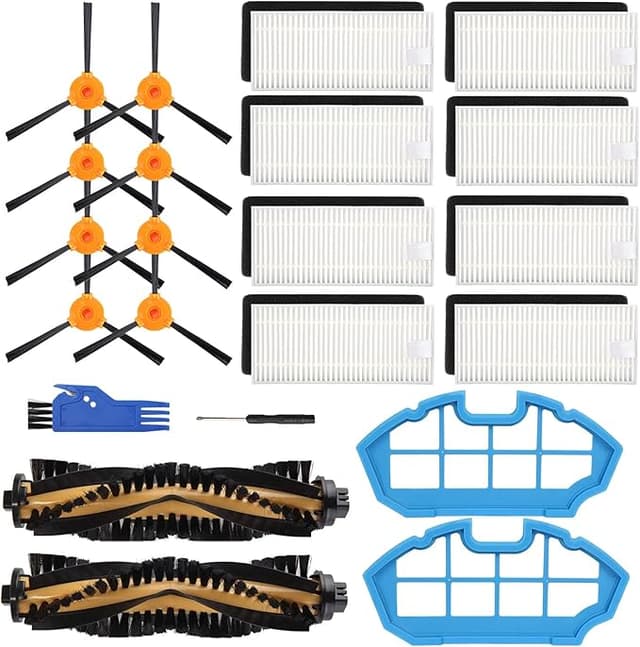
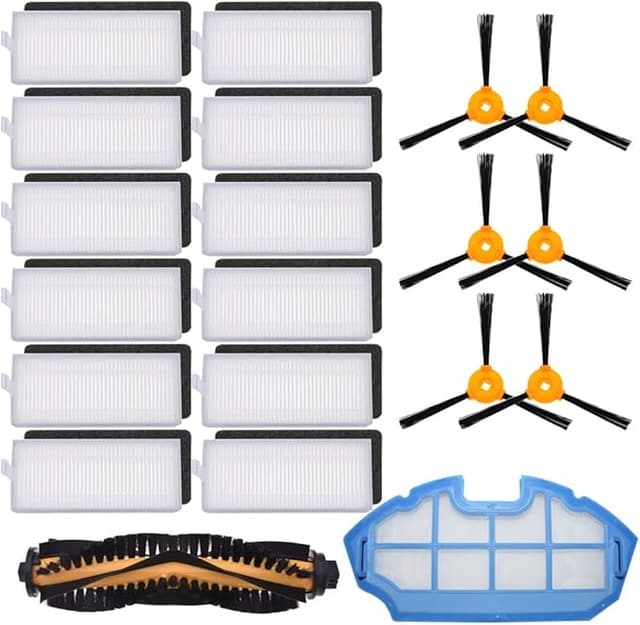
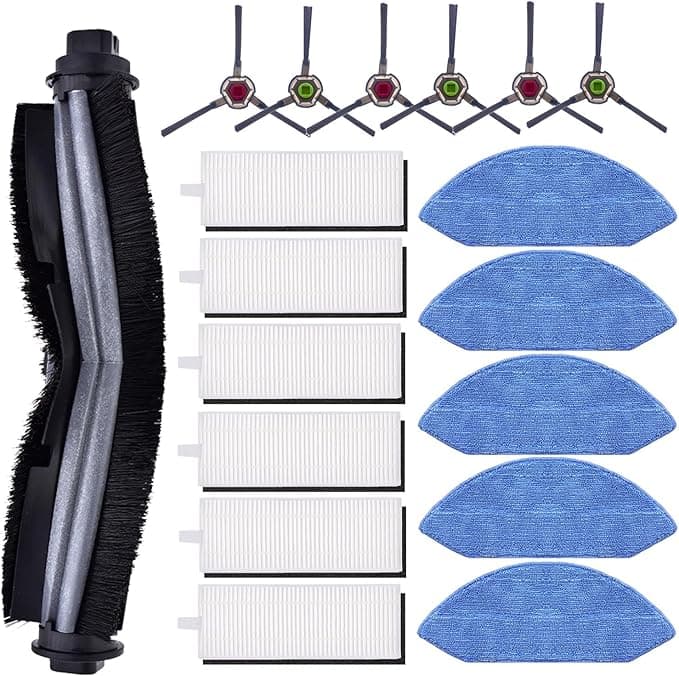
My DEEBOT OZMO had started leaving little gray streaks on the kitchen tile — the tell-tale sign the mop pads were shot and the side brush was bald on one side. So I'm on the maintenance page, and there are the two options sitting right next to each other. The Ecovacs-branded refresh kit, the official one with the logo and the part numbers that match the manual. And the compatible kit — same components, brushes, mop pads, dust bags, filters — for about half the money. The OEM ran me around $42 last time. The compatible one was $21.
And I just stared at it. Because this is a robot that crawls under my furniture unsupervised at 9 a.m., and the cheap part of my brain was whispering the obvious thing: what if the off-brand pads are thinner, what if the brush sheds bristles into the motor, what if I save twenty bucks and brick a $400 machine. I'd had that exact thought standing in the cleaning-supplies aisle with a fridge filter once and chickened out, paid OEM, felt nothing. This time I didn't. I bought the compatible kit. Here's what actually happened after four months of it running near-daily.
The price math is the whole argument, honestly
Let me put real numbers on it, because that's the part people gloss over. The OEM refresh kit was about $42. The compatible one was $21. That's a $21 gap on a single kit. But the DEEBOT eats these — mop pads especially are basically consumables, and I'm swapping the kit roughly every two to three months depending on how much mopping I run. Call it four kits a year, conservatively. OEM: about $168 a year just to keep the thing maintained. Compatible: about $84. That's $84 saved annually doing the identical job, on a robot I already feel a little guilty about owning.
And the math gets worse for OEM the longer you keep the robot. Three years in, you've spent $500-ish on official refresh parts — more than the vacuum cost. That was the number that finally pushed me. Maintenance shouldn't out-price the machine.
Fit and install — this is where I expected it to fall apart
It didn't. The brushes snapped into the side-brush posts with the same little click the originals give you. The main roller brush dropped into its bay and the end caps seated flush. Mop pads — these are velcro-back on the OZMO, and the compatible ones gripped the plate just as hard as Ecovacs's did; no peeling at the corners mid-mop, which was my specific fear.
The install itself is nothing, and I want to be honest that you do not need the toolkit feeling. Power the robot off and flip it over. Pull the old brushes — the side brush usually just lifts off, the main brush bay pops open with the two tabs. The dust bag and filter slot live in the bin; old one out, new one in. New components in the same orientation, click everything home, flip it back. Five minutes, no screwdriver despite what the instructions imply you might need. The one bit of fiddling: the compatible main brush's bristle row sat a hair tighter in the bay, so I had to wiggle it once to get the cap fully closed. Not a defect. Just not the buttery drop-in the OEM is.
How it actually cleans — and where it's a touch behind
Suction-side performance, the filter and dust bag, I genuinely can't tell a difference. The bag fills at the same rate, the filter looks identically gunked when I check it, and the bin doesn't smell like it's leaking fine dust the way a bad filter would. Pickup on pet hair and the gravel my kid tracks in from the playground is the same as day one with the official parts.
The mop pads are where I'll give OEM its due. The Ecovacs pads are a slightly denser weave, and on a heavy dried-on spill — think a coffee ring that's been sitting overnight — the OEM pad pulls it up in one pass where the compatible one wanted a second. For day-to-day "keep the floors not-gross" mopping, identical. For the once-a-week deep mop, the OEM is maybe five percent better at the stubborn stuff. That's the trade. For me, five percent on the hard cases is not worth doubling my yearly cost.
The real downsides, because there are some
First: the smell. New compatible mop pads had a faint plastic-and-cardboard smell out of the bag for the first two or three runs — that off-gassing thing you get with anything freshly molded. It's gone by the third mop and it never transferred any odor to the floors, but if you have a sensitive nose, run the robot once dry before you trust it on a wet pass. The OEM pads didn't do this. Worth saying.
Second: the packaging is cheap, and the quality control is a notch looser. Out of my four-month run, one side brush had a single bristle splayed slightly out of line in the box. Cosmetic, cleaned fine, but the OEM stuff is uniformly perfect and this isn't quite. If you're the kind of person that's going to be bothered by a slightly crushed box and an imperfect bristle, that friction is real and I'm not going to pretend it away.
Third — and this is the one that actually matters for safety, not vanity — you have to actually swap these on schedule, and the temptation with cheaper parts is to stretch them because "eh, they were cheap." Don't. A saturated filter and a packed dust bag make the motor work harder, and on a robot vacuum that strain is exactly how you cook a $400 machine into a paperweight. The whole point of parts being affordable is that you replace them on time without flinching at the cost. Use the savings to swap sooner, not to run a clogged filter longer.
So who should skip this — and what I actually do
If your DEEBOT is still under warranty and you're worried a third-party part could give Ecovacs an excuse to deny a claim, buy the OEM kit for the warranty window. That's a legitimate reason and I won't talk you out of it. Same if you mop heavy, dried-on messes daily and that five-percent edge genuinely matters to your floors.
For everyone else — for me — the compatible kit does the same job, fits the same way, filters the same dust, at half the price. The looser frame on one brush and a two-day plastic smell are the entire downside, and a $21-a-kit, $84-a-year saving is the entire upside. I bought it nervous, I ran it four months, and I just reordered the same compatible kit without thinking twice. That reorder is the most honest review I can give you.