Troubleshooting & Analysis
The first sign was the sound. My DEEBOT N79S used to glide across the kitchen tile with this low, even hum. Then one week it started slapping — this uneven thwack-thwack-thwack like a card stuck in bicycle spokes. I ignored it for a few days, the way you ignore a check-engine light. Big mistake. By the weekend the thing was dragging a visible trail of dog hair behind it instead of picking it up, leaving little gray tumbleweeds in the corners it had supposedly just cleaned.
I flipped it over and there it was. The main brush was a matted, balding mess — bristles flattened on one side, a tight black donut of hair wound so deep around the axle that the bearing barely turned. It hadn't been spinning. It had been smearing. The robot was basically pushing dirt in a circle and calling it a day, and I'd been letting it run twice daily on a house with a shedding lab. That brush was cooked, and honestly it had probably been half-dead for a month before I noticed.
What the replacement actually cost me
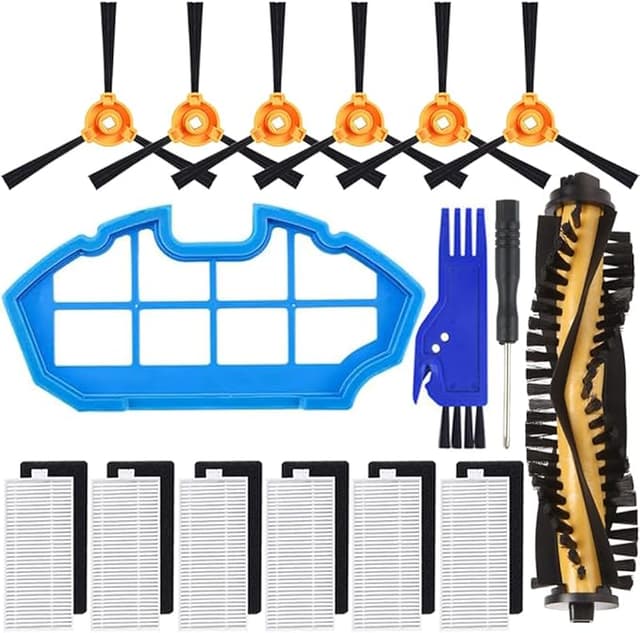
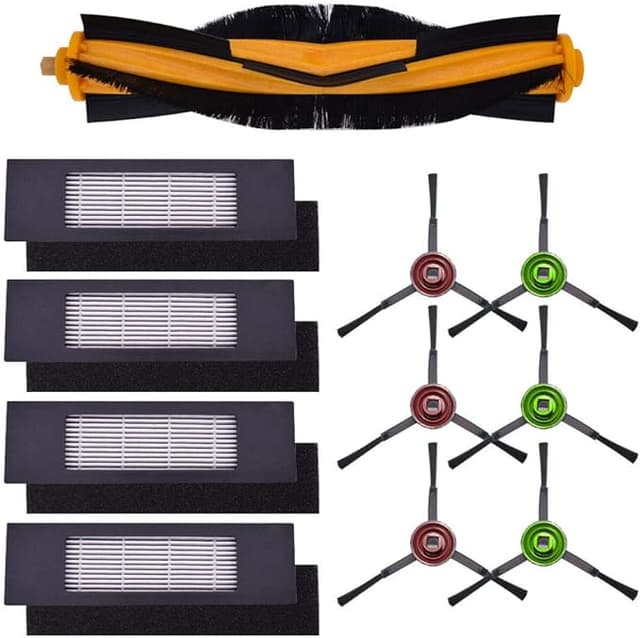
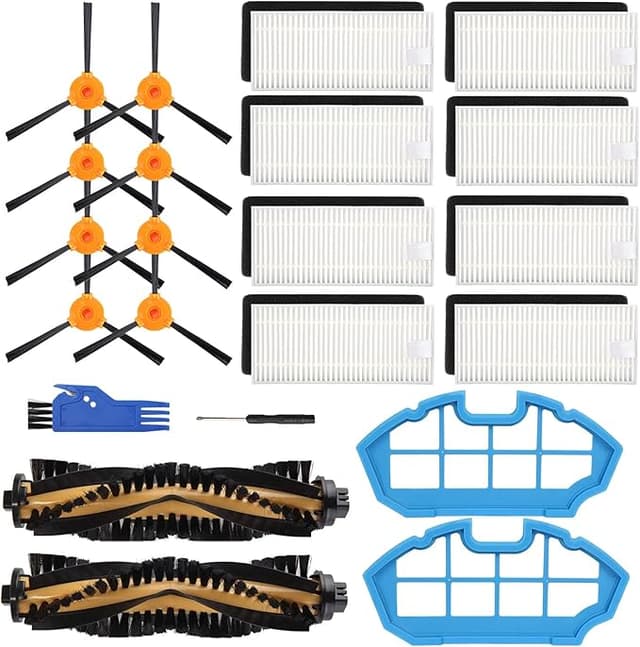
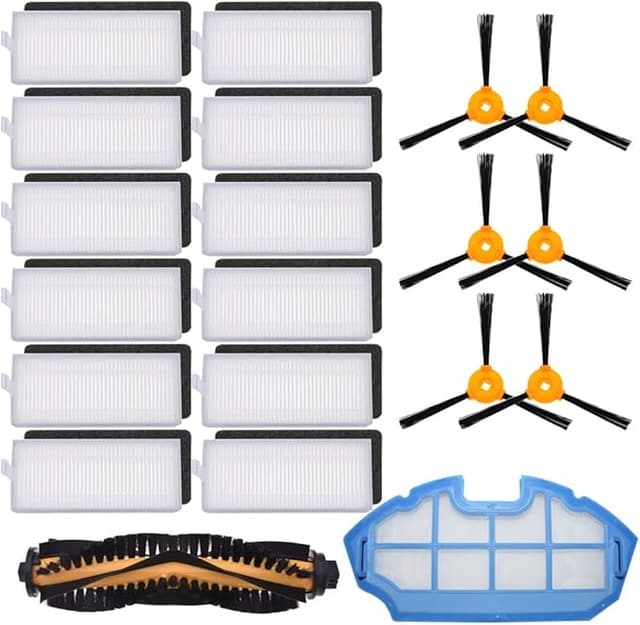
Here's the part that made me hesitate. Ecovacs sells the official N79S brush as part of a "genuine" accessory kit, and depending on where you catch it, that kit runs around $28 to $32 for the main brush plus a couple side brushes and a filter you may not even need yet. Fine if your whole maintenance set is shot. But I just needed the one part that was failing.
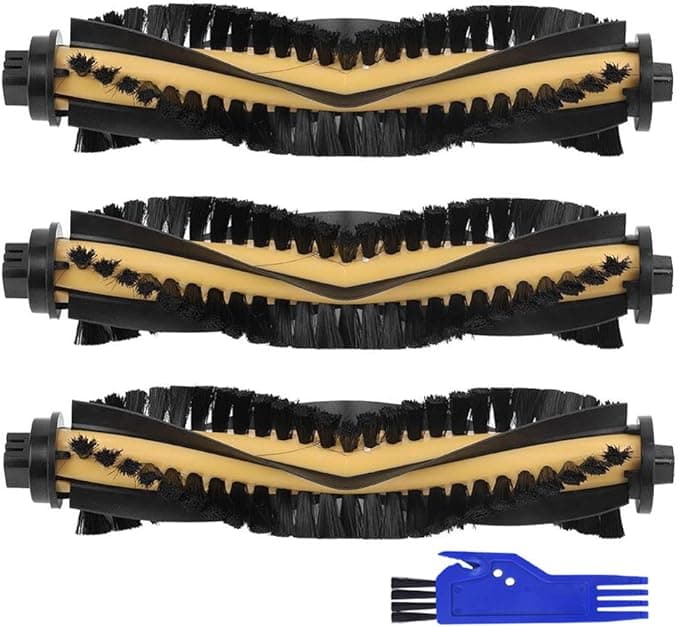
The compatible main brush I ended up buying — the generic that fits the N79S, the DEEBOT BRUSH variant, and the DN622 — was about $13. So call it fifteen bucks saved on a single part, and if you're the type who keeps a spare on the shelf (you should be), the gap stacks up fast. Two compatible brushes still cost less than one OEM kit. On a robot vacuum you're feeding a fresh main brush every six to twelve months, that math stopped being close for me. It wasn't even a debate the second time.
Does it actually seat right?
This was my real worry. A main brush that's a millimeter off doesn't just run loud — it chews its own bearings and can put uneven load on the brush motor. So I was watching the fit like a hawk.
Swapping it is genuinely a two-minute job. Power the robot fully off and unplug it from the dock first — not optional, you do not want it deciding to take a lap while your fingers are in the brush well. Pop the brush guard (on my unit it's the little clip-down cover, some N79S builds have a couple of tiny screws — a jeweler's screwdriver handles them). Lift the old brush out, and before you do anything else, clean the housing. There's almost always a wad of hair packed around the end caps that'll wreck a brand-new brush in a week if you leave it. Then drop the new one in, square end to the square drive, click it home.
The compatible brush seated with a clean, positive click — same as OEM, no wobble, no forcing it. I'll be straight with you on the one fit quibble: the end-cap plastic felt a hair less precise than the factory part, a slightly looser tolerance where the cap meets the housing. It didn't rattle and it didn't walk loose over months of runs, but if you're someone who notices that kind of thing, you'll notice it. Seated and spinning, though? You can't tell which brush is in there.
How it cleans — the honest version
First run, the difference from the dead brush was night and day, but that's a low bar — anything beats a bald axle. The fairer question is how it stacks up against a fresh OEM brush, and I've run both.
On pickup, it's a wash. Pet hair, tracked-in grit, the usual crumbs under the kids' chairs — the compatible brush grabs it just as well on hard floor, and it kept its bristle shape over four months of twice-daily runs in my place. On low-pile rugs it's right there with the original.
Where I'll give OEM a slight edge: deep medium-pile carpet. The factory bristles are a touch stiffer out of the gate, and on the thicker rug in my living room the compatible one needed a second pass to fully agitate ground-in stuff that OEM lifted in one. We're talking a small gap, the kind you only catch because you're looking for it. If your whole house is hardwood and tile, you will never feel that difference. If you're running this thing primarily on plush carpet, it's worth knowing.
The downsides, for real
I'm not going to pretend it's flawless, because a review with zero complaints is a review you shouldn't trust.
- Break-in smell. Out of the bag there's a faint rubbery, new-plastic smell on the bristles for the first two or three days of running. It's mild and it aired out completely — but it's there, and the OEM part doesn't really have it.
- Cheap packaging. Mine showed up in a thin plastic sleeve, no real protection. Brush was fine, but it doesn't inspire confidence when you open it. Pure cost-cutting, and you can feel where the savings came from.
- That end-cap tolerance. Like I said — slightly looser fit at the caps than factory. Held up fine for me, but it's the one spot where you can tell it's aftermarket.
- Bristle stiffness on deep carpet. Covered above. A genuine, if minor, performance gap on thick rugs.
None of those killed it for me. But you deserve to know them going in instead of finding out yourself.
Why you can't just let it ride
The thing my dead-brush week taught me: a failing main brush isn't a cosmetic problem, it's a snowball. A matted brush stops agitating, so dust and allergens and pet dander just sit in the carpet — rough if anyone in the house has allergies or asthma, and mine flared the week I let it go. Worse, when the brush binds up with wound hair, the brush motor strains against the resistance every single run. That's the path from a $13 part to a fried motor and a robot you replace entirely. Cheap part now, or expensive machine later. Easy call.
The verdict
Buy OEM if you run mostly thick carpet and you want that last few percent of agitation, or if you just don't want to think about tolerances at all — that's a legitimate reason to pay the premium, no judgment.
For everybody else — hard floors, low-pile rugs, a normal house that sheds normal amounts of hair and dust — I grab the compatible brush. It seated clean, it held its shape for four months, it cleans like the original on the surfaces most of us actually have, and it cost me about $13 against a $30 kit I didn't need. I bought a second one to keep on the shelf so I never get caught dragging tumbleweeds again. That's the most honest endorsement I've got: I spent my own money on it twice.