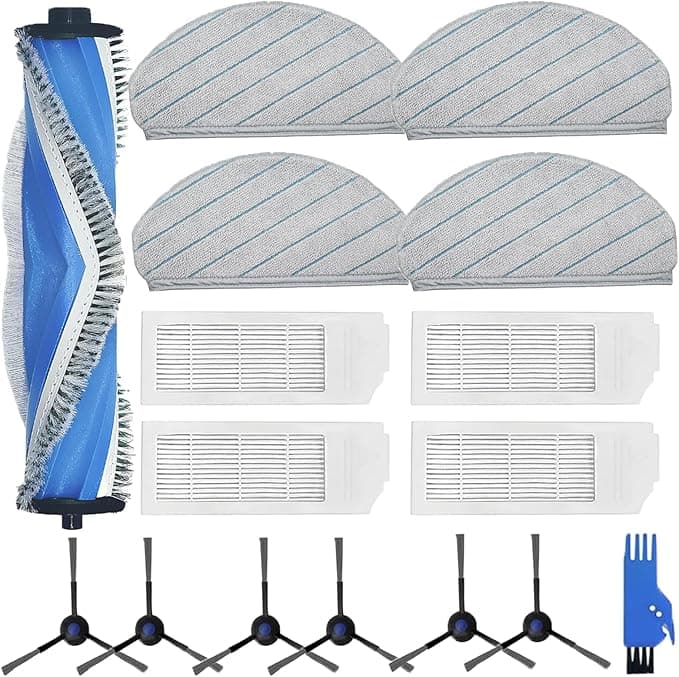
Troubleshooting & Analysis
I didn't believe a $13 brush could do the same job — I was wrong, and a little annoyed about it
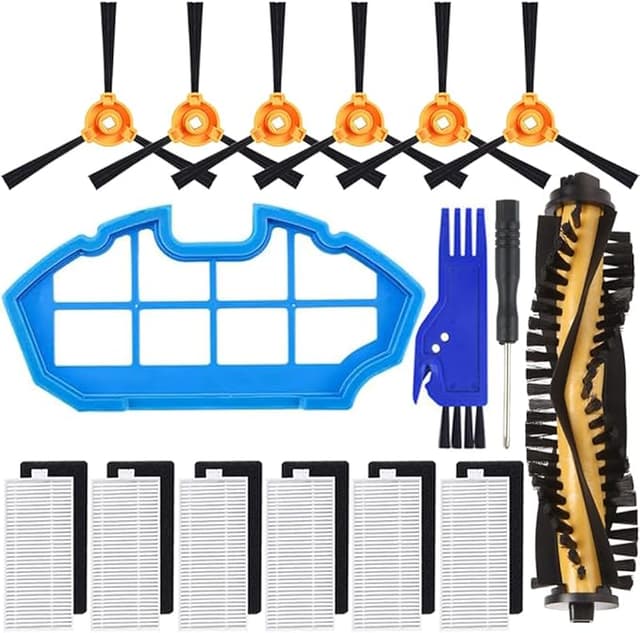
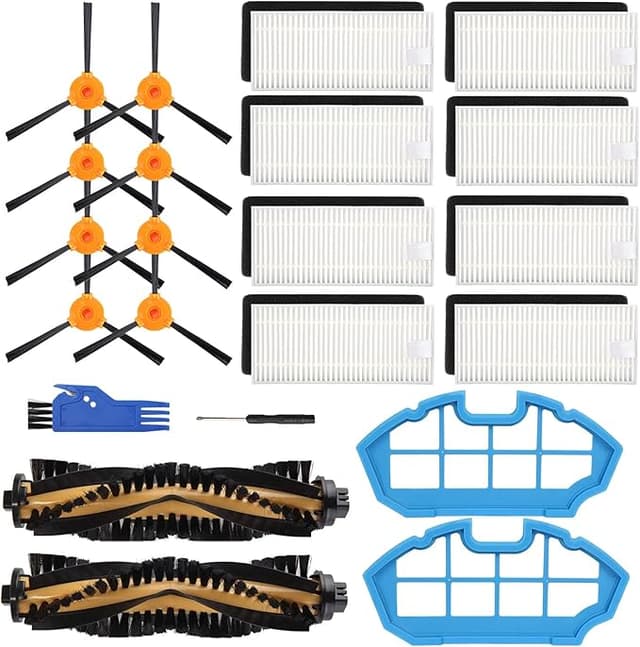
Here's the thing I have to admit up front: when my DEEBOT N20 started leaving little tracks of dog hair behind on the second pass, I assumed I'd be buying an Ecovacs-branded main brush. That's just how these things go, right? The robot's $300, the replacement parts are "engineered for it," and you pay whatever they say. So I went looking for the official one, saw the kit, and then saw a compatible main brush sitting right next to it for about half the money. And honestly? My first reaction was no. A $13 brush is not going to spin true in a robot that cost me three hundred bucks. It's going to wobble, throw off the bristle pattern, maybe even chew up the housing.
I bought it anyway, mostly to prove myself right. I've now run it for a little over three months. I was not right.
The money, because that's why you're here
Let me give you the real numbers instead of dancing around them. The OEM main brush, when I priced it, ran around $25 — and the official replacement kits that bundle the brush with side brushes and a filter push past $30 fast. The compatible main brush I picked up was about $13. Call it a $12 gap on a single part. Doesn't sound like a fortune until you remember a main brush on a robot vac is a wear item. You're swapping it roughly every six to twelve months depending on how much hair and grit it eats. So over the life of the machine you're not saving twelve dollars once. You're saving it again and again. For me, with two shedding animals, that's closer to twice a year. The math gets real.
And look — twelve bucks isn't going to change your life. But paying double for a spinning roll of bristles, year after year, when the cheap one works? That started to feel less like quality assurance and more like a tax.
Fit and install — where I expected it to fall apart
This is the part I was most braced for. Aftermarket parts love to be "close enough" in a way that makes installation a fight. So I went through it carefully. Flipped the N20 over, powered down and off the dock first — you do not want it lurching to life while your fingers are in the brush housing. Popped the brush guard cover (mine lifts off without a screwdriver, though some units want one, so check yours). Pulled the old brush, and good lord, the bird's nest of hair wrapped around the bearing end was its own horror show. Cleaned that out — do this, it matters more than the brush itself half the time — and seated the new one.
It clicked in. First try. The square drive end and the floating bearing cap on the other side lined up with the housing the way they're supposed to, and the cover snapped back down flush. No shimming, no forcing, no "well if I push here it kind of holds." It just went in. I'll be honest, I was almost disappointed — I'd built up a whole grievance and the part refused to cooperate with it.
How it actually cleans
Three months of near-daily runs in a roughly 900 sq ft apartment, hard floors plus two low-pile rugs, two pets. On bare floor and the rugs, I genuinely cannot tell you which brush is in the machine by looking at the results. Pickup is the same. The hair-grabbing is the same. It seats deep enough into the carpet to drag the embedded stuff up, which is the whole point of a bristle-and-fin combo brush.
Where's it a touch behind OEM? If I'm being picky — and I am — the bristle stiffness feels a hair softer than the factory brush did when that one was new. On a dense rug at the very edge of what this robot handles, I think the OEM bit in slightly more aggressively. We're talking a marginal difference you'd only notice if you ran them back to back on the same dirty patch, which I did, because I'm that person. For 95% of floors it's a non-issue.
The downsides, and I mean real ones
First: the smell. Out of the bag there was a faint rubbery, plasticky odor — not strong, but there. It hung around the first two or three runs and then disappeared completely. New aftermarket parts do this. It's the rubber fins off-gassing. Bugged me for a day, gone by day four.
Second, and this is the one that actually matters: the packaging and the bristle trimming weren't as clean as factory. A couple of bristle tufts had stray strands sticking out at odd angles, like the trimming pass was rushed. I snipped two of them with scissors before install. Took ten seconds, but a factory brush wouldn't have needed it. It tells you where the twelve dollars went — quality control on the finishing, not the core part.
Third, the thing I can't fully answer yet: long-haul durability. Three months in, the bristles haven't splayed or gone limp and the bearing end still spins clean and quiet. But I can't promise you it'll match OEM at the eighteen-month mark, because I haven't been there. My honest read is that I'll have swapped it on schedule long before wear even becomes the question — and at $13 a pop, swapping a little sooner is not a hardship.
Why you don't want to limp along on a worn brush anyway
Quick reality check on why any of this matters. A main brush that's gone bald or is choked with wound-up hair makes the drive motor work harder against the drag. That's heat, and over time that's how you cook a motor on a machine that costs ten times the brush. The worn-brush version also just stops lifting debris, so dust and dander get pushed around your floor instead of pulled into the bin — not great if anyone in the house has allergies. The brush is the cheapest part in the whole system to keep fresh. Letting it go to save money is the one move that actually costs you.
So who should buy which
If your N20 is under warranty and you're the type who needs everything factory-spec to feel right, buy the OEM brush. No argument from me — peace of- nope, I'll just say it plainly: it's a fine choice and you'll sleep easier.
But for me? Same fit, same pickup, half the price, and it's a part I'm replacing on a schedule anyway. I trimmed two stray bristles and put up with a day of rubber smell, and in exchange I'm not paying the brand tax twice a year. I bought the compatible one skeptical, expecting to write a takedown. Instead I've reordered it. That's the most honest endorsement I've got — I spent my own thirteen bucks on it a second time.