Troubleshooting & Analysis
I almost paid $39 for a brush. A brush.
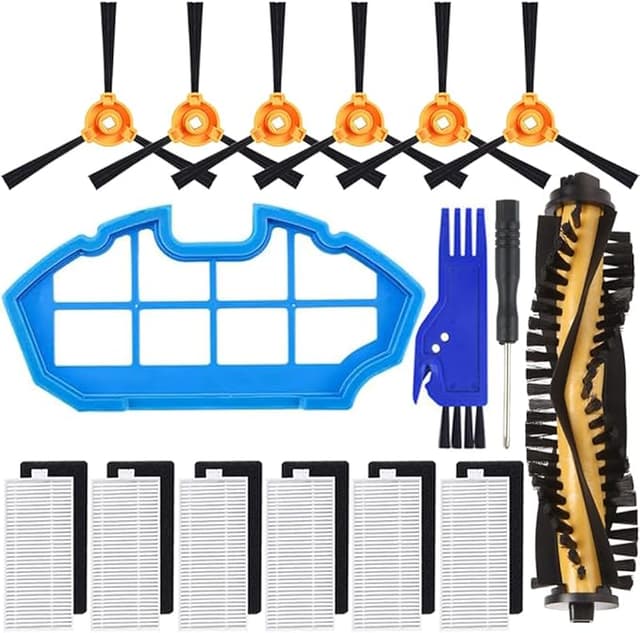
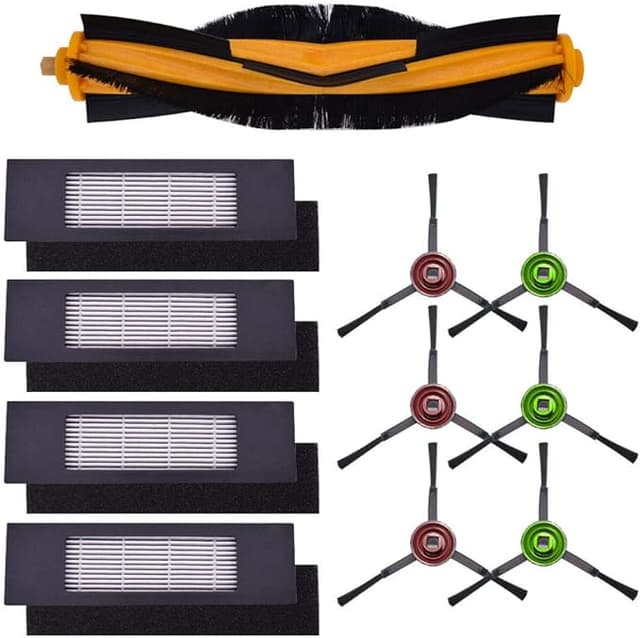
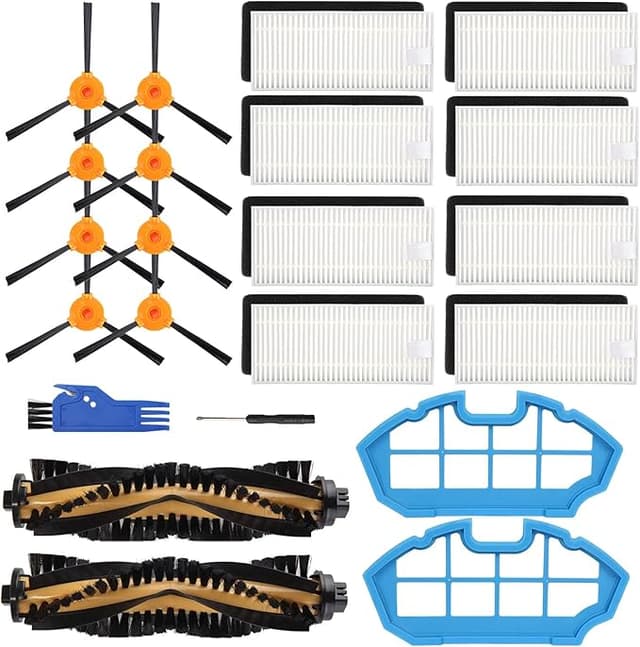
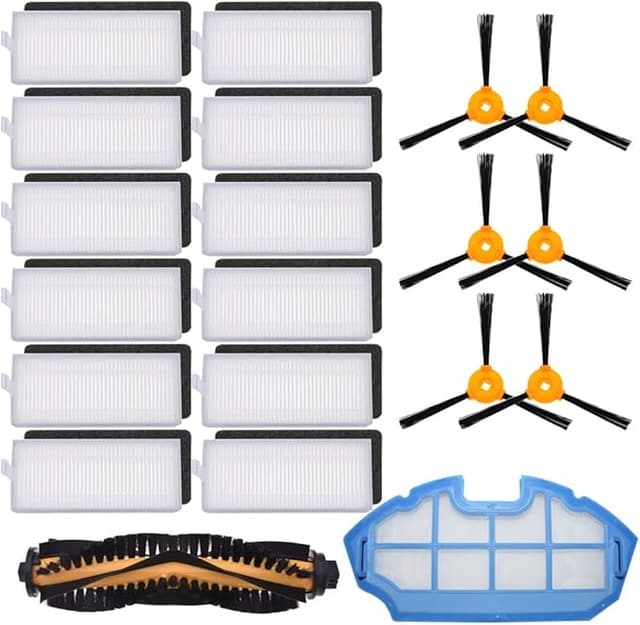
That's the number that stopped me cold. My DEEBOT — a DN622 that's been chugging around my apartment for two years — finally needed a new main brush. The bristles had splayed out like an old toothbrush and it was leaving lint trails instead of picking them up. So I went to buy the genuine Ecovacs replacement, and the kit they wanted to sell me landed right around $39 once I added the little side bits nobody actually needs.
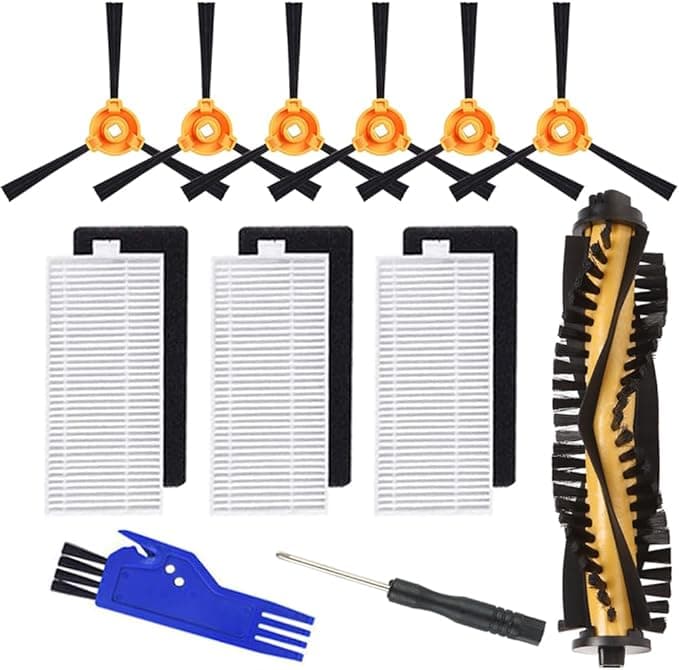
Then I scrolled down two rows and there was a compatible main brush for about $15. Same shape. Same little colored end caps. Same job. And I did what you're probably doing right now — I sat there squinting at both, thinking "okay, but what's the catch."
I bought the $15 one. I've now run it for about five months. Here's the honest version of how that went.
The math is dumb, in a good way
A DEEBOT main brush isn't a once-a-decade purchase. If you've got pets or long hair in the house — I have both — you're swapping the brush roughly every six to eight months, sometimes sooner because hair wraps the bristle channel and chokes it. Call it twice a year.
At OEM prices that's close to $78 a year just to keep a robot vacuum doing the one thing it exists to do. The compatible brush at $15 a pop is $30 a year. Over the realistic three-or-four-year life of one of these machines, you're looking at the difference between spending maybe $250 on brushes versus under $100. That gap — the better part of $150 — is more than I paid for some of the accessories that came with the robot in the first place.
And the brush is a wear part. It's literally designed to grind itself down against your floor. Paying boutique money for something that's meant to be destroyed always felt backwards to me, even before I found the cheaper one worked.
Does it actually seat right?
This was my real worry, more than performance. A main brush that's even slightly off spec rattles, pops out, or grinds the housing. So fit was the first thing I checked.
The swap itself is nothing. Flip the DEEBOT over, press the two release tabs on the brush cover, lift the cover off, pull the old brush straight up out of its cradle. Before the new one goes in, take ten seconds and clear the channel — mine had a felted gray rope of hair wound around the bearing end, and that's usually what kills a brush early, not the bristles wearing out. Then the new brush drops in, colored end caps matched to their sockets, cover snaps back down. Two minutes, no tools.
The compatible brush seated with a clean click and spun true. No wobble, no scraping. If I'm nitpicking — and I am — the end-cap plastic feels a hair looser in the socket than the original did. Not loose enough to fall out, not loose enough to rattle on hard floors. Just enough that when I had the OEM one in hand a year ago I remember it gripping a touch more confidently. That's the kind of difference you only notice because you're looking for it.
Five months of actual sweeping
On performance, day to day, I genuinely cannot tell you which brush is in the machine without flipping it over. It pulls cereal crumbs out of the kitchen tile, it lifts the dog's fur off the low-pile rug in the living room, it does the edges. The bristle stiffness felt right out of the box.
Where I'll give OEM a slight edge: longevity. My honest read after five months is that the cheaper bristles are wearing maybe a little faster — they're starting to splay a touch sooner than I remember the original doing. I might get six good months out of this one instead of eight. But here's the thing — even if it wears 25% faster, I'm replacing a $15 part instead of a $39 one. The cheaper brush could die twice as fast and still cost me less per month of clean floors. The math doesn't care that it's not quite as durable.
The downsides, for real
I told you I'd be straight, so here's the full list and not a polished version of it.
- The packaging is cheap. Thin plastic bag, no real box, a printed insert with slightly awkward English. It shows up looking like exactly what it is — a generic part. If unboxing matters to you, this isn't that.
- Faint plastic-and-rubber smell for the first few days. New bristles off-gas a little. It's mild, it lives down by the floor, and it was gone inside a week, but on day one I definitely caught it.
- That looser end-cap fit I mentioned. Five months in it hasn't caused a single problem, but it's the one spot where I can feel the cost-cutting.
- Slightly faster wear. Covered above. Manage your expectations on lifespan and you won't be annoyed.
None of those are dealbreakers for me. But if you're the kind of person who'd rather pay for the brand-name part and never think about it, those four things are what you're paying the extra $24 to avoid.
Why I don't let the brush go too long anyway
One thing that's true no matter which brush you buy: a worn-out main brush isn't just a cleaning annoyance, it's a strain on the motor. When the bristles flatten and hair binds the roller, the brush motor works harder to turn it, and that's how you cook a motor that costs more to fix than the whole robot is worth. A flattened brush also stops agitating the carpet, so dust and pet dander just sit in the fibers instead of getting lifted into the bin — which, if anyone in the house has allergies, you'll feel before you see. Cheap brush or expensive brush, the rule is the same: swap it the moment it stops grabbing.
So who should buy what
Buy the OEM brush if you're still under warranty and you're nervous about anything voiding it, or if you simply don't want to think about a wear part more than once a year and the extra $24 buys you that peace. Totally fair.
For everyone else — and that's me — grab the compatible one. It fits, it spins true, it sweeps my floors exactly as well as the original did, and it costs less than half as much for a part that's designed to wear out. The looser cap and the slightly shorter life are real, and I'd rather know about them than be sold a fantasy. But knowing all of it, I'm on my second compatible brush now, not my second OEM. That's the most honest endorsement I've got.