Troubleshooting & Analysis
The day my DEEBOT started smelling like a hot vacuum cleaner
I knew something was wrong before I saw it. The 901 was doing its usual lap around the kitchen and there was this smell — warm, dusty, a little electric, like the inside of an old hair dryer. I picked the thing up mid-cycle, popped the dust bin, and pulled the filter. It was gray. Not "needs a tap over the trash can" gray — packed, matted, the pleats gone soft and stuck together with months of dog hair and drywall dust I didn't even know my floors were holding. The robot had basically been trying to breathe through a wet sock.
That's the thing nobody tells you about robot vacuums. You set them and forget them, which is the whole point, and then you forget the filter too. Mine had probably gone five or six months past when it should've been swapped. The suction had quietly dropped off a cliff and I'd just assumed the carpets were getting old.
So I went looking for a replacement, and that's where the OEM sticker shock hit.
The price gap is kind of insulting
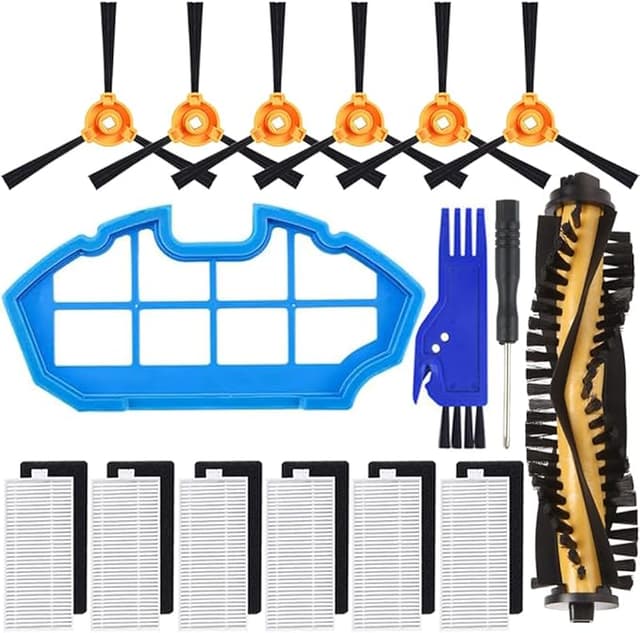
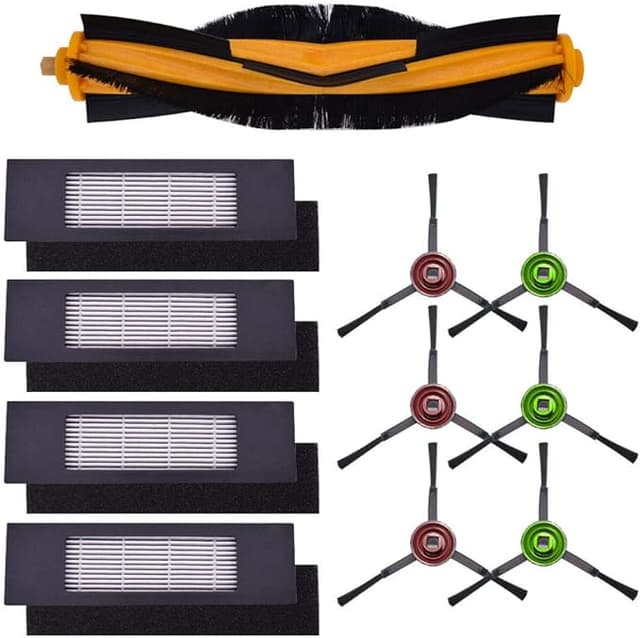
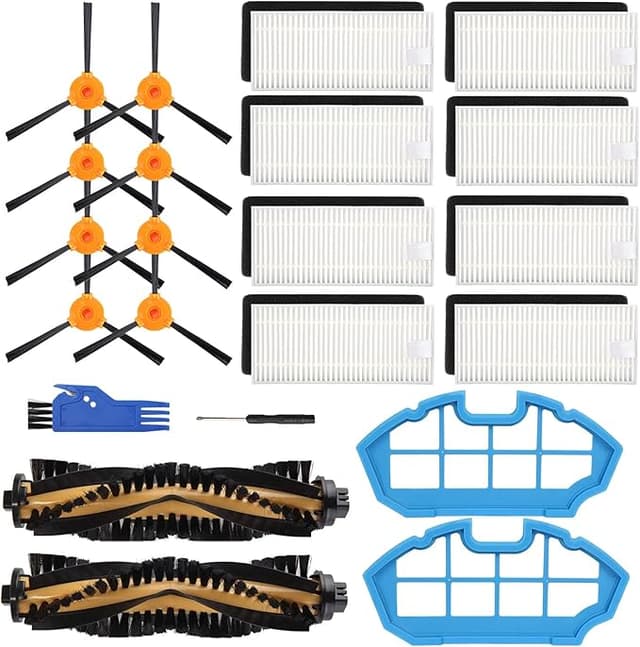
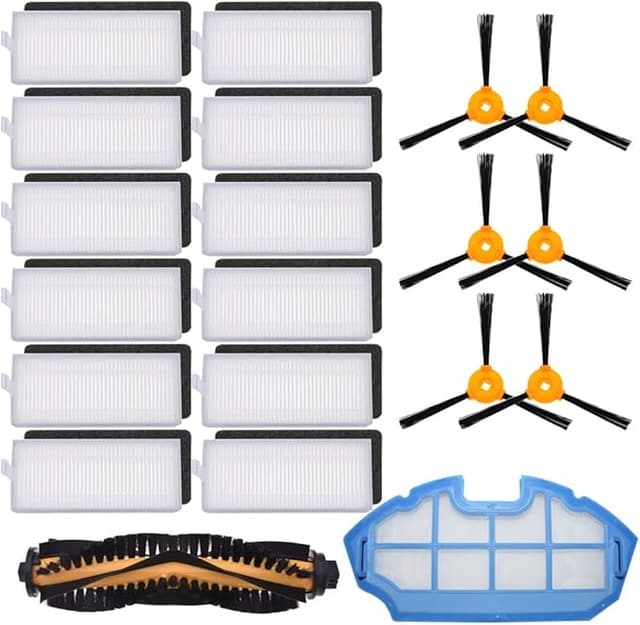
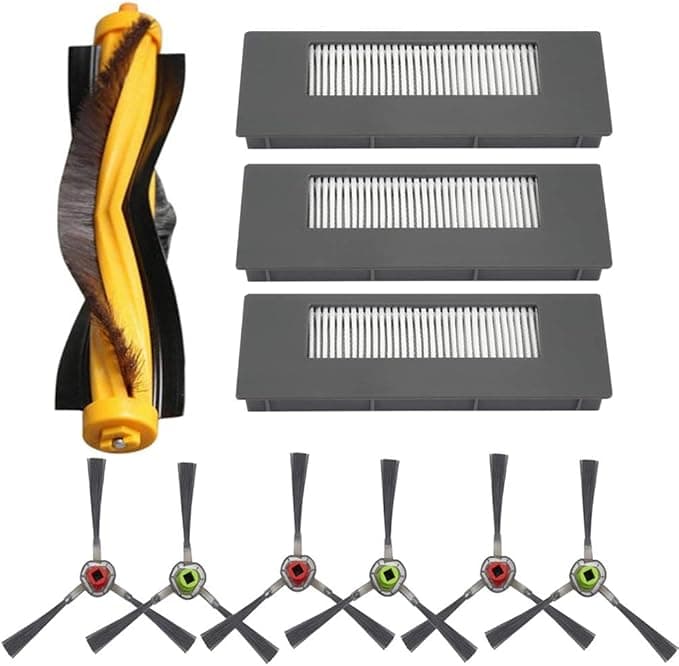
An official Ecovacs filter pack for the DEEBOT 901/900 series runs around $22 for a small set when you can even find it in stock. The compatible filters I ended up buying? About $11 for a multi-pack that gave me more filters than the genuine kit. Do the math over a year — if you're swapping every two to three months like you actually should, that's the difference between spending close to $90 a year keeping your robot honest, versus more like $40. For a part that is, let me be blunt, a folded piece of pleated paper in a plastic frame with a sponge pre-filter.
I'm not saying Ecovacs is robbing you. I'm saying the markup on a consumable this simple is hard to defend, and once you've held both in your hand you stop feeling guilty about the cheaper one.
Does it actually fit? Yes — with one note
Install is genuinely nothing. I powered the unit down, popped the dust compartment, and the old filter slid straight out the way it always does. The compatible one dropped into the same slot and seated with that small, satisfying snug fit — no forcing, no shaving down the edges, no tape. If you've ever changed the OEM, you've already done this. Same motion, same orientation, in under a minute.
Here's the note, and it's a real one: the frame on the aftermarket filter is a hair less rigid than the genuine part. On the OEM, the plastic edge clicks in and feels like a solid block. The compatible one flexes a tiny bit when you press it. It still locks in place and it doesn't rattle around once the bin's closed — but the first time I installed it I pushed it in twice just to make sure it was really seated, because it doesn't give you that same confident snap. After four months of daily runs it hasn't shifted, warped, or worked its way loose. So the flex is a feel thing, not a function thing. But you'll notice it.
Performance — honest take
The suction came back immediately, which I expected, because almost anything beats a clogged filter. But the better test is how it holds up. I've been running this thing nearly every day in a house with a shedding dog and a kid who treats crackers as confetti, and the pickup at month four is still strong. Fine dust, the stuff that usually blows right through a tired filter and lands back on the floor — it's holding it. I checked the pleats a few weeks in and they were catching the gray powder you want trapped, not passing it.
Where's it a touch behind OEM? Two places, if I'm being fair. The pleat paper feels slightly thinner, so I don't think this filter will last quite as long as a genuine one before it loads up — but at half the price and double the count in the pack, who cares, I just swap it sooner. And the sponge pre-filter that comes with some of these compatible sets is a little flimsier than Ecovacs', a touch more foam-y. It does its job. It just isn't going to feel premium.
The downside I'd actually warn you about
New out of the bag, there's a faint plastic-and-paper smell for the first two or three runs. Not chemical, not strong — more like a new notebook — but if your robot runs in a bedroom while you sleep, you'll catch it the first night. It aired out completely by day three and I haven't noticed it since. The packaging is also cheap; mine showed up in a thin poly bag, not a box, and one of the spare filters had a slightly crushed corner on the frame. It still installed and sealed fine, but it's the kind of thing that tells you exactly where the $11 came from. If you're someone who needs the unboxing to feel nice, this will bug you. If you just want your floors clean, it's noise.
Why you can't just let this ride
Skipping the swap isn't only about a robot that cleans worse. A loaded filter chokes the airflow, and the motor pulls harder to compensate — that's what I was smelling that day, a motor working overtime. Do that for long enough and you're shopping for a new vacuum, not a new filter. The other half is what a saturated filter stops trapping: the fine dust and dander it's supposed to hold gets stirred up and thrown back into the room every time the robot runs. For anyone with allergies, that's the opposite of what you bought the thing to do. A $11 filter every couple months is cheap insurance against both problems.
So who should buy what
If your DEEBOT is brand new and under warranty and you're the type who wants zero variables while it's covered, buy the genuine Ecovacs filter for the first year — keep everything by-the-book, sleep easy. Fair call.
For everyone else — anyone whose robot is past warranty, anyone who swaps filters often enough that paying double feels dumb, anyone who just wants the floors clean without the OEM tax — this is the one I keep buying. The frame's a little softer, there's a day or two of new-filter smell, the box is basically not a box. I knew all that going in. And I've still reordered the compatible pack twice now, because it pulls dust like it's supposed to, fits in under a minute, and costs me half as much to never smell a hot vacuum again. That's an easy call, and I've made it with my own money.