Troubleshooting & Analysis
I genuinely thought I was about to ruin my robot vacuum
Here's the thing I'm not proud of: for about a year I kept buying the official Ecovacs replacement parts for my DEEBOT N79S because I'd convinced myself the cheap kits would do something bad. Clog the motor. Scatter dust everywhere. Void some warranty I'd already burned through anyway. I'd seen the $20 compatible kits sitting right there next to the brand-name ones and I'd scroll past every single time, paying close to $35 for the OEM bundle and feeling responsible about it.
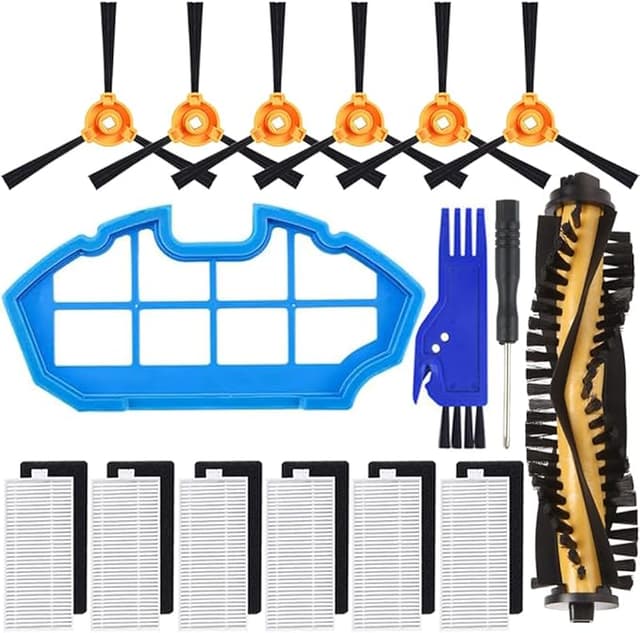
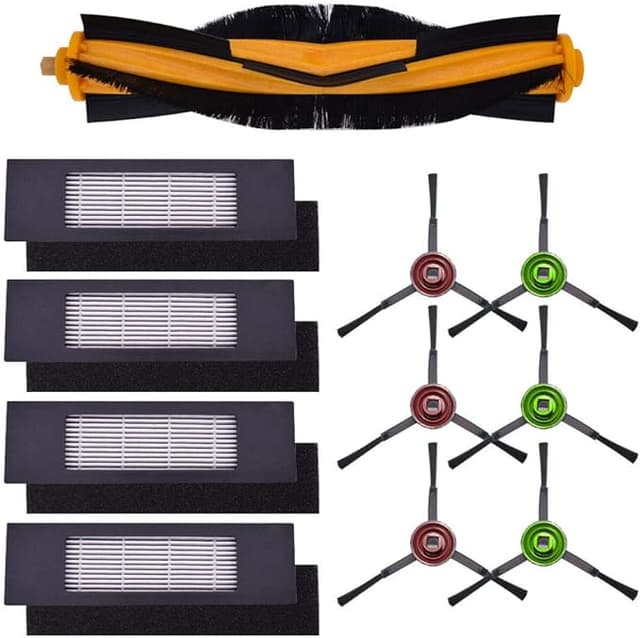
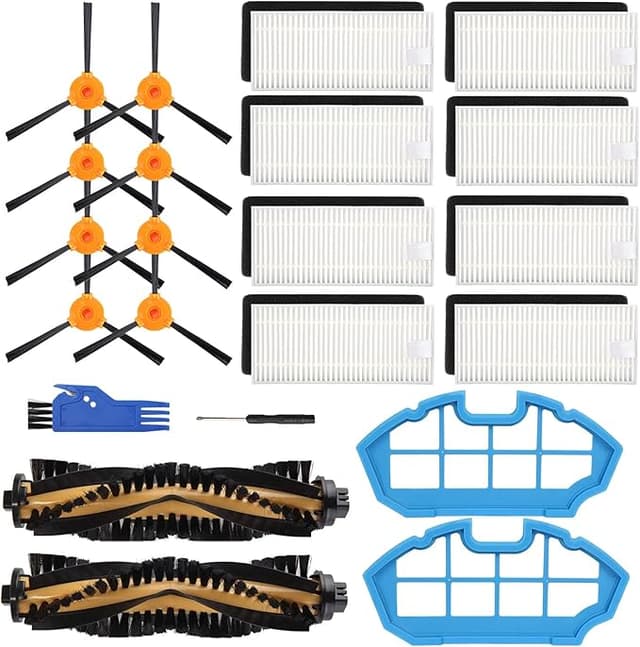
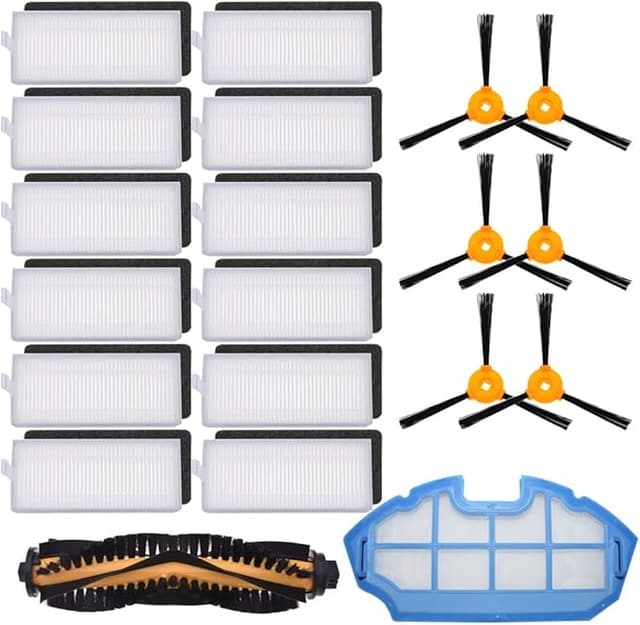
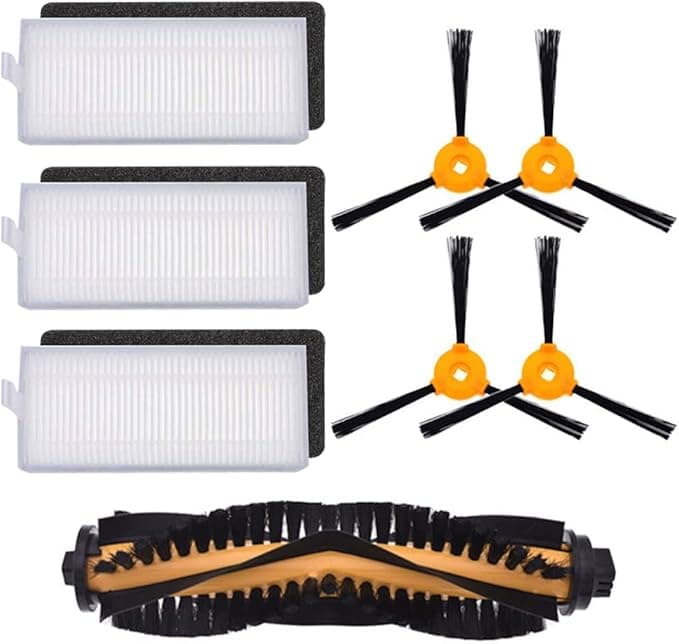
Then the official kit went out of stock the exact week my side brushes had worn down to sad little nubs, and I caved. Bought the generic kit. Brushes, two mop pads, a couple of dust bags — the whole works for around $19. And I sat there waiting for it to arrive fully expecting to be writing a "you get what you pay for" warning. That's not the review I'm writing.
The price gap is dumber than you think
Let me lay it out plainly, because this is the part that actually matters. The OEM accessory kit for the DEEBOT 500 / N79S runs me somewhere in the $32–$38 range depending on the week. The compatible kit I switched to was about $19. Call it a $15 swing per kit.
I go through a kit roughly every three to four months — I've got a shedding dog and a house that eats dust. So that's three, sometimes four replacements a year. On OEM that's around $130 a year just on consumables for a robot vacuum that I think I paid $230 for originally. On the compatible kit it's closer to $60. That's not pocket change you ignore. That's the difference between the vacuum being worth running and the vacuum slowly becoming a money pit you resent.
And the consumables are consumables. Brushes are meant to wear out. Mop pads get gross and you toss them. A dust bag is a dust bag. This isn't a precision sensor array — it's spinning bristles and microfiber. The idea that the branded version of a spinning bristle is worth double never held up once I actually held both in my hands.
Does it actually fit, or did I get lucky
Fit was the thing I was most nervous about, so I paid attention. The main brush dropped into the N79S compartment exactly the way the old one did — I powered the unit off, pulled it off the dock first like you're supposed to, and the worn brush levered out the same way the original does. New one clicked in with that same little seated feel. No shimming, no forcing.
The side brushes are the tiny screw-mount ones, and here's my one honest fit note: the screw holes on the generic side brushes were a hair tighter than the originals. Not stripped, not wrong — just enough that I had to seat the screwdriver carefully and not cross-thread it. Took me an extra thirty seconds of paying attention. If you machine-gun screws in without looking, slow down for these.
The mop pads peel-and-stick onto the plate the same as OEM. The dust bag seated in the bin with no fuss. So — fit's fine. Real, but minor, caveat on those side-brush screws and that's it.
Where it's as good — and where it's a touch behind
Pickup is the headline, and pickup is genuinely there. The new brushes grab pet hair off my low-pile rug just like the branded ones did when they were fresh. I did the embarrassing thing of running a "before and after worn brush" pass and the difference was night and day — which is really a reminder that a worn brush is the actual problem, branded or not. A tired brush just smears dirt around and you blame the robot.
Now the honest where-it's-behind part. The microfiber mop pads on the compatible kit are a little thinner than the OEM ones. They mop fine — pick up the daily film of dust-mud on my kitchen tile no problem — but I get maybe a few weeks less life out of them before they start looking matted. So on mopping specifically I'd say I'm replacing pads a touch more often. Folded into a $15-cheaper kit, I do not care. But I'd be lying if I said the pads felt identical.
The downsides, said straight
So you have the full picture before you spend anything:
- The packaging is cheap. Thin plastic bags, a label that looks photocopied. The parts are fine; the presentation tells you exactly where they saved money. Don't let it spook you — it spooked me at first.
- Faint plastic smell on the new brushes for the first day or two of running. It aired out completely and I never smelled it again. Normal for fresh molded plastic, but it's there.
- The mop pads are thinner and wear a bit faster, as I said. The single most real downside in the box.
- Tighter side-brush screws. Minor, but it's the one fit thing that needs a careful hand.
None of those are dealbreakers for me. All of them are real, and I'd rather you hear them from me than feel ambushed when the bag shows up looking janky.
Why I stopped putting this off — and you should too
The thing that actually changed my mind wasn't the price. It was realizing what running worn-out parts does. When the brushes go bald and the dust bag's packed, the DEEBOT stops actually cleaning and starts pushing dirt into corners while the motor works harder against a clogged airflow. That's how you cook a robot vacuum's motor — not by using a cheap brush, but by using any brush long past dead. The pet hair and dander it stops picking up ends up back in your air, which if you've got allergies in the house is a slow, dumb problem. The single best thing I did for mine was just replacing parts on schedule. The $19 kit is what made me willing to do that without flinching at the cost.
So who should buy OEM, and what I actually do
If your DEEBOT is somehow still under a warranty you care about protecting to the letter, or you mop daily on rough tile and want the thickest possible pads, buy the official kit and don't think twice — that's a clean conscience for $15 more.
For everyone else — which is me, and probably you, running an out-of-warranty N79S that's mostly a glorified dust shuttle — the compatible kit does the same job. I've now bought it three times. The brushes grab, the bin seals, the math is obviously better, and the only thing I gave up was a couple weeks of mop-pad life and some pride about the packaging. I went in expecting to warn you off it. Instead I'd just buy it again. And I have.