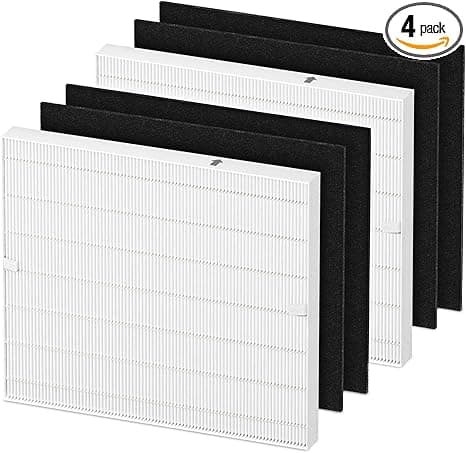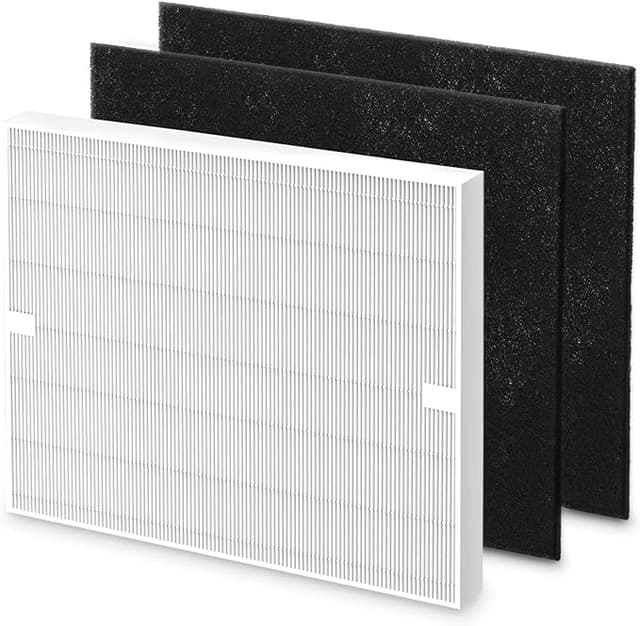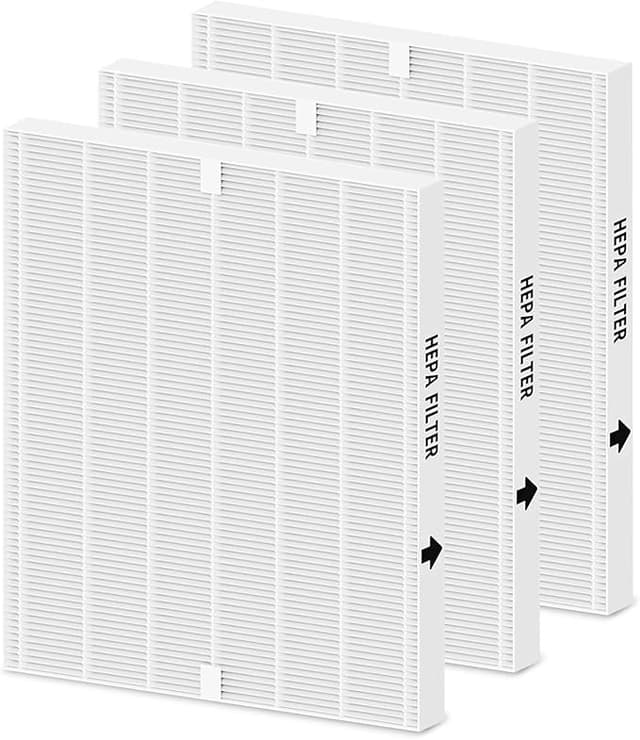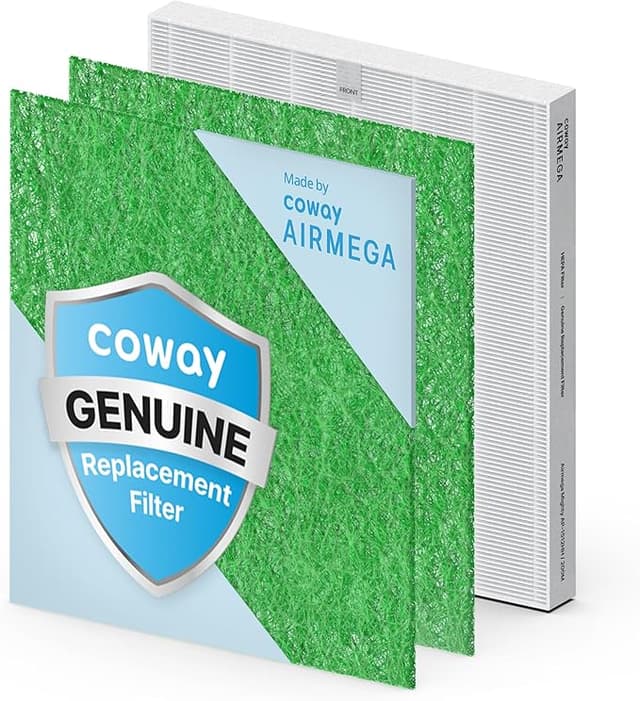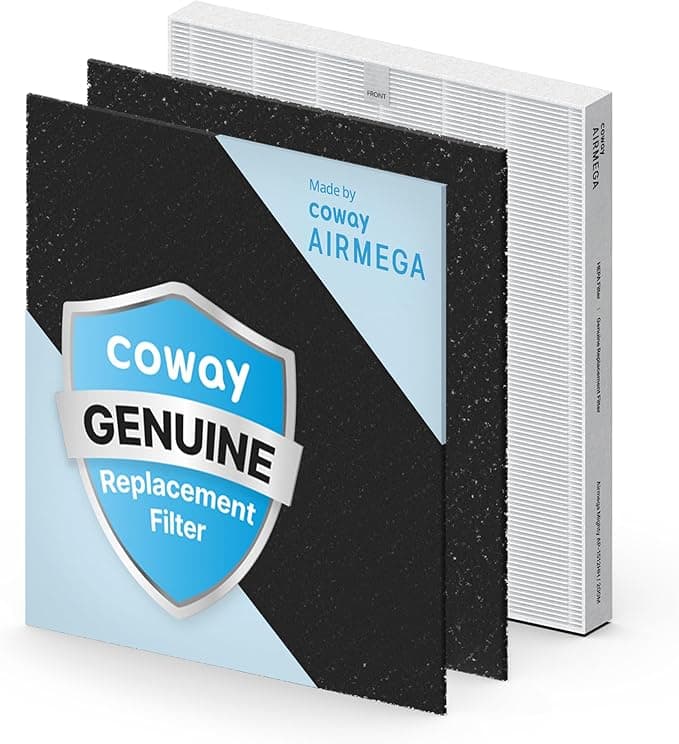
Replacement filter for Coway AIRMEGA AP-1512HH
Coway is the device this part fits. We have not confirmed who manufactures this listing.
This page shows what the listing itself states: the part number, the brand it names, and the category. We have not tested this part. Under the Magnuson-Moss Warranty Act, using a third-party part does not by itself void a manufacturer warranty — the burden of proof is on the manufacturer.
| Fits brand | Coway |
| Model | AIRMEGA AP-1512HH |
| Category | Air Purifier |
| Fits Part | Filter R |
| ASIN | B00C7WMQTW |
Paid links. As an Amazon Associate, Replacer Guide earns from qualifying purchases. This page links to Amazon; the price, availability and delivery terms are the ones shown on Amazon at the time you look, and we do not reproduce them here. Links never change what we write — see how we evaluate.
Installation Guide
Power off and unplug your Coway AIRMEGA AP-1512HH from the wall outlet.
Open the filter access panel — on the AIRMEGA AP-1512HH, this is typically located on the front or side of the unit. Release the latch or press the panel release button.
Carefully remove the old filter. Note the orientation arrow or airflow direction marking before removing.
Unwrap the new compatible filter from its sealed packaging. Remove any protective plastic wrap from the HEPA media.
Insert the new filter with the airflow arrow matching the direction marked inside the filter compartment.
Close the access panel until it clicks securely into place.
Plug in and power on the unit. Press and hold the filter reset button for 3-5 seconds to clear the replacement indicator.
Specifications
- Brand
- Coway
- Model
- AIRMEGA AP-1512HH
- Category
- Air Purifier
- Replaces Part
- Filter R
Replacement Reminder
Get notified when it's time to replace your Coway AIRMEGA AP-1512HH filter. One email, no spam.