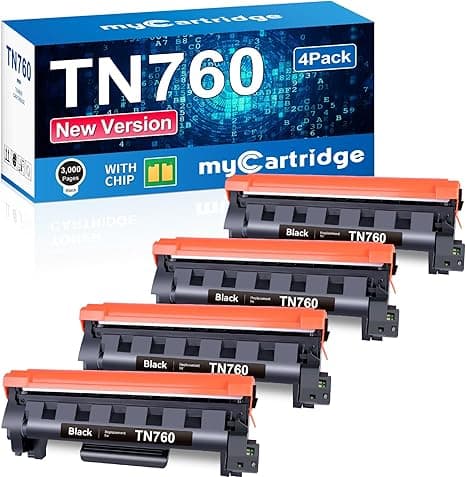
Troubleshooting & Analysis
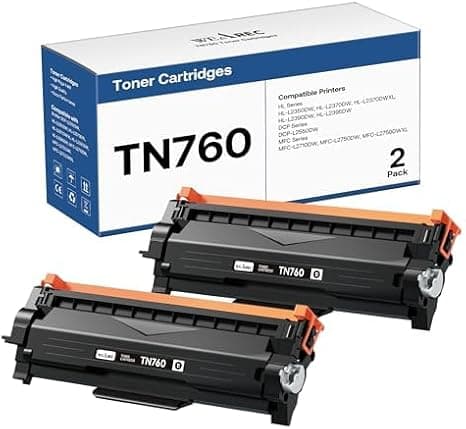
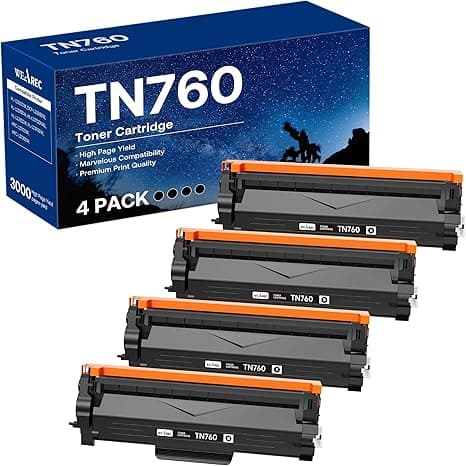
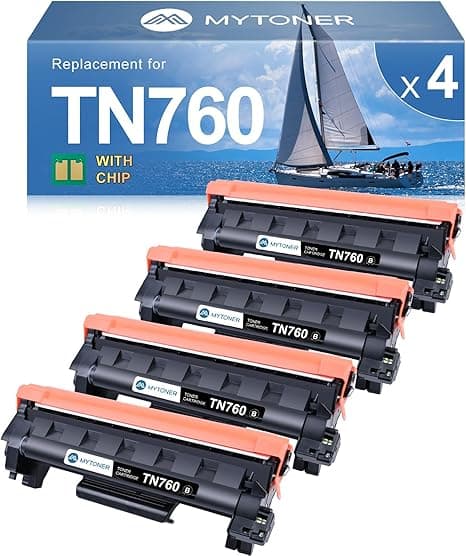
You know that little plastic snap a toner cartridge makes when it finally seats? That's the sound I was listening for the first time I dropped a compatible TN760 into my Brother HL-L2550DW. I'd half-convinced myself it wouldn't click — that the cheap one would be a millimeter off and I'd be standing there at 11 p.m. with a stack of unprinted shipping labels and a printer blinking at me. It clicked. First try. Same firm little thunk the genuine Brother cartridge makes. And honestly that single sound told me more than any spec sheet could.
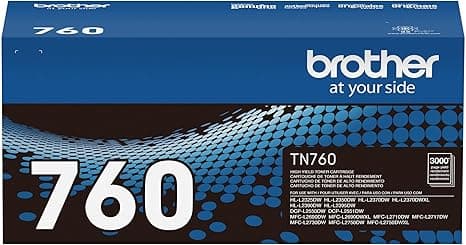
I'll back up. I run that 2550DW pretty hard — invoices, return labels, my kid's school worksheets, the occasional 40-page PDF I should've just read on screen. The genuine Brother TN760 high-yield cartridge runs around $80 most places I've checked. The compatible one I've been buying lands closer to $25, sometimes under $20 in a two-pack. That's not a rounding error. Over a year of my printing habits it's the difference between feeding this machine $160 and feeding it about $50. I bought the printer to save money over the print shop. Paying OEM toner prices quietly undid that math.
The price gap is the whole story — almost
Here's the part nobody at Brother wants on the box: the TN760 is rated around 3,000 pages, and the compatible versions I've used hit close enough to that number that I stopped counting. I got somewhere north of 2,700 usable pages out of the last one before the prints started ghosting at the bottom of the sheet. Call it a touch under spec. For $25 instead of $80, I'll take a couple hundred fewer pages every single time.
And no — slotting a non-Brother cartridge in did not brick my printer. The 2550DW threw a "non-genuine toner" notice the first time, which sounds scarier than it is. You acknowledge it once and it prints. A nag screen, not a lockout.
Fit and install: genuinely a non-event
If you've swapped one of these before, you already know the drill, and the compatible cartridge doesn't change it. Open the front cover, wait the half-second for the carriage to settle, press the tab to pop the old cartridge. On the new one you peel the protective tape — and pay attention here, because this is the one step people botch. Pull every strip fully before it goes in; leave a piece on and you'll get blank pages and panic. Then slide it back in until it clicks, close the cover, run a test print.
That test page is your moment of truth, and mine came out sharp. Crisp black text, clean edges, no streaking. I do a lot of small-font invoices and the 8-point line items were perfectly legible. The first sheet or two had a faint unevenness on solid fill areas — a break-in thing — and by page three it had settled completely.
Where it's a hair behind OEM (the honest part)
Look, it's not a perfect twin. A few things I noticed, told straight.
First: the molding on the cartridge body feels cheaper. The plastic is a little lighter, the seams a little rougher than Brother's. Doesn't affect printing one bit — but if you handle it you can tell you're holding the budget version. The packaging is the same story. Thin box, a baggie instead of a proper sealed sleeve on some brands. It works; it just doesn't feel premium, and if that bugs you, know it going in.
Second, and this is the real one: consistency across units. With genuine Brother, every cartridge is basically identical. With compatibles I've had one in maybe six that under-delivered — toner that looked slightly faded on heavy-coverage pages well short of the rated yield. The other five were fine. So there's a small lottery element here you just don't get with OEM. My move is to buy from a seller with a real return policy and keep one spare on the shelf, so a dud is an annoyance, not an emergency.
Third: dense graphics and big black fills. If you're printing photo-heavy pages or full blocks of black, OEM still has a slight edge in evenness — you might catch faint banding on a full-page fill that the genuine cartridge wouldn't show. For text, spreadsheets, labels, forms — the stuff this printer is actually for — I genuinely can't tell the prints apart, and I've held them side by side under a desk lamp trying to.
Why running it down to empty matters
One thing worth saying plainly: don't ignore the low-toner warning and grind the cartridge into the dirt. When a mono laser cartridge runs near empty, prints start ghosting and you get faint repeating shadows down the page — and on these Brother units, a totally spent cartridge can leave streaks that make you think the drum's failing when it isn't. Swap it when the quality dips, not three hundred faded pages later. That's exactly why the cheap-cartridge math is so good: at $25 a pop you're not tempted to nurse a dying one along to save a buck. You just put a fresh one in.
So who should buy what
If you're a studio printing client-facing proofs where faint banding on a solid fill would embarrass you, or you print real photo work on this thing — pay the $80, buy genuine Brother, don't think twice.
For everyone else — and that's most of us with a 2550DW on a home-office desk — the compatible TN760 is the easy call. It seats with the same click, prints text I can't distinguish from OEM, gets close enough to the rated 3,000 pages, and costs roughly half. I've now bought it five or six times. One mildly disappointing cartridge, a stack of perfectly good ones. At a $55 savings each time, I'd have to hit a dud on more than half of them before the OEM premium made sense — and I'm nowhere near that.
I'd buy it again. I already have a spare in the drawer.