Troubleshooting & Analysis
I didn't believe a $20 cartridge could be fine either
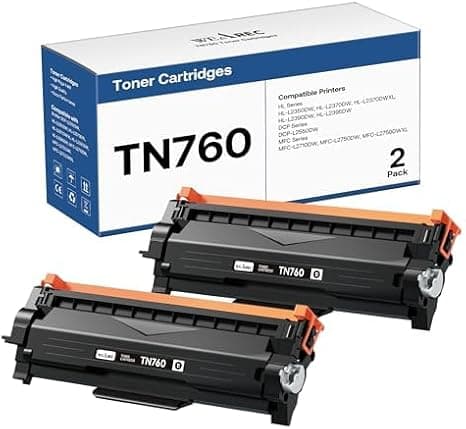
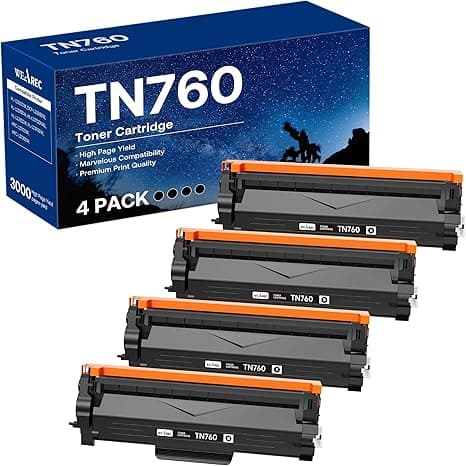
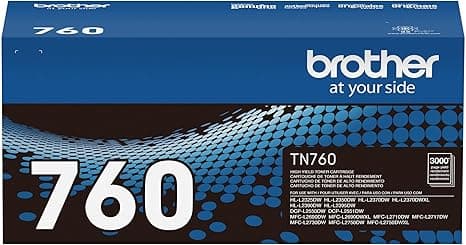
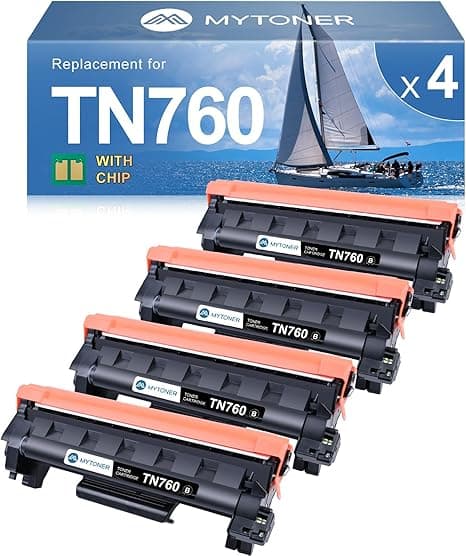
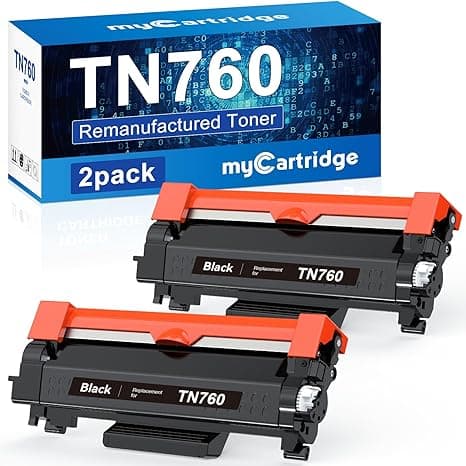
Look, I get the nerves. I had a Brother HL-L2550DW sitting on my desk flashing a low-toner warning, and Brother wanted somewhere north of $80 for a genuine TN760 high-yield cartridge. The compatible one I found was barely over $20. And my first thought was exactly yours: that's too cheap, something's wrong, it's going to streak my pages, leak black dust into the machine, or brick the printer with some firmware tantrum. I've been printing for years. Cheap toner had burned me once before on a different brand — faded gray text that looked like a fax from 1998 — so I genuinely did not trust this.
So I bought one anyway, mostly to prove myself right. I was wrong, and I've now run three of them through that 2550DW. Here's the honest version.
The price gap is not subtle
This is the whole reason anybody's reading this, so let's not bury it. A genuine Brother TN760 high-yield runs you roughly $80 at full retail. The compatible TN760 I keep buying lands around $22. That's not a "save a few bucks" situation — that's paying a quarter of the price for a cartridge rated at the same 3,000-page yield.
Do the math the way it actually hits your wallet. I print maybe two cartridges' worth a year between work documents, shipping labels, and my kid's school stuff. On OEM that's about $160 a year. On the compatible it's roughly $44. So I'm pocketing well over a hundred dollars annually to print the same black text on the same paper. Three years in, that's real money — a few tanks of gas, a decent dinner out, whatever. The savings aren't theoretical. They show up.
Does it actually fit?
This was my second fear — that "compatible" meant "sort of fits if you jam it." It doesn't. The TN760 toner snaps into the drum unit exactly like the genuine one. I popped the front cover, pulled the drum-and-toner assembly out together, pushed the green lock lever, and the old toner came free. New one drops into the drum with a clean, definite click. You'll feel it seat.
One thing worth saying because nobody warns you: peel the orange protective tape and pull the sealing strip out of the new cartridge before you install it. There's a strip of tape and a plastic tab you have to remove, and if you skip it you'll get a blank or barely-printing first page and panic that the cartridge is dead. It's not. You just left the seal in. Took me a second printer scare to learn that the cartridge was fine and I was the problem.
After it's in, slide the assembly back until the whole thing clicks home, close the cover, and run a test print. The carriage settles, the machine warms for a few seconds, and you're going.
How it actually prints
Genuinely fine. Sharp black text, crisp edges on 11-point body copy, no gray haze across the page. I printed a 40-page contract single-sided and went looking — hunting, really — for the flaw that would justify my suspicion. Couldn't find one that mattered. Side by side against a page I'd run earlier on genuine Brother toner, I could not pick the OEM page out of the stack. Barcodes on shipping labels scanned first try every time, which is the test I actually care about because a label that won't scan costs me more than the cartridge did.
Page yield held up too. I tracked one cartridge across a heavy stretch and it carried me past the 2,800-page mark before the warning came on, which is right in the neighborhood of what the high-yield is rated for. That was the number I was most braced to be lied to about, and it landed close to honest.
The downsides — and there are real ones
I'm not going to pretend this is a flawless swap, because it isn't, and a review with zero complaints reads like a paid ad. Here's where the compatible TN760 actually falls short.
First, consistency across cartridges is a coin-flip in a way OEM isn't. Of the three I've run, two were dead-on perfect. The third had a faintly lighter first ten pages before it evened out — like it needed to clear its throat. Not a dealbreaker, but with genuine Brother I never saw that. You're trading a little batch-to-batch reliability for the price, and you should know that going in.
Second, the toner-low warning lies to you. The compatible cartridge tends to trip the "replace toner" message earlier than it needs to, and there's genuinely usable toner left when it nags. I've gotten a few hundred more pages out of one after the warning by just overriding it and printing until quality actually dropped. Annoying, and it means you can't fully trust the dashboard, but it's the opposite of a rip-off — there's more in there than the machine admits.
Third, the packaging is cheap and a little anxiety-inducing. Thin box, generic plastic wrap, a label that looks photocopied. The genuine Brother box feels like a product; this feels like it shipped from a warehouse shelf. The cartridge inside was fine every time, but if presentation tells you anything about your nerves, brace for it to look budget. It is budget. That's the point.
And one more practical note that matters more than people think: a printer running on a marginal or near-empty cartridge can start ghosting and streaking, and toner dust building up where it shouldn't is how you shorten a drum unit's life. So don't run any cartridge — compatible or OEM — way past the point where print quality visibly drops. Swap it when the text goes pale. At $22 a pop there's no reason to push your luck and risk the machine to save half a cartridge.
Who should skip it — and what I actually do
If you run a print shop, or you're producing client-facing photo-grade output where one bad page costs you a relationship, buy the genuine TN760 and don't think twice. The consistency premium is worth it when a flaw is expensive. Same if you're under warranty and paranoid about a manufacturer pointing fingers — though for the record, third-party toner doesn't legally void your printer warranty, plenty of people sleep better on OEM, and that's fair.
For everybody else — home offices, students, the person printing tax forms and return labels and the occasional 30-page PDF — I buy the compatible. I've bought it three times now and I'll buy it again next time the 2550DW starts blinking at me. It fits right, it prints sharp, it hits its page count, and it does the exact same job for about $22 instead of $80. The frustrating little quirks are real, but none of them cost me a printout I cared about. Paying four times the price to avoid a slightly cheap-looking box and an over-eager low-toner warning just isn't a trade I'm willing to make anymore.