Troubleshooting & Analysis
Standing in the office supply aisle, doing the math out loud
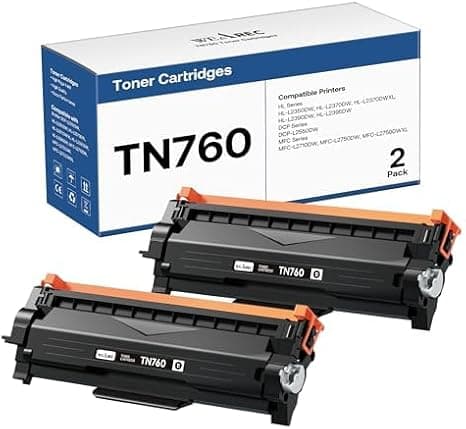
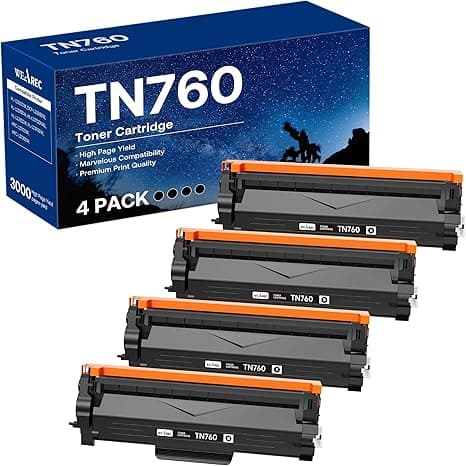
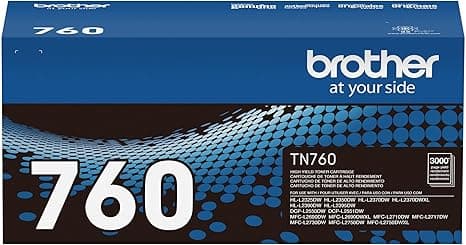
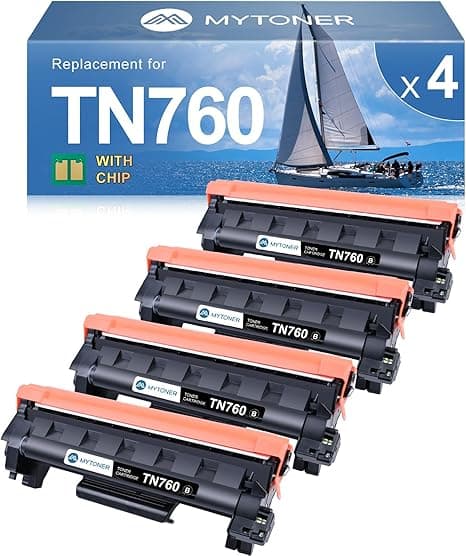
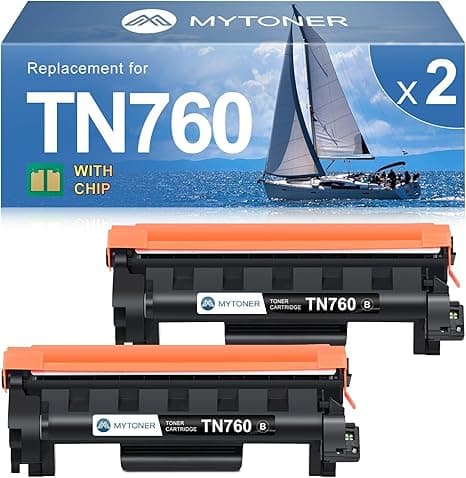
There I was, holding a genuine Brother TN760 in one hand and a compatible version in the other, and the price tag on the real one made me actually say something under my breath. The OEM high-yield cartridge runs around $80. The compatible one I was eyeballing? Right around $40 — half. For my HL-L2550DW that I print to maybe three times a week, that gap was the whole decision. I'd been a loyalist for years, the kind of person who assumed third-party toner would streak, leak, or quietly brick the machine. But $40 a pop, two or three cartridges a year, adds up to real money. So I bought the cheap one, half-expecting to regret it, and I've now run it through that printer plus a 2400D at my desk for the better part of a year.
Here's the honest report.
The price gap is the entire story — until it isn't
Let me put numbers to it because vague "save money!" talk is useless. A genuine TN760 high-yield is roughly $80 and rated for about 3,000 pages. The compatible TN760 I keep buying is around $40 for a comparable page count. If you print enough to burn through two cartridges a year, that's $80 saved annually. Buy a multipack and the per-cartridge cost drops further — I've seen two-packs land near $30 each. For a machine that already cost less than a single year of OEM toner, paying brand-name markup on the consumable started to feel backwards.
But cheaper only matters if it works, and I know that's the part you're actually nervous about. You're not really asking "is it cheaper." You're asking "will it wreck my printer or print garbage." Fair. I asked the same thing.
Does it fit? Yes — and the install is genuinely a non-event
This is where compatible cartridges either pass or fail, and the TN760 form factor is dead simple. You open the front cover, pull the drum-and-toner assembly out together, then push the green lock tab to release the old toner cartridge from the drum unit. Snap the new one in until you hear it click, peel the protective tape off, slide the whole thing back in, close the cover. Run a test page. That's it.
The compatible cartridge seated with the same reassuring click as the original. No forcing, no shimming, no "hold your mouth right" nonsense. The chip was recognized on the first power cycle — the printer didn't throw a "non-genuine" tantrum, didn't refuse to print, just registered a full cartridge and went to work. I've installed maybe five of these now across the two machines and every one dropped in clean. If you've ever swapped a real Brother cartridge, you already know how to do this; it's the identical motion.
Print quality: sharp text, and here's where it's a hair behind
For text documents — invoices, shipping labels, the 40-page lease I had to print last spring — I genuinely cannot tell the compatible toner from OEM. Blacks are solid and dark, the edges of the type are crisp, no graying or fading across a full page. This is a monochrome cartridge doing monochrome work, and it nails the job it exists for.
Where I'll be straight with you: on heavy solid-black fills — think a big logo block or a page that's half-covered in dark graphics — I've occasionally seen very faint banding under bright light if I really hunt for it. Not on normal text. Not on anything a client ever noticed. But if your work is design proofs with massive ink coverage, the OEM toner lays down those solid fields a touch more evenly. For the 95% of us printing words on paper, it's a difference you have to manufacture to find.
The real downsides — because a review with none is a lie
So here's what the $40 actually costs you beyond the cartridge.
First, the packaging is cheap. The OEM box is this tidy molded affair; the compatible one showed up in a thin cardboard sleeve with the cartridge in a basic plastic bag. It works fine, the cartridge was sealed and undamaged, but it doesn't feel premium and the protective tape pull-tab on one unit was a little flimsy — I pulled slow so it wouldn't tear off mid-strip. Minor, but real.
Second, page yield can vary batch to batch. My OEM cartridges hit their rated count almost exactly every time. With compatibles, one ran a bit past its rating and one came up maybe 150 pages short of what I expected. Across a year it averages out fine, but if you need to know to the page when toner runs dry, the OEM is more predictable.
Third — and this is the one to actually weigh — the "low toner" warning fires earlier and less accurately on the compatible chip. My machine started nagging about low toner while there was clearly a good chunk left; I kept printing crisp pages for a couple hundred more before quality dropped. So I learned to ignore the first warning and watch the actual print instead. Slightly annoying if you're the type who refills the second the light comes on. If you do, you'll waste toner you paid for — so don't.
Why running it dry actually matters
One thing I won't shrug off: don't let yourself get caught with an empty cartridge and a deadline. A monochrome laser doesn't sputter politely like an inkjet — it just starts printing faded, streaky pages, and on a bad day refuses to print at all until you swap. The whole reason I now keep a spare compatible TN760 in the drawer is that at $40 it's cheap enough to stock one. Try doing that with $80 OEM cartridges and the "just keep a backup" advice gets expensive fast. The low price isn't only about the cartridge in the machine — it's about being able to afford the one waiting behind it.
The verdict: who should skip it, and why I keep buying it
If you're a design shop printing heavy-coverage graphics where dead-even solid fills are non-negotiable, or you absolutely need the page yield to be predictable to the sheet, buy the genuine TN760 and don't think twice — that $40 premium buys you consistency you'll actually use.
For everyone else — home offices, small businesses, anyone printing documents and labels on a 2550DW, 2400D, or 2690DW — I grab the compatible cartridge and I've never regretted it. It fits like the original, the text is indistinguishable, the install takes ninety seconds, and it costs half. I've bought it again, and again, and there's a spare in my drawer right now. For $40 doing the same job, that's not a gamble anymore. That's just the smarter buy.