Troubleshooting & Analysis
Forty-five bucks. For a little white plug.
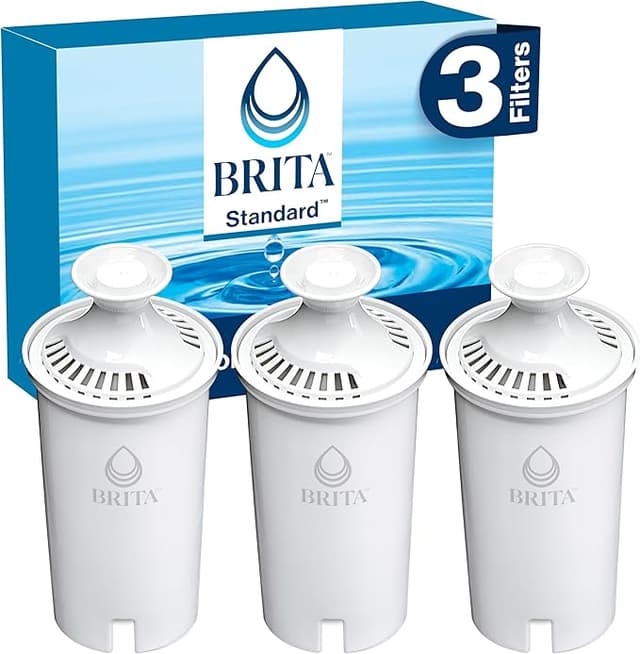
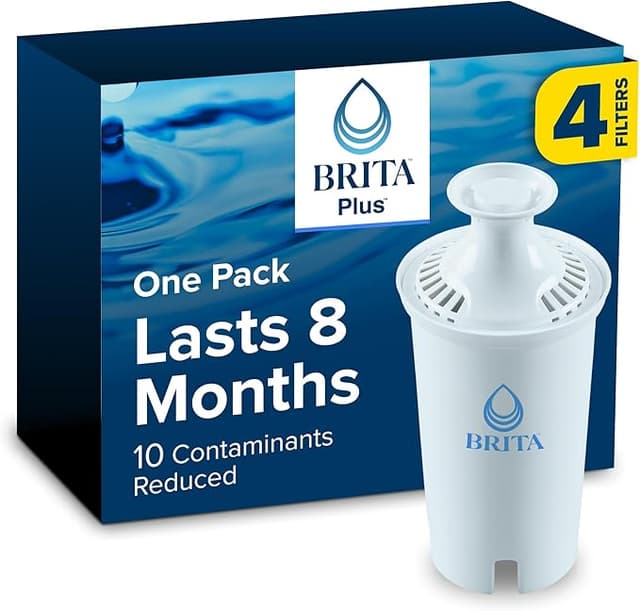
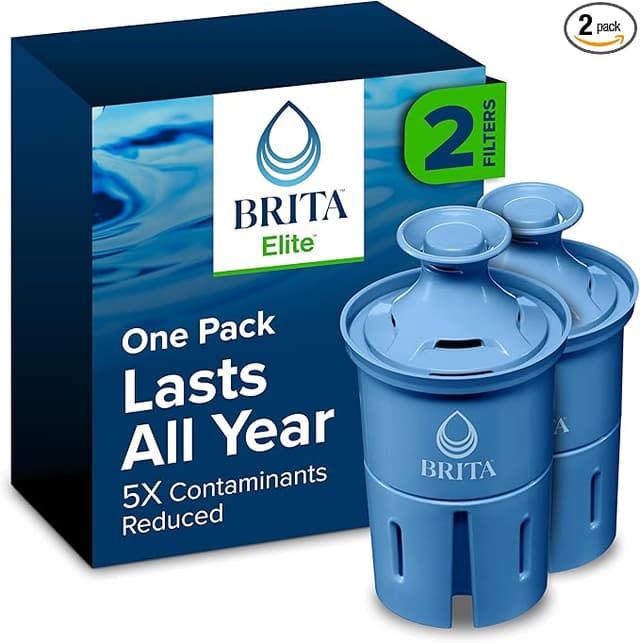
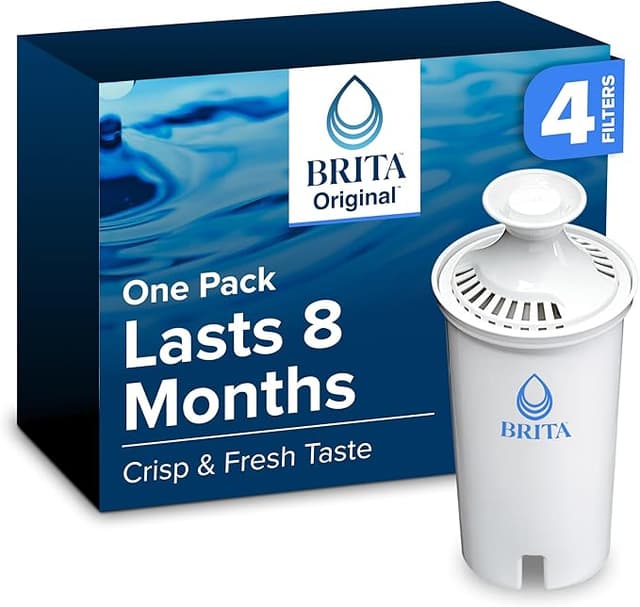
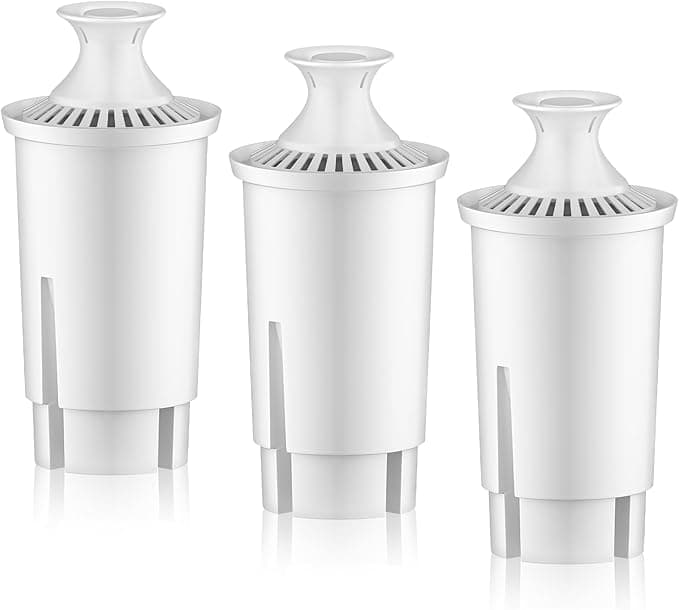
That's what stopped me cold in the store aisle a couple years back. A three-pack of genuine Brita Standard cartridges was sitting there at $44.99 — and right next to it, a compatible six-pack for nineteen dollars. Same shape. Same little gray cap. Twice the count, less than half the price. I stood there doing the math like an idiot. If I'm changing a cartridge roughly every two months — which is what the Standard pitcher actually wants — the name-brand habit runs me close to ninety bucks a year. The compatible route? Under thirty.
So I bought the cheap ones. Skeptically. Fully expecting to come crawling back to Brita. I didn't.
What the price gap actually buys you (spoiler: not much)
Here's the thing nobody at the brand wants you to sit with: the Brita Standard cartridge is a tube of activated carbon and ion-exchange resin. That's it. It's not some patented miracle. It knocks down chlorine taste and odor, grabs some copper, mercury, cadmium, zinc — the metals that make tap water taste like a penny. The compatible cartridges use the same coconut-shell carbon and the same resin bed. I'm not going to pretend I ran them through a lab spectrometer. I didn't. But I've got a TDS meter I bought for fish-tank stuff, and the before-and-after numbers off my tap landed within a hair of what the genuine cartridge gave me. Chlorine smell? Gone, same as always.
The water tastes the same. My wife — who is brutally honest and did not know I'd swapped brands — never said a word. That was my real test, honestly. If she'd noticed, I'd have heard about it.
The fit and the first pour
Install is install. You soak or rinse the new cartridge first — I run mine under cold tap for about fifteen seconds and give it a couple of shakes to chase out the air bubbles trapped in the carbon, because skip that and your first pitcher fills agonizingly slow. Then you pull the old cartridge, drop the new one into the reservoir, and press down until it seats. With the genuine Brita you get this firm, confident click. The compatible one... seats a touch looser. There's a hair more wiggle in the collar. The first time I felt that, my stomach dropped — I figured it'd leak unfiltered water around the seal.
It didn't. I pressed harder, gave it a slight twist, and it sat flush. Two years and probably a dozen cartridges later, zero bypass, zero leaking past the gasket. But I'll be straight with you: that looser tolerance is real, and it's the single biggest difference between this and OEM. You have to actually seat it with intent. If you're the type who jams the cartridge in halfway and walks off, you might get a dribble of unfiltered water sneaking down the side. Seat it properly and it's a non-issue.
The downsides — because there are some
First pitcher tastes faintly off. Not bad, just... new-plasticky, a whisper of it, the way a new water bottle smells. I dump the first full reservoir down the drain every single time, compatible or genuine — but it's slightly more noticeable on the cheap ones. By the second fill it's gone completely.
The packaging is garbage. No nice box, no satisfying foil wrapper per cartridge — mine came in a flimsy plastic sleeve, sometimes two cartridges sharing one bag. Cosmetically cheap. Doesn't touch the water quality, but if you like things feeling premium, you won't get that here.
And the flow rate, after a cartridge has been in heavy rotation for six or seven weeks, slows down a touch faster than I remember the genuine ones slowing. Marginal. But I noticed it on the last week of a cycle, the pour going from "pretty quick" to "go make coffee while it drains."
Why I don't let the cartridge ride past its date
This part isn't sponsor-speak, it actually matters. A carbon cartridge isn't permanent — it fills up. Once that carbon bed is saturated, it doesn't just stop helping, it can start releasing what it grabbed back into your water, and a wet old cartridge sitting warm is a happy little home for bacteria. That's true of the genuine Brita too. The reason I bring it up: people stretch OEM cartridges way past their lifespan precisely because they're expensive — "ehh, it's still kind of working, I'll squeeze another month." At nineteen bucks for six, that excuse evaporates. I change mine on schedule now without flinching, and that's genuinely better for what my family drinks than babying a pricey cartridge for four months out of guilt.
So who should still buy Brita?
If you've got the Brita app counting your pours, or you're the kind of person for whom the brand name on the cartridge buys actual peace — and yeah, some people need that, no shame — stick with genuine. If you're under warranty paranoia and want zero variables, OEM. And if your tap water is genuinely scary — well or heavy-contamination situation — you want a tested certified system, not a pitcher cartridge of any brand, full stop.
But for the rest of us, with normal municipal tap that just tastes like chlorine and old pipes? Look, I went in expecting to write a "you get what you pay for" cautionary tale. Instead I'm two years deep, my water tastes identical, and I've kept something like a hundred bucks a year in my pocket. The cartridge seats a little looser and the bag it ships in is ugly. That's the whole list of complaints. For half the price doing the same job, I'd buy it again — and I literally just did, last week.