Troubleshooting & Analysis
I didn't believe a twenty-dollar Brita filter could be fine either
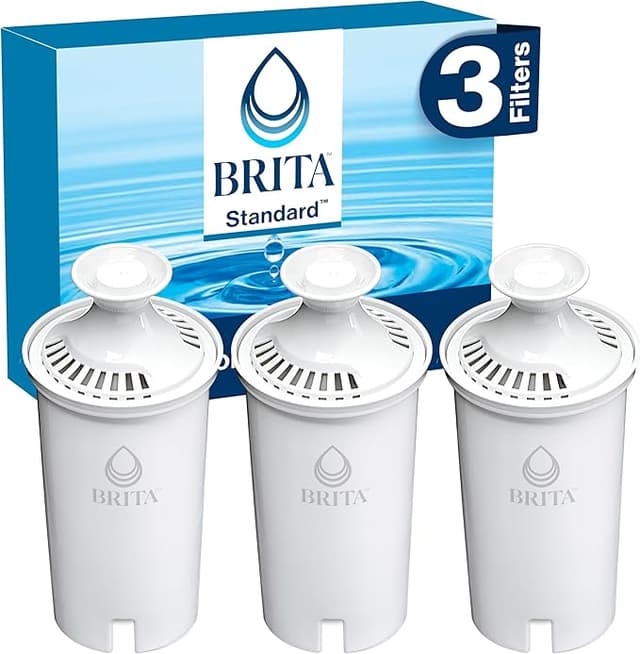
So here's where I started. I'd been buying the real Brita Standard cartridges for years — the white ones, three to a box, somewhere around eight bucks a filter once you do the math. Then a compatible pack showed up in my recommendations for less than half that, and my gut reaction was the same as yours probably is right now: nope. That's the cheap stuff. That's the filter that lets something sketchy through and I find out in six months. Water you drink isn't where I wanted to gamble.
I bought a pack anyway, mostly to prove myself right. Spoiler — I didn't.
The price gap is the whole reason you're here
Let's be honest about why anyone clicks on a compatible filter article. It's the money. A real Brita Standard runs you roughly $8 a cartridge when you buy the small box, and the official line is you swap it every two months — call it 40 gallons. That's six filters a year, give or take. Sixty bucks-ish annually to drink your own tap water through a pitcher.
The compatible packs I've been running come out closer to $3 to $4 a filter when you buy six at a time. Same two-month interval. So you're looking at maybe $20-24 a year instead of $50-60. Over the life of a pitcher you'll keep for years, that adds up to real money — a couple hundred bucks you just don't have to spend. That gap is exactly why I was suspicious, by the way. Cheap usually means cheap for a reason. Sometimes the reason is just that nobody's printing "Brita" on the side.
Fit: does it actually seat in the pitcher?
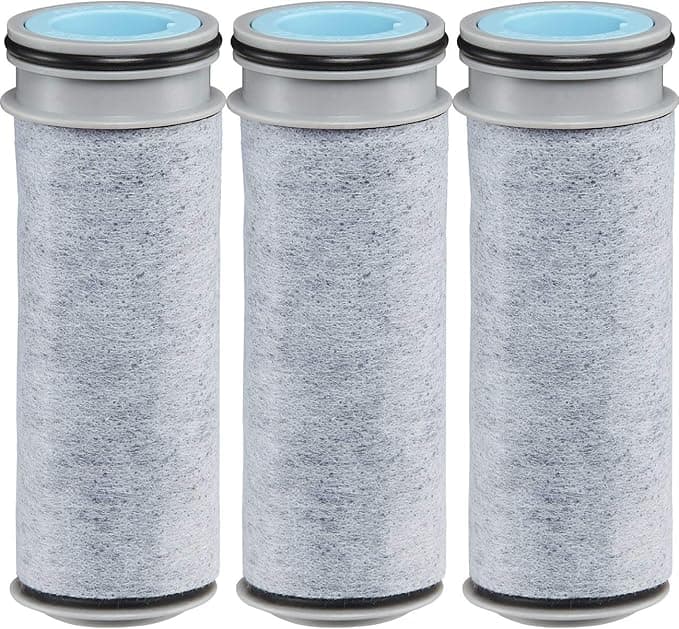
This was my first real test, because a water filter that doesn't seal is worse than useless — unfiltered water just sneaks down the side and you'd never know. The cartridge dropped into my Brita pitcher's reservoir exactly like the originals. Same footprint, same little groove. You pre-soak or rinse it first like the directions say — I ran mine under the tap for about 15 seconds, then seated it with a firm push until it sat flush against the reservoir floor. You'll feel it settle in. No gap around the rim.
Then you do the part nobody loves: fill it, dump that first pitcher, fill it again, dump that too. Activates the carbon and flushes out the loose black bits. After two flushes the water ran clear. On the OEM filters I usually flush twice as well, so this wasn't extra babysitting — it's just what these carbon cartridges need.
The honest performance read
Here's what I actually care about: chlorine and taste. My tap water has that faint pool smell, and the whole point of a Brita is to make it go away. The compatible cartridge knocked the chlorine taste flat — I did the dumb thing and poured a glass of straight tap next to a glass of filtered, and the difference was obvious. No chemical edge, just clean water. It also pulls down the stuff you don't want sliding through an exhausted filter: chlorine you can taste, and the heavy metals you can't. An old, saturated cartridge stops grabbing that and quietly lets it pass into your glass, which is the real reason you don't stretch a filter past its life no matter whose name is on it.
Flow rate matched the originals for me — that slow, patient drip through the carbon that means it's actually doing work. If water rushes through a filter, it's not contacting the media long enough, and this one took its time the same way the real ones do.
Where it's a touch behind — because there's always something
I told you I went in trying to catch it failing. Here's the one thing I'll flag: the first cartridge I unwrapped had a faint plastic smell out of the package, and the rinse-and-flush step mattered more here than it does with the genuine ones. Skip the double-flush and your first pitcher tastes a little flat, a little plasticky. Do the flush properly and it's gone. So it's not a dealbreaker — it's a "follow the steps and don't be lazy" thing.
The other small one: packaging is bare-bones. The OEM box feels like a product; this feels like filters in a bag. Doesn't change what comes out of your tap, but if you were hoping for that retail polish, it isn't here. I stopped caring by week one.
So who should actually buy the OEM instead?
I'll give you the honest line. If you're the type who will absolutely forget to pre-soak and flush, and you want the most foolproof out-of-bag experience with zero break-in, the genuine Brita is a hair more forgiving — pay the premium and don't think about it. And if your pitcher is under warranty and you're paranoid about the fine print, stick with OEM to be safe.
Everybody else? I run these in my own kitchen, the pitcher my family drinks from every single day. Same two-month swap, same clean water, less than half the cost. I went in expecting to write a warning and instead I reordered. Discard the old cartridge, soak the new one, run a couple pitchers through, and you're set — for about twenty bucks a year instead of sixty. I'd buy it again. I already have.