Troubleshooting & Analysis
The click is what sold me — eventually
First thing I noticed pulling the compatible filter out of the box was the smell. Not chemical, exactly — more like a new shower curtain, that faint plastic-and-fresh-fabric thing. It hung around my bedroom for about two days with the unit running on medium, then it was gone and I forgot about it. I mention it because nobody warns you, and the first night I lay there sniffing the air convinced I'd bought something sketchy. I hadn't.
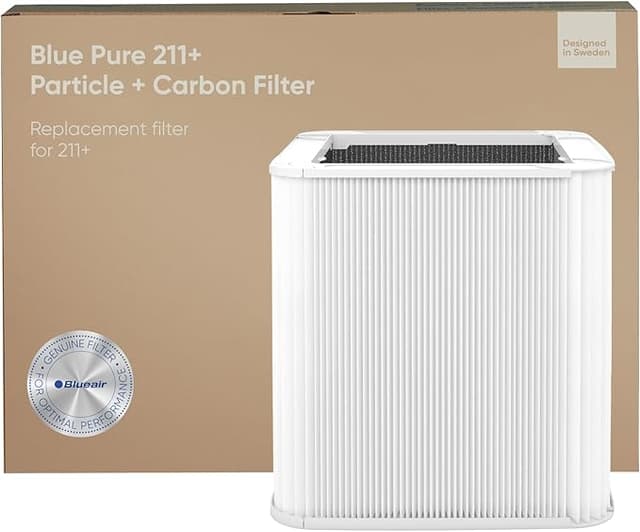
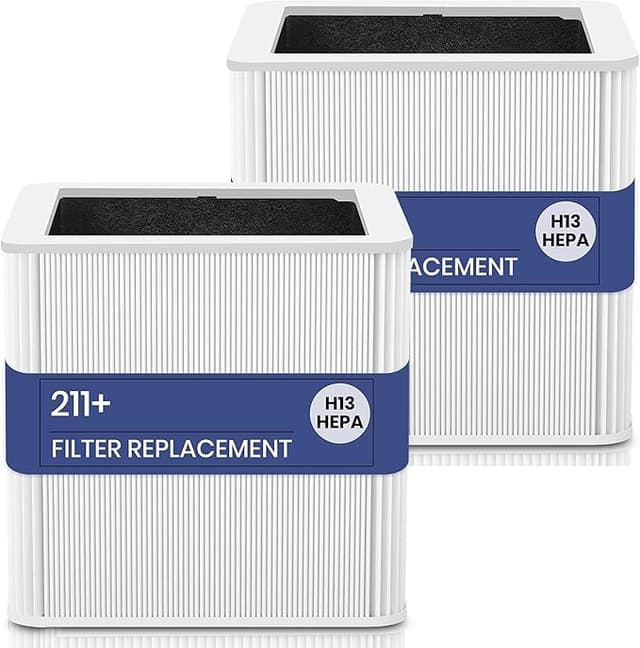
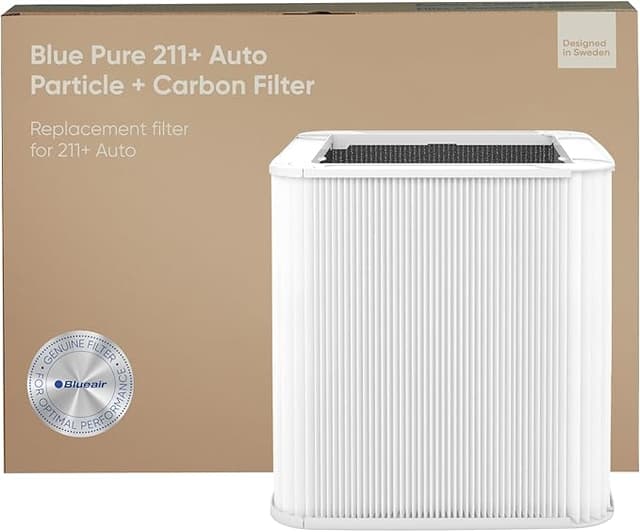
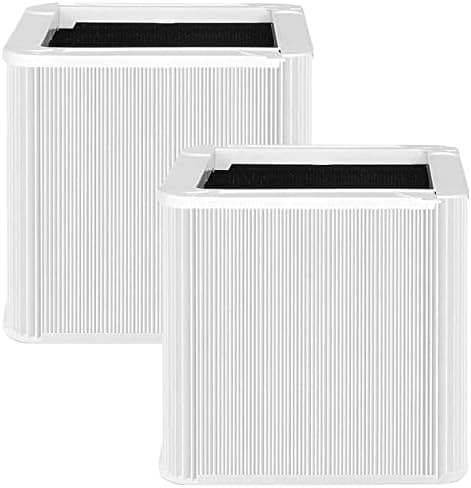
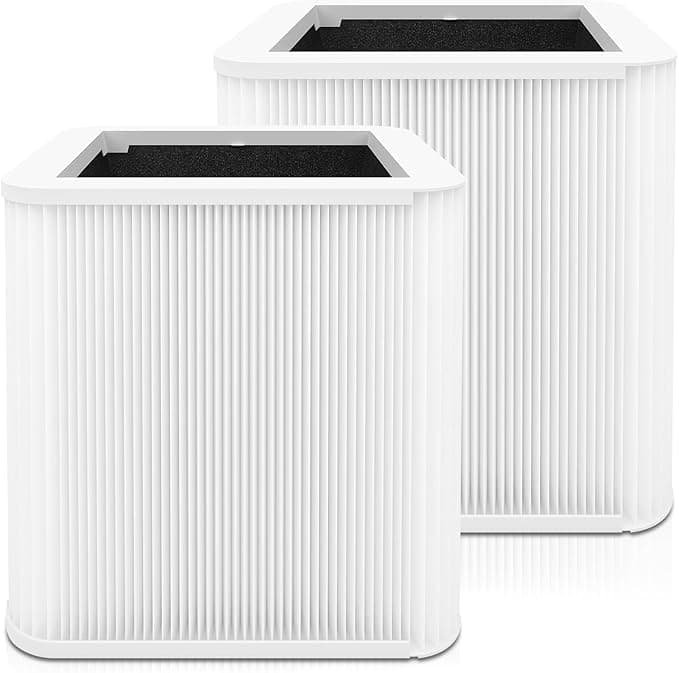
The other thing: the seat. The Blue Pure 211 is that cylindrical setup where the pre-filter sleeve wraps the HEPA cartridge and the whole thing drops down into the base. OEM filters slide in with this satisfying, snug little resistance and then a soft click as the bottom catches. My compatible one clicked too — but I had to give it a quarter-turn and a firmer push than I expected. The frame's molded just a hair looser than the genuine Blueair cartridge. Not loose enough to rattle or leak air around the edge, but loose enough that the first time I went "huh, is this actually seated?" I pulled it back out and reinstalled it twice before I trusted it. Once it's down, it's down. Four months in mine hasn't budged.
The math that got me here in the first place
Here's why I was even shopping aftermarket. A genuine Blueair replacement for the 211 runs me around $40, sometimes $45 if it's not on a deal. Blueair says swap it every six months. So that's roughly $80 to $90 a year to keep one purifier honest. I've got two of these — bedroom and living room — so call it $160-plus annually just feeding filters into machines I already paid for.
The compatible HEPA H13 cartridge I bought was a touch over $20. Same six-month interval. That cuts my yearly filter bill basically in half, and across two units I'm keeping something like $80 a year in my pocket. For a part that, as far as my nose and my air quality reader can tell, does the same job — that's not a hard call. It's the OEM pricing that's the racket, honestly, not the third-party stuff.
Does it actually clean? My honest read
I'm not running a lab. What I have is a cheap particulate meter I keep on the nightstand and a cat who sheds like it's her job. With the OEM filter, my overnight PM2.5 reading would settle into the low single digits. With this compatible H13 cartridge running the same nights, same fan speed, I'm seeing basically the same numbers — single digits by morning, and the room smells clean when I walk back in after being out all day. During wildfire-smoke week last summer it pulled the haze smell out of the bedroom about as fast as I remember the genuine one doing.
Where it's a step behind: the pre-filter sleeve fabric. On the real Blueair, that outer sleeve feels denser, and it grabs cat hair and the big dust bunnies a little more aggressively. The compatible sleeve is thinner. It still works, but I find myself vacuuming it off maybe every three weeks instead of every month, and the big stuff seems to get through to the HEPA layer a touch more. Minor. But it's real, and if you've got pets you'll notice you're maintaining it slightly more often.
The downside I'd want a friend to tell me
So, two things. The looser frame fit I already mentioned — you have to actually pay attention on install or you'll think it's seated when it's a quarter-turn short. And the packaging is cheap. Mine showed up in a thin bag inside a plain box, no rigid insert, and one corner of the cardboard pre-filter ring was slightly crushed. It popped back into shape fine and didn't affect anything, but next to Blueair's tidy retail box it looks like what it is — a budget product. If you need the unboxing to feel premium, this isn't that.
What I will give it: the HEPA media itself, the part that matters, felt properly dense and pleated when I handled it. That's where corners actually hurt you, and it's where this one didn't cut them.
Why you can't just let it ride
One thing I won't soft-pedal — running a filter past its life isn't just "less effective." A saturated HEPA in a unit like the 211 stops pulling and starts holding. All that trapped pollen, dust, and damp organic gunk sits in a sleeve with air pushing through it, and in a humid room that's exactly how you grow mold inside your own purifier. At that point the machine is blowing the problem back at you. The whole reason cheaper filters are good news is that they remove the excuse to stretch one to nine months because the replacement stung. At twenty bucks, I just swap it on schedule and reset the light.
Who should skip it — and what I actually do
If you're someone with a real respiratory condition where you need certified, traceable HEPA performance you can stake your lungs on, or you just want the no-questions warranty story, buy the Blueair-branded one and don't think twice. Same if a premium unboxing genuinely matters to you.
For everyone else — and that's most of us — I run this compatible cartridge in both my units now. It seats, it cleans, the air reads clean, and it costs me half. Yes, the frame's a little loose and the sleeve's a little thin and the box looked beat up. I bought it again anyway, twice, and I'll buy it a third time when the light comes on in a couple months. That's the most honest endorsement I've got: I keep spending my own money on it.