Troubleshooting & Analysis
I almost paid $26 for a piece of stiff paper
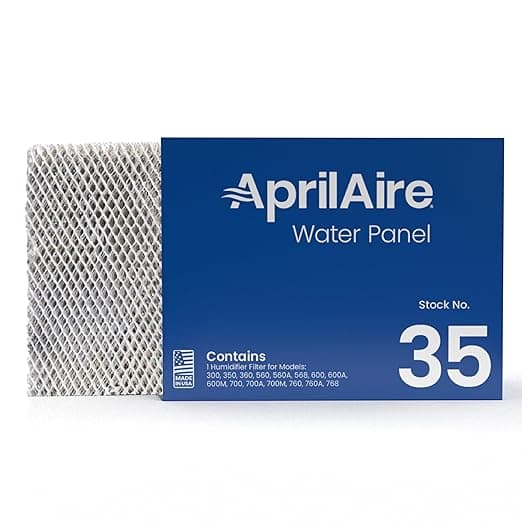
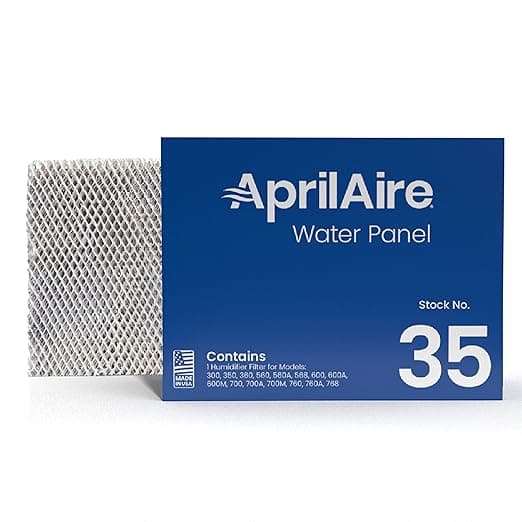
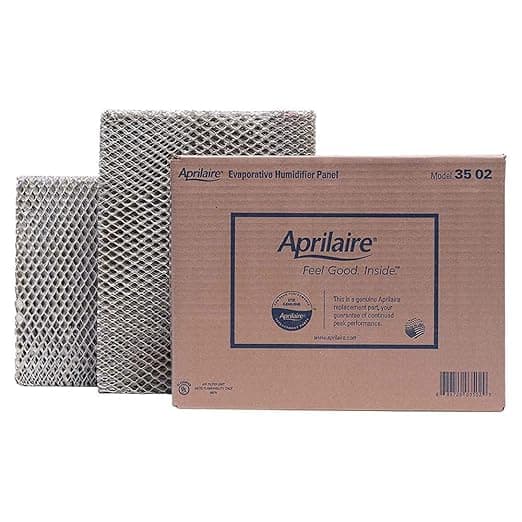
That's the part nobody tells you about whole-house humidifiers. The unit itself was a one-time hit years ago. But the Aprilaire 35 Water Panel — the actual evaporator pad that does the humidifying — is a consumable. You replace it every heating season, sometimes twice if your water's hard. And the genuine Aprilaire-branded one was sitting on my screen at around $26 a pop. For a folded rectangle of treated paper and aluminum mesh. I sat there doing the math: two of those a winter, every winter, basically forever.
The compatible version of the exact same panel? I paid $13. Half. And I'd been running the OEM for three winters before I finally got annoyed enough to try the cheaper one, so I can actually tell you whether the swap is fine or whether it's the kind of false economy that wrecks your furnace humidifier. Spoiler, sort of: it's fine. But let me get to the parts that aren't, because there are a couple.
The price gap is the whole story — until it isn't
Here's the real annual math on my house. I run my humidifier from roughly November through March. My water is moderately hard, so the panel crusts up with white mineral scale and I change it once mid-season plus once at startup. Two panels a year. At OEM that's $52 annually just to keep the thing breathing. The compatible panels brought that to $26 a year. Over the life of the humidifier — and these Aprilaire cabinets last a decade easy — that's a couple hundred bucks I'd otherwise have handed over for, again, treated paper.
And that's the thing that makes people nervous, right? When the savings are that lopsided, your gut says there has to be a catch. A pad this cheap must let scale through, or mold up faster, or not wick water the same way. So I paid attention. Closely.
Does it actually fit the Model 35 housing?
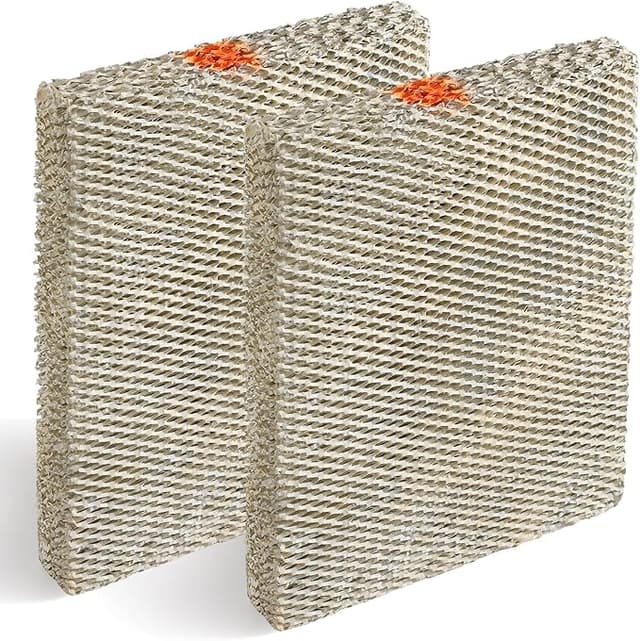
Yes — and this is the part I was most worried about, because a water panel that's even slightly off-size is useless. It either won't seat in the frame or it bows and water sheets past it instead of soaking through. The compatible panel I bought matched the Aprilaire 35 dimensions dead-on. Same height, same depth, the aluminum mesh scoring runs the same direction so the water distribution tray drips across the top edge exactly like the original.
Install is genuinely a five-minute job and you do not need to be handy. I kill power to the humidifier first — there's a little switch right on the unit, and the smart move is to flip your furnace off too so nothing kicks the blower on while your hands are inside. Then the front cover on the Model 35 just unclips; no screws on mine. The old panel slides up and out of its plastic distribution tray, and honestly the old one is gross by season's end — heavy, crusted white, sometimes a little slimy on the back. I bag it and toss it. The new panel drops straight into the same tray slot. There's an arrow printed on the frame for water-flow direction — point it up, toward the tray — and reclip the cover. Done.
One real install note: the compatible frame was a hair less rigid than the Aprilaire one. Not floppy, but where the genuine panel snaps into the tray with a confident little stop, this one I had to nudge and check that it was fully seated and not tilted. Took me ten extra seconds. If you just shove it and walk away you could leave it cocked, and a tilted panel wicks unevenly. So look at it before you close the cover.
Performance: where it matches, and where it's a step behind
For raw humidifying — getting my house off that bone-dry 25% winter reading up into the comfortable high-30s — the compatible panel did the job I could not distinguish from OEM. My hygrometer climbed the same, on the same furnace runtime. The paper wicks water and the dry furnace air passes through and picks up moisture. That's the entire mechanism, and the cheap one does it.
Where it's a touch behind is lifespan and how it handles mineral scale. The genuine Aprilaire pad has a coating that, in my experience, sheds scale a little better and stays wickable a few weeks longer before it crusts solid. The compatible panel scaled up maybe a touch faster on my hard water — I'd estimate I'd get a couple extra weeks out of an OEM pad before it went stiff and stopped absorbing. But at half the price, I can replace it twice as often and still come out way ahead. If you're on soft water you may not notice any difference at all.
The downsides, said plainly
First, the smell. Out of the package there's a faint papery, slightly chemical odor for the first day or two of running. It blows off — by day three I couldn't smell anything in the air coming off the unit — but it's there at startup and if you're sensitive you'll catch it. The OEM had a hint of this too, honestly, just less.
Second, packaging and consistency. The compatible panel showed up in a thin plastic sleeve, no rigid backer, and the top edge had a slight bend from shipping that I had to straighten by hand before it sat flat in the tray. It worked fine after, but it's the kind of thing that tells you you're not buying premium. And across two different orders, the panel thickness felt very slightly inconsistent batch to batch. Not enough to affect fit, but I noticed.
Third — and this isn't really the panel's fault, it's true of any of them — you cannot skip changing it. A saturated, scaled-over water panel doesn't just stop humidifying. It becomes a damp, mineral-caked surface sitting in your air handler, and that's exactly the environment where mold and dust mites get comfortable. Hard-water minerals build up and can foul the tray and the solenoid feed too, turning a $13 part you ignored into a service call. The whole point of a cheap panel is that you replace it on schedule without wincing at the cost. Use that.
My verdict
Buy the genuine Aprilaire 35 if you're on very hard water and you genuinely will not change the pad mid-season — the longer scale tolerance buys you margin for neglect. Or if your humidifier is under warranty that demands branded consumables, though I've never heard of one enforced over a water panel.
For everyone else — which is most of us — I grab the compatible panel and I'd do it again. It fits the Model 35, it wicks like the original, the only honest costs are a two-day startup smell, cheaper packaging, and slightly shorter scale life. Against $26 versus $13, those are easy trades. I've now run compatible panels for two full winters and my house is exactly as comfortable as it was on the OEM, for half the annual spend. That's the friend-to-friend answer: the cheap one's fine — just actually change it.