Troubleshooting & Analysis
Standing in the aisle with two filters and forty seconds to decide
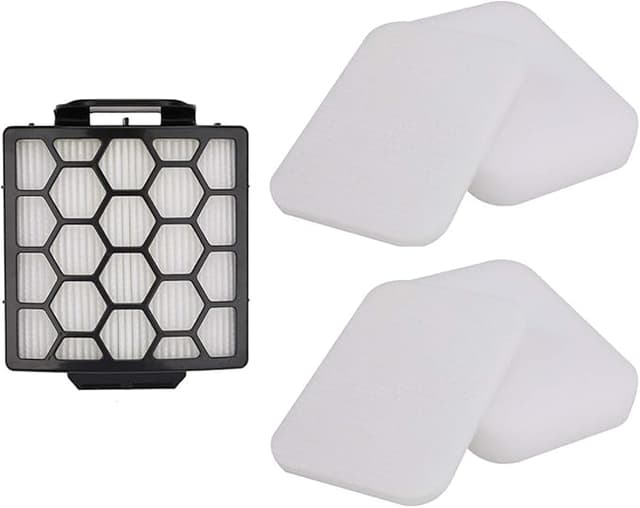
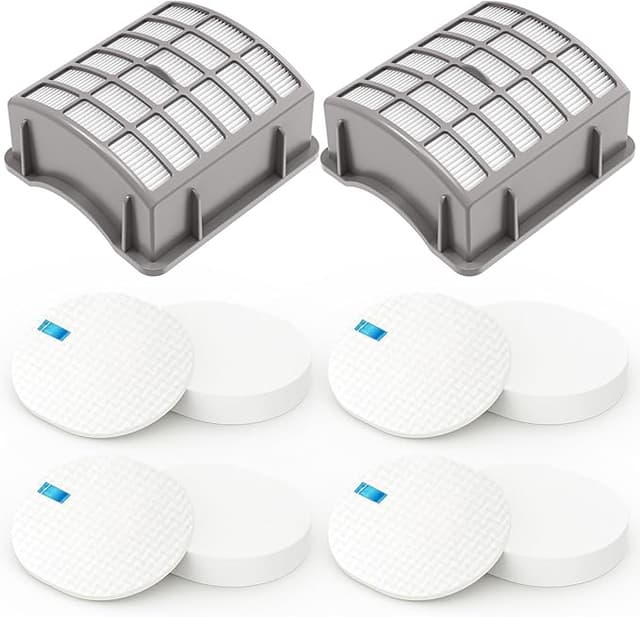
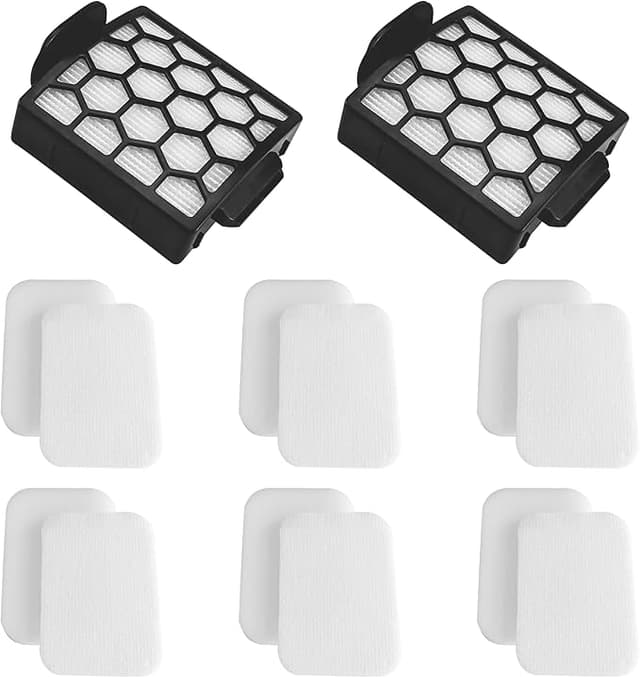
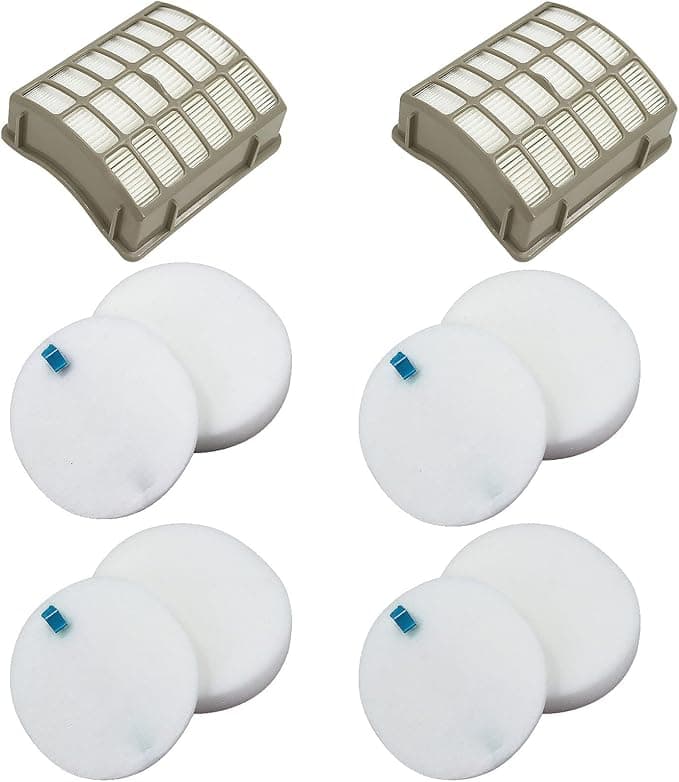
I had the genuine Shark foam-and-felt set in my left hand and a no-name compatible pack in my right, and a kid two carts down was melting down over a cereal box. Classic. The Shark replacement was $27 for the foam set plus the felt circle. The compatible one — listed as Filter N for the NV60 — was $13 for the same two pieces, and the listing swore it captured 99.9% of dust and allergens. Twenty-seven versus thirteen. My NV60 was sitting at home pulling about half the suction it used to, throwing a faint dusty smell every time I ran it across the living room rug. I needed a filter that week, not a philosophy.
I bought the cheap one. Mostly because I'd already paid Shark $27 the previous time and the machine was four years old and I resented it a little. Here's how that bet actually played out.
The fit is good. Not perfect. Good.
Pulling the old one was the usual NV60 routine — lift the dust bin off, reach in, tug the foam plug and the felt disc out. They came out gray. Not "needs a rinse" gray, "how is air moving through this at all" gray. The new compatible foam dropped into the well and seated with that little resistance you want, the slight push where you feel it bottom out. The felt disc sat flush.
Honest note on fit: the foam piece was a hair denser than the Shark original, and for the first reinstall it sat maybe a millimeter proud of where the OEM had. I pressed it down, ran the vacuum, popped the bin a day later, and it had settled in fine. If you're the type who needs a part to click in flawlessly on the first try, that half-second of "wait, is this right" will bug you. It seated correctly. It just didn't feel as confidently molded as the Shark.
Suction came back. Smell took three days.
First pass across the rug after the swap, the difference was loud — literally, the motor pitch climbed back up to that hungry whine the NV60 makes when it's actually moving air. I'd forgotten what full suction sounded like. It dragged a sock halfway up the wand, which it had stopped doing months ago. So on the core job — restoring airflow so the motor isn't choking — this thing did exactly what the $27 one does.
Now the downside I promised. For the first two or three days there was a faint plastic-foam smell when the vacuum warmed up. Not chemical-burn alarming, more like a new pool noodle. By day four it was gone and hasn't come back in the months since. If you've got a sensitive nose or you're running this in a small closed room, crack a window the first couple of sessions. The Shark OEM foam didn't do that. That's a real, if temporary, difference.
The other thing: the packaging is cheap. Thin plastic sleeve, a sticker label, no real instructions. The Shark box at least feels like you bought something. You're not buying the box, but I'll be honest that the first impression out of the mailer made me second-guess the $13 for about a minute.
Where it's a touch behind OEM
After a few months of weekly use, the compatible foam shows wear a little faster at the edges than I remember the Shark holding up. Nothing that affects suction — I rinse it, let it dry fully, drop it back in — but if you're tracking longevity to the month, I'd guess the genuine foam outlasts it by a bit. The felt disc has been identical in my use; I can't tell them apart.
One thing I want to be clear about because it's the whole reason any of this matters: a saturated filter on the NV60 doesn't just make it suck poorly. It makes the motor work against a wall of clogged felt, it runs hot, and you start getting that dusty blow-back smell — fine dust pushed back out into the room instead of trapped. That's the actual stakes. Whether you go OEM or compatible, the worst choice is leaving the gray one in there. This compatible filter solved that for me at half the price.
How to do the swap (it's a two-minute job)
- Lift the dust bin off the body and set it aside.
- Reach into the filter well, pull the old foam plug and the felt disc.
- If they're washable, rinse under cool water until the water runs clear — no soap.
- Let them dry all the way. This is the step people rush. A damp foam filter back in the machine smells musty and strains the motor. Give it a full day on a towel.
- Seat the foam, lay the felt on top, click the bin back down.
So — OEM or this one?
Buy the genuine Shark set if your NV60 is under warranty and you don't want to give them any excuse, or if that three-day foam smell is a dealbreaker for someone in the house. Those are legitimate reasons and I'm not going to talk you out of $27.
For everyone else: I paid $13, my suction is back to full, the smell faded in under a week, and months later it's still pulling socks up the wand. The frame's a hair denser, the packaging is junk, the edges wear a touch faster. I know all of that — and the next time this one wears out, I'm buying the compatible again. I already have, twice. That's the most honest endorsement I've got.