Troubleshooting & Analysis
I stood in the vacuum aisle holding two filters and feeling stupid
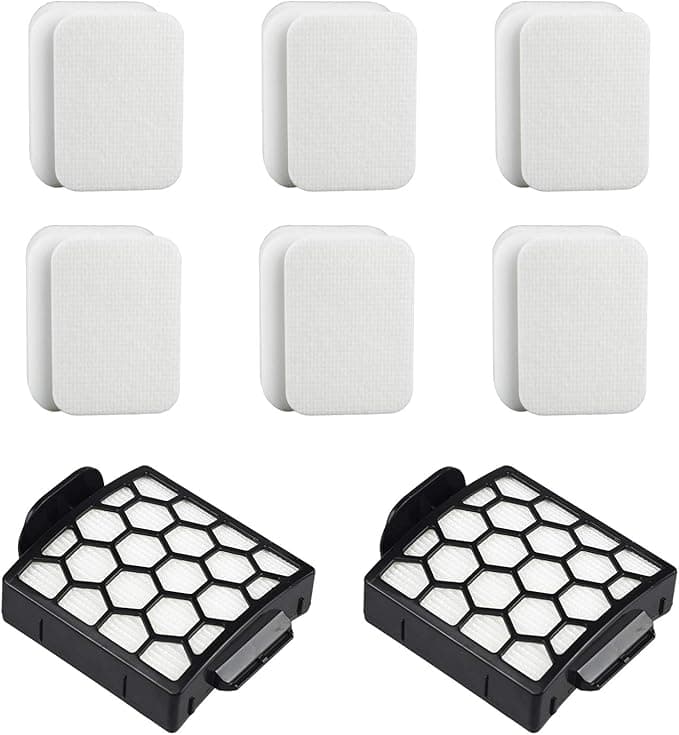
One in my left hand: the genuine Shark replacement, shrink-wrapped, $34 on the shelf that day. One in my right: a compatible Filter R for my Navigator, $14 and change. Same foam-and-felt sandwich, near as I could tell through the plastic. And I just stood there. Because my Navigator had started doing that thing — you know the thing — where it sounds like it's working twice as hard and picking up half as much. The old filter was gray-going-on-black and smelled faintly of every dog hair it had ever met.
So which one was going to wreck my $180 vacuum? That was the actual question in my head. I'd read enough Amazon one-stars to be nervous about the cheap one. I bought it anyway. Here's how that went.
The money, because that's why you're here
Let's do the real math instead of hand-waving. Shark wants you cycling the foam and felt filters every two to three months if you're vacuuming a normal house — more if you've got shedding pets, which I do, two of them. Call it four sets a year to stay honest about it. At OEM pricing that's pushing $130 a year just on filters for a vacuum you already paid for. The compatible Filter R sets run me closer to $50 over the same year.
That's eighty bucks. Every year. For a foam puck and a felt disc. Once I saw it laid out like that, the "is the cheap one safe" question started to feel like the wrong question. The right one was: is there any actual reason it wouldn't be fine?
Does it fit? Mostly — with one honest catch
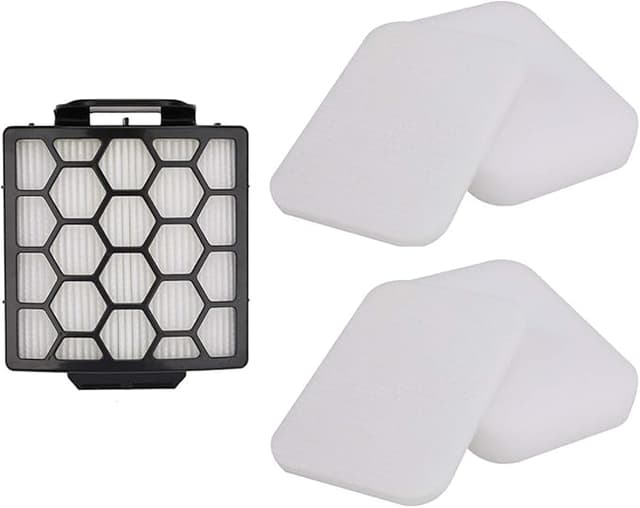
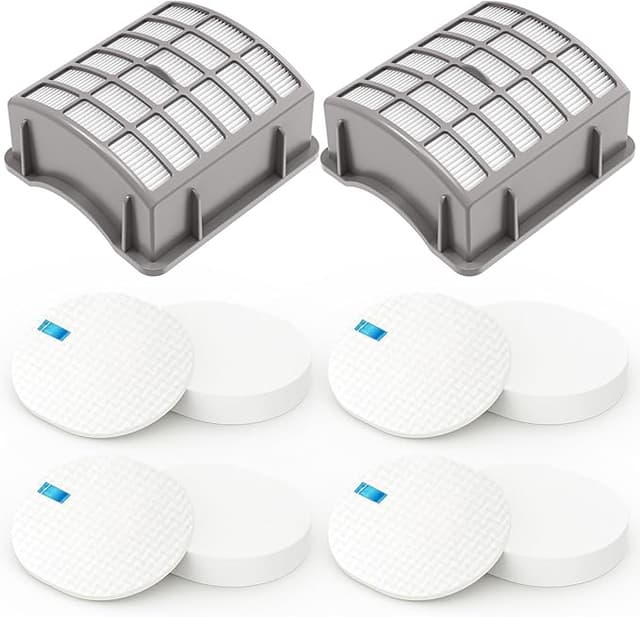
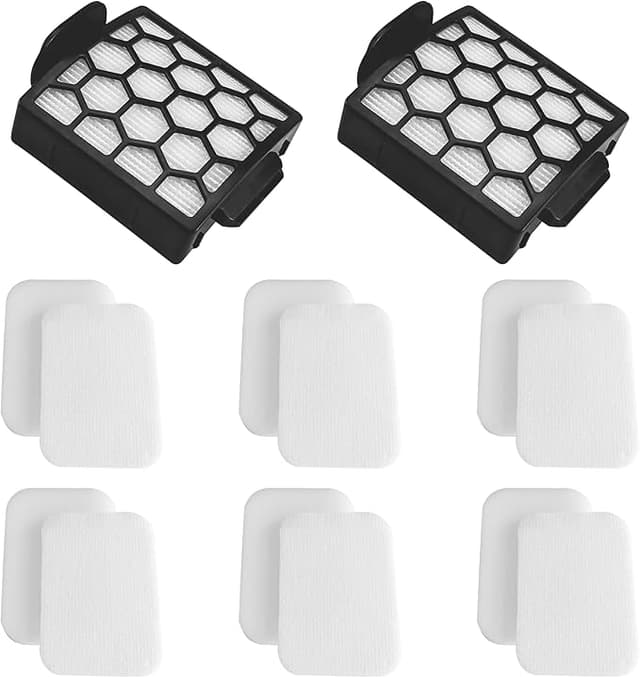
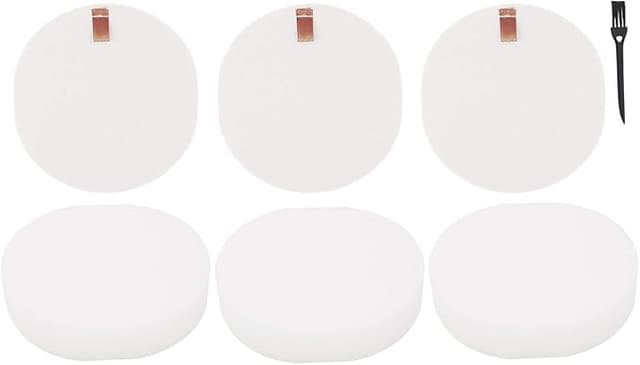
Install on a Navigator is about as simple as it gets, and the compatible filter doesn't change that. Pop the dust bin off, lift out the old filters, drop the new ones in, snap the bin back. Thirty seconds. The foam piece seated into the well exactly like the original — no trimming, no forcing.
The catch: the felt filter on my first compatible set was a hair smaller in diameter than the Shark one it replaced. Not enough to fall out, not enough to leak that I could measure — but enough that I noticed it didn't grip the lip of the housing with that same reassuring snugness. I'll be straight with you: it bugged me for about a day. Then I ran the machine, checked the seal, watched for dust bypassing around the edge, and saw nothing. It's been in there since. The frame tolerances on these compatibles are just looser than OEM. That's the tradeoff you're accepting at the price.
How it actually cleans
This is the part I cared about most, and it's where the compatible filter quietly earned its keep. Suction came back the day I dropped it in — that's not the filter being magic, that's a clean filter doing what a clogged one can't. But the point stands: a fresh compatible Filter R restored my Navigator's pull just as completely as a fresh Shark one did the time before. I ran a side-by-side on the same stretch of low-pile carpet, same room, and I genuinely could not tell you which pass used which filter.
It's a washable foam filter, too, which is the part the OEM-vs-compatible argument usually skips. I rinse the foam under the tap every few weeks, let it dry overnight, drop it back in. The felt I'm gentler with. As long as you let everything dry completely before re-installing — and I mean bone dry, not "feels okay" — it holds up. Mine's been through probably a dozen rinse cycles and the foam hasn't gone crumbly or lost its shape, which is the failure I was braced for.
The downside I won't paper over
Two things. The packaging is cheap — thin poly bag, a sticker for a label, none of the retail polish. Doesn't affect the filter, but if presentation tells you something about quality, brace yourself, because this tells you nothing good and then performs anyway.
And there was a faint plastic-and-foam smell out of the bag for the first couple of days of running. Not chemical-harsh, just new. It aired out by day three and I haven't smelled it since. If you're sensitive to that, run the vacuum in a ventilated room the first time and you'll be past it before the weekend.
Why I don't let it ride longer than I should
Here's the thing the cheap price tempts you to forget: a saturated filter isn't just weak suction. On a Navigator, a clogged filter chokes the airflow the motor relies on to stay cool, and that motor will overheat if you keep pushing it. You'll smell it — a hot, burnt-electrical note — right before you start shortening the vacuum's life. So whatever you spend on filters, the real money move is changing them on schedule, not stretching one set to death because each one feels precious. The compatibles being cheap is exactly what makes that easy to do.
Who should skip it — and what I actually do
If your Navigator's still under warranty and you're the type who'd lose sleep over a manufacturer pointing at a third-party part, buy the Shark ones and don't think about it. That's a real reason, and I'm not going to talk you out of your own peace where your warranty's concerned.
For everyone else — for me — I've run compatible Filter R sets in my Navigator for the better part of a year now. Loose felt and a two-day smell and all. It restores suction exactly like the genuine one, it washes and comes back, and it costs less than half. I bought the cheap one standing in that aisle scared I'd regret it, and I've reordered it twice since without a second thought. That's the whole review, honestly.