Troubleshooting & Analysis
The day my Shark started smelling like a hot hair dryer
I knew something was wrong before I saw anything. The NV151 was making that strained, high-pitched whine — the sound a vacuum makes when it's working twice as hard for half the result. Then the smell hit. Warm plastic, faintly electrical. I shut it off, flipped it over, and pulled the dust bin. The foam filter inside was packed gray-brown and stiff, like felt that had given up. I'd been running it that way for who knows how long, just slowly cooking the motor and pushing fine dust back out into my living room with every pass.
That's the part nobody warns you about. A clogged filter doesn't just vacuum badly. It chokes the airflow, the motor heats up trying to compensate, and the stuff you thought you were sucking up is getting blown right back at you. I'd basically been redecorating my carpet with its own dust for weeks.
So I priced the replacement — and paused
Here's where I almost did the dumb thing and bought it anyway. The branded Shark foam-and-felt set for the NV151 line runs you somewhere in the $20–28 range for one kit, and these aren't lifetime parts. Shark's own guidance is to rinse them monthly and swap the actual filter out a couple times a year as they break down. So you're not buying this once. You're buying it again. And again.
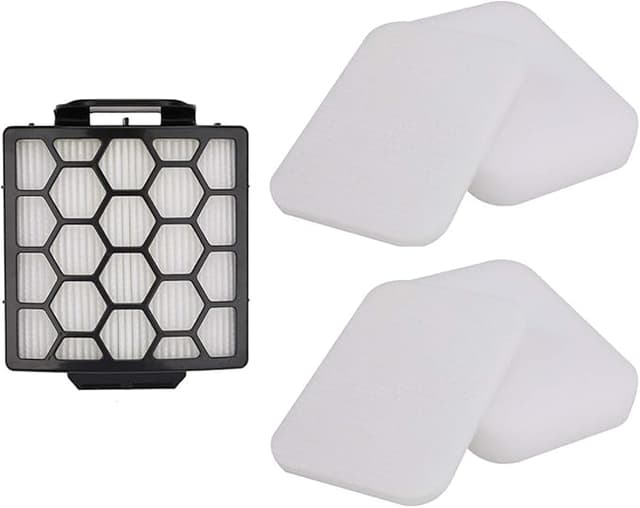
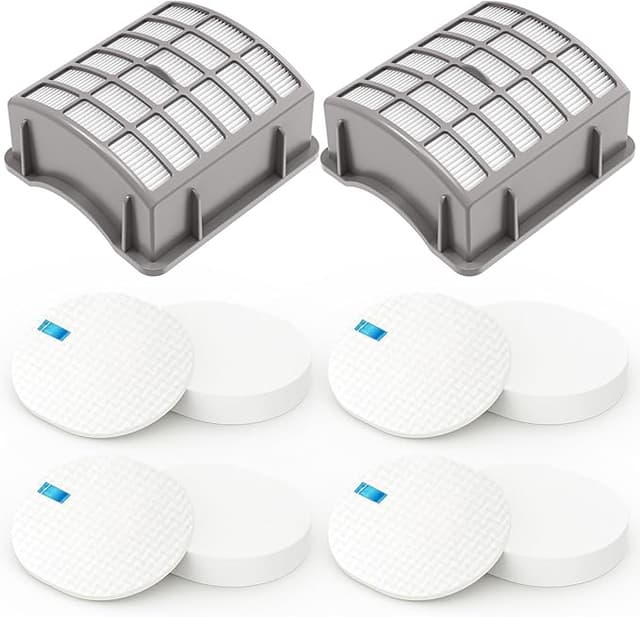
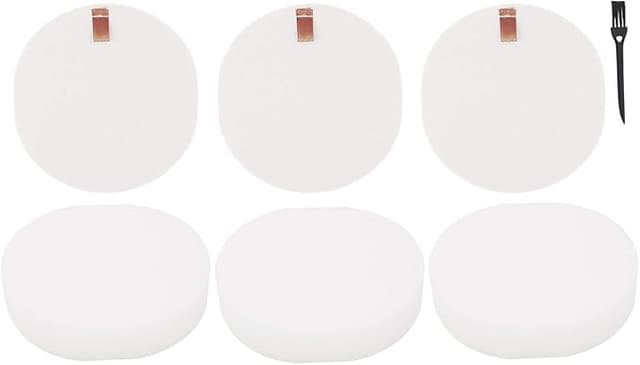
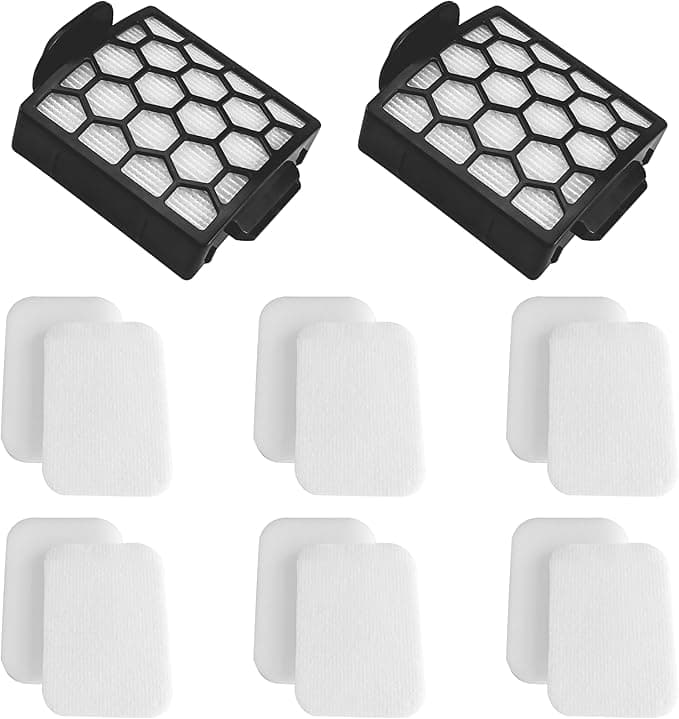
The compatible set — the Filter R fit for the NV151 — landed me a full kit for right around half that. Same washable foam, same felt layer, designed to drop into the same bin slot. Over two or three years of normal use, where you're replacing filters as they wear, that gap stops being pocket change. Call it the difference between a nice dinner out once a year and... nothing, because they do the identical job.
Does it actually fit, or is it close-enough fit?
This was my real worry. "Compatible" sometimes means "technically the right shape if you shove hard enough." So I paid attention installing it. Pulled the dust bin off the NV151, lifted out the dead foam stack, and dropped the new one in. The foam pad seated flush. No gap around the edge where unfiltered air could sneak past — and that edge gap is the thing that actually matters, because air takes the lazy path and a loose filter just becomes a bypass.
I'll be honest about the one fiddle: the felt filter on mine sat a hair looser in the housing than the original did. Not loose enough to move during use, but I noticed it. I pressed it down, made sure it sat under the lip, and that was that. The frame tolerances on these aftermarket sets are just a touch less precise than the factory part. If you're the type who needs everything to click in with a satisfying snap, that small wiggle might bug you for about four seconds.
The first wash, the first smell
I washed both layers before first use — cool water, no soap, squeezed the foam out like a sponge, and here's the step people skip and then regret: I let them dry completely. A full day on the windowsill. Putting a damp foam filter back into a vacuum is how you grow a mildew smell that no amount of rinsing fixes later, and a wet filter restricts airflow just like a clogged one does.
And yeah — there was a faint plastic-and-foam smell the first two days of running it. Not chemical, not alarming, just that new-foam off-gassing thing. It was gone by day three and I haven't caught it since. If you're sensitive to that, run the vacuum near an open window the first couple sessions and you won't notice.
How it actually performs
This is the part I cared about most, and I'll give it to you straight. Suction came back instantly — that whine disappeared the moment clean filters went in, and the NV151 went back to actually lifting embedded pet hair off the rug instead of skating over it. On open floor and carpet, I genuinely can't tell this set apart from the branded one. Pickup, airflow, the heft of the dust bin filling up — all there.
Where's it a touch behind? Long-haul durability, maybe. The felt layer feels a gram lighter, a little less dense than the OEM felt, and I'd guess it'll wear out a wash or two sooner over a year of monthly rinsing. But at half the price, I can replace it twice and still come out ahead. The fine-dust capture — the allergen-grade stuff — held up in my house; I stopped getting that faint dusty haze in the afternoon light after I swapped it, which is the real-world test I actually trust over any printed percentage.
Who should skip this
If your NV151 is still under a warranty you care about protecting to the letter, and you think a non-Shark filter could give them an excuse to deny a claim, buy the branded one and sleep easy. Same goes if you have a serious respiratory condition where you want the absolute tightest factory-spec filtration and the price genuinely doesn't matter to you. No judgment — that's a real reason.
For everyone else? Look, I went in as the skeptic. I expected to find the catch. The catch is a slightly looser felt fit and two days of faint new-foam smell, against a price that's roughly half and a vacuum that breathes like new again. I've now got a spare set in the closet waiting for the next monthly rinse rotation, and when those wear out I'm buying this one again — because I already have, and the floor doesn't know the difference.