Troubleshooting & Analysis
Forty-two dollars. For a piece of foam.
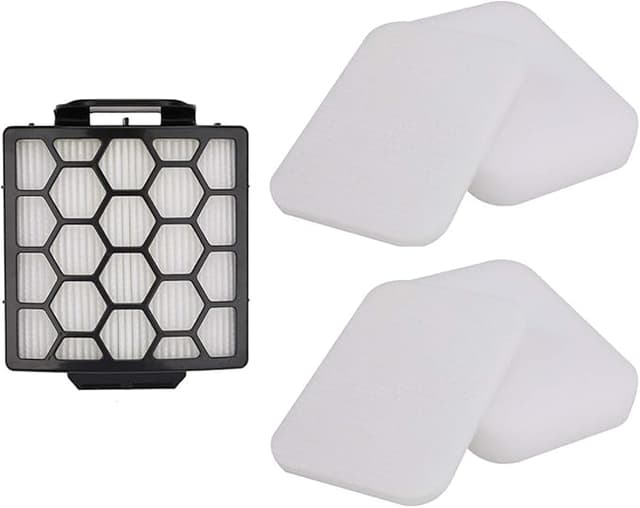
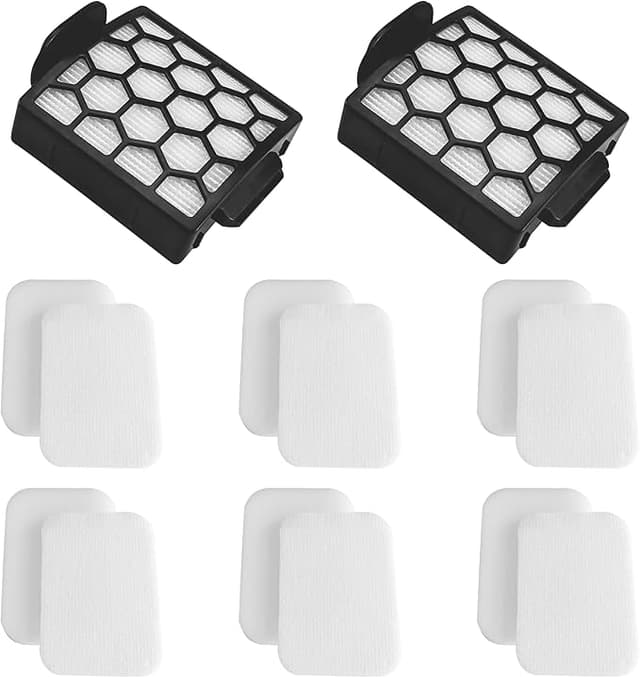
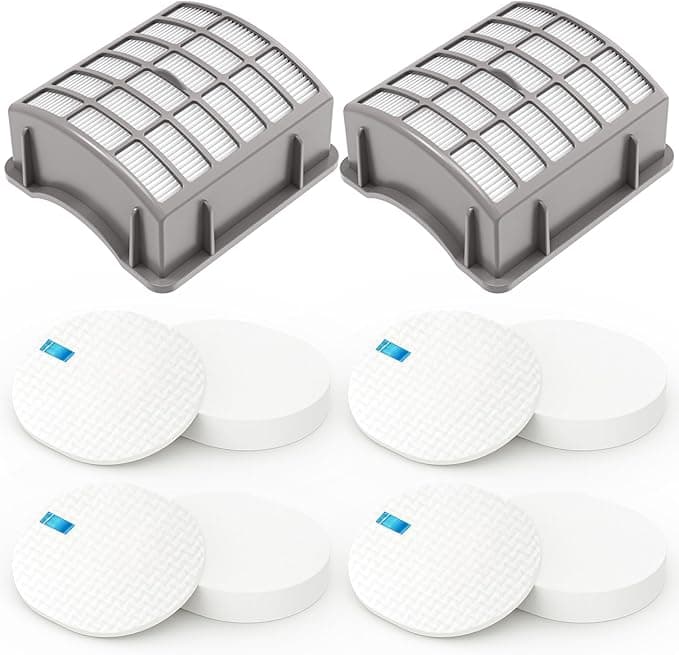
That's what Shark wanted for the official replacement filter kit on my Navigator — the foam plus felt pre-motor pair and the one HEPA disc behind the dust cup. Forty-two bucks, before shipping, for parts that weigh less than a deck of cards. I stood there in the kitchen with the vacuum half apart, looked at that number on my phone, and thought: no. Just no. The compatible set I ended up buying was $14.99 for two full kits. Do that math out — I paid less for four filters than Shark charges for one of theirs.
So I bought the cheap ones. Skeptically. Fully expecting to write a "you get what you pay for" warning. That was about seven months ago, and I'm still running them.
The thing nobody tells you about a clogged Shark filter
Here's why I even cared enough to replace them on schedule. My Navigator had gotten weak — like, drag-the-rug-across-the-floor weak — and I'd assumed the motor was dying. It wasn't. The foam pre-motor filter was packed gray-brown with dog hair and the fine dust that the dust cup never catches. A saturated filter doesn't just vacuum worse. It chokes airflow to the motor, the motor runs hotter to compensate, and on a bad day you get that hot-plastic smell that means you're cooking the thing. I'd been one lazy month away from a dead vacuum because I didn't want to spend forty dollars.
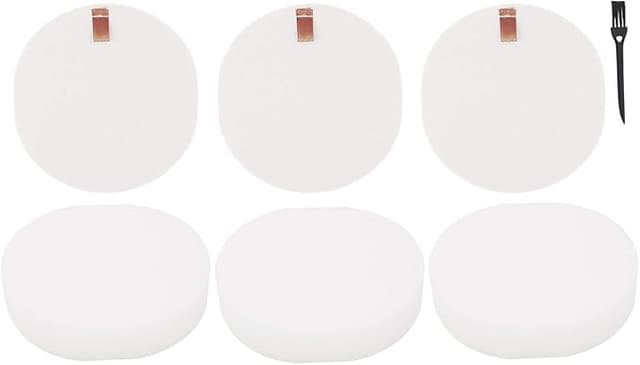
Pulling them is genuinely a 90-second job, no tools. Pop the dust bin off, lift out the foam and felt pair that sit right under the lid, and the HEPA disc is behind a little grille at the back. The foam ones are washable — rinse under the tap until the water runs clear, which on mine took a while the first time. The part people skip, and I skipped it too the first round: let them dry all the way. Not damp. Bone dry. I set mine on a towel by a window for a full 24 hours. Put a wet foam filter back in and you'll smell mildew inside a week and the airflow stays bad anyway.
How they actually fit
This was my biggest worry going in. Aftermarket fit is where cheap parts usually fall apart — a few millimeters off and they rattle or leak air around the gap. The foam and felt pair on these dropped in like they belonged. Snug. The HEPA disc, though? Honest moment: it's a hair smaller in diameter than the Shark original. Maybe a millimeter, millimeter and a half. It seats and it stays put, but the first time I pushed it in it didn't have that confident OEM "click" where you feel it grab. It just kind of sits. I pressed around the edge, made sure it was flush against the grille, and it's been fine — but if you're the kind of person who needs that reassuring snap, you'll notice its absence and it'll bug you for a minute.
That's the real downside. Not performance. Just the slightly looser tolerance on the one disc.
Suction, smell, dust — the honest performance read
Suction came back the day I swapped them. Full strength, the kind where the head actually wants to bite into the carpet. Seven months of dog-and-two-kids floors later, after a couple of wash-and-dry cycles on the foam, it's holding. I don't notice a difference between these and the genuine Shark set when the vacuum is running. None.
Two things to be straight about. The new-filter plastic smell on these was a touch stronger out of the bag than I remember the OEM being — faint, but there for the first two or three days, and you'll catch it in the exhaust while you vacuum. It aired out completely. And the HEPA disc — I have zero way to lab-verify the "captures 99.9% of dust and allergens" claim on the package, and neither does anyone else writing these. What I can tell you is my allergy-season sneezing didn't get worse after I switched off the genuine filter, and the air out of the back doesn't smell dusty. That's a real-world read, not a certified number. Take it as one.
The packaging, by the way, is cheap. Thin plastic sleeve, a sticker, that's it. Doesn't matter once they're in the machine, but don't expect the tidy Shark box.
So who should just buy the Shark one?
If your Navigator is still under warranty and you're worried a third-party part could give Shark an excuse to deny a claim — buy the genuine filter. It's not worth the fight over thirty dollars. Same if you're the type who'll lie awake over an unverified HEPA rating; pay for the certified one and sleep. That's a fair trade and I won't talk you out of it.
But for me? My Navigator is years out of warranty, it sucks up dog hair five times a week, and I'm going to be replacing these filters on a regular rotation no matter what. Paying $42 every few months versus $15 for twice as many — there's no version of that where I hand Shark the extra money. I bought the compatible set, I ran it hard for seven months through the worst a household can throw at a vacuum, and the only complaint I've got is a slightly loose HEPA disc and a couple days of plastic smell. I'd buy them again. Honestly, I already have — the second kit's sitting in the drawer.
Get a set, keep the spare on hand, and just stay on top of drying the foam all the way before it goes back in. That one habit matters more than which brand you buy.