Troubleshooting & Analysis
The click is how I knew it was right
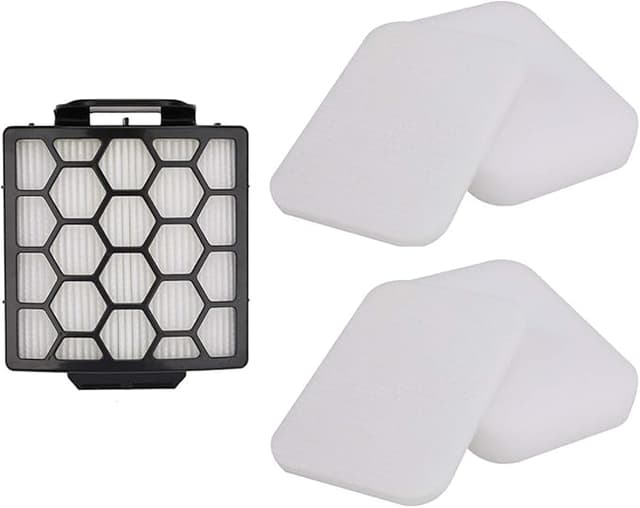
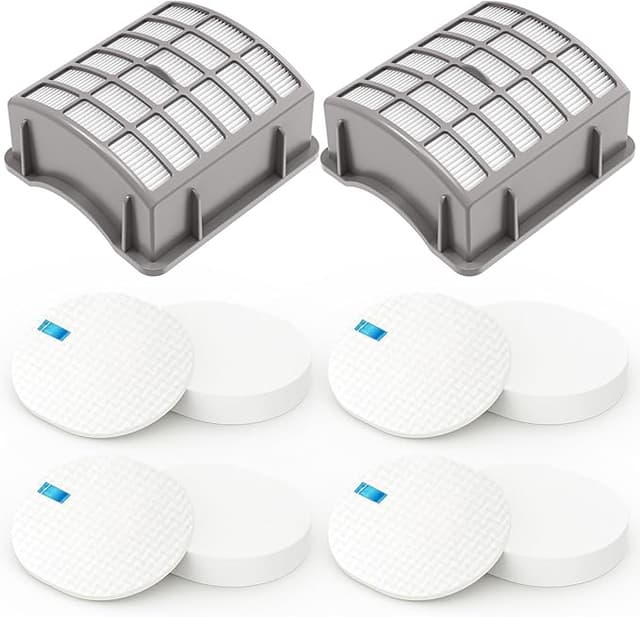
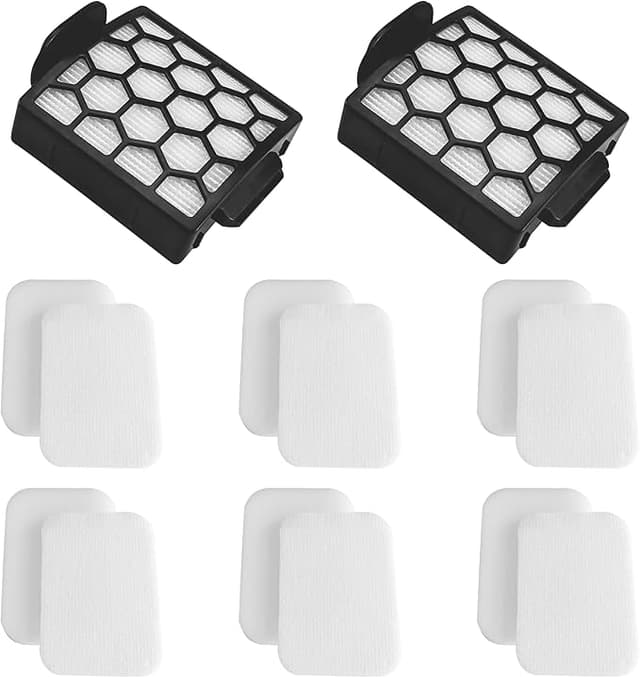
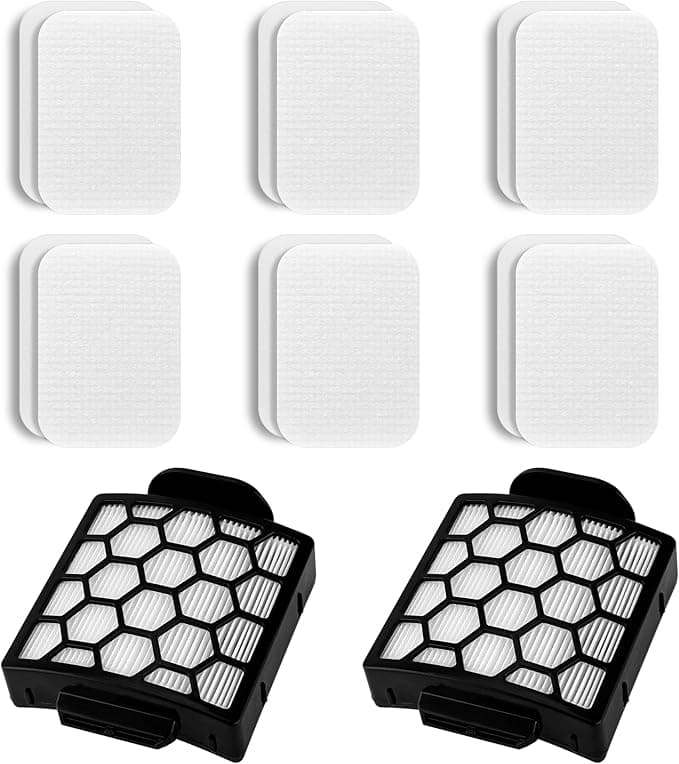
First thing I do with any compatible filter — before I even run the vacuum — is seat it and listen. My Shark Navigator has this little tactile click when the foam-and-felt stack drops into the dust bin housing the way it's supposed to. The OEM does it. The cheap one I bought before this didn't — it sat a millimeter proud and rattled. So when I pushed this Filter R compatible set in and felt that same soft click, plus the foam edge sitting flush against the lip, I relaxed a little. That's the whole game with these things: does it physically belong in the machine, or are you about to fight it every week?
This one belongs. And honestly, that was the part I was most nervous about.
What I was actually paying before
Here's the math that pushed me to try the aftermarket route in the first place. Shark's own replacement foam and felt set, plus the HEPA, runs you a real chunk of change every time — and the Navigator wants the foam/felt rinsed monthly and swapped a couple times a year, with the HEPA replaced roughly once a year. Buy everything OEM, every time, and you're spending more annually on filters than some people spend on a whole new budget vacuum. The compatible Filter R set I'm running cost me well under half that. Same job. I'll get into whether it actually does the same job in a second, because that's the part that matters.
The pitch on these is that they restore suction and grab 99.9% of dust and allergens, and the foam side is washable. Reasonable claim. I went in skeptical of all of it.
Fit and install — where most cheap filters fall apart
Install on a Navigator is genuinely a two-minute job, which is part of why overpaying for OEM stings so much. You pop the dust bin out, lift the old filter stack out of the top of the bin, drop the new one in, done. No tools. The thing that separates a good compatible filter from junk is whether it's cut to the right dimensions, because the Navigator's filter cavity has almost no forgiveness — too small and dusty air sneaks around the edges, too big and you can't seat the bin back onto the body.
This set measured right. The foam wraps the felt the way the original does, the HEPA pleats line up with the cavity, and the bin clicked back onto the vacuum without me leaning on it. I'll be straight with you on the one fit nitpick: the foam piece is a hair softer and the molding a touch less crisp than Shark's. Looks slightly less premium when it's sitting in your hand. Does not matter once it's inside the machine doing its job — but if you're the type who notices that stuff, you'll notice.
Four months in — the honest performance read
I ran this in my main upright, the one that does the living room rug and the hallway where the dog basically lives. Suction came right back to where a fresh OEM filter puts it. I could hear it and feel it at the floor head — the rug fibers stand up again, the bin fills faster because it's actually pulling. After a few weeks I rinsed the foam and felt under the tap, let them dry a full day, and they bounced back fine. No crumbling, no foam tearing at the corners, which is exactly where the bad knockoffs disintegrate.
Where's it a touch behind OEM? The HEPA media feels slightly thinner between my fingers, and I'd bet it loads up — clogs — a little faster over a long stretch. I haven't measured a suction difference yet, but I'd plan to swap the HEPA element a bit sooner than the full year just to stay ahead of it. At this price I can replace it twice and still be way under one OEM cycle, so I don't lose sleep over it.
The real downside
Two, actually. The first day, there's a faint plastic-and-foam smell when it heats up — gone within a couple runs, but it's there, and you'll catch it. The second: packaging is bare-bones, mine arrived in a thin poly bag with the foam slightly compressed. It sprang back after an hour, but it doesn't arrive feeling like a $50 part, because it isn't one. If unboxing matters to you, this'll bug you. If you just want your vacuum to pull again, it won't.
Why a dead filter is the thing you don't ignore
This isn't fear-mongering, it's just how the Navigator works: a clogged filter chokes the airflow, and that does two bad things. Suction drops off a cliff — you're pushing the head back and forth picking up nothing — and the motor starts working against a wall of trapped dust, running hotter than it should. Let that go long enough and you're not shopping for a filter anymore, you're shopping for a vacuum. A saturated filter also stops catching the fine stuff, so it starts puffing dust right back into the room. Whichever filter you run, OEM or this, the actual rule is the same: rinse it on schedule and let it dry all the way before it goes back in. A damp filter is worse than a dirty one.
So — OEM or this?
If your Navigator is under warranty and you're worried a third-party part could give Shark a reason to wave you off a claim, buy the OEM and don't think about it. Same if you're an allergy sufferer who wants the absolute best-validated HEPA media on the market — pay up, sleep easy.
For everybody else? I've run this compatible set for four months, it clicked into place right, suction came back, it washes and dries and goes again, and it cost me less than half. The smell faded, the packaging went in the trash, and the vacuum doesn't know the difference. I'd buy it again — and the next time the HEPA needs swapping, I will.