Troubleshooting & Analysis
Sixty-five dollars. For a chunk of plastic and carbon.
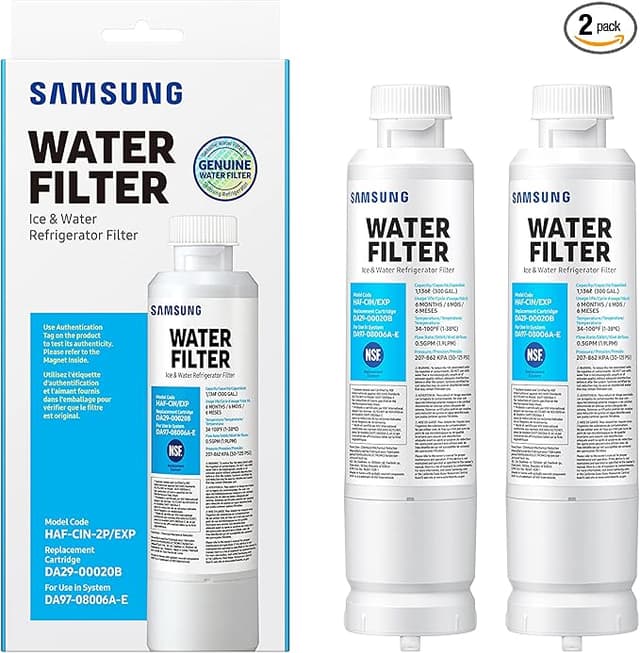
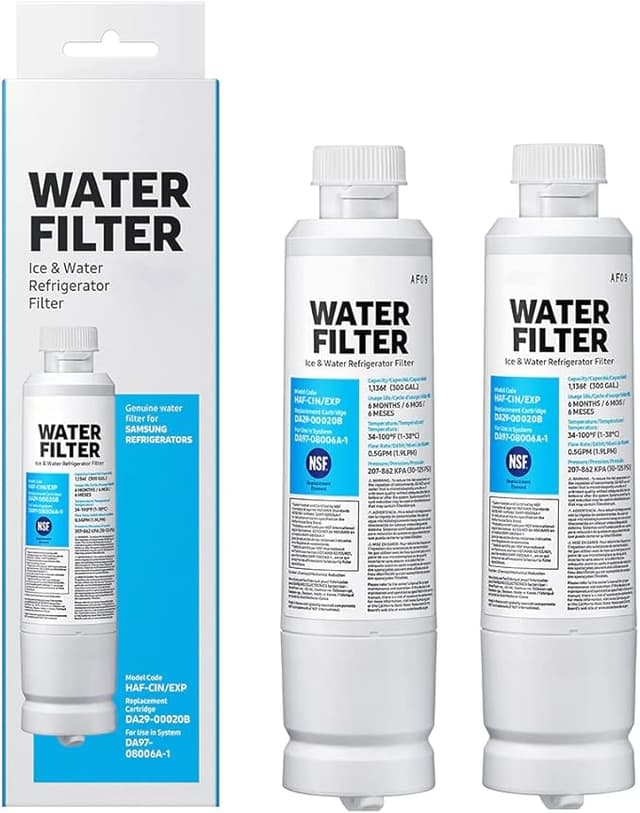
That's what Samsung wanted for a single HAF-CIN water filter the last time I stood in the appliance aisle with my phone out, comparing prices. Sixty-five bucks. And it lasts six months, maybe a little less if your water is hard like mine. So that's around $130 a year to keep my fridge from spitting out cloudy ice — for a part that, when you crack open the housing, is genuinely not a complicated thing.
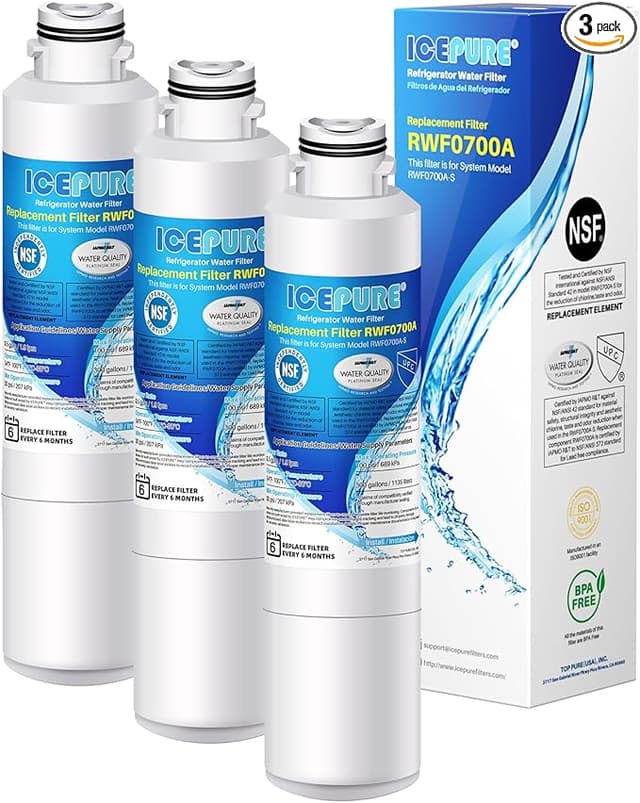
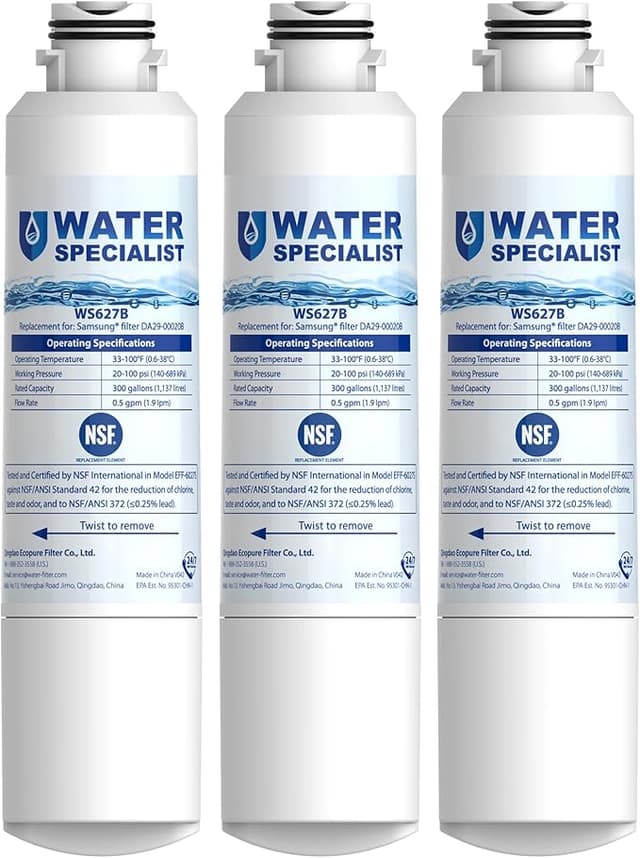
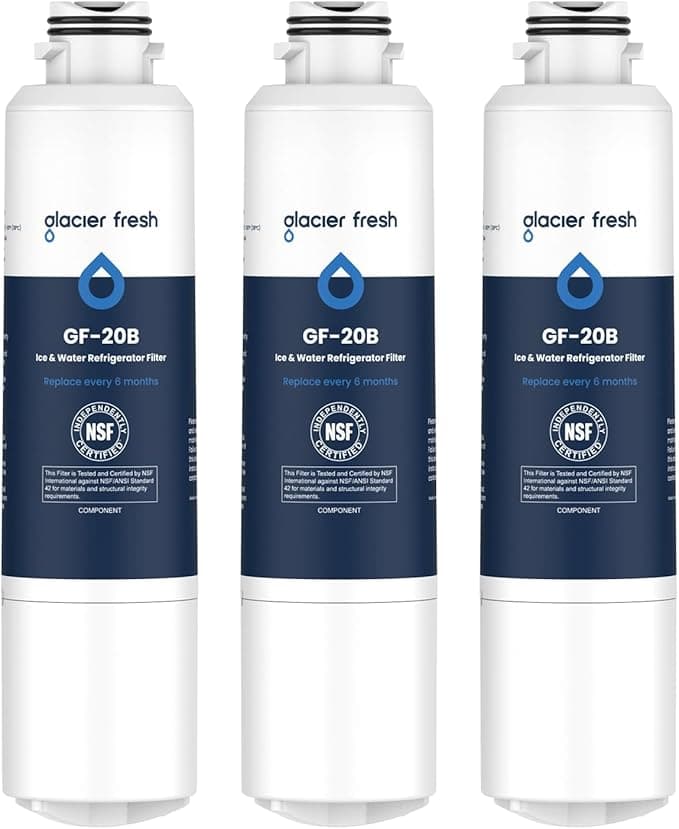
The compatible version — the one labeled Filter C — ran me about thirty. Half the price. I'd been quietly resentful about the OEM markup for two replacement cycles, so the third time around I finally said fine, let's find out what happens when the cheap one goes in. I've now run it for the better part of a year. Here's the honest report.
The math that actually got me to switch
Look, the per-filter gap isn't even the whole story. Most people don't replace this filter once. You replace it twice a year, every year, for as long as you own the fridge. Stay on the Samsung-branded HAF-CIN and you're looking at roughly $130 annually, give or take. Go compatible and it's closer to $60. Over the eight or ten years a refrigerator usually sticks around, that's the difference between spending well over a thousand dollars on filters versus about five hundred. Same job. Same six-month interval. The savings aren't a coupon — they compound.
And before anyone asks: yes, the one I bought is NSF-certified for the stuff that matters. I checked, because I'm not about to trade clean water for pocket change.
Does it actually fit?
This was my real worry. A water filter that's a millimeter off doesn't just annoy you — it can leak, or it won't seat and the fridge throws a fit. So I paid attention.
The HAF-CIN swap is mercifully simple. You twist the old filter to release it, slide the new one in, and lock it with a turn. On my unit the compatible filter seated with a solid, reassuring click — the same quarter-turn resistance the genuine one gives. No wobble. No cross-threading. Honestly it went in faster than I expected.
Then you flush it. Run about three gallons through the dispenser before you trust the water — this clears the air pockets and washes out the loose carbon dust that every new filter sheds, OEM or not. The first cup or two came out a little gray and fizzy-looking. That's normal. By the third gallon it ran dead clear.
One thing I'll flag: the fit was a hair — and I mean a hair — less snug at the collar than the Samsung original. Not enough to leak, not enough to matter in practice. But if you white-knuckle these things the way I do the first time, you'll notice the genuine filter has a slightly more "machined" feel going in. The compatible one feels a touch more like, well, a thirty-dollar part. It works. It just doesn't feel as expensive.
How the water actually tastes
This is where I expected to be let down, and wasn't. The water is crisp. The ice is clear — no cloudy core, no off-flavor that makes your iced coffee taste like the inside of a fridge. Side by side with what the OEM filter gave me, I genuinely could not tell them apart in a glass. My wife couldn't either, and she's the one who complains first when something's off.
Where's the gap, then? If I'm being picky, the OEM filter held its taste-performance maybe a few weeks longer at the tail end of its life. Around month five the compatible one started giving the faintest hint of "time to change me" — a slight flatness — a bit sooner than I remember the Samsung doing. Not bad water. Just the early warning that the carbon's getting tired. For me that's a non-issue, because I swap on schedule anyway. But if you're the type who pushes a filter to month eight, the cheaper one will tap out before the pricey one.
The downsides, plainly
The packaging is cheap. Thin plastic clamshell, a sticker label that looks photocopied. It does not inspire confidence sitting in your hand. And there was a faint plastic smell on the filter itself for the first day or two out of the wrapper — gone after the flush, but it was there. Neither of these affects the water. Both made me momentarily wonder if I'd made a mistake. I hadn't.
The thing nobody likes to talk about: a dead filter is not a neutral state. Once the carbon is saturated, it stops pulling contaminants and your "filtered" water is basically just tap with extra steps. An expired HAF-CIN in a Samsung fridge isn't filtering — it's decorating. So whatever filter you run, the cardinal rule is the same: change it on time. The cheap one only saves you money if you actually replace it.
So who should buy what?
If you lease an apartment where the landlord covers parts, or you're the kind of person who genuinely forgets to swap filters for a year at a stretch, buy the OEM HAF-CIN — the slightly longer endurance is worth it for you, and you're not paying anyway.
Everybody else? I put the compatible Filter C in my own kitchen, I've refilled it twice now, and the water in my glass right now came through it. It fits, it's certified, it tastes the same, and it costs half. The packaging is ugly and the fit is a touch less premium — and for sixty-some dollars a year back in my pocket, I do not care even a little. I'd buy it again. I already have.