Troubleshooting & Analysis
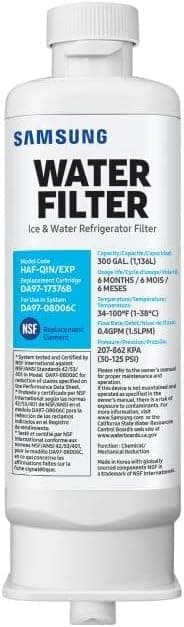
The water from my Samsung fridge started tasting like the back of a garden hose. Not bad-bad, just… off. Flat. A little sweet in that plastic way. I ignored it for maybe three weeks because that's who I am, and then I poured a glass for my kid and she made a face and put it down. That was the moment. I pulled the filter — a HAF-CIN that I'd genuinely forgotten about — and when I twisted it out, the bottom of the cartridge had this gray-brown film around the seal. It had been in there well past a year. Way past.
So I did the thing everyone does. I went to buy a replacement, saw the Samsung-branded one sitting at forty-something dollars, sometimes pushing fifty depending on where you look, and I just stared at it. For a chunk of carbon and a plastic shell I have to swap two or three times a year? That's a hundred-plus dollars a year to drink my own tap water through a logo.
What I actually paid, and the math that bugged me
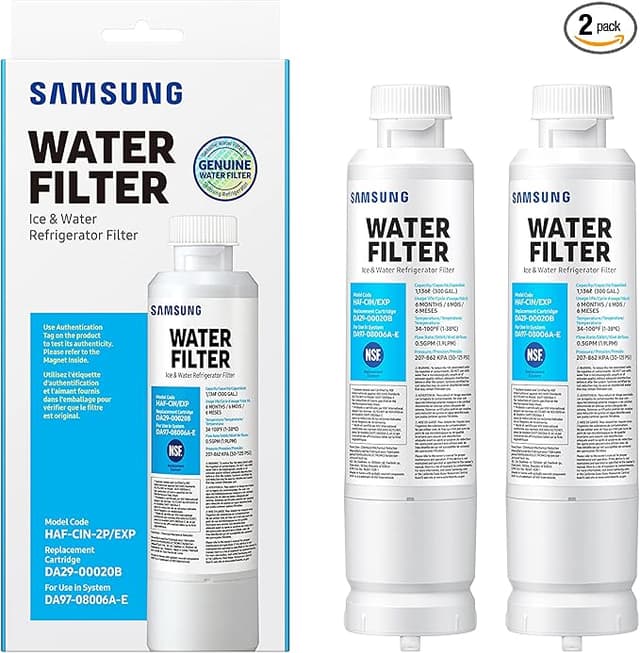
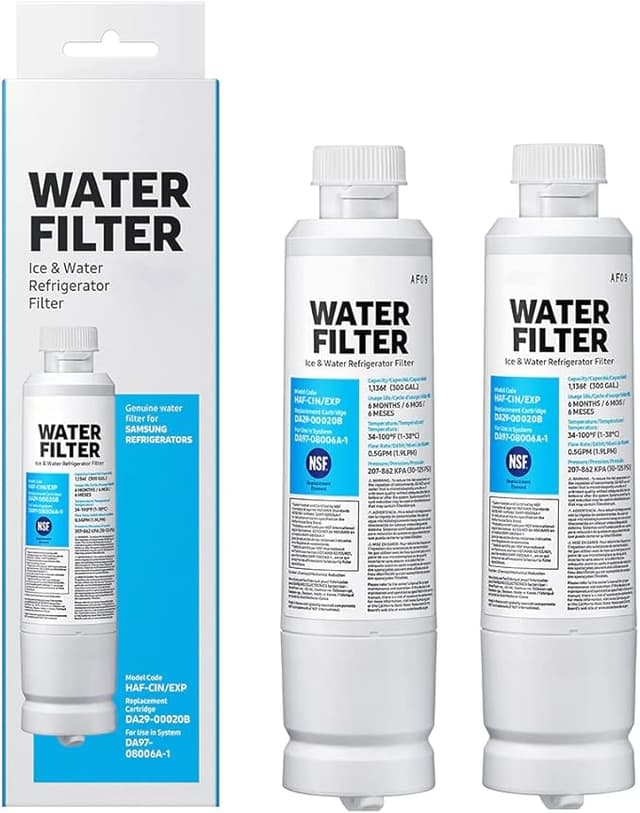
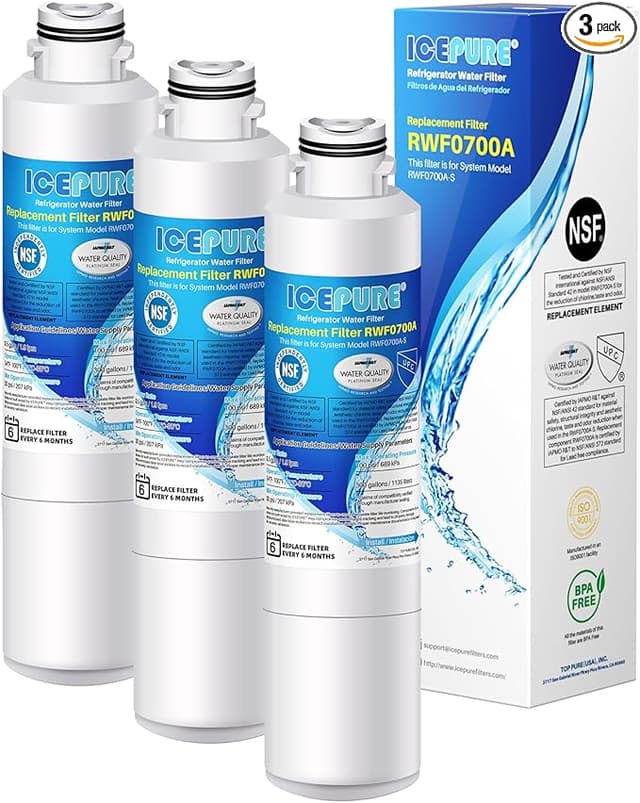
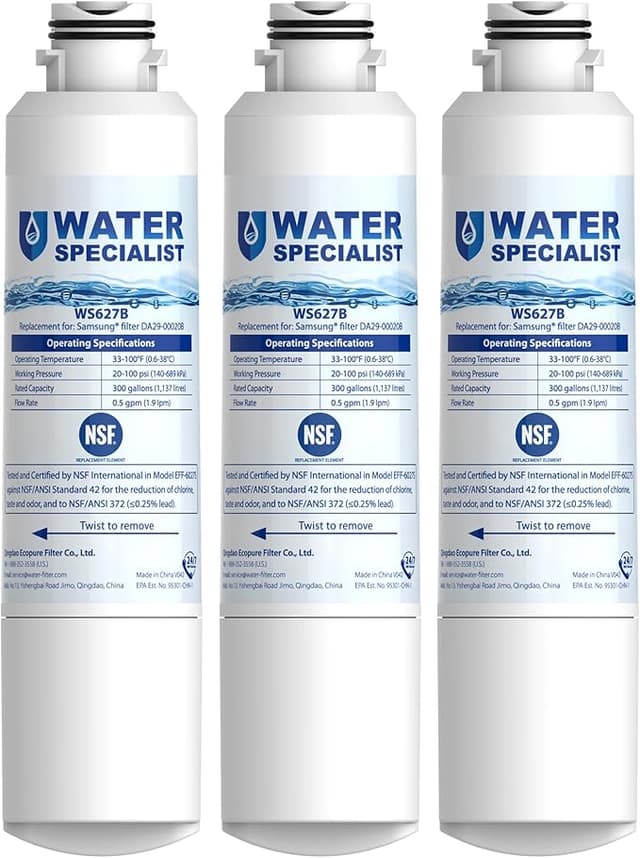
The OEM HAF-CIN runs you roughly $40 to $50 a pop. The compatible one I picked up was about half that — call it twenty bucks, sometimes less in a two-pack. Samsung says swap every six months. I'll be honest, I stretch mine closer to eight or nine depending on how hard we're hitting the water dispenser, but let's use their number. Two changes a year.
OEM: you're looking at $80 to $100 annually, easy. Compatible: $30 to $40. Over the life of the fridge — and these things run a decade — that's the difference between a few hundred dollars and well over a thousand. For the same job. That gap is the whole reason this category exists.
Does it actually fit, or is that the catch?
This was my worry. You hear horror stories about off-brand filters that don't seat and then you've got water spraying inside the door. So here's the honest report. The install is the same three-move dance as OEM: you twist the old one out, line up the new one, push and lock it in. Flush about three gallons through the dispenser afterward to clear the air — and do not skip that part, the first glass will sputter and spit and look cloudy, that's just trapped air, not a defect.
The compatible filter clicked in and locked the same as the Samsung one did. I'll give you the one nitpick, because there's always one: the frame felt a hair looser going in. Not loose once it's seated and locked — it holds fine, no leaks in months — but during the twist there's slightly less of that tight, machined snap you get from OEM. First time I installed one I actually pulled it back out to double-check it was right. It was. Once it locks, it locks.
How the water tastes — the part that matters
This is where I expected to get burned and didn't. The water out of the compatible cartridge tastes clean. Genuinely. Cold, crisp, no chlorine bite, no metallic edge. My kid drank it without the face, which is the only lab test I trust. The ice came out clear too, after the first batch or two — early ice can look a little hazy while the system settles, then it clears up.
The one place I'd say OEM has a slight edge: longevity. The Samsung filter felt like it held its taste performance a touch longer before the flow started to drop. With the compatible, I noticed the dispenser slowing down maybe a few weeks sooner toward the end of its run. Not a dealbreaker — it's a filter doing its job and saturating — but if you're someone who pushes filters way past their date, you'll hit the wall a little earlier with this one. The fix is just changing it on schedule, which you should be doing anyway.
The real downside, said plainly
The packaging is cheap. Thin cardboard, a plastic sleeve, none of the branded heft. And for the first two or three days there was a faint plastic smell on the very first pours — new-filter smell, basically. It flushed out completely after I ran a few extra gallons through. If you flush properly up front like the instructions say, you'll barely notice it. But I'm not going to pretend it smelled like a spring.
Also, look — quality control on compatibles can be a little more variable batch to batch than OEM. I've run several now without a dud, but it's the nature of aftermarket. Buy from a seller with a real return window and you've covered yourself.
Why a dead filter is the actual risk
Here's the thing my garden-hose water was telling me. A saturated, expired filter isn't filtering anymore — it's just a wet sponge the water passes around. At that point you're drinking essentially tap quality, and worse, an old cartridge can start shedding the gunk it caught back into your glass. That gray film I found on mine? That was months of stuff that should've been getting changed out. The danger was never the compatible-vs-OEM question. The danger was leaving any old filter in too long.
So who should buy what
If you've got a high-end RO setup obsession, or you're the type who will absolutely never remember to change a filter and wants the absolute longest-lasting one regardless of cost — fine, buy OEM, the small longevity edge might be worth it to you.
For everyone else with a Samsung fridge that takes the HAF-CIN, I grab the compatible one and I'd do it again. It seats, it locks, it makes the water taste clean, and it does it for roughly half the price. I've got a spare sitting on the shelf right now waiting for the next swap. The only filter that's bad for your fridge is the one you forgot to change — and at this price, you've got no excuse to forget.