Troubleshooting & Analysis
The click is what sold me — eventually
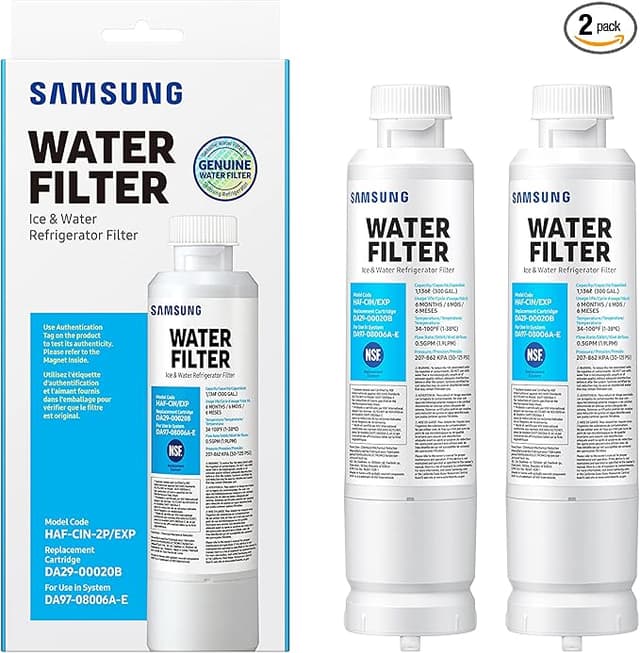
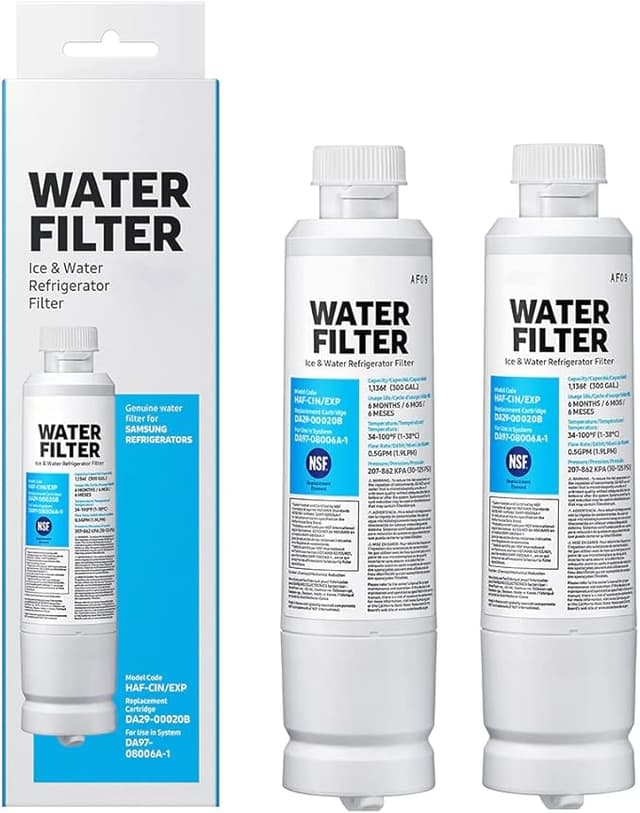
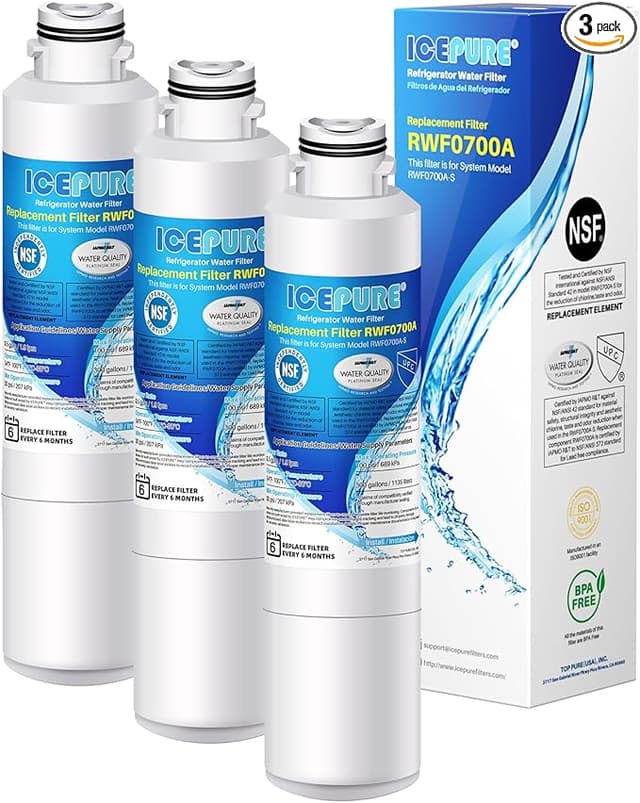
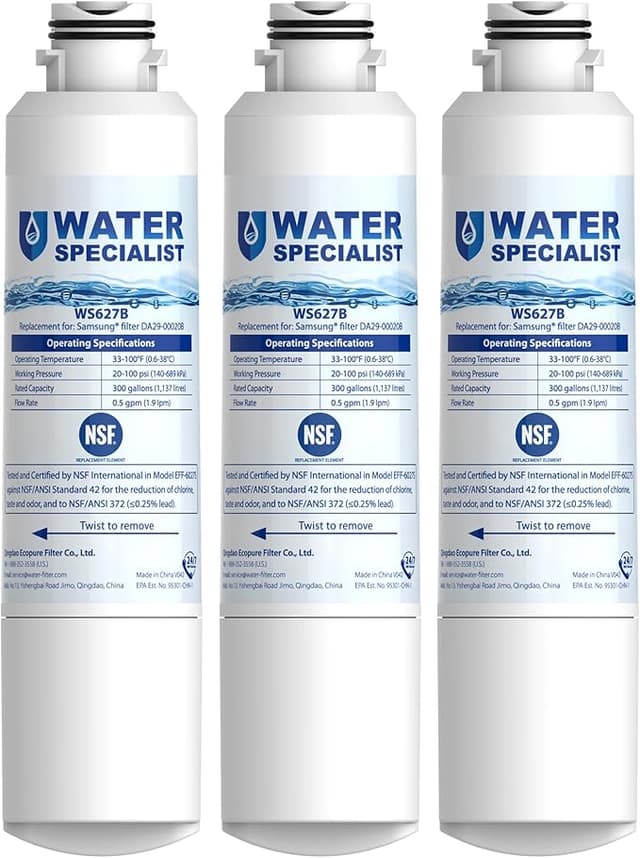
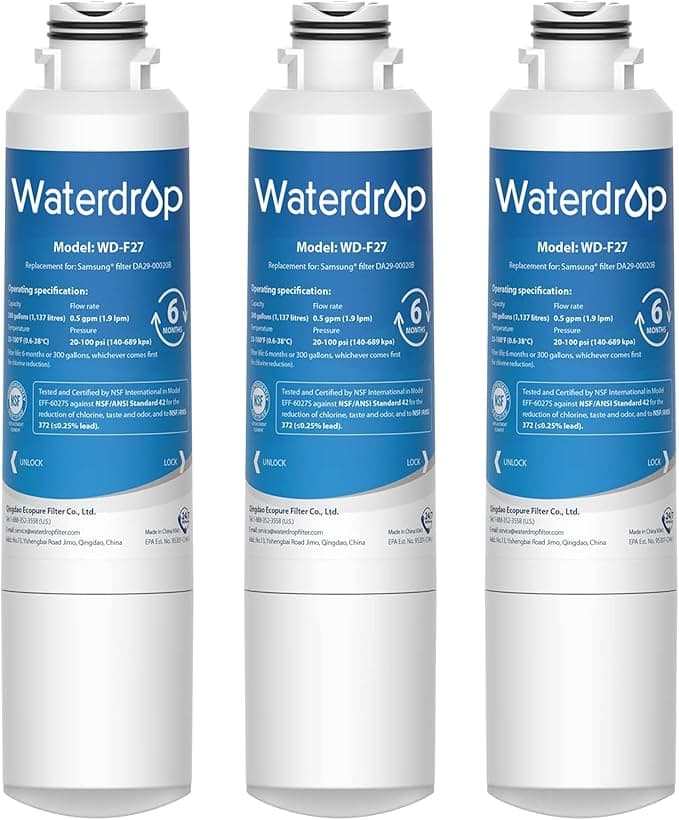
First thing I noticed pulling the compatible Filter H out of its bag: it smelled like a new shower curtain. Faint, plasticky, the kind of off-gas you get from anything that's been sealed in poly for a few weeks. I'll be honest, that smell made me nervous before I'd even installed it. My Samsung takes the DA97-08006A, and the OEM cartridge I'd been buying ran me about $48 a pop. The third-party one I had in my hand cost $22. You don't get a price gap that wide without wondering what corner got cut.
So I twisted out the old filter — quarter turn, it drops right into your palm — and seated the new one. And here's the part that actually mattered to me: it clicked. Same positive little lock the genuine one gives you when the lugs catch and seat. I half expected the aftermarket housing to feel sloppy in there, a millimeter of wobble, that cheap-part vagueness. It didn't. It indexed and locked like it belonged.
The money, laid out plainly
Samsung wants you to swap this filter every six months. Call it twice a year. At $48 the OEM way, that's $96 a year, every year, for as long as you own the fridge. The Filter H route at $22 each is $44 a year. You're keeping fifty-some dollars in your pocket annually — and over the five, six, seven years one of these refrigerators lasts, that's real money. Three hundred dollars and change. For a part that sits inside the door doing one job: pulling chlorine taste and sediment out of your water before it hits your glass.
That's the math that gets people. It got me. A logo on the cartridge isn't worth doubling my yearly cost if the thing inside does the same work.
Does it actually do the work, though
This is where I made myself wait before deciding. The whole point of a fridge filter is the water and ice, so I ran it. After the install you have to flush it — Samsung says run about three gallons through to clear the trapped air, and you absolutely should, because the first pour comes out spitting and cloudy with bubbles. I ran roughly four pitchers' worth to be safe. By the time it settled, the water was clean. No chlorine bite, no metallic edge, nothing the OEM didn't also scrub out when I'd been running that.
The ice was the test I cared about more, honestly, because a weak filter shows up as cloudy, faintly off-tasting cubes. Two days later the ice maker had cycled enough to give me a fresh batch, and the cubes were clear and the water in my glass tasted like nothing — which is exactly what you want it to taste like. The carbon block in here is NSF-rated, and after four months in my door I haven't noticed it falling behind. Flow rate at the dispenser is the same brisk fill I'm used to. It hasn't slowed.
Now the part the listing won't tell you
The downside, and it's a genuine one: that plastic smell I mentioned doesn't vanish on day one. For the first two, maybe three days, the first glass of water I drew in the morning had the faintest whiff of new-plastic on it. Not enough to taste in the water once it was poured and sitting, but I could smell it at the dispenser. By day four it was gone completely and never came back. If I hadn't flushed those extra gallons up front it probably would've lingered longer. So flush more than you think you need to. That's my one real gripe, and it's a break-in thing, not a defect.
The other small thing — the packaging is bare-bones. A bag, a slip of paper with three install steps, that's it. The OEM box is glossier. But I'm not drinking the box.
Why I don't let it run long
Here's the thing people skip, and it's the actual reason any of this matters. A filter that's past its life doesn't just get weak — it gets worse than nothing. The carbon saturates, stops grabbing contaminants, and water pushes through carrying whatever it picks up off a media bed that's now basically a sponge full of old gunk. At that point you're drinking something closer to straight tap, sometimes worse, while believing you're filtered. So whichever filter you run, change it on schedule. The low price here is actually what keeps me honest about that — at $22 I swap it on time instead of stretching a $48 cartridge to nine months because I winced at the cost.
So who buys what
If your fridge is still under a Samsung warranty that has fine print about genuine parts, or you're the type who simply won't sleep unless the cartridge says Samsung on it — buy the OEM, no argument from me. That's a legitimate reason and it's your kitchen.
For everyone else: I've now bought the Filter H twice. Same seat, same click, same clean water and clear ice, for less than half what the branded one costs. It off-gasses for a couple of days and the packaging is cheap. I weighed those against fifty bucks a year and a glass of water I can't tell apart, and it wasn't close. I grab this one — and I'll grab it again in six months.