Troubleshooting & Analysis
Sixty-five dollars. For a pleated tube of paper.
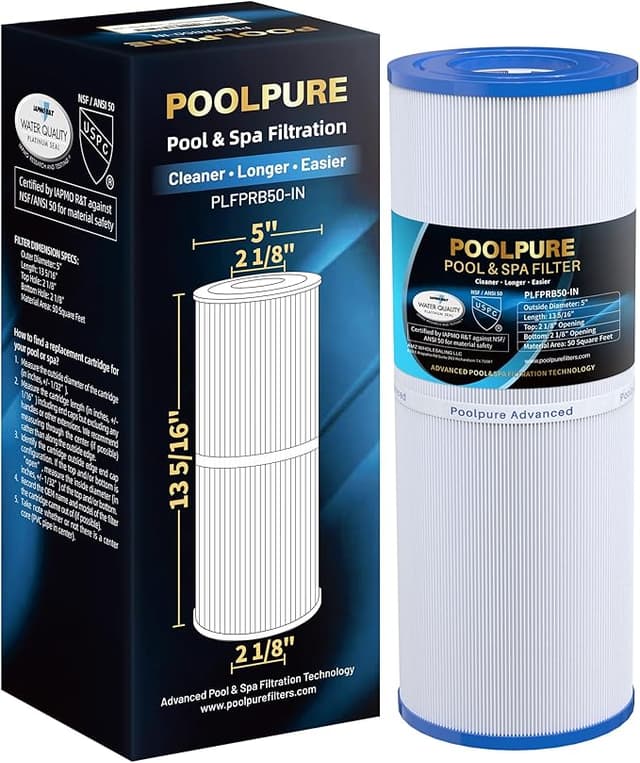
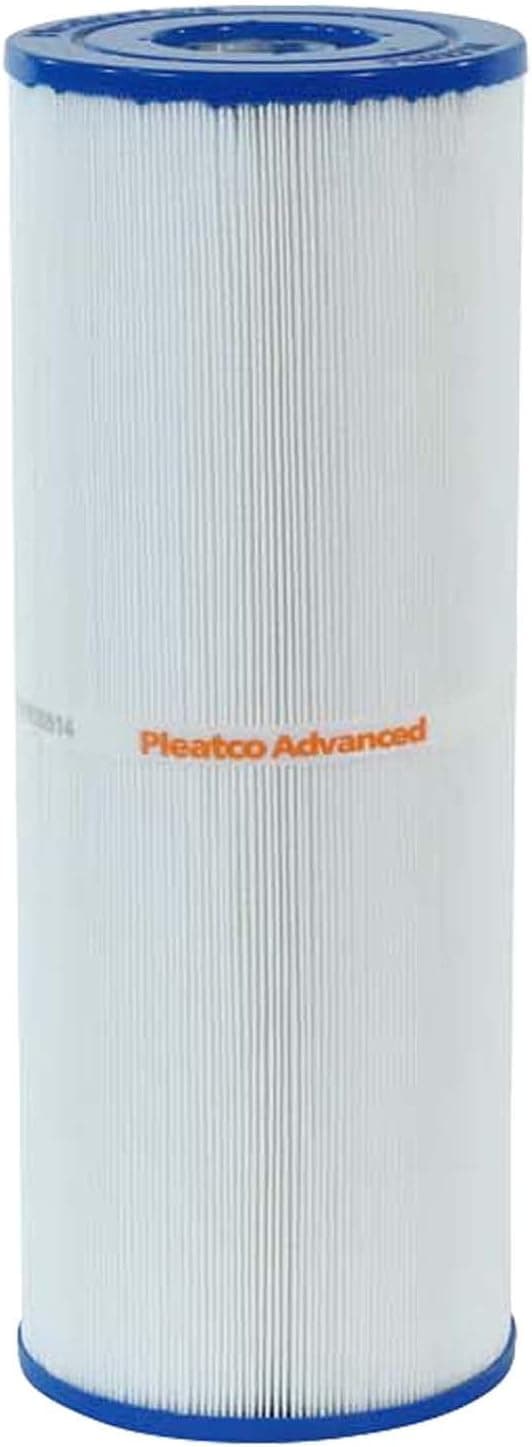
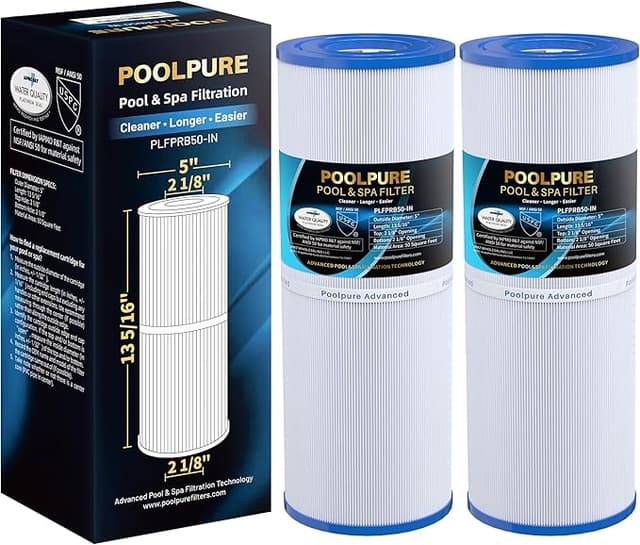
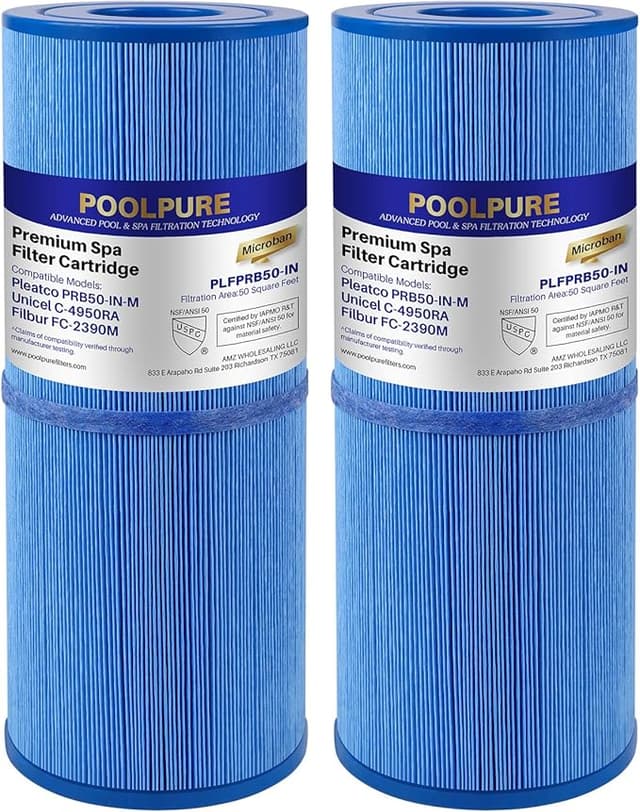
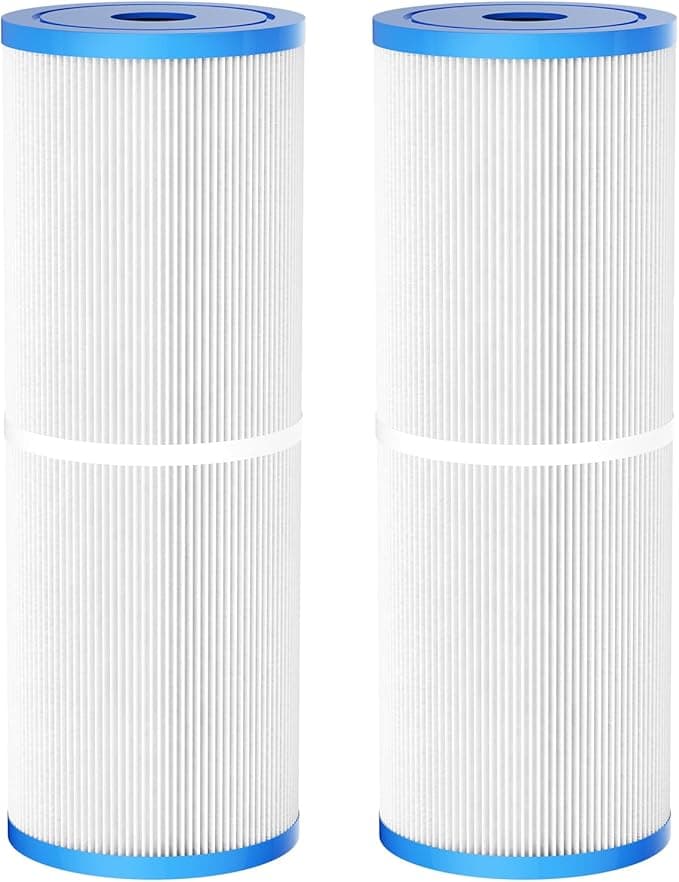
That's what my local pool store wanted for the "genuine" cartridge that fits my spa filter housing. I stood there holding it, turning it over, looking for the part of it that justified the price. There isn't one. It's a PRB50-IN — a 50-square-foot pleated cartridge — and the OEM-branded version runs $55 to $65 depending on the day and the store. The Pleatco PRB50-IN that does the exact same job? I've paid as little as $20 for it. Closer to $24 most of the time. Either way, that's roughly forty bucks I get to keep, per cartridge, for buying the one that isn't wearing the fancier label.
I didn't trust it at first. You don't pay $24 for something the "real" version charges $65 for and assume it's identical. So I bought one, ran it through a full season in my hot tub, and paid attention. Here's what I actually found.
The math nobody at the pool store wants to do with you
Most people running a spa with a PRB50-IN are swapping the cartridge once or twice a season, and if you're a stickler you're replacing it outright every 12 to 15 months rather than cleaning a tired one for the fifth time. Call it one cartridge a year for a casual user, two for someone who soaks a lot or has a busy household.
At OEM prices, that's $55–$130 a year on a part that is, functionally, folded media and two plastic end caps. At $24 for the Pleatco, the same year costs you $24–$48. Over the life of the spa that's not pocket change — that's a couple hundred dollars I'd rather put toward chemicals, a new cover, or honestly just not spending. The filter's job is to catch gunk. Both of these catch gunk. One of them charges you a premium for the privilege of a brand name molded into the cap.
Does it actually fit? Yes — and I'll tell you the one thing to check
This is the part everyone's nervous about, and fair enough. A cartridge that's a hair off doesn't seat, doesn't seal, and you find out when your water goes cloudy. The PRB50-IN is a well-documented size, though, and the Pleatco dropped into my housing exactly like the one it replaced. Same diameter, same height, same end-cap configuration.
The install is dead simple if you do it in order. Kill the pump first — I cannot stress that enough, you do not want water moving while your hand is in the housing. Unscrew the cap, pull the old cartridge straight up (expect a little water to come with it, keep a towel nearby), and give the empty housing a quick rinse with the hose to clear out the slime ring that always builds up at the bottom. Then the new one slides in, cap back on, pump on. Took me under five minutes.
One honest note: on my unit the Pleatco's bottom end cap fit a touch — and I mean a touch — looser in the housing seat than the OEM did. Not loose enough to bypass or wobble once the cap was torqued down, but I noticed it. If your housing is already worn or you've had seating issues before, just press it down firmly and confirm the cap threads catch cleanly. Mine sealed fine and held all season. But I'd be lying if I said the fit felt 100% identical to the pricier part.
How it performed — and where it's a step behind
Through the season, water clarity was the thing I watched hardest, and the Pleatco kept up. Clear water, normal pressure readings on the gauge, normal time between cleanings. I was running the same chemistry I always do, and I genuinely could not tell you from the water alone which cartridge was in there. Filtration is filtration, and this media does it.
Where I'll give the OEM a slight edge: the pleat media on the Pleatco felt a little thinner to the touch out of the package, and the plastic end caps are a bit more basic — less rigid than the premium part. Does that matter for filtering? Not that I could measure. Where it might matter is over years of repeated chemical cleaning. A beefier pleat sometimes holds its shape through more clean-and-reuse cycles before the folds start to mat down. But here's the thing — at $24 a cartridge, I'm not babying it through fifteen acid baths anyway. I clean it a few times, and when it looks tired, I just replace it. The price makes the longevity question kind of moot.
The real downside
Let me be straight about the stuff the listing won't tell you. First few days, there was a faint plastic smell off the new cartridge — that fresh-out-of-the-mold odor. It's mild, it cleared after the first day or two of circulation, and it never affected the water, but it's there and you'll catch it if your spa's indoors. The packaging is also nothing to write home about: it shows up in a plain box, sometimes a little crushed at the corners, no glossy sleeve. If you're someone who reads cheap packaging as cheap product, you'll have a moment of doubt when it arrives. I did.
And the looser-than-OEM seat I mentioned — that's the one thing I'd actually flag as worth a second look during install, not just a cosmetic gripe. It sealed fine for me. But "fine for me" isn't "guaranteed for your fifteen-year-old housing," so check it.
Why you don't want to skip this anyway
Whichever one you buy, the worst move is running a dead cartridge to save money. A clogged, channeled-out filter stops actually catching anything — water just shoves through the path of least resistance and your spa turns into a warm soup of whatever's floating in it. That's when you get cloudy water, algae getting a foothold, and your pump straining against a packed cartridge until something in the system gives. The $24 cartridge exists precisely so you have zero excuse to limp along on a shot one. Replace it on schedule and the whole thing stays boring, which is what you want from a filter.
So who should buy what
If you've got a commercial spa, a problem housing with a history of seating issues, or you genuinely plan to clean-and-reuse one cartridge for years on end, maybe the sturdier OEM build earns its keep — go pay the $65 and sleep easy.
For everyone else — the home hot tub owner swapping a cartridge once or twice a year and wanting clear water without getting fleeced — I grab the Pleatco PRB50-IN every time. It fit, it filtered, it ran a full season without drama, and it cost me $24 instead of $65. The plastic smell faded, the packaging didn't matter, and the slightly looser seat held. For forty dollars saved per cartridge, doing the identical job, that's an easy call. I've bought it more than once, and I'll buy it again the next time mine looks tired.