Troubleshooting & Analysis
Forty-nine dollars. For a pleated tube of polyester.
That was the number my local spa shop quoted me when my hot tub started running cloudy two summers ago. Forty-nine bucks for the "genuine" cartridge, plus they wanted me to buy two so I could rotate them. A hundred dollars to keep my water clean. I stood there in the showroom doing the math in my head — I run this tub year-round, I'm swapping filters every couple months, that's real money — and I almost walked out and let the thing turn green.
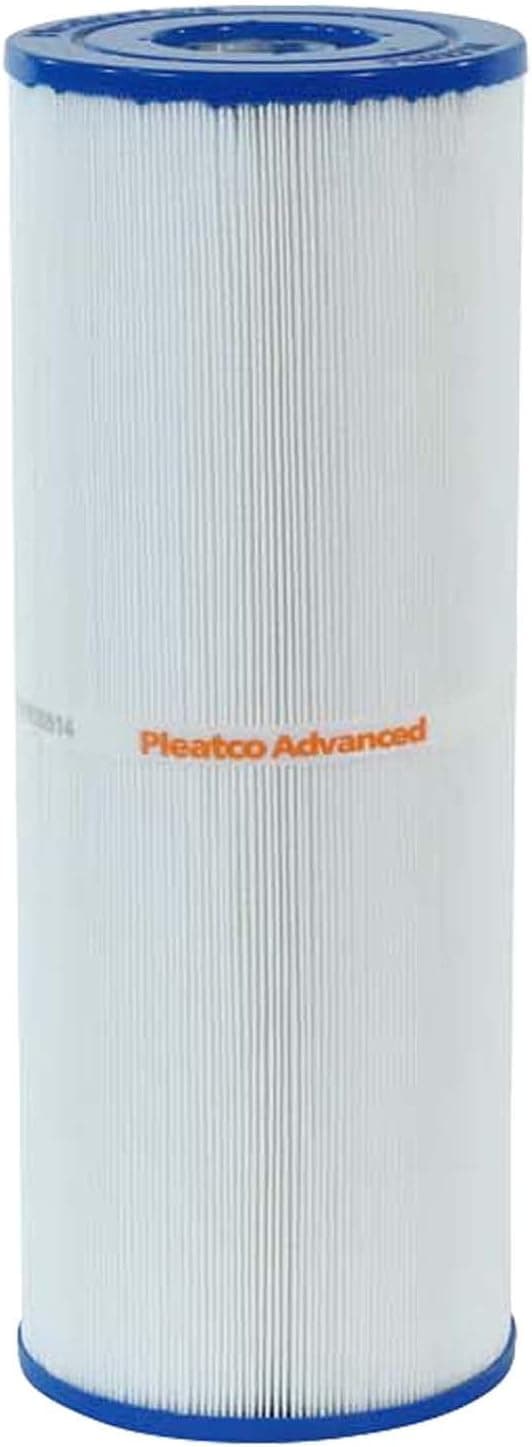
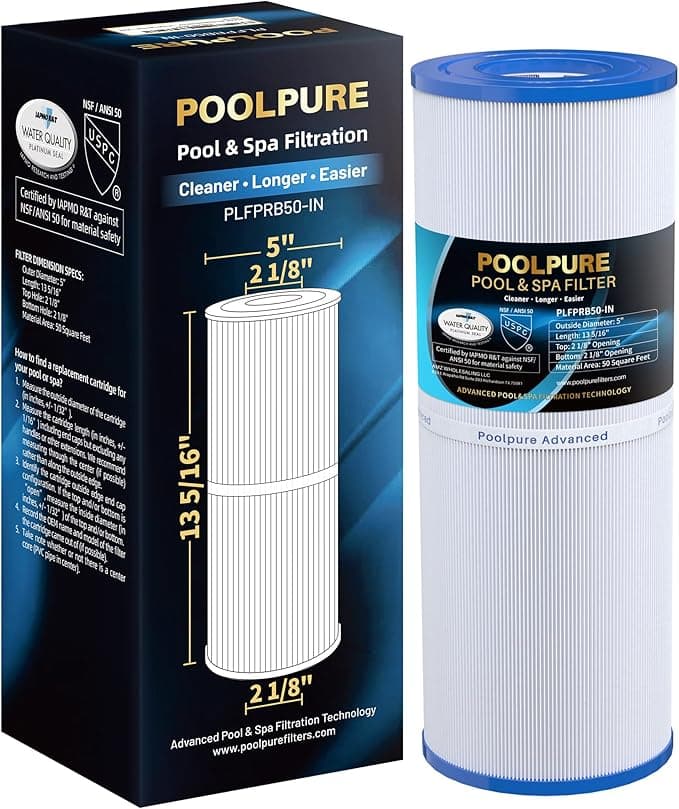
Instead I went home and ordered the Pleatco PRB50-IN. It ran me about $22. Less than half. And before you assume "compatible" means "junk," let me tell you what actually happened over the next four months, because I was the skeptic too.
The price gap isn't small, and that's the whole point
Here's the honest annual math. If you're a typical spa owner replacing the cartridge every two to three months, you're buying somewhere between four and six filters a year. At the $49 OEM-counter price, that's roughly $200 to $290 a year just on filtration. At the ~$22 the PRB50-IN runs, you're looking at $90 to $130. Call it a $100-plus difference every single year, for a part that — and I'll get to this — does the same job in the same housing.
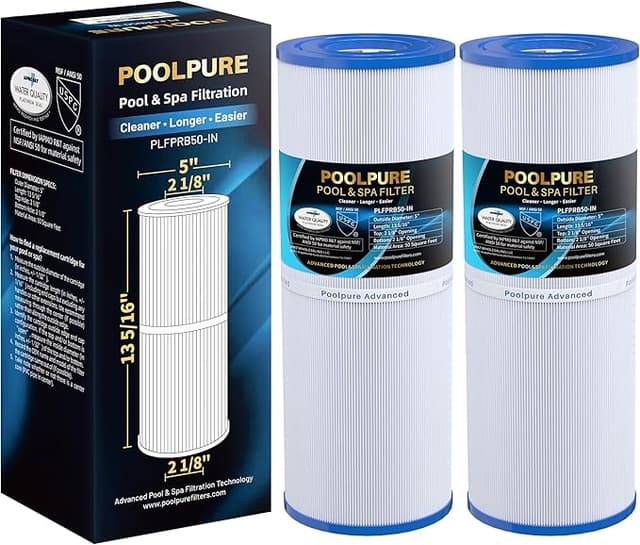
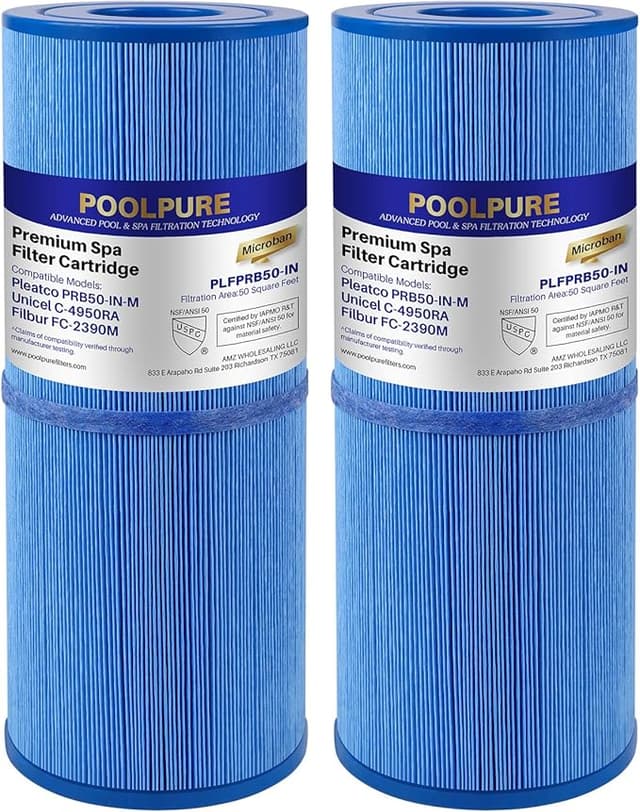
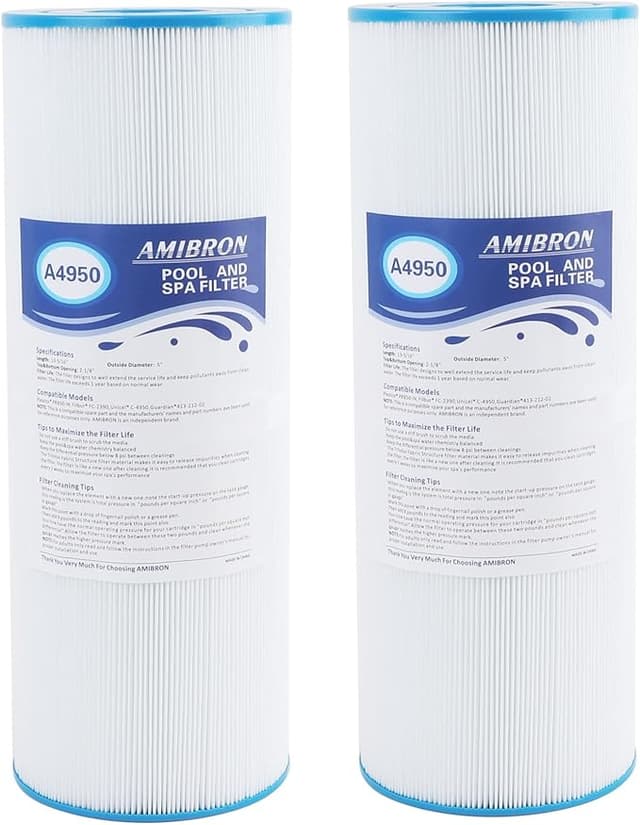
The PRB50-IN fits the standard PRB50-IN / C-4950 / C-2390 cartridge spec, which covers a huge swath of portable spas and hot tubs. That's the workhorse 50-square-foot cartridge a lot of Balboa-style and Dynasty-style tubs ship with. So if your old filter has any of those numbers stamped on the cap, this is the right shape. Check yours. Mine said C-4950 in faded gray ink on the top end cap, and I matched it before ordering — you should too, because the worst review is the one where somebody bought the wrong size and blamed the filter.
Does it actually seat right?
This is where compatibles usually fail, and it's the first thing I checked. The install is brainless if you do it in order: kill the pump first — actually turn the breaker or the spa power off, don't just trust the panel — then unthread the old cartridge from the housing. Mine unscrews counterclockwise at the bottom. I rinsed out the filter well, because there was a surprising amount of gunk down there that no filter was ever going to fix, and then dropped the Pleatco in.
It threaded on clean. The molded center thread on the PRB50-IN matched my standpipe with no cross-threading, no forcing. I'll give you one real nitpick though: the top end cap on the Pleatco sat a hair — and I mean a hair — looser in the cup than the original did before I snugged it down. Not enough to bypass, not enough to rattle. But I noticed it. Once the lid was on and the pump primed, it was a non-issue, and four months of vibration never backed it loose. Still, if you're the type who notices that kind of thing, you'll notice it.
How it ran (the part that matters)
Water cleared up within a day and a half. By the third day it was glass — the kind of clear where you can read the jet labels on the bottom. The pleats on this thing are genuinely well spaced; cheap compatibles cram the pleats so tight they look like more surface area on the box but actually trap less and clog faster. The Pleatco's pleats had real gaps between them, which is what lets debris settle into the folds instead of caking on the face.
Flow was strong. My jets didn't lose any punch, which is the tell-tale sign a filter is too restrictive. And here's the thing I cared about most: it held up to cleaning. I pulled it monthly, sprayed it down with the hose at an angle to fan the pleats open, and it bounced back every time. Around month three I gave it an overnight soak in filter cleaner and it came out looking nearly new. The fabric didn't fuzz, the pleats didn't collapse, the end caps stayed glued. That's the difference between a $22 filter you replace on schedule and a $12 mystery-brand one you replace because it fell apart.
Where it's a touch behind OEM
I'm not going to pretend it's identical. Two real things. First, the plastic end caps feel a gram or two lighter than the original — the material's a little less rigid. It hasn't mattered functionally, but if you're rough yanking it out of a tight housing, be a touch gentle with the cap. Second, and this is the one nobody warns you about: there was a faint plastic-and-new-fabric smell off the cartridge straight out of the bag for the first day. Not in the water — I never smelled it once the spa was running — but the dry filter had that fresh-manufactured smell. It aired out completely. If that bugs you, rinse it under the tap before install and you'll never notice.
The packaging, too, is nothing to write home about. Plain box, thin plastic sleeve. The OEM one came in a glossier box. I do not care what box my filter ships in, but I'm telling you so you're not surprised when a bare cartridge shows up.
Why I don't let this slide anymore
The reason I stopped cheaping out on the timing — even with a cheaper filter — is what I saw the one time I let an old cartridge ride too long. A saturated, clogged filter doesn't just stop cleaning; it chokes flow, and your pump starts straining against the restriction. That heat and load is how circulation pumps die early, and a pump is a several-hundred-dollar problem, not a $22 one. Worse, water that isn't moving through filtration is water where bacteria and algae get comfortable fast — a hot tub is a warm, wet, perfect home for the stuff you really don't want to soak in. The filter is the cheapest insurance in the whole setup. Which is exactly why paying OEM ransom for it always rubbed me the wrong way.
So who should buy what?
If you've got a tub still under a warranty that explicitly demands the manufacturer's branded cartridge to stay valid, fine — buy the OEM one for now and don't give them an excuse. That's a real, narrow reason.
For everyone else? I've run the Pleatco PRB50-IN through two seasons now, swapping on schedule, and my water's been clean the whole time. It seats right, it flows right, it cleans up and comes back. The end cap's a touch lighter and it had a day-one smell that aired off, and that's the entire list of complaints. For a hundred-plus dollars a year back in my pocket, doing the identical job in the identical housing — I'd buy it again. I have, twice. That's not a pitch; that's just where my money goes now.