Troubleshooting & Analysis
Two filters on the garage workbench, and I'm doing math I didn't want to do
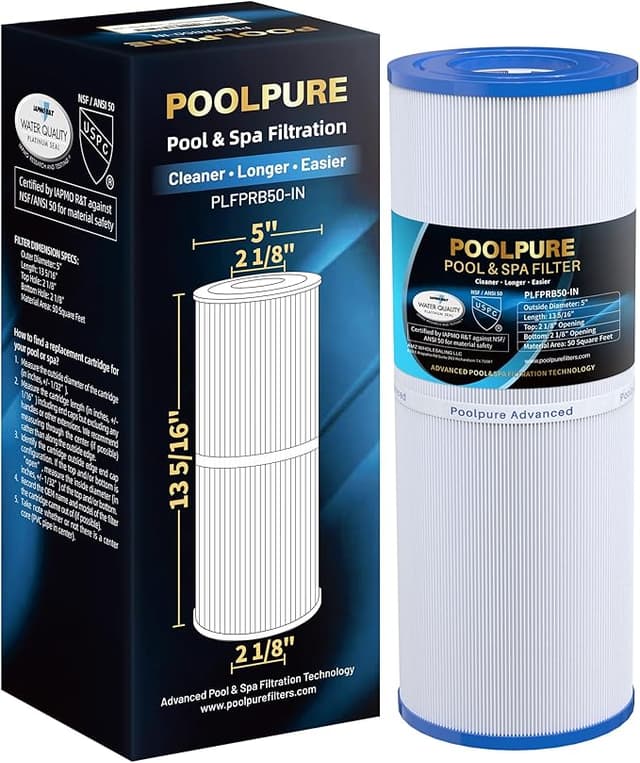
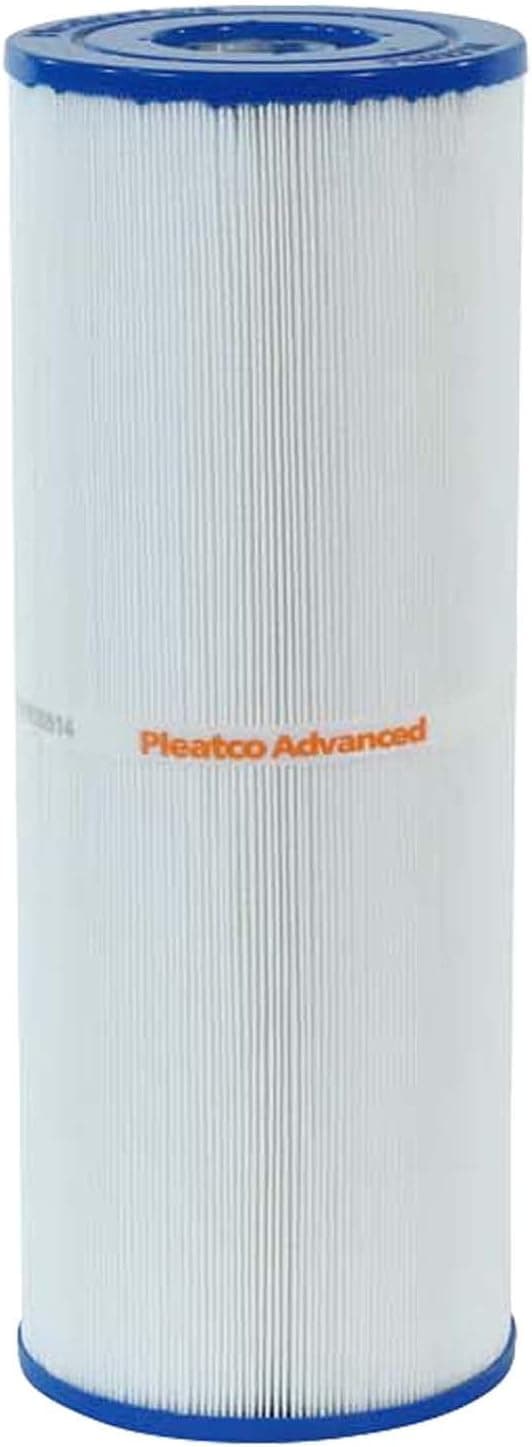
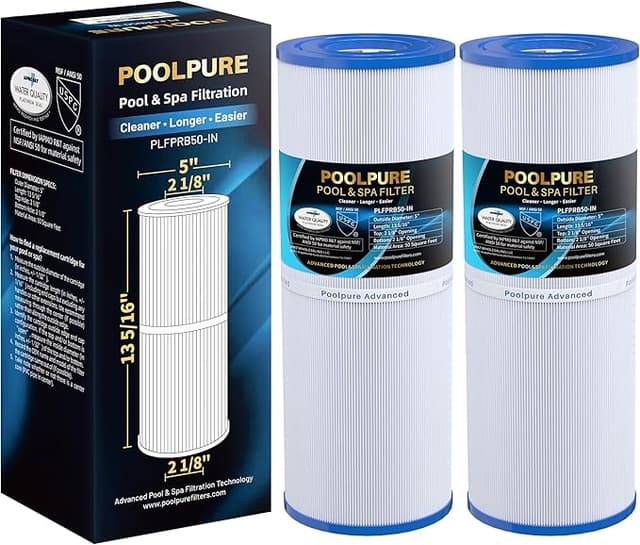
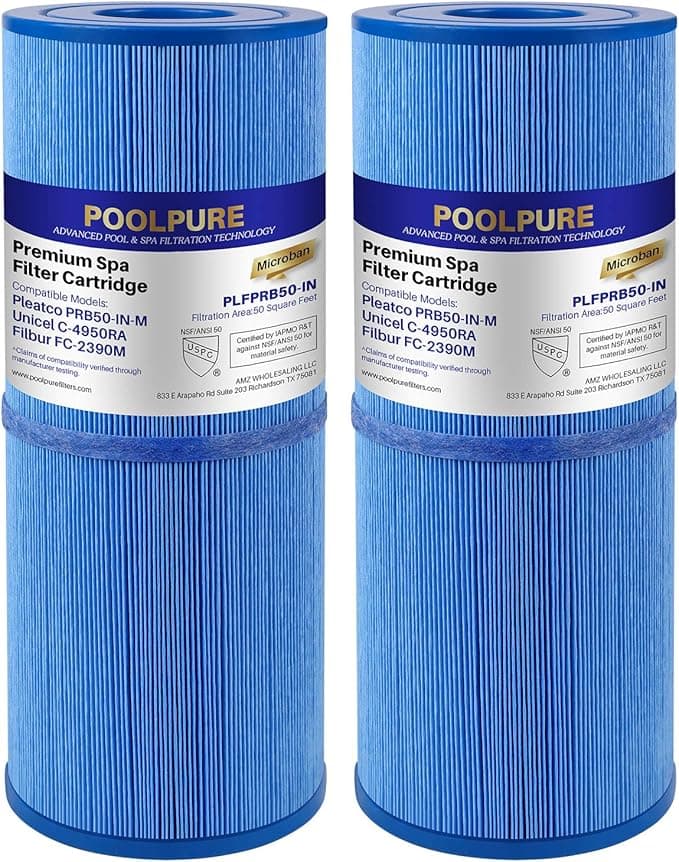
It came down to this. Old cartridge pulled out of my spa, gray and slimy and clearly done. Two boxes next to it on the bench. The branded one my dealer pushes — call it the OEM-priced route — running close to $40 a pop when I'd bought them before. And the Pleatco PRB50-IN sitting there at right around $22. Same part number my filter housing is built for. Same 50 square feet of pleated media. And I'm standing there going, okay, what's the catch on the cheap one.
Because there's usually a catch. I've been burned by no-name spa cartridges before — ones that collapsed in the middle of a season or wouldn't seat without me cursing at the housing. So I'm not romantic about "compatible." I just wanted to know if this specific one would hold up. So I ran it. Full season, my own hot tub, four-person unit that gets used probably four nights a week.
The price gap is the whole reason you're reading this
Let me put the real number on it. If you replace this cartridge twice a year — which is honestly what a regularly-used spa wants — the OEM-priced path is roughly $80 a year just in filters. The PRB50-IN at around $22 each puts you near $44. That's about $36 a year staying in your pocket for, as far as I can tell after a full season, the same job done. Over three or four years of owning the tub, that adds up to real money. A couple of those savings buys you a season of chemicals.
And here's the thing people forget: the PRB50-IN isn't some obscure size. It's one of the most common spa cartridges out there — it's the standard fit for a huge slice of 4-person hot tubs. So you're not gambling on a weird boutique part. You're buying the everyday workhorse, just not at the dealer markup.
Does it actually seat right? Yeah — with one small note
Install was nothing. I shut the pump off first (do this — you don't want water moving while you've got the housing open), popped the filter cap, and pulled the old cartridge straight up out of the canister. Wiped down the inside of the housing with a damp rag because there's always a little gunk on the seat ring, and that film is exactly what keeps a cartridge from sitting flush. Dropped the Pleatco in. It threaded onto the bottom standpipe and seated with that little firm stop you feel when it's home. Cap back on, pump on. Maybe four minutes, and two of those were me cleaning.
The one note: the end caps on this one felt a hair less rigid than the premium cartridge when I was handling it out of the box. Not flimsy — it didn't flex when seated, the molding held its shape under suction all season — but if you squeezed the top cap you'd feel it give a touch more. In the housing, under normal flow, it made zero difference. It's just a thing I noticed, and I'd rather tell you than pretend the plastic is identical. It isn't quite. It's close.
How it actually filtered
This is where it earned the spot. Water clarity held. The pleats are deep and there's a genuine 50 sq ft of media in there, so it traps the fine stuff — the body oils, the sunscreen film, the bits of leaf that blow in — about as well as the branded cartridge did. I rinsed it every two to three weeks with the hose, top to bottom between the pleats, and it cleaned up bright each time. Toward the end of the season it took a chemical soak overnight to fully recover, same as any cartridge does once the oils get baked in.
Where's it a touch behind? Honestly, longevity is the open question more than performance. The premium cartridges I've run before maybe squeeze an extra few weeks out of the back half of their life before the flow starts dropping. With the PRB50-IN I felt the pump working slightly harder in the final stretch before I swapped it — that's your signal the media's loading up. But at half the price, swapping a few weeks sooner is a non-issue. You're still way ahead on cost. I'd rather change a $22 filter a little early than baby a $40 one.
The downside, said plainly
The packaging is cheap — thin cardboard, no fancy molded insert, the cartridge basically rattling in the box. Cosmetic, but it tells you where they saved money. And like I said, the end caps are a notch less stout than premium. If you're the type who runs a single cartridge hard for a full year without rotating, the absolute top-tier build might give you a little more margin. For the rest of us swapping on a sane schedule, it's a difference you'll never feel in the water.
One more real-world thing, because it matters more than the build quality: do not let any spa cartridge go too long. A clogged, saturated filter isn't just murky water — it's the pump straining against a wall of restricted flow, and that strain is what kills pumps and runs up repair bills. Worse, stagnant poorly-filtered water is where bacteria and the stuff that irritates skin and lungs start to live. A filter is cheap. A pump motor and a skin infection are not. Whatever cartridge you buy, change it on time.
Who should skip it — and what I actually do
If your tub is under a dealer warranty that specifically demands their branded filter to stay valid, follow that and buy theirs — not worth voiding coverage over $36. And if you genuinely run one cartridge a full year with no rotation, spring for the premium build.
Everybody else? I keep two PRB50-INs on the shelf in the garage now. I run one, rotate to the spare when the first needs a deep soak, and swap a fresh one in twice a season. Clear water all summer, pump never strained, and I stopped flinching at the dealer counter. For around $22 doing the same job, I bought it again — and I'll buy it again next season too.