Troubleshooting & Analysis
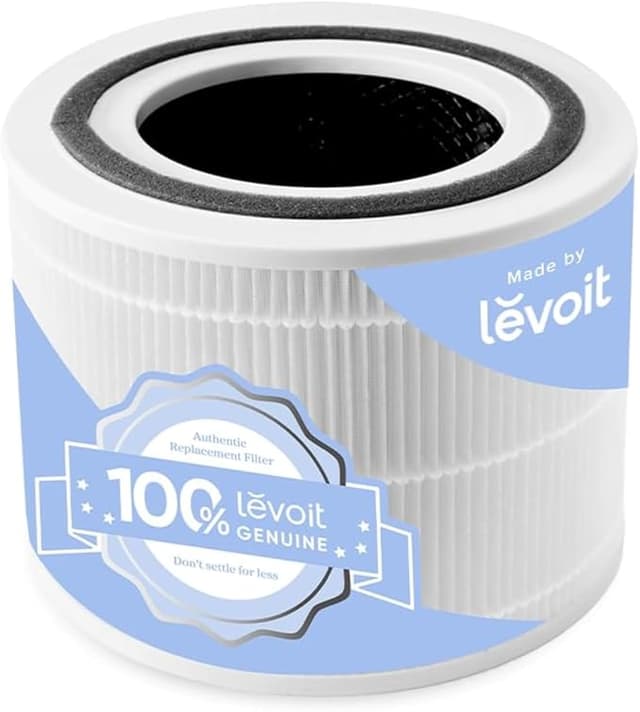
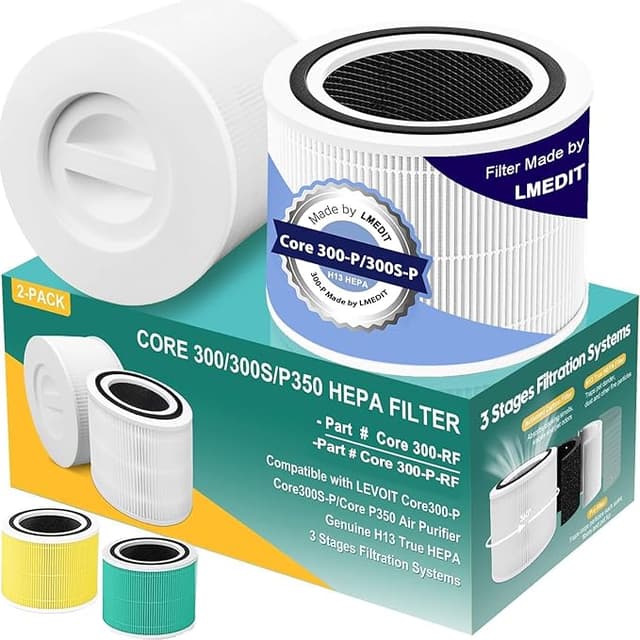
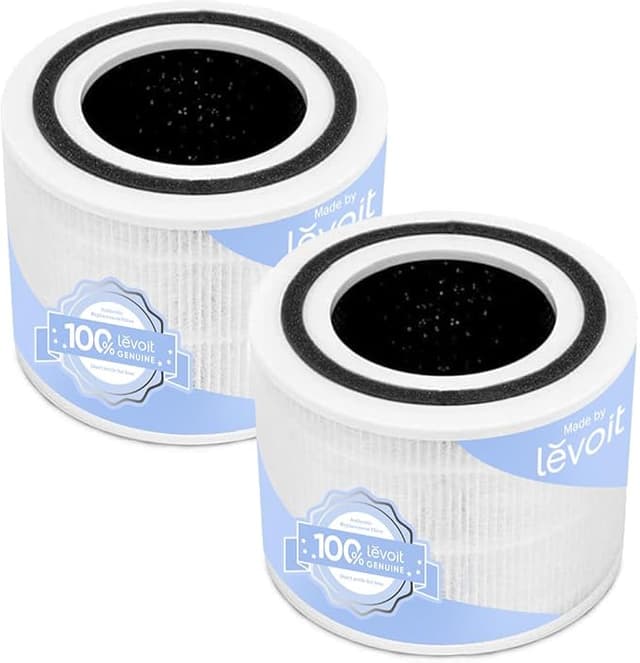
There I was, two browser tabs open, my Core 300 sitting on the kitchen counter with its little orange filter light glaring at me. Left tab: the genuine Levoit replacement, basically the price of a decent dinner out. Right tab: a compatible True HEPA H13 that did — on paper — the exact same thing for about half. And I just stood there for a minute, thumb hovering, doing the thing we all do. The "is the cheap one going to wreck my four-month-old air purifier" math.
I bought the compatible one. Then I bought three more over the next year and a half, across two units. So I have opinions now, and they're not the ones I expected to have.
The price gap is the whole reason you're reading this
Let's be real about why anyone hesitates here. The Core 300 itself isn't expensive — that's the trap. You buy a sub-$100 purifier, then find out the official filter wants $35 to $50 a pop, and Levoit suggests swapping it roughly every six to eight months depending on your air. Run it hard in a bedroom with a cat and a window facing a busy street, like mine, and you're closer to every five.
Do that math over two years. Two units, OEM filters, and you're past a hundred dollars a year in consumables on machines that barely cost more than that. The compatible H13 I keep buying runs me about half. Same replacement interval. That's not a rounding error — that's a tank of gas going back in my pocket every few months.
Does it actually fit, or is that the catch?
This was my real fear. Air purifier filters live or die on the seal — one that sits a millimeter proud lets air sneak around the edges instead of through the HEPA media, and then you've just got a fan. So I paid attention.
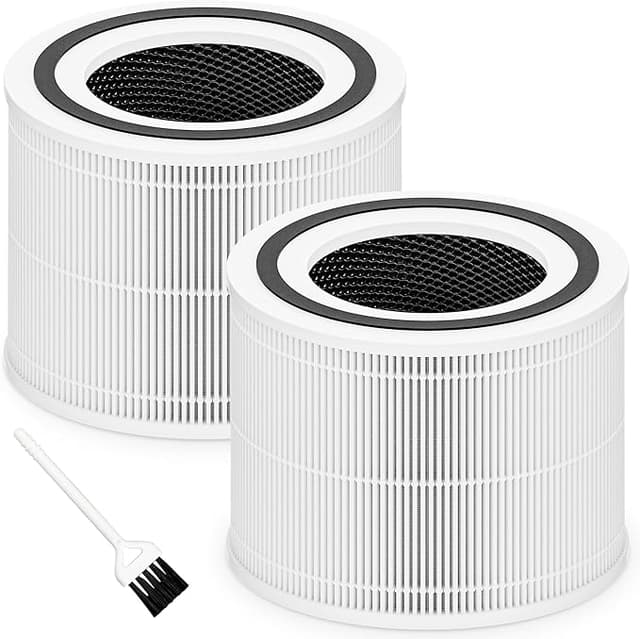
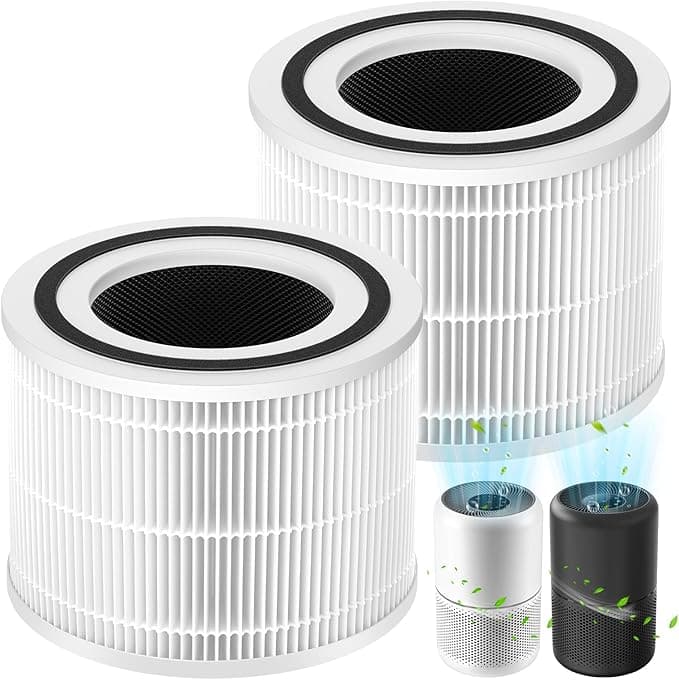
Install is genuinely a two-minute job, and the steps don't change from OEM: unplug the unit, twist off the bottom cap, pull the old filter straight out, drop the new one in, snap the cap back, hold the reset button until the light quits nagging you. The compatible filter seated with the same reassuring resistance the OEM has — that slight push at the end where you feel the gasket compress. No rattle when I tipped the unit. No gap I could find running a finger around the rim.
Honestly? One fit thing I'll flag: on my very first compatible filter, the foam pre-filter wrap was cut a hair generous and I had to tuck an edge down before the cap closed flush. Cost me ten extra seconds. Every one since has been fine, so I think I just caught an early batch — but I'm not going to pretend it was flawless out of the gate.
How it actually performs, four months in
Here's where I figured the cheap one would embarrass itself, and it mostly didn't. The Core 300's auto mode reads particulates and ramps the fan up or down. With the OEM filter, on a smoky-cooking night, it'd spin up to high, then settle back to its quiet low within fifteen or twenty minutes. The compatible H13 does the same dance. Same ramp-up, about the same time to settle. My cheap air-quality meter — not a lab instrument, grain of salt — showed it pulling the room back down on basically the same timeline.
Where's it a touch behind? Two honest things. One: there's a faint plastic-and-cardboard smell the first two or three days, the off-gassing of a new filter that hasn't aired out. The OEM has a whiff of this too, but the compatible one was a little stronger. Gone by day four every time. Two: I think the genuine carbon layer holds onto cooking and litter-box odors a smidge longer into the filter's life. Around month four the compatible one started letting a little kitchen smell linger where I felt the OEM stayed ahead another few weeks. Not a dealbreaker — really it's a signal it's getting close to swap time, which, fine.
The part that actually matters for your health
This is the thing people skip, and it's the thing I'd underline. A filter you leave in too long isn't just "less effective." It flips on you. All that trapped dust, pollen, and — if your air ever runs humid — mold spores sit packed into the media. Keep forcing air through a saturated, maybe damp filter and your purifier quietly turns into a little blower of the exact stuff you bought it to remove. That orange light isn't a suggestion.
Which, weirdly, is the strongest argument for the compatible filter. The single biggest mistake I see is people stretching a filter way past its life because a fresh OEM one stings to buy. When the replacement costs half as much, you actually swap it on schedule. A cheaper filter you change on time beats a premium filter you guilt-trip yourself into running for a year.
So who should skip it?
I'll be straight. If your Core 300 is still under warranty and you're the type who'd be genuinely sick over a coverage dispute, buy OEM and sleep easy — some makers get cagey about third-party parts, and the savings aren't worth the worry for you. Same if you've got a severe allergy or respiratory condition and you want the most documented, certified media plus that extra carbon longevity. For those folks the OEM premium is buying something real.
For everyone else — which is most of us — I grab the compatible H13. It fits, it seats, it pulls the room down on the same timeline, it costs half, and that lower price is the reason I actually change it when I should instead of squinting at the light for another month. I've bought it four times now with my own money. That's the only review that counts.