Troubleshooting & Analysis
I didn't believe a $20 filter could be fine either
Here's the thing I tell myself every time: you get what you pay for. So when my Levoit CORE 300 started smelling a little stale and the filter light blinked on, my gut said just buy the real one. Spend the forty-something bucks, sleep easy. The compatible filter sitting there for half that price? I figured it'd be thin, smell like a tire, maybe choke the airflow and cook the little motor over a few months. I bought one anyway. Partly to prove myself right, honestly.
I was wrong, and I've now run compatible filters in that unit for going on a year. So let me walk you through what actually happened instead of what I assumed would.
The price gap is the whole reason you're here
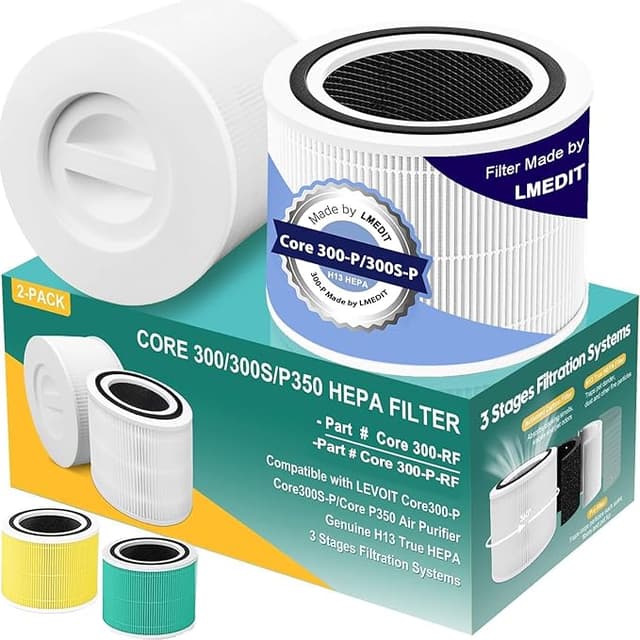
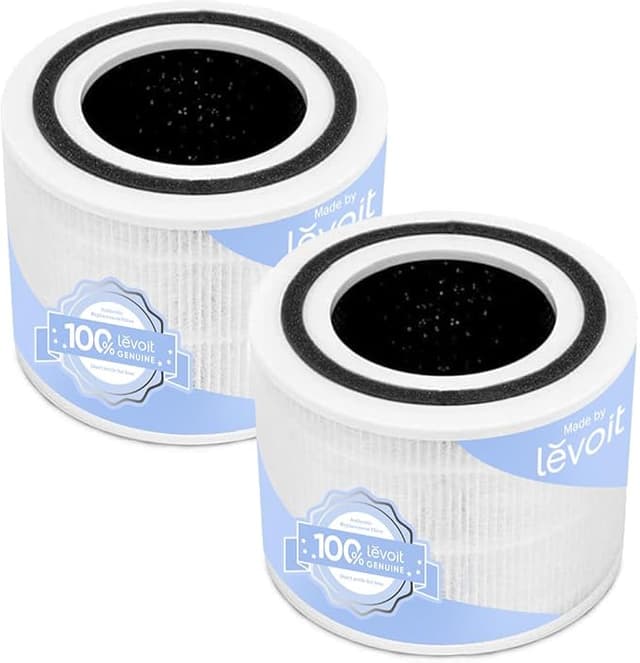
Levoit's official replacement for the CORE 300 runs around $35 to $40 depending on the week and whether you catch a sale. The compatible H13 True HEPA I keep buying lands closer to $18-$22. Call it twenty bucks saved per swap. Levoit says replace every six to eight months; in a normal bedroom with a cat, I get about six before it's visibly gray and the airflow drops. That's roughly two filters a year.
So the OEM path is $70-$80 a year. The compatible path is $40, give or take. Over the three or four years you'll realistically keep this purifier, that's a couple hundred dollars — for what is, structurally, the same pleated HEPA media doing the same job. That math is what made me stop and actually test the cheap one instead of reflexively buying Levoit.
Fit and install — the part I was most nervous about
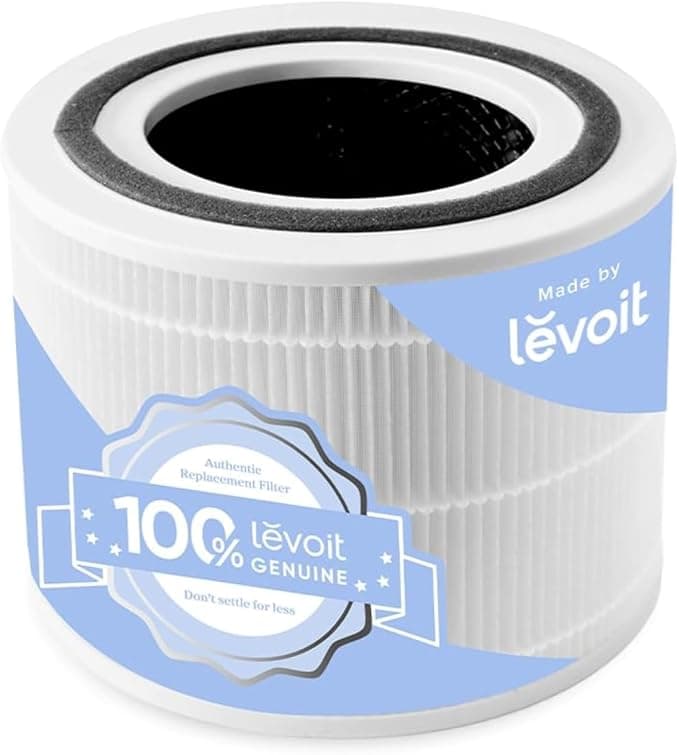
This is where compatible filters usually fall apart, and it's the first thing I checked. The CORE 300 filter is a cylinder that drops into the base, and you twist the bottom cover back on. With Levoit's, there's a satisfying snug click. The first compatible one I tried seated fine but the frame felt a hair looser — maybe a millimeter of play before the cover locked it down. Not loose enough to rattle, not loose enough to leak air around the edge once the housing was on. But I noticed it, and I'm telling you because you'll notice it too.
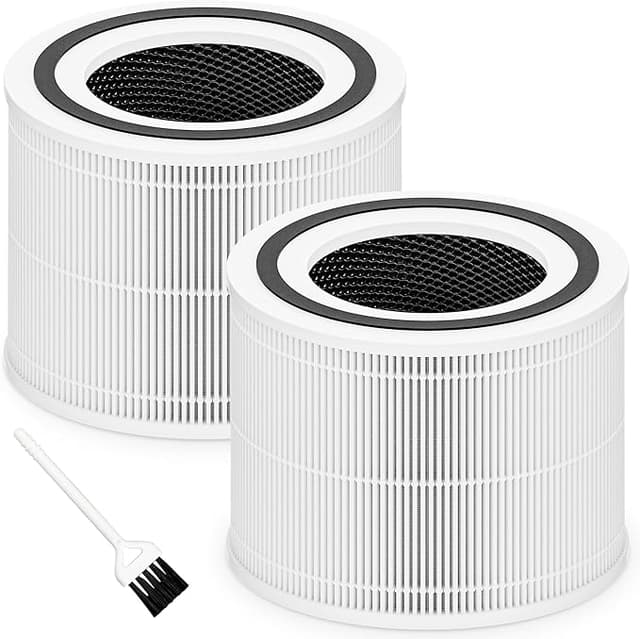
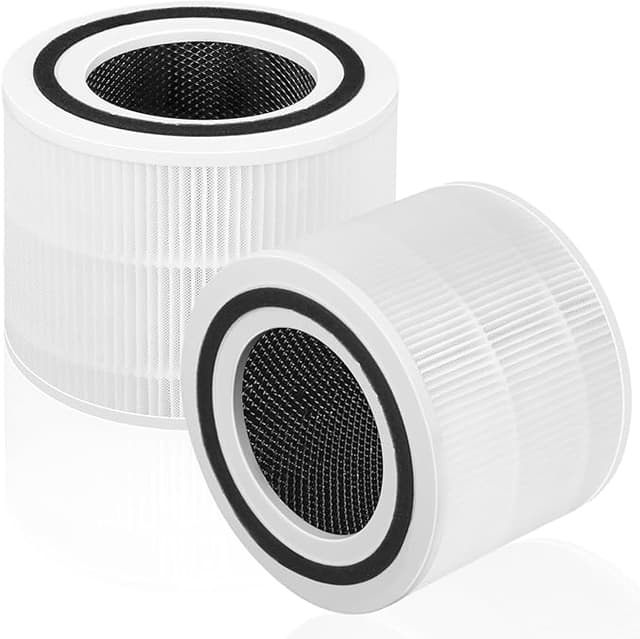
Install is genuinely a two-minute job and the same every time. Unplug the unit first — I do this religiously, it's a spinning fan you're reaching near. Pop the bottom cover, pull the spent filter (it comes out gray and a little sad), slide the new one in so the mesh side faces out, twist the cover back on. Then hold the filter-reset button until the light clears. That's it. No tools, no adapter, no shimming. The compatible filter went in exactly where the original came out.
How it actually performs
For the day-to-day stuff — dust, the cat, cooking smells drifting in from the kitchen — I can't tell the difference between the OEM and the compatible by how the room feels. I keep a cheap particle meter on the dresser, and after about twenty minutes on medium the numbers drop the same way they did on the genuine filter. The H13 rating is the real deal here; it's a tighter grade than the standard H11 you sometimes find in bargain filters, and it grabs the fine stuff.
Where it's a touch behind: the activated carbon layer. Levoit's seems to hold onto odors a little longer into the filter's life. With the compatible, by month five the smell-killing power is clearly fading even though it's still catching particles fine. The HEPA outlasts the carbon. With the OEM that gap felt smaller. If your main reason for owning this thing is odor — pets, smoke, a roommate who cooks fish — that difference might actually matter to you.
The downside I won't gloss over
For the first two or three days, there's a faint plastic-and-cardboard smell off a fresh compatible filter. It's the new packaging and the frame off-gassing, not anything toxic, and it airs out completely by day three or four. But on night one it's there, and in a small bedroom you'll catch it. I run the unit on high for an hour with the window cracked before I sleep on it, and that knocks it down. The packaging itself is also just cheaper — a thin plastic sleeve versus Levoit's printed box. Doesn't affect the filter. Did make me side-eye it before I installed it.
Why you actually can't skip this
One thing I won't let slide, OEM or compatible: do not run a dead filter to save money. A saturated HEPA isn't just less effective — it flips on you. All that trapped dust and, if your house ever runs humid, mold spores, they sit packed in the pleats, and the fan keeps pulling air through them. At that point the purifier is blowing the garbage back into the room instead of catching it. A gray, overdue filter is worse than no filter. Whatever brand you land on, swap it on schedule. The whole point of the cheaper compatible is that you can afford to actually replace it on time instead of stretching a tired one another three months.
So who should buy what
If you're chasing maximum odor control, or you just want the no-questions-perfect-fit click and the twenty bucks doesn't move you — buy Levoit's. That's a fair, real reason and I won't talk you out of it.
But for me, in a bedroom unit, swapping twice a year? The compatible H13 catches the same particles, drops into the same slot, and costs half as much. The looser frame and the two-day break-in smell are real, and they're also things I stopped thinking about by the first week. I went in expecting to prove that cheap meant junk. Instead I've reordered the same compatible filter three times now. That's the most honest endorsement I've got — I vote with my own money, and it keeps going to the $20 one.