Troubleshooting & Analysis
I didn't believe a $20 filter could be fine either
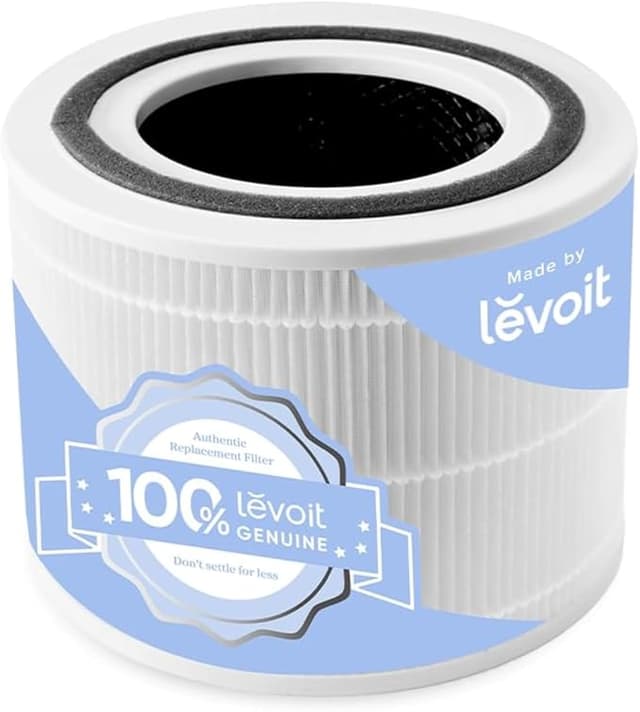
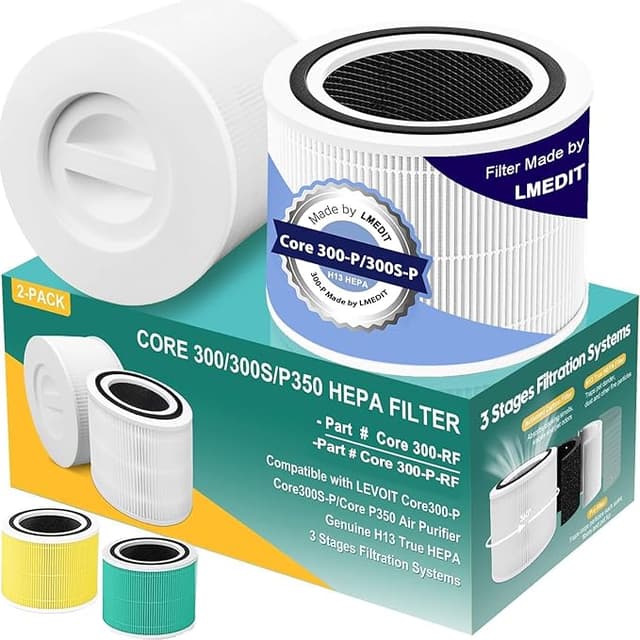
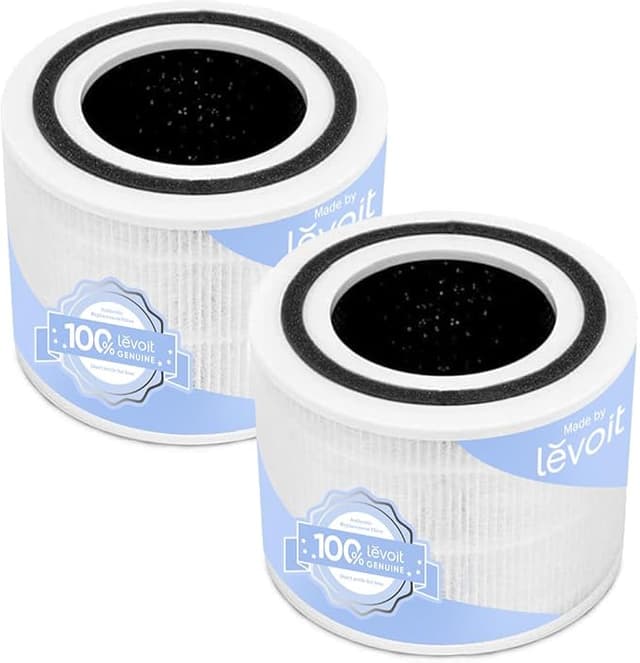
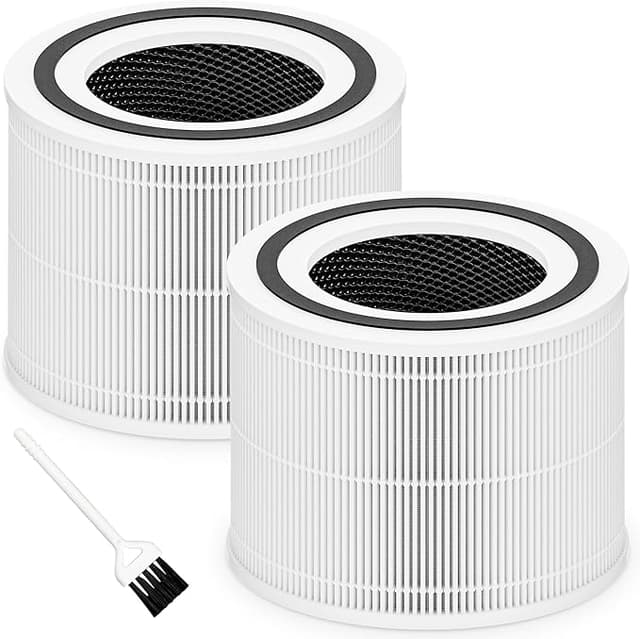
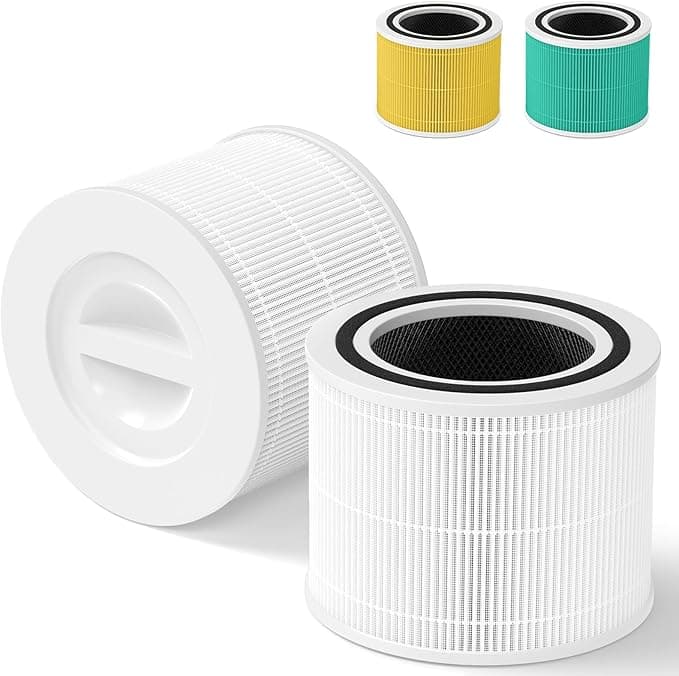
Here's the thing — I almost didn't write this one, because I was so sure the cheap replacement was going to disappoint me that I bought it half as a way to prove a point. I have a Levoit CORE 300 in my home office. The genuine Levoit replacement was running me close to forty bucks, and there's a third-party "Filter R" compatible going for about twenty. Twenty. For something that's supposed to scrub the air I breathe eight hours a day. My gut said: that's the one that smells like a shower curtain and lets the dust right through.
So I ran it for four months and paid attention. This is what actually happened.
The price math is the whole reason you're here
Let me get the numbers out of the way, because they're the entire point. The CORE 300 wants a fresh filter roughly every six to eight months if you run it daily, which most of us do — that's the whole reason you bought an air purifier instead of opening a window. At OEM prices you're looking at sixty, seventy, maybe eighty dollars a year just to keep the thing honest. The compatible Filter R drops that by about half. Over the three or four years one of these units lasts, that's real money. A couple hundred bucks that stays in your pocket instead of going to a brand name printed on a cylinder of folded paper.
And that's where most people freeze up. The savings look almost too good, so you assume the corner got cut somewhere you can't see. I assumed the same. Fair instinct. Let me tell you where the corner actually is, and where it isn't.
Does it fit, though?
This was my first real test, because a filter that doesn't seat right is worse than useless — air just sneaks around the gap and you're filtering nothing. I unplugged the unit (do this, the CORE 300's twist-off base is right there and there's no reason to fight a powered machine), pulled the old filter, and dropped the Filter R in.
It seated. Clicked into the twist-lock the same way the original did. Honestly, if you'd handed me the unit a week later and asked which filter was inside, I couldn't have told you by feel. The fit was that close. I'll give you one small caveat — the plastic collar at the top felt a hair less rigid than the Levoit-branded one when I was handling it bare. Once it's locked in the base, that does nothing. But you notice it in your hands. Then you reset the filter light by holding the button, and you're done. Five minutes, no tools, no swearing.
The honest performance read
This is True HEPA H13 media, and that grade actually means something — it's the same efficiency class the OEM uses, capturing the fine stuff down to the particle sizes that matter for allergens and smoke. I didn't have a lab, but I have a cat, a partner with spring allergies, and a nose. Through April pollen season the room stayed noticeably easier to breathe in, same as it did on the genuine filter the year before. When I cooked something smoky in the kitchen one door over, the auto sensor on the unit spun up and cleared it in about the same window I remembered.
Where's it a touch behind? Two things, and I'll be straight about both. First, the carbon layer for odors felt a little less aggressive than the OEM — faint cooking smells lingered maybe a minute longer before the unit caught up. Small, but I noticed. Second, that new-filter break-in. For the first two or three days there was a faint plastic-and-cardboard smell when the fan ran high. It faded completely by day four. The OEM does this too, just less. If you're sensitive, run it on high with a window cracked for the first evening and you'll skip the worst of it.
The downside nobody puts on the box
The packaging is cheap. Thin plastic sleeve, no fancy sealed bag, a sticker that was already peeling when it arrived. It doesn't affect the filter one bit, but if you're the kind of person who reads the unboxing as a signal of quality, brace for it. The filter inside was clean and intact — the wrapper just looks like it cost a nickel. Because it probably did. That's part of how they hit twenty bucks.
One more real thing, and it's not about this filter specifically — it's about you. Whatever you put in there, replace it on schedule. A saturated HEPA filter doesn't just stop working; it becomes the problem. Trapped dust and moisture in old media can grow mold, and then your "air purifier" is quietly blowing that back into the room. The CORE 300's filter light exists for a reason. When it nags you, listen to it. Cheaper replacements actually make this easier — at half the price, you've got no excuse to stretch a tired filter an extra two months to save money.
So who should skip it?
If you're under warranty and worried that an aftermarket filter could give Levoit an excuse to deny a claim — buy the OEM, it's not worth the fight. And if odor control is your number-one reason for owning the thing, like you're fighting heavy kitchen or pet smells daily, the OEM carbon layer has a slight edge worth the extra twenty.
For everyone else — for me — the Filter R does the same core job, with the same H13 media, for half the money. I went in expecting to catch it failing and it just quietly did its work for four months. I've already got two more in the closet. That's the most honest thing I can tell you: I bought it again with my own money, on purpose, after testing it. The cheap one was fine. Annoyingly fine.