Troubleshooting & Analysis
Two filters, one cart, and a forty-dollar argument with myself
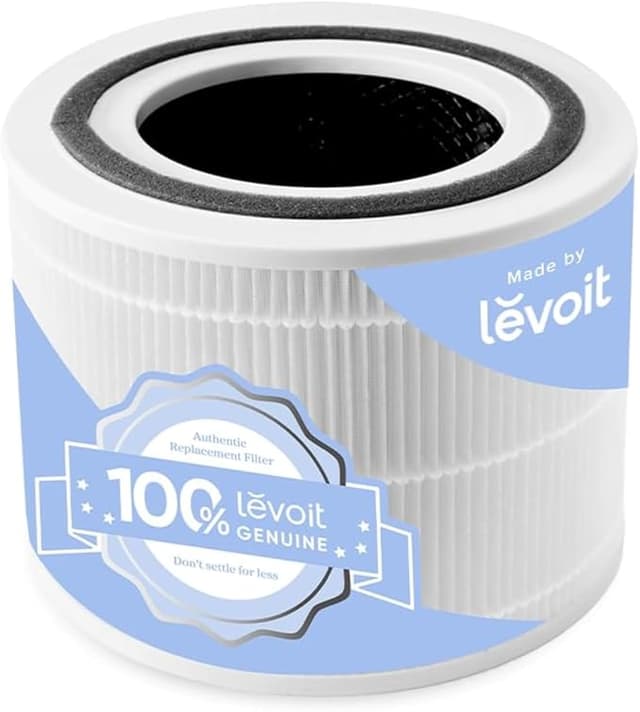
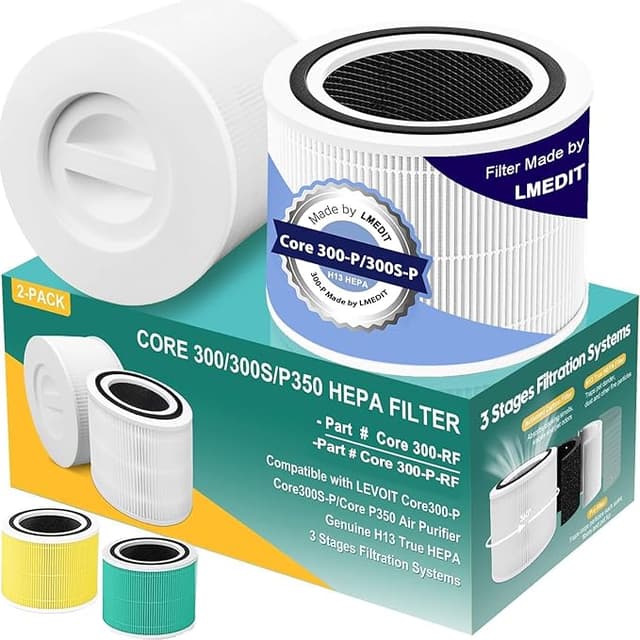
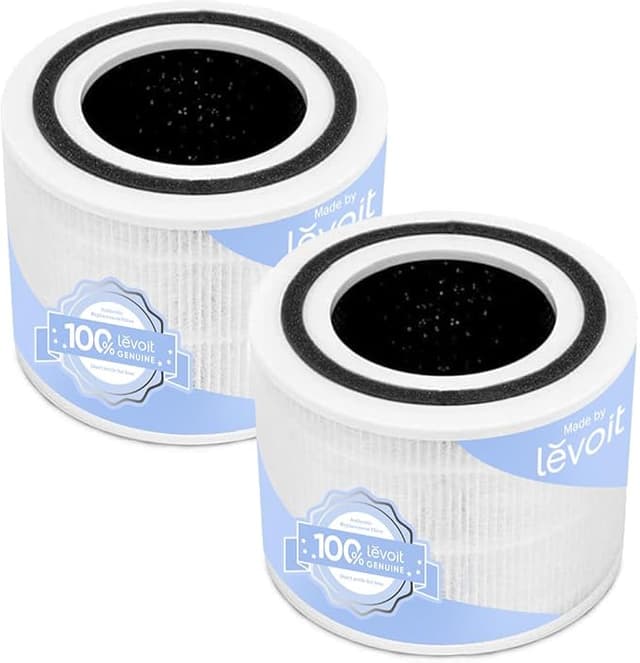
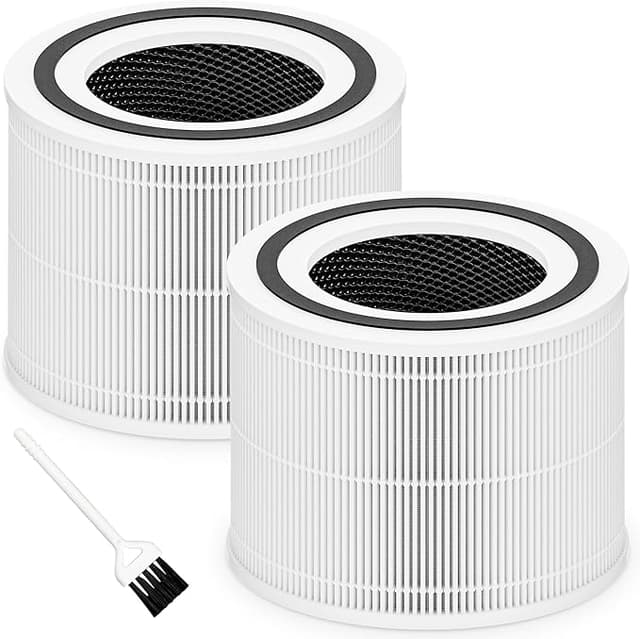
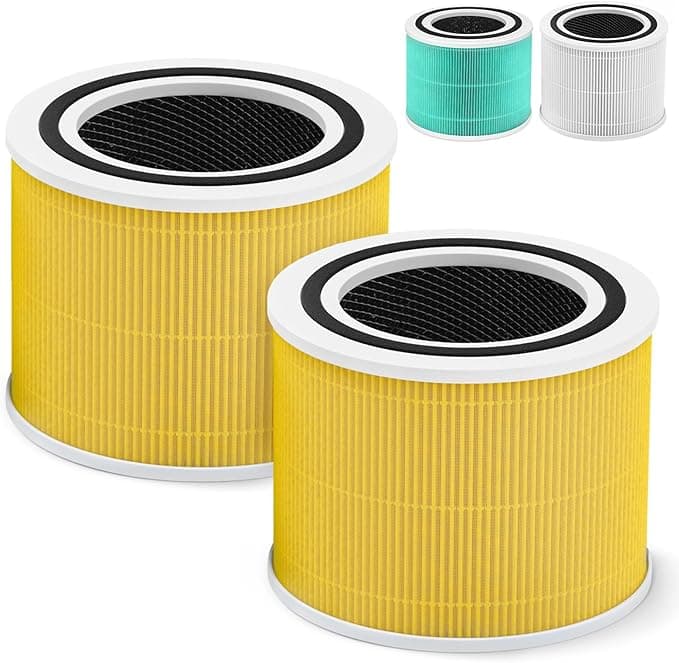
I was standing in my kitchen with my phone in one hand and the old, gray-brown filter from my Core 300 in the other. The Levoit app had been nagging me for a week — that little filter icon glowing orange. On screen I had two tabs open. One was the genuine Core 300-RF, the official 3-in-1 replacement, sitting at $34.99. The other was a compatible H13 True HEPA from a third party, $18.97 for the filter, and some listings throw in a second one for a couple bucks more. Same machine. Same job. Almost half the money.
And I hesitated. I'll be honest — I hesitated for a good five minutes, because the whole reason I bought a Levoit in the first place was that I didn't want to think about my air. I didn't want to be the guy who saved fifteen bucks and then breathed in something worse. So I did what I always do now: I bought the cheap one, but I went in skeptical, and I watched it like a hawk.
What the OEM math actually looks like over a year
The Core 300 isn't a once-a-year filter machine if you run it like I do. I keep mine going most of the day in a roughly 200-square-foot bedroom, and at that pace the filter is genuinely spent around the 6-to-8-month mark. Call it twice a year to be safe. Two genuine RF filters a year is about $70. Two compatibles at $18-19 each is closer to $38. That's a $30-something gap, every year, for a filter that lives behind a plastic grille where nobody will ever see the brand printed on it.
Over the four or five years one of these units realistically lasts, that adds up to more than I paid for the purifier itself. That was the number that finally got me to tap "buy."
Does it actually seat right?
This was my first real test, because a filter that doesn't sit flush is a filter that's pulling dirty air around the edges instead of through the media. The swap is genuinely a two-minute job — I unplugged the unit, popped the bottom cover (it twists off), pulled the old filter straight out, and slid the new one in. Then you hold the reset until the filter light clears.
Here's the honest part. The compatible filter went in fine, but the foam gasket ring around the top was a hair thicker than the genuine one, so it took a firmer push to seat — that little resistance, then the settle. Once it was in, it was in, no wobble, no gap I could feel with a finger around the rim. But the first one I ever tried, from a different no-name seller a couple years back, was a touch undersized and rattled. So fit is real, and it's not guaranteed across every brand. The one I keep buying now seats like the original. The cheapest of the cheap didn't.
How it actually performs
For the stuff a Core 300 is bought for — dust, dander, the cooking smell that drifts in from the kitchen, pollen in spring — I genuinely cannot tell this apart from the genuine carbon-and-HEPA combo. I have one of those little cheap particulate meters, and after about twenty minutes on high in a closed room, the compatible filter pulled my PM2.5 reading down to the same low single digits the original did. My eyes stopped itching in May like they always do once I get the thing running.
Where it's a step behind: the carbon layer. The genuine 3-in-1 has a slightly heftier activated-carbon stage, and on really strong odors — I fried fish one night, the worst test there is — the compatible took maybe ten or fifteen minutes longer to fully clear the smell out of the room. Particulates, dead even. Heavy odor, the OEM has a small edge. For my day-to-day, that gap doesn't matter. If you cook aggressively every single night, you might notice it.
The downside nobody warns you about
The plastic-and-cardboard smell out of the bag. The first compatible I unwrapped had a faint chemical-plus-cardboard odor for about two, maybe three days of running before it aired out completely. It's not dangerous and it's not strong, but the first night I noticed it and thought, great, I bought junk. By day three it was gone and stayed gone. Now I just unwrap the new one and let it sit out on the counter for a day before I install it, and the smell's mostly off by the time it goes in. The packaging is also flimsy — thin plastic sleeve, a bit of crushing in shipping on one of mine. The filter inside was fine, but it doesn't arrive feeling premium.
Why you can't just keep running the old one
Quick reality check, because this is the actual reason any of this matters. A saturated Core 300 filter doesn't just stop helping — it flips on you. All that trapped dust and dander becomes a bed for mold and bacteria, and a fan blowing across it is now spreading that back into the room you sleep in. That orange light isn't a suggestion. Whether you go genuine or compatible, the one filter you should never run is the gray, packed, eight-months-overdue one already in the machine.
So who should buy which
Buy the genuine RF if you're under warranty and the paperwork is strict about it, or if you cook strong food nightly and want every bit of carbon you can get. No shame in that.
But for me, in a normal bedroom, swapping twice a year? I've now run compatibles in this Core 300 for over two years straight, and the machine is fine, my air reads clean, and I'm keeping thirty-plus dollars a year in my pocket. Stick to a seller with real reviews so the fit is right, give it a day to off-gas, and I'd buy it again. I already have — three times now.