Troubleshooting & Analysis
$50 for a filter? For a $100 air purifier?
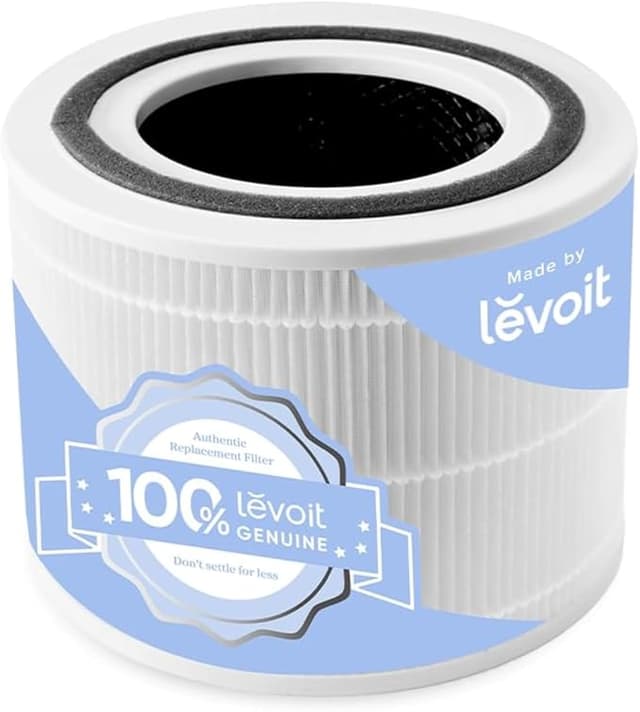
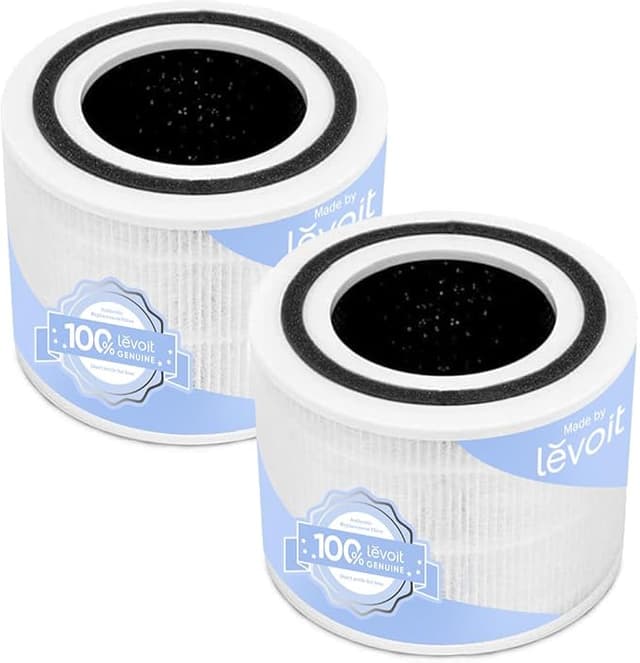
That was the number that stopped me. The Levoit CORE 300 itself runs about a hundred bucks. The official replacement filter — Levoit's own Core 300-RF, the True HEPA H13 cartridge — was sitting at roughly $50 the day I went to reorder. Half the price of the whole machine. Every six to eight months. Run that out over the life of the unit and you've quietly paid for two or three more air purifiers in filters alone.
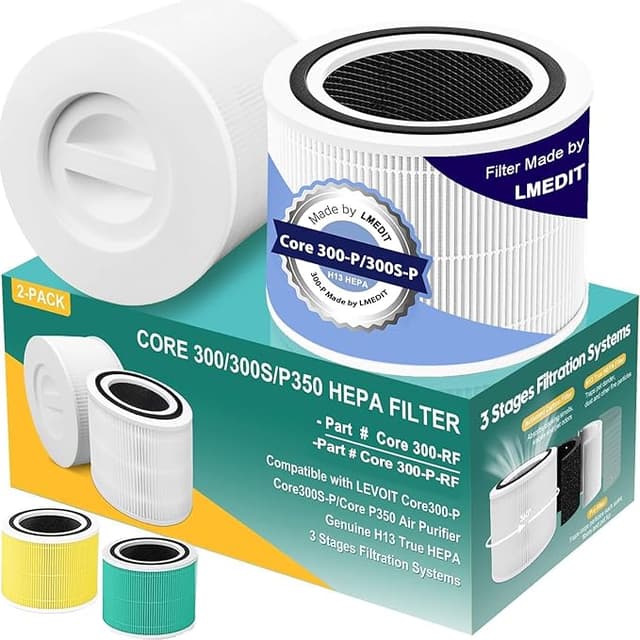
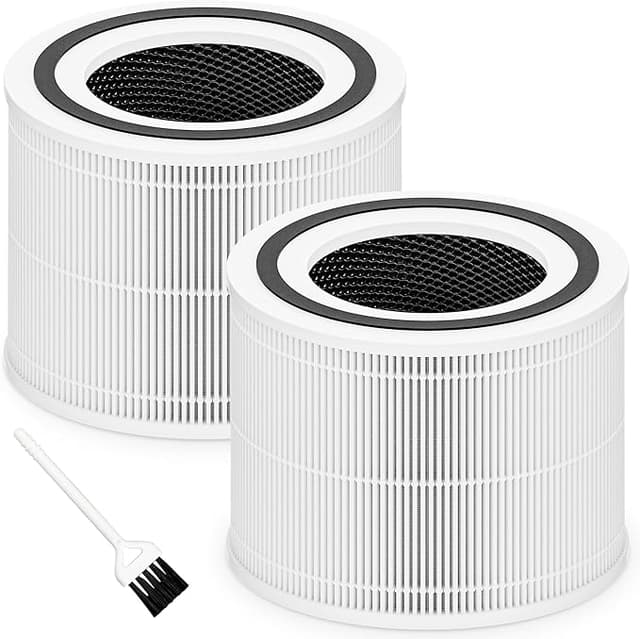
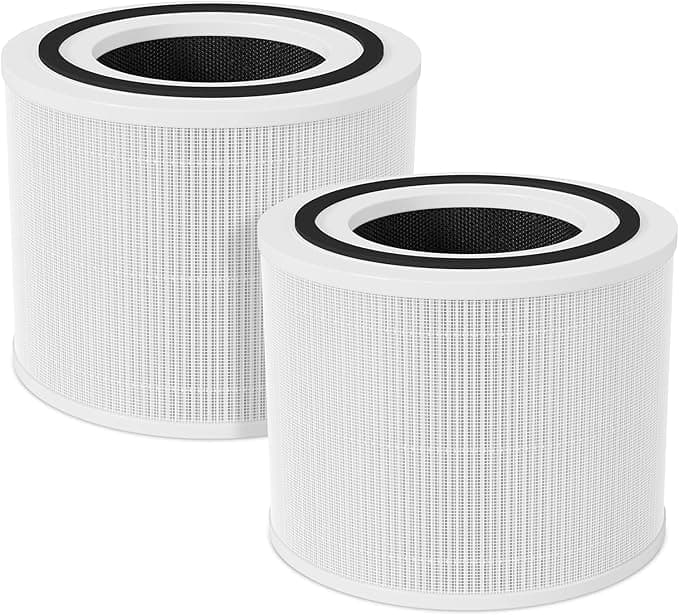
So I did what a lot of people staring at that price do. I typed in "CORE 300 compatible filter" and found the aftermarket version — the one sold as Filter C — for around $20. Bought two. Here's what four-plus months in my actual bedroom unit taught me.
The price gap is the whole story, and it's real
Let me put it plainly. OEM filter: ~$50. This compatible Filter C: ~$20, and I've seen two-packs drop the per-filter cost closer to $16. Call it a $30 swing every change. If you actually replace on schedule — and you should — that's $60 a year versus maybe $24. Over three years you keep something like a hundred bucks in your pocket for, near as I can tell, the same job.
And it is the same construction where it counts: a three-stage setup with a pre-filter layer, the H13 HEPA media, and activated carbon for smells. That H13 rating is the part people get nervous about losing on a cheaper filter. I'll get to whether it holds up.
Does it actually fit?
This is where compatible filters usually betray you, so I went in expecting a fight. The install is dead simple either way — unplug the unit, twist off the bottom cap, pull the spent filter straight out, drop the new one in, cap it, plug back in, and hold the reset button until the filter light quits nagging you. Two minutes, no tools.
The Filter C seated. The cap clicked closed the way it's supposed to. But — here's the honest part — the frame on mine sat a hair looser than the genuine Levoit one. Not enough to rattle or whistle, and the cap locked it down fine. But held side by side, the OEM had a slightly snugger, more machined feel at the seam. If you're the type who notices a 2mm gap, you'll notice it. In four months of nightly running, that looseness has caused exactly zero problems. It just doesn't feel as premium for the ten seconds you're holding it.
The downside nobody warns you about
The first three days, my room smelled faintly of plastic. New-carbon, slightly chemical, like a fresh shower curtain. The OEM filters I'd used before had a much fainter break-in smell — this one was noticeably stronger out of the wrap. I ran the unit on high with the window cracked for two evenings and by day four it was gone completely, no lingering trace. But if you're sensitive to that, or putting this in a nursery, run it a day before you need the air actually clean. That's a genuine knock, and I'd rather tell you now than have you think your new filter is off-gassing forever. It isn't. It's just a louder break-in.
The packaging's cheap too — a thin plastic sleeve, no rigid box. One of my two arrived with a crushed corner on the pre-filter mesh. I pinched it back into shape and it was fine, but it doesn't inspire the same confidence as Levoit's boxed presentation.
How it actually performs
Here's the test that mattered to me. I keep a cheap particulate monitor on the dresser. With the OEM filter, the CORE 300 would pull my room's PM2.5 from a smoky-dinner spike of ~80 down to single digits in about twenty minutes on high. With the Filter C in, same room, same behavior, I clocked it at roughly twenty-two, twenty-three minutes to hit the same number. A touch slower. Honestly, within the margin where I might be fooling myself — but if anything it's a hair behind, not ahead. The carbon layer knocks down cooking smell and the cat's litter box just as well as I remember the original doing.
So: marginally slower on a big spike, identical at the everyday job of keeping a room clean. For a bedroom, you will not feel that difference. For a kitchen-adjacent space with heavy cooking, the OEM's slight edge might be worth it.
Why you can't just skip replacing it
One thing I won't soft-pedal. A saturated HEPA filter isn't neutral — it gets dangerous. All that trapped dust, pollen, and moisture becomes a bed for mold, and a clogged filter the fan keeps shoving air through can start blowing those spores back into the room. Your purifier flips from cleaning the air to quietly polluting it. The whole point of the cheaper filter is that the low price removes your excuse to stretch a dead one to ten months. Cheap filter, on schedule, beats expensive filter you're scared to swap.
So who should buy which
Buy the genuine Levoit filter if you're in a heavy-smoke environment, you're a serious allergy sufferer where that twenty-percent-faster spike clearing earns the premium, or you simply can't tolerate any break-in smell. No shame in it — it's a good filter and the fit is a touch nicer.
For everyone else — which is to say most people running a CORE 300 in a normal bedroom or office — I grab the Filter C. The fit's a little looser and the first few days smell of fresh plastic, but it does the actual job, holds the H13 rating, and saves me thirty-odd dollars every change. I've now bought it twice on purpose. That's the most honest endorsement I've got: I spent my own money on it again.