Troubleshooting & Analysis
I stood in the iRobot app cart with two tabs open and felt dumb
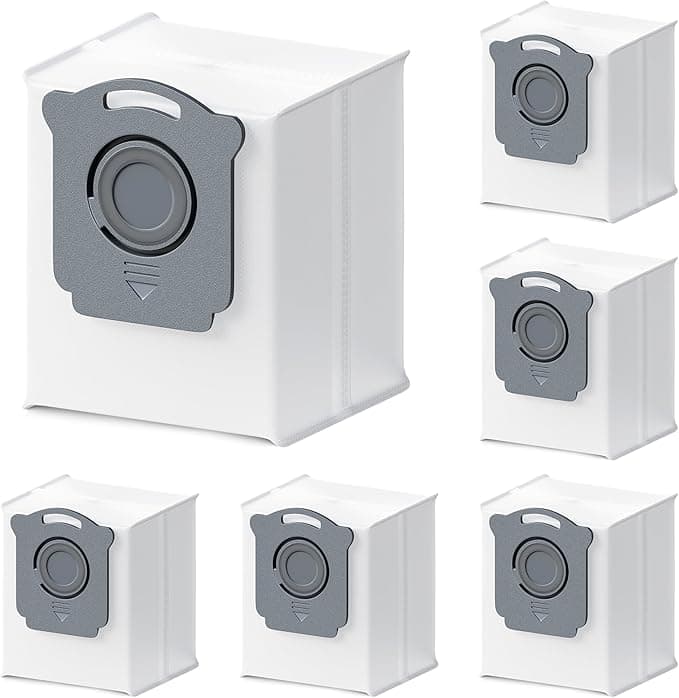
One tab was the official iRobot replacement kit for my J7+ — brushes, a couple of filters, the corner sweeper, a few dust bags — sitting at $59. The other tab was a generic kit that claimed to fit the J7+, I3+, and J9+, and it was $24. Same parts list. Same photos, basically. And I just sat there for a minute thinking, okay, what's the catch. Because there's always a catch with the cheap one, right?
I'd already been burned once on a no-name cleaning thing, so I wasn't feeling brave. But $35 saved on a kit I'm going to throw in the trash in a few months anyway — that's a real number. So I bought the generic. Ran it. Here's what actually happened, the good and the annoying, because I wish someone had just told me straight before I clicked.
The money, laid out plainly
The way iRobot wants you to do this is buy the OEM maintenance kit every few months. Call it $55-60 a pop. If you're a typical pet-and-kids household running the thing daily, you're realistically doing that maybe twice a year, sometimes more if you've got a shedding dog. So $110-120 a year just keeping the robot fed.
The generic kit I bought was $24 and had more pieces in it — extra filters, extra side brushes, two extra dust bags over what the branded box gives you. So per cleaning cycle I'm spending less than half, and I'm not rationing filters because I've got spares sitting in the drawer. Over a year that's the difference between roughly $120 and roughly $50. That gap is the whole reason this article exists.
Does it actually fit, though
This is the part I cared about most, because a robot vacuum is a fussier animal than a fridge filter. A part that's a millimeter off doesn't just leak — it can jam a roller or throw a "brush stuck" error every ten minutes.
The install itself is genuinely simple. You power the robot down and pull it off the dock first — do that, don't be lazy about it. The brush cage on the bottom pops open with the little yellow tabs, the old rollers lift straight out, and the new ones drop in the same orientation. I keep a Phillips screwdriver and a cloth nearby because the compartment is always packed with hair and grit and you want to wipe that out while it's open. Took me maybe four minutes start to finish, no fighting.
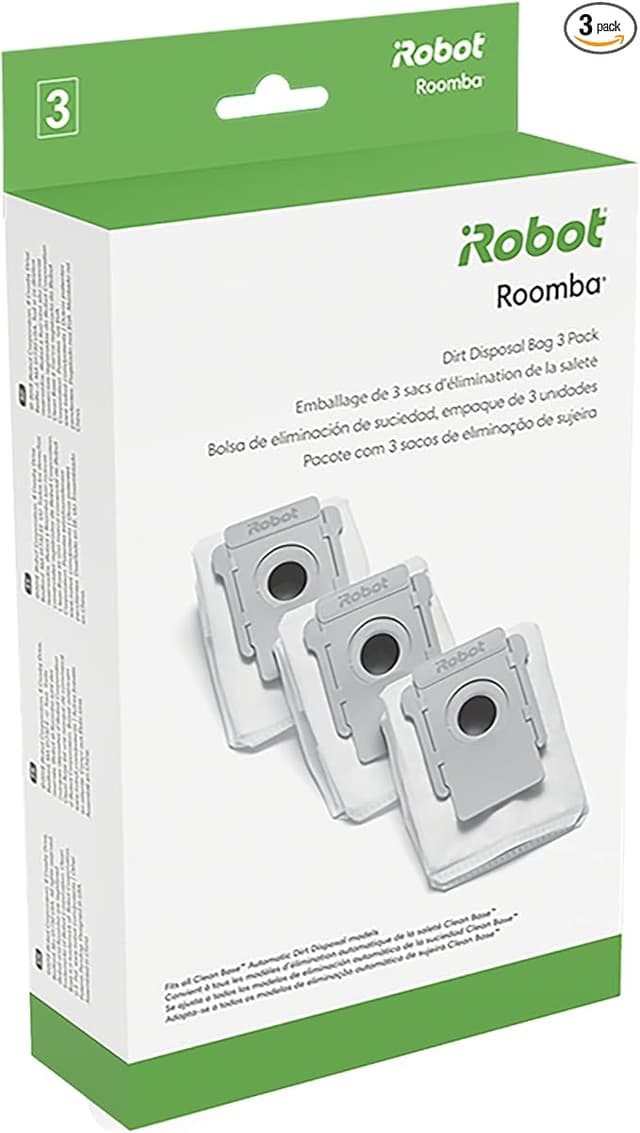
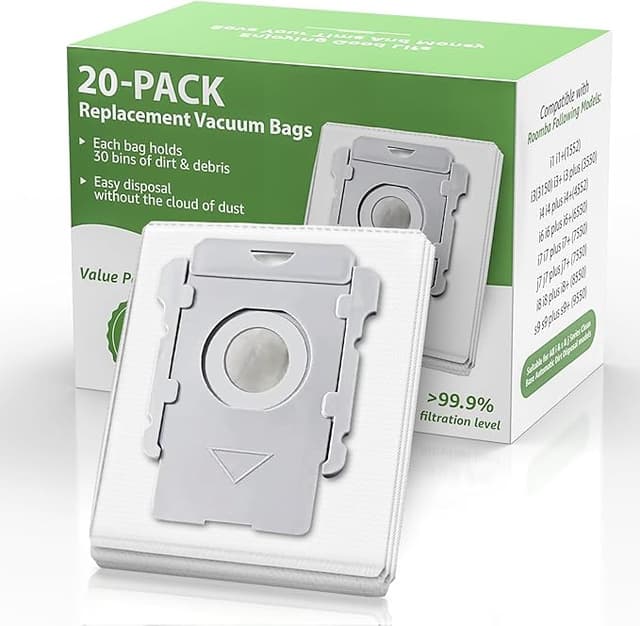
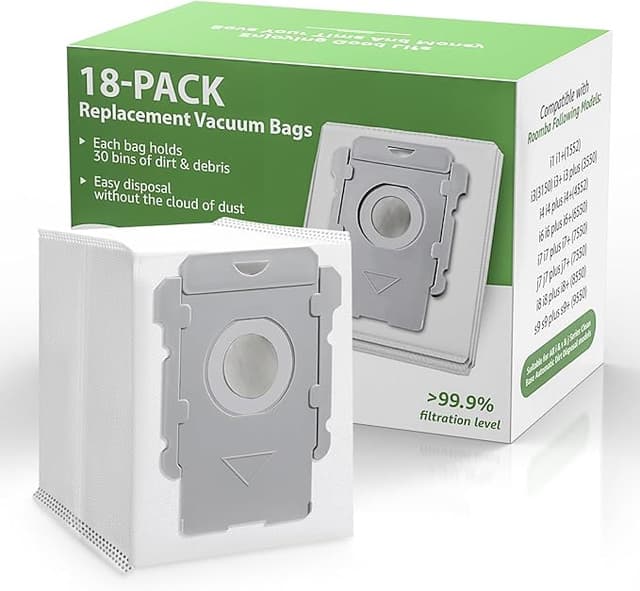
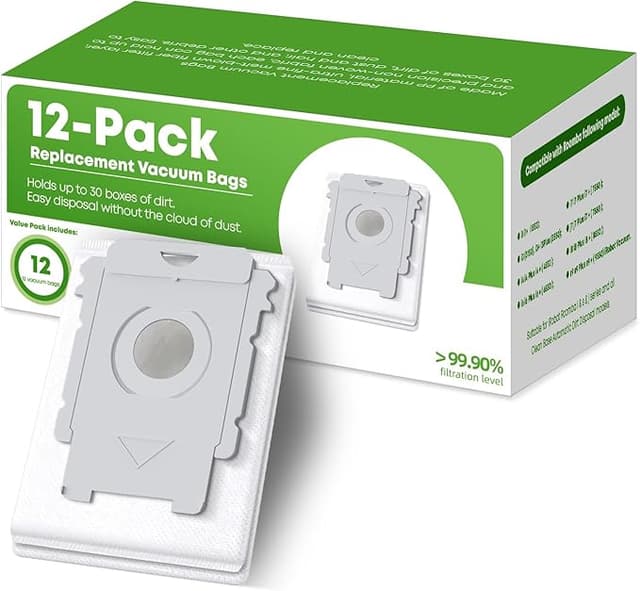
The rubber rollers seated perfectly and the end caps clicked in flush — no gap, no wobble. The dust bags are where I held my breath, because that little cardboard collar on a J7+/J9+ bag has to slide into a slot and seal, or the auto-empty base just blows dust everywhere. The generic bags slid in and sealed. I've run probably fifteen empty cycles on them now and the base hasn't coughed dust once.
The side brush — the little three-armed sweeper — was the one part that felt a hair cheaper. The plastic is a touch more flexible than the OEM one and the screw hole was a smidge tight, so I had to push a little to get the screw to bite. Once it was in, it spun true. But that was the one "oh, this is the budget version" moment of the whole job.
How it actually cleans, honest take
For pickup on hard floor and low carpet, I genuinely can't tell the difference. The rubber rollers grab pet hair and the usual kitchen crumbs exactly like the originals did. My floors are the same kind of clean.
The filter is where I'll be straight with you: it does the job, but I think the OEM filter media is a touch denser. I didn't measure airflow or anything — I'm a guy with a robot vacuum, not a lab. But on really fine stuff, drywall dust the one time I was sanding, flour after a baking disaster, the generic filter loaded up and needed a tap-out sooner than I remember the branded one doing. For everyday dust and hair, no issue at all. If you've got serious allergies and you're leaning on this filter as actual air filtration, that's the one spot I'd think twice.
The downsides, because there are some
First, the smell. New rubber rollers and fresh plastic have that faint factory smell for the first two or three days of running. It's not chemical-harsh, it's "new tire" mild, and it was gone by day three. But it's there, and if you're sensitive to that, run the robot while you're out of the room for the first couple of cycles.
Second, the packaging is cheap — everything's in one thin plastic bag, no individual wrapping, no fancy molded tray. Doesn't affect the parts, but it doesn't inspire confidence when it shows up looking like that. I get why people open the box and immediately worry they got knockoff junk.
Third — and this is the real one — quality control is a little less consistent than OEM. The side brush being tight, one of the dust bag collars had a slightly rough edge I had to check before installing. Nothing was defective, but you should give each piece a five-second look before it goes in rather than blindly trusting it the way you can with the branded box. With OEM you pay extra partly for never having to think about that.
Why you don't want to just let this ride
Worth saying plainly: a clogged filter and a hair-wrapped roller aren't just a performance thing. A saturated filter stops trapping the fine allergens and lets them recirculate, and a binding roller makes the motor work harder and run hotter — that's how you cook a robot early. Skipping replacement to save money is the actual expensive choice. So whatever kit you buy, the point is you keep fresh parts in the thing. The only question is whether you pay $55 or $24 to do it.
The verdict
Buy OEM if you've got severe allergies and you're counting on that filter as real air cleaning, or if you genuinely never want to glance at a part before installing it — that peace-of-mi— sorry, that hands-off certainty is worth the premium to some people, and that's fine.
For everyone else with a J7+, I3+, or J9+ — which is most of us, normal floors, a pet, a kid dropping crackers — the generic kit does the same job for less than half the price. The rollers grab the same hair, the bags seal, the install is identical. Yeah, the side brush is a little flimsier and there's a faint smell for two days. But for $35 less per kit, doing the work I actually need, I bought it again the second time without thinking twice. And I'll buy it a third time.