Troubleshooting & Analysis
The day my J7+ started spitting dust back out
I noticed it before I understood it. The bedroom smelled faintly like a vacuum cleaner bag that's been run too long — that warm, dusty, slightly-burnt smell — and the floors didn't feel clean even though the app said the run finished. Turns out my J7+ had been limping along on a filter so packed it had basically stopped filtering. The little pleated thing was gray-brown and stiff, the main brush was wound with a rope of hair and dog fur, and the dust bag in the Clean Base was full enough that suction had dropped off a cliff. The robot was still driving its patterns dutifully, fooling me, while pushing fine dust around and venting some of it right back into the room.
That's the thing nobody tells you about these self-emptying iRobots. They hide their own decline. By the time you smell it or see streaks, you've already lost a few weeks of real cleaning. So I finally sat down to re-stock — and that's where the OEM-versus-compatible argument started in my head.
The price that made me hesitate
iRobot wants real money for the consumables. A genuine replenishment kit — a couple of filters, a side brush or two, and a stack of dust bags — runs around $50 to $60 depending on what's bundled. The generic equivalent that fits the I3+, J7+, and I4+ I ended up buying was about $22 for a comparable set. So roughly $30 difference, one order. Doesn't sound like a fortune until you remember these are consumables. You're replacing the filter every couple months, the brushes a few times a year, swapping dust bags constantly. Over a year of ownership that gap stacks into real triple-digit money for a machine you already paid a few hundred bucks for.
I'd been the guy who paid OEM out of nervousness — figured iRobot knew its own machine and I didn't want to gum up a $500 robot to save twenty bucks. But after my third or fourth OEM reorder I started to feel like I was getting fleeced on plastic and felt. So this round, I bought the compatible set instead and watched it closely.
Fit and install — does it actually seat?
Install on these models is genuinely easy, and the compatible parts didn't change that. I turned the robot off, pulled the dust bin out, emptied it and wiped it down (do this — a grimy bin kills suction no matter how new the filter is). The replacement filter dropped into the bin slot and clicked home the same way the OEM one does. The main brush and the rubber extractors popped into their bay with the little yellow tabs locking down, and the side brush took one Phillips screw, same as always.
Was it identical? Not quite. The filter's plastic frame felt a hair looser in the slot than the genuine one — not rattling, but I could tell it wasn't molded to the exact same tolerance. It seated and held, the bin closed flush, and it hasn't shifted in months of daily runs. But if you're the type who notices a millimeter, you'll notice it. The side brush bristles were also a touch stiffer out of the package and stuck out at slightly odd angles for the first day before they relaxed into shape.
How it actually cleaned
Honestly? On the floor, I can't tell the difference. Suction came right back the moment I dropped the fresh filter and clean brush in — the J7+ went back to that satisfying, slightly-louder-on-carpet pull, and the streaks-of-dust problem disappeared completely. Hard floors look clean, the rug gets visibly groomed lines again, and the Clean Base empties into the new bags without the strained whine it had when the old bag was packed.
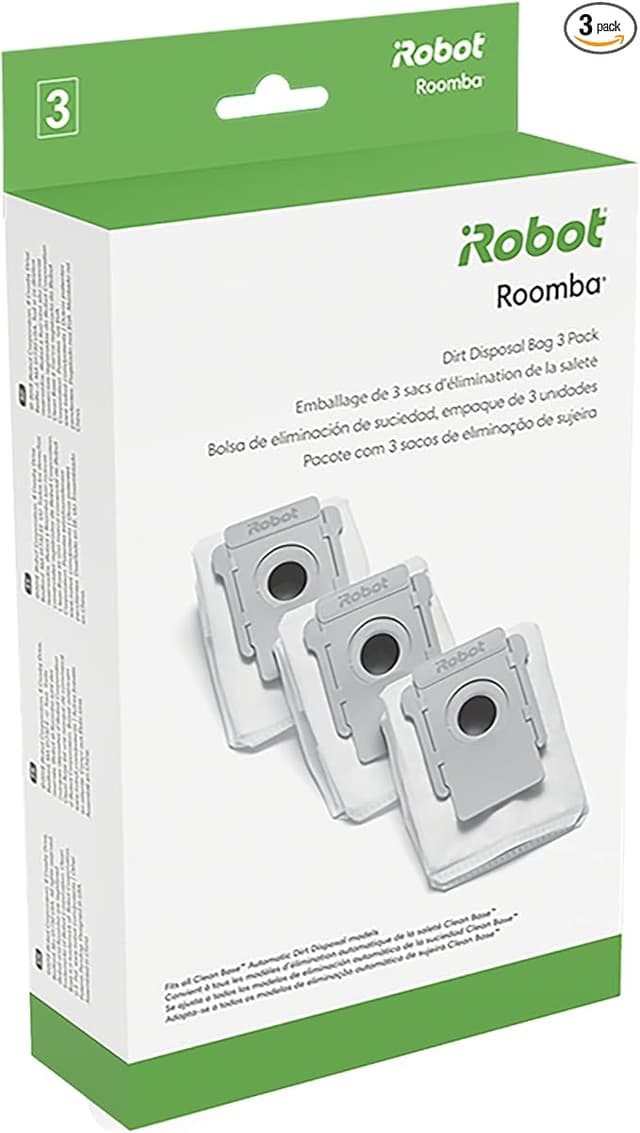
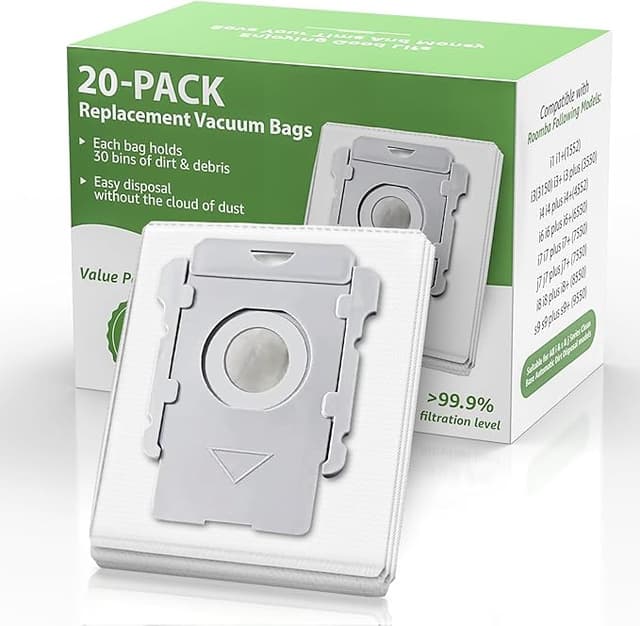
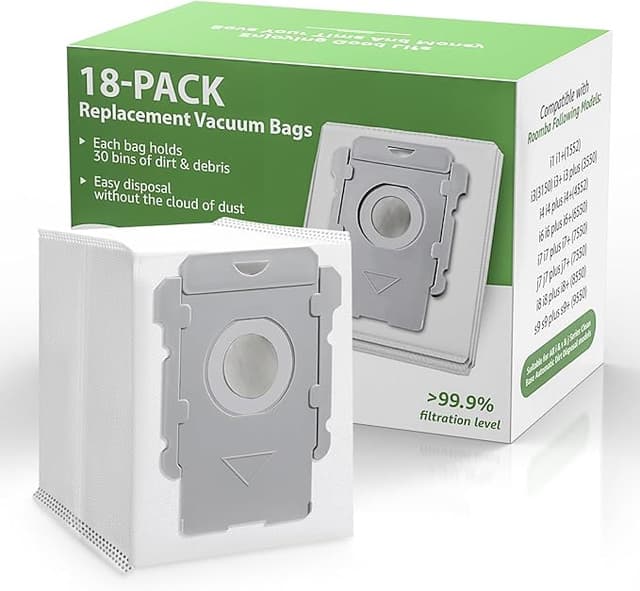
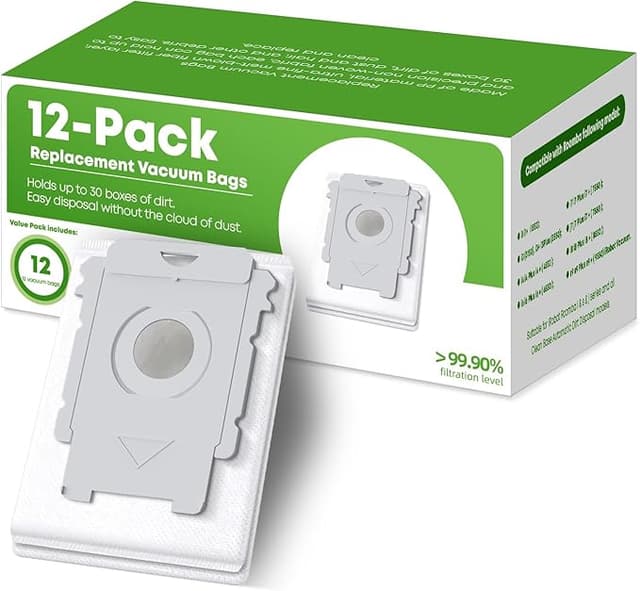
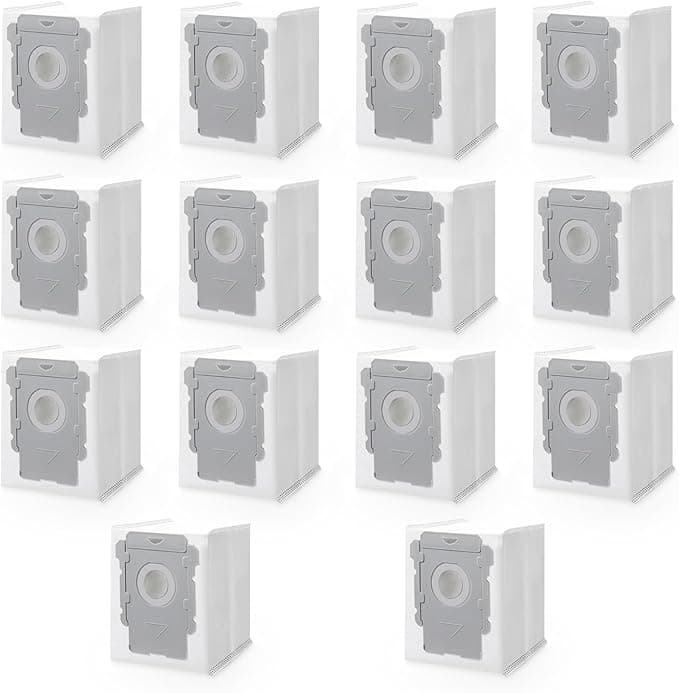
The dust bags are where I'll give OEM a small honest edge. The compatible bags hold and seal fine, but the cardboard collar feels flimsier and the filter media in the bag itself seems a touch thinner. They do the job — I haven't had one leak or tear in the base — but I handle them a little more carefully when I pull a full one out, because I could believe a really stuffed one might be easier to rip than the genuine ones. Minor. But real.
The downsides I'm not going to pretend away
First, the smell. For the first two or three days there was a faint plastic-and-glue odor when the robot ran, coming off the new filter and brush. Not chemical-strong, just noticeable in a closed bedroom. It aired out completely by day four and hasn't come back. If you've got a sensitive nose or you're putting this in a nursery, run it a couple times with a window cracked before you trust it.
Second, the packaging is cheap — thin poly bags, no fitted tray, parts kind of loose in the box. It doesn't affect the product but it doesn't inspire confidence when you open it. And the printing on the filter frame is a little crooked. None of that touches performance, but if "feels premium" matters to you, OEM still wins the unboxing.
Third, lifespan is the open question. I'm a few months in and the compatible filter is holding suction as well as a genuine one did at the same age, but I genuinely can't promise you it'll go the full distance an OEM filter would over six-plus months — I'd rather tell you I don't have a year of data yet than make it up. My move is to just swap them a little sooner, which is easy to do guilt-free when they cost less than half as much.
Why staying on top of this actually matters
The reason I went down this whole rabbit hole is that a saturated filter and a hair-choked brush aren't just a cleaning-quality problem — they make the motor work harder, pulling more current to move less air, and that's how you cook a vacuum's motor early. A clogged filter also means the fine stuff that should be trapped gets recirculated, which for anyone with allergies is the opposite of why you bought the thing. Cheap parts you'll actually replace on time beat expensive parts you stretch to nine months because you flinch at the reorder price. That's the quiet case for going compatible: it removes the excuse to procrastinate.
Who should buy what
If your J7+ or I3+ is under warranty and you're worried about giving iRobot any reason to deny a claim, or you simply want the exact factory tolerances and the nicer dust bags, buy OEM and don't think twice. That's a legitimate choice.
But for me — a guy with pets, daily runs, and a clear memory of that dusty-room smell — the compatible set at roughly $22 against the $50-plus genuine kit does the same job on my floors, installs in five minutes, and lets me replace parts on schedule instead of rationing them. The looser frame and the cheap box don't bother me when the suction's identical and the savings are real. I bought it again on my last reorder. I'll buy it again on the next one.