Troubleshooting & Analysis
I almost paid $59 for a bag of dust
That's the part that still gets me. I was standing in my kitchen with the J7+ docked behind me, phone open to iRobot's parts page, and the official maintenance kit — three filters, a couple of side brushes, a stack of dust bags — was ringing up at fifty-nine bucks. For consumables. For things that, by design, fill up with hair and get thrown away. I'd already replaced this stuff once at OEM price the year before and barely thought about it. This time I just sat there doing the math.
Because here's the math. I run my robot most days — I've got a shedding dog and a kid who treats the living room like a sandbox — so I'm burning through a dust bag every three or four weeks and a filter every couple of months. At iRobot's prices that's somewhere north of a hundred bucks a year just to keep the thing breathing. The generic kit I ended up buying was $22 and came with more pieces than the OEM box. Same year of upkeep, roughly a third of the cost. I bought it half-expecting to regret it.
What's actually in the box
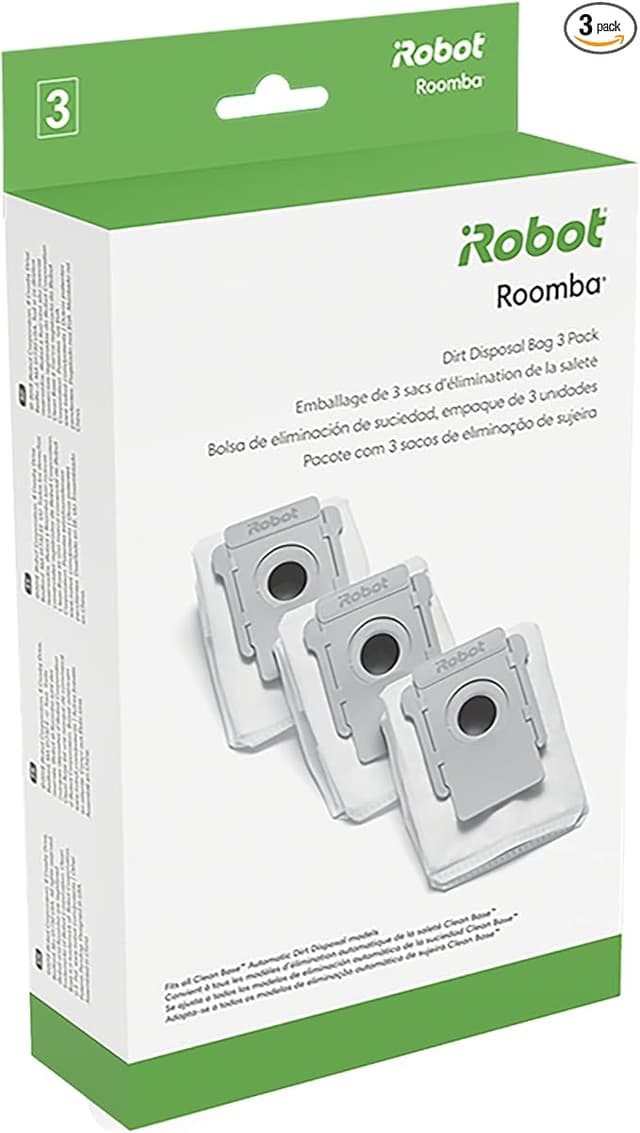
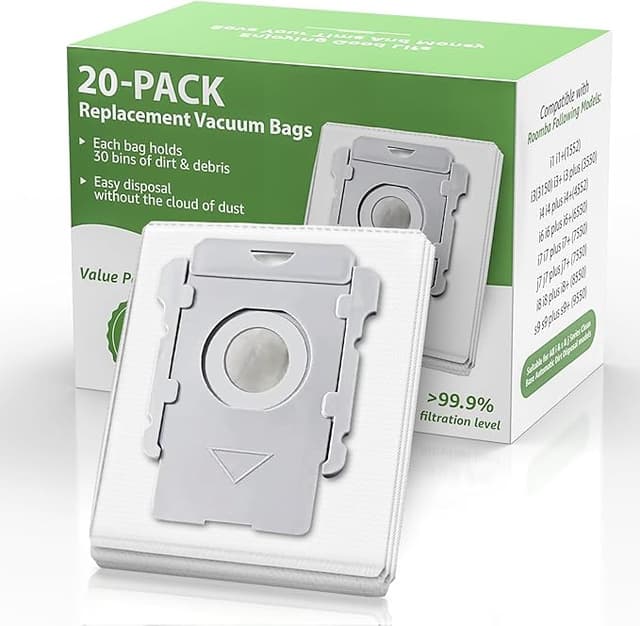
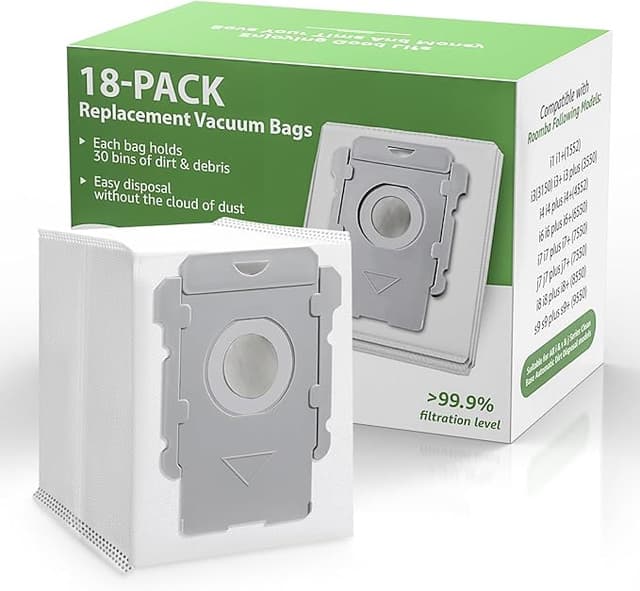
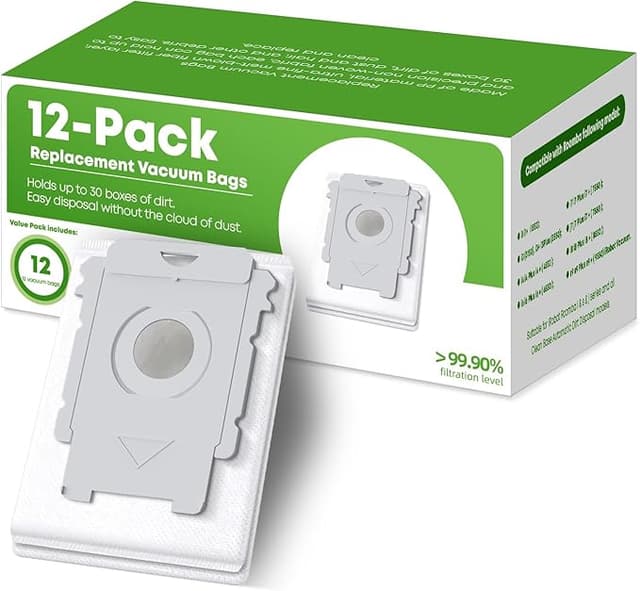
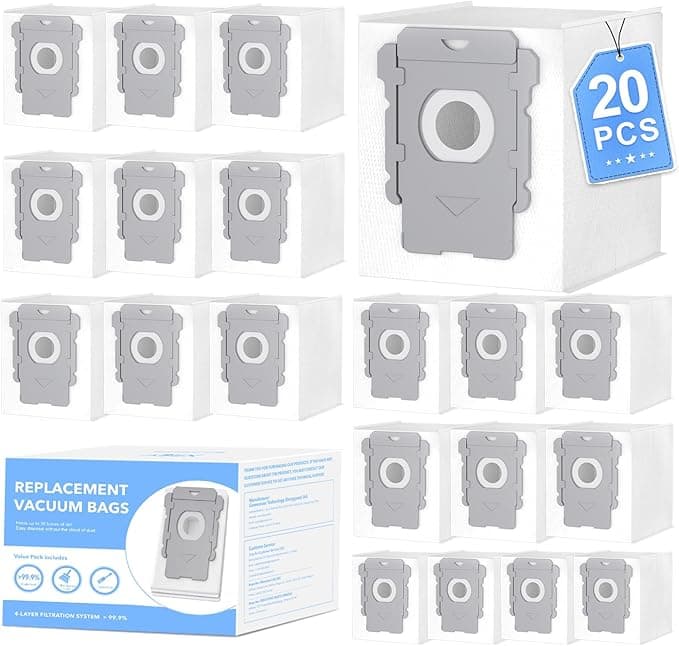
The kit covers the I3+/J7+/I4+ line, which is the family I own, and it's the full consumable spread: HEPA-style filters, the rubber dual rollers, side brushes, mop pads for the combo models, and the sealed dust bags for the Clean Base. The bags are the part I cared about most, because that's where the cheap-vs-real argument usually falls apart — a bad seal means dust blows back into the dock when it empties, and you smell it.
So that was my first test. I swapped a generic bag in, ran a full cycle, let the robot auto-empty, and then I went and stuck my nose right up to the base like a weirdo. Nothing. No puff of grit, no kicked-up smell. The cardboard collar that snaps into the dock seated with a clean click — same click as the real one — and the seal held. I've now gone through four of these bags and not one has leaked or torn on removal.
Fit and install — where the cheap stuff usually shows
Installing it is genuinely a two-minute job, and you don't need the screwdriver they mention unless you're getting into a deeper clean. I power the robot fully off and pull it off the dock first — not because the instructions scare me, but because I once started a vacuum mid-swap and chased it across the floor with a brush roller in my hand. Lesson learned.
The filter drops into its slot and the cover latches shut with no fight. The side brush sits on its post and the single screw bites fine. The rollers — the rubber extractors — are the place I expected trouble, and there is a little. The yellow end caps on these aftermarket rollers are a hair tighter going into the bearing housings than the originals. The first one I had to wiggle and press for a few seconds before it sat flush. Not hard, just not the buttery snap you get from the genuine part. Once they're in, though, they spin true and the bin door closes flat.
One real install note: line the rollers up by their tread pattern, because the front and rear extractor aren't interchangeable and the kit doesn't label them as obviously as iRobot does. I put them in backwards the first time, the robot threw a brush error, and I spent five minutes convinced I'd bought junk before I realized I was the problem.
How it actually cleans
Honestly? On a normal floor I can't tell the difference. Pickup on the hardwood and the low-pile rug is the same as it was with the genuine extractors — it grabs the dog hair, it grabs the cereal my kid grinds into the rug, and the bin fills at the same rate it always did. The filter does its job; I haven't seen any fine dust escaping back out the exhaust, which is the thing that would actually matter for anyone with allergies in the house.
Where I'll be straight with you: the mop pads are the weak link. They're a touch thinner than iRobot's, and on a heavier dried spill they take two passes where the original might've handled it in one. For everyday light mopping — dust and the occasional sticky spot — they're completely fine. For a real mess, you're still grabbing a paper towel either way, so I don't count it as a dealbreaker. And the rubber rollers, while they clean great, do seem to wear a bit faster than OEM; I'd guess I'll replace these a little sooner. At this price I do not care. I could replace them three times over and still be under what the genuine set costs once.
Why I don't let it ride too long
The one thing I won't be casual about is letting a packed bag or a gummed-up filter sit. A choked dust bag makes the motor work harder and run hotter, and that's the kind of slow strain that shortens a machine's life — and a saturated filter just recirculates the fine stuff you bought the robot to capture, which defeats the whole point if anyone in the house has dust allergies. Cheaper consumables actually make me better about this, because at $22 a kit I swap parts the second they look tired instead of squeezing another month out of a $59 box out of guilt. The robot's been healthier for it.
So who should skip it?
If you mop more than you vacuum — if your robot's main job is scrubbing a kitchen floor daily — buy the genuine pads and don't think twice; that's the one component where OEM earns its premium. And if you're the type who'd rather pay extra for a part that snaps in without a single second of fiddling, the real kit is frustration-free in a way this isn't, barely.
For everyone else, which is most of us: I've run this generic kit on my J7+ for months now, through a dog, a kid, and floors that see real abuse. The bags seal, the filter filters, the brushes grab. It saved me close to forty dollars on a single kit and roughly seventy a year on upkeep. The mop pads are average and one roller fought me for ten seconds. That's the whole list of complaints. For that price gap, doing the same daily job, I'd buy it again — and the empty box on my shelf says I already have.