Troubleshooting & Analysis
The click is the first thing that told me it was fine
I had the new filter half-seated in my j7+ before I even thought about it, and there it was — that little plastic click as it dropped into the bin slot. Same click as the iRobot-branded one. I'd been bracing for the compatible part to feel wrong, to wobble or sit a millimeter proud so the bin lid wouldn't shut. It didn't. It clicked, the lid closed flush, and honestly that was the moment most of my worry went away. You can tell a lot about a replacement part in the first three seconds of handling it.
For context: I run this robot in a house with a shedding dog and two kids who treat the kitchen floor like a snack tray. I've gone through the OEM consumables more times than I want to add up, and every time I'd stare at the authentic replacement kit and do the same little math that probably brought you to this page.
The price gap is the whole reason we're here
An iRobot-branded replacement kit for the i3/i4/j7 line — the one with filters, the edge-sweeping brush, and a few dust bags — runs me about $40 when I buy it straight from them. The generic kit I've been using lands around $20. So we're talking roughly a $20 swing per kit. Doesn't sound like a fortune until you remember how often these things actually need feeding.
I change the filter about every two months because of the dog. Brush, similar. The dust bags I'm popping through faster than that. Run the year out and I'm replacing this stuff five or six times. At OEM prices that's well over a hundred bucks a year just to keep a robot doing the one job it has. At generic prices it's roughly half that. That's not a rounding error — that's a tank of gas, every year, for a part that gets thrown in the trash anyway.
And that's really the thing that bugs me about the OEM markup. A filter is a consumable. It is designed to get clogged and tossed. Paying a premium brand price for something whose entire destiny is the garbage can never sat right with me.
Fit and install — where I expected trouble and didn't find much
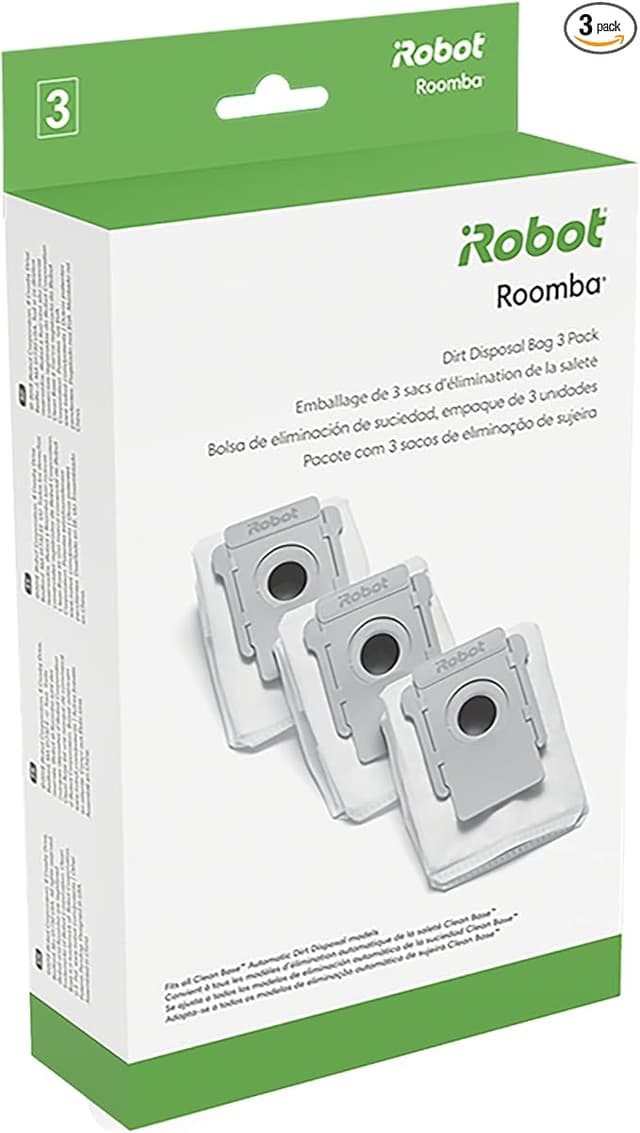
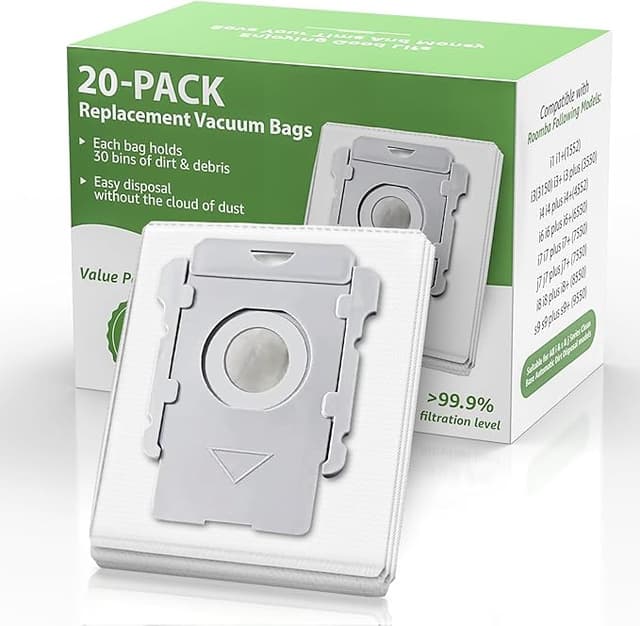
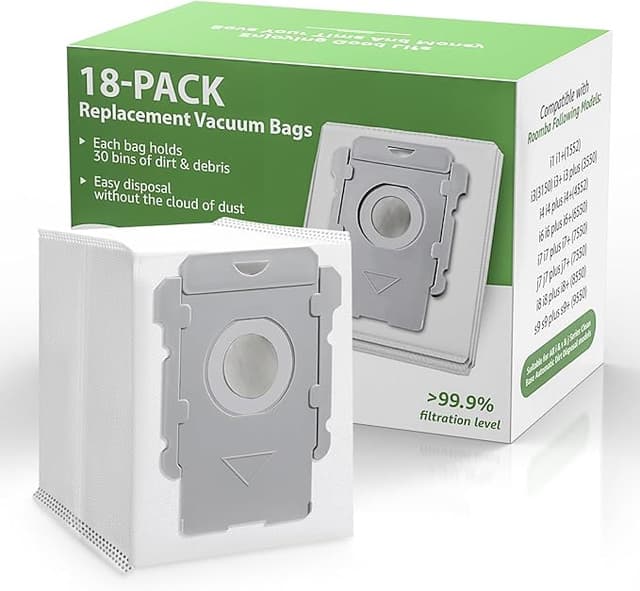
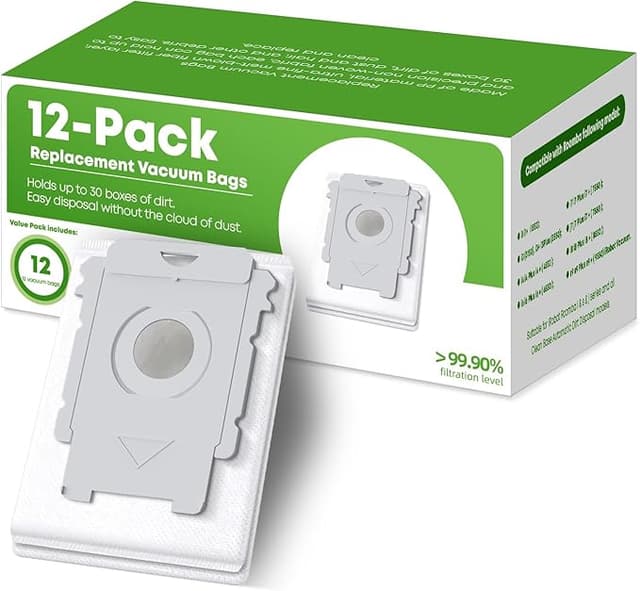
Swapping these parts is genuinely a five-minute job, and you don't need to be handy. I power the robot off first, always — partly habit, partly because the side brush has a screw and I don't want it deciding to spin while my finger's near it. Pop the bin, pull the old filter out by its tab, and the new one goes in the same orientation. The brushes lift out, the new ones press in. Dust bag slides into the clean base. That's it.
A couple of honest notes from doing this a bunch of times. The little screw that holds the edge brush on the generic kits is slightly softer metal than the original — I stripped one once by leaning on the screwdriver too hard, so go easy and let the bit do the work. And keep the old parts next to you while you install the new ones, so you're matching like for like. The first time, I almost put a brush in backwards because I was rushing. User-error, not the part's fault, but worth saying.
How it actually cleans
This is what people really want to know: does the cheap filter make the robot worse at its job? In my house, not in any way I can feel. Suction on the first few passes after a fresh filter is right back to that satisfying full-power sound, the dog hair comes up, the bin fills. The edge brush flicks debris out of the corners the same as the branded one did. I've run side-by-side stretches — a month on OEM, then a month on generic — and if there's a performance difference I'm not seeing it in the bin or on the floor.
Where I'll be straight with you: the generic filters seem to load up a hair faster toward the end of their life. The last week or so before a change, I notice the robot a touch louder, working a little harder. Could be the slightly cheaper media, could be my dog. Either way the fix is the same — change it on schedule — and at $20 a kit, changing it a few days early costs me almost nothing.
The downsides, for real
I'm not going to pretend this is a flawless swap, because it isn't. Here's what you actually get for paying less.
First, the smell. New generic filters have a faint plastic-and-cardboard odor out of the package for the first day or two of running. It's mild and it airs out fast, but the first time it caught me off guard. The OEM ones don't really do that. If you're sensitive to that kind of thing, run the robot once with a window cracked and it's gone.
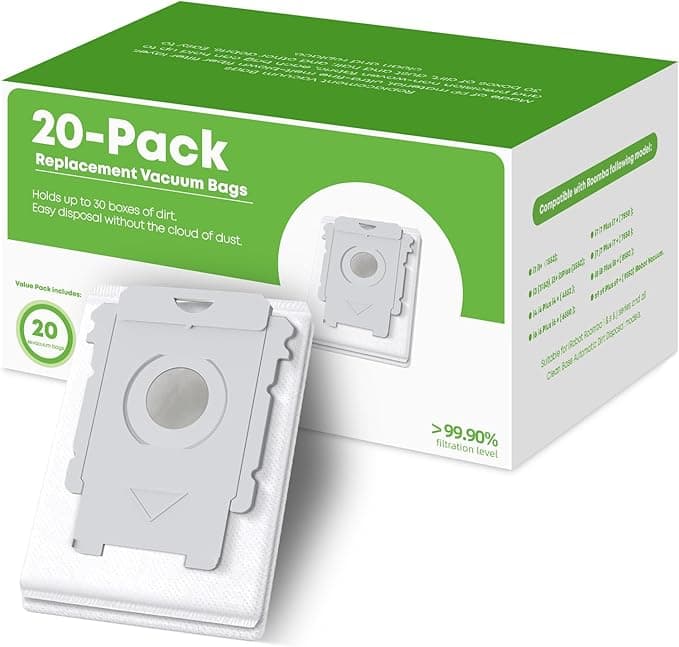
Second, the packaging is cheap and the quality control isn't perfectly consistent. The branded kit comes in a tidy box with everything molded in place. The generic kit shows up in a plastic sleeve, and across the kits I've bought, the filter pleats have occasionally looked a little uneven, the dust bag cardboard a touch flimsier. Nothing that's failed on me — but you can see where the savings came from. It does not feel like a luxury product. It feels like a part that works.
Third, that softer screw I mentioned. It's a small thing, but if you crank it like you're torquing a lug nut you can mangle it. Snug is enough.
Why I don't let the filter slide
One reason I'm religious about changing these: a clogged filter doesn't just clean worse, it makes the robot fight itself. When the filter saturates with fine dust, the motor pulls harder to move the same air, and you're running a small machine hot to do a worse job. On top of that, all the stuff a vacuum is supposed to trap — dander, dust, the fine grit that triggers my kid's allergies — starts getting pushed around instead of held. A dead filter is the difference between a vacuum and an expensive dust-redistributor. So the low price isn't just nice, it's the thing that lets me actually swap on time instead of stretching a tired filter another month to save money.
The verdict
Here's who should stick with OEM: if your robot's still under warranty and you're the type to worry that a third-party consumable could give iRobot an excuse to deny a claim, buy the branded parts and sleep easy — that peace is worth $20 to some people, and I get it.
For everyone else, including me: I've run these generic kits through a hard-use household for long enough to stop thinking about it. They fit, they click, they clean, they cost about half. The plastic smell fades, the packaging is forgettable, and the one screw just wants a gentle hand. For roughly $20 less a kit, doing the same job several times a year, I grab the compatible one every time now — and I've got a drawer full of them to prove it.