Troubleshooting & Analysis
Two cartridges, one cart, and me doing math in the pool aisle
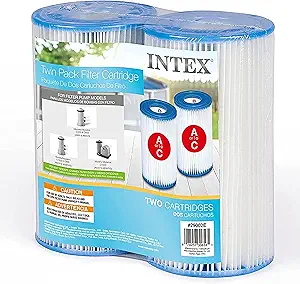
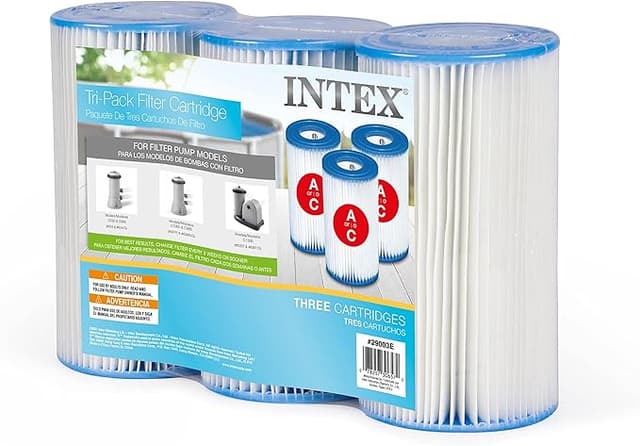
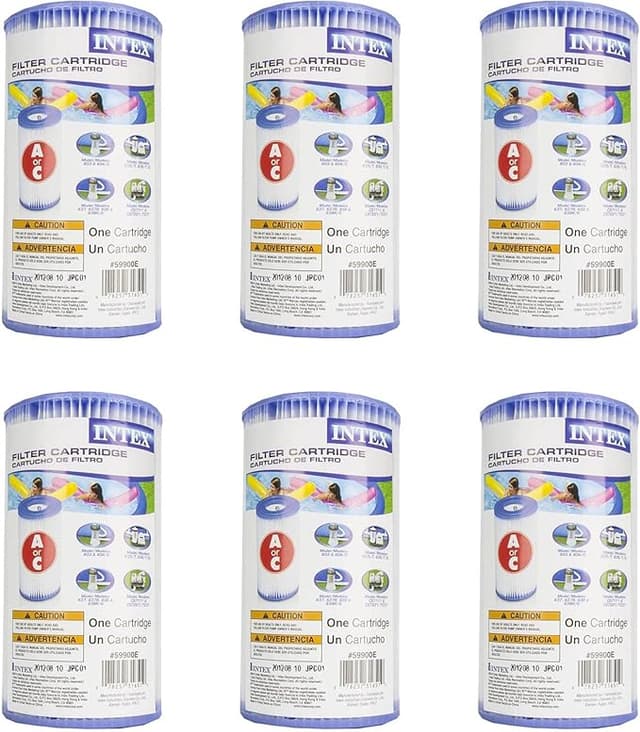
I stood there holding both. Left hand: the genuine Intex Type A cartridge, single, $12.99 on the shelf tag. Right hand: a six-pack of compatible Type A's for $26 — call it $4.30 each. Same pleated shape, same little plastic core, same "Type A" stamped on the end cap. My pump back home eats one of these roughly every two weeks in swim season. Do the season math and the OEM route was going to run me close to $130 over a summer. The compatible six-pack covered the same stretch for a quarter of that.
I'd been the guy who bought genuine every time. Then one July my filter clogged on a Saturday, the store was out of Intex-branded, and I grabbed an off-brand six-pack out of pure don't-want-green-water desperation. That's how this whole thing started — by accident, because the real one wasn't on the shelf.
What you're actually choosing between
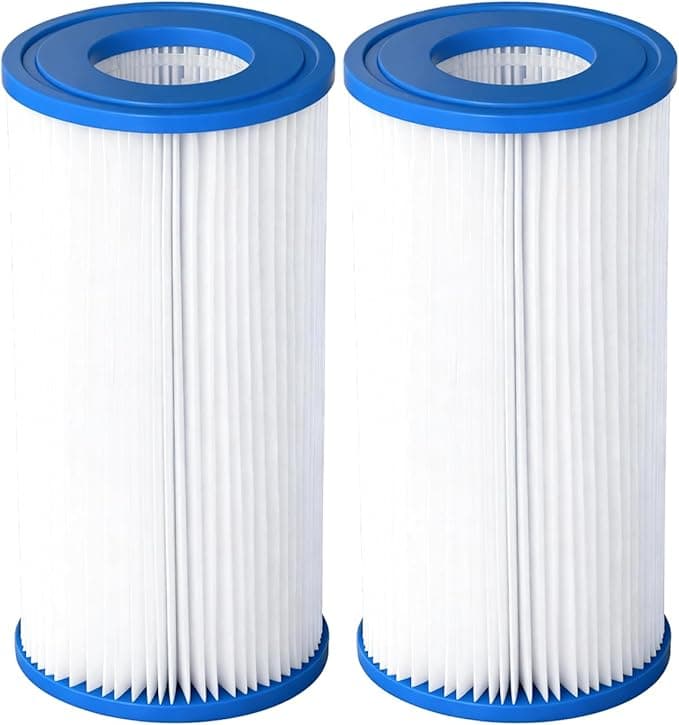
Here's the thing nobody tells you standing in that aisle: the Type A cartridge is a dumb, simple part. It's pleated polyester wrapped around a plastic cylinder. There's no membrane wizardry, no proprietary coating, nothing the OEM is protecting. Your Intex pump pushes water through the pleats, the pleats catch dirt and sunscreen film and the occasional drowned beetle, and that's the whole job. So the question isn't "is the cheap one as advanced" — there's nothing advanced about either. The question is whether the compatible one is built well enough to not fall apart or fit loose.
After three full seasons running compatibles in a 1,500-gallon Intex frame pool, my answer is mostly yes, with a couple of honest caveats I'll get to.
Fit and install — does it seat right?
This is the part I was nervous about, because a filter that sits a hair loose lets water sneak around the pleats instead of through them, and then you're filtering nothing. My routine is the same every time: kill the pump first — always, before you touch anything, because you do not want suction or a debris surge while your hand's in the housing. Unthread the cap on the pump intake, lift the old cartridge out (tip it as you pull, it holds a cup of gray water you don't want down your arm), and drop the new one onto the center post.
The compatible cartridges seat onto that post fine. I give a light press until I feel it bottom out, thread the cap back down. On the genuine Intex part the rubber-ish end cap grabs the housing with a satisfying snug stop. On the compatibles, the fit is good but a touch less precise — the end cap plastic is a little harder, so it doesn't compress into the housing quite as tight. I've never had one leak or bypass, but I do snug the cap a quarter-turn firmer than I would on an OEM. Small thing. Worth knowing.
How it actually performs over a season
Side by side, water clarity was a wash — I genuinely could not tell you which cartridge was in the pump on any given week by looking at the water. Both pull the same fine debris, both choke on the same heavy pollen days, both need a rinse with the garden hose every few days if you want to stretch their life.
Where the compatible falls a step behind: lifespan. My honest read after counting is the off-brand pleats pack out maybe 10–15% sooner than genuine Intex. Where a real Type A might give me a solid two weeks before the pressure tells me it's done, the compatible sometimes taps out at eleven, twelve days in heavy use. But — and this is the whole argument — at roughly $4.30 a cartridge versus $13, I can swap a fresh compatible one a couple days early and still spend a third of what the OEM costs me. Replacing slightly more often with a part that costs a third as much is not a loss. It's the deal.
The real downside, not a fake one
Two things, and I won't soften them. First, the packaging and consistency are cheaper. Out of one six-pack I got a cartridge where the top pleats were a little crushed from being jammed in the bag — it still worked, but it looked rough and I trimmed a stray thread off the seam. You won't get that with the OEM single in its tidy box. Out of eighteen-ish compatibles I've run, that's been one genuinely sketchy unit, so call it the occasional dud you inspect for before you install. (That inspection — looking the cartridge over for crushed pleats or a warped cap before it goes in — is a step I'd do regardless, and it takes ten seconds.)
Second, the cardboard core on a couple of the cheaper compatibles softens faster than the genuine plastic-ish core when it's waterlogged the whole season. It never collapsed on me, but by the end of a cartridge's life the compatible felt floppier in my hand than a spent OEM did. Cosmetic to performance, real to how it feels.
Why you don't want to skip this at all
Whatever you buy, do not be the person running a packed, gray, slimy cartridge into August because you're trying to save twelve bucks. A saturated filter stops catching anything — water just sheets around the clogged pleats — and now your pump is straining against a brick of gunk while your water quietly turns. That's how you get cloudy water, algae getting a foothold, and in the worst case a pump motor working itself to death. The cheap part isn't the risk. The dead part is. And honestly, the fact that compatibles cost so little is the thing that finally got me changing them on schedule instead of guiltily stretching an OEM one an extra week.
Who should buy what
If you've got a small Intex pump and you change religiously on schedule and a few extra days of life per cartridge genuinely matters to you — or you just hate the idea of inspecting a part before you install it — buy the genuine Intex Type A and don't think about it. That's a legitimate choice, and the OEM consistency is real.
For everyone else — which is most of us running a seasonal backyard Intex pool — I grab the compatible six-pack. Same clear water, same simple install, a part that does an identical dumb job for about $4 instead of $13. The frame's a hair less precise, one in eighteen needs a glance before it goes in, and they pack out a little sooner. I know all that. I bought another six-pack this spring anyway, and my water's clear right now as I'm typing this. That's the verdict that actually counts.