Troubleshooting & Analysis
The morning my printer quit on a deadline
Picture it: 7:40 a.m., I've got a notarized form that has to be at the bank by nine, and my HP OfficeJet 6958 throws up the low-ink warning mid-page. Then it just stops. Half the document came out with the black going pale and streaky — that washed-out, drag-your-finger-across-it look you get when a cartridge is gasping its last. I shook it. I did the dumb thing where you pull it out, wipe the contacts, blow on it like a Nintendo cartridge. Nothing. The thing was done, and the OEM 902XL I'd have to buy to replace it was sitting on Amazon at around $40 for the high-yield black.
That was the morning I stopped buying HP's ink.
The price gap is genuinely absurd
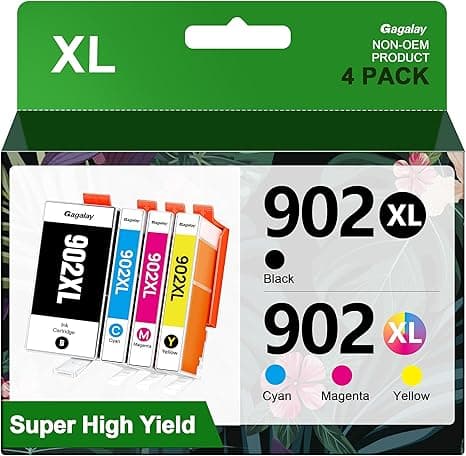
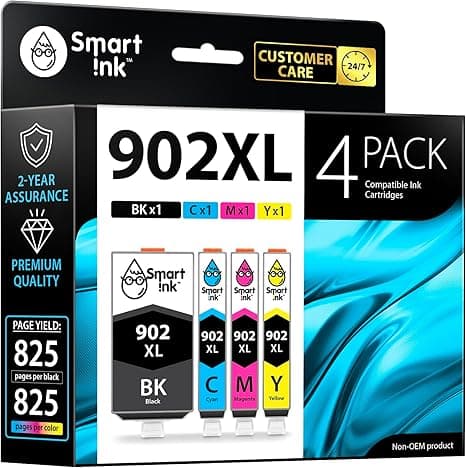
Here's what pushed me over the edge. A single genuine HP 902XL high-yield black runs roughly $40. The compatible 902XL I switched to was about $20 — and that's the number that matters, because I print enough that I'm replacing black maybe three or four times a year. Call it $80 a year on OEM versus around $40 on the compatible. Over the life of a printer I'll keep for four or five years, that's a couple hundred dollars I'd be handing HP for, functionally, the same colored liquid in a slightly nicer plastic shell.
And I want to be clear about something, because this is where most reviews lose me: I did not assume the cheap one would be fine. I assumed it would be junk. I figured I'd get faded prints, a clogged head, maybe a "cartridge not recognized" error that bricked my afternoon. I bought it half-expecting to write a warning, not a recommendation.
Install — honestly the easiest part
This is the same dance you already know on the 24/6958/6966 series. You lift the cover, wait for the carriage to slide over and stop, press the little tab to pop the old cartridge loose, and pull it out. The new one gets a strip of protective tape peeled off the bottom — and look, peel all of it, because the one time I left a sliver over the contacts I got a false empty reading and had to reseat it. Slide it in until you feel and hear the click. It's a real click, not a vague nudge. Then run a test print before you trust it with anything that matters.
The compatible cartridge seated exactly like OEM. Same click, same fit, no shimming, no wiggle. If anything the only tell that it wasn't genuine HP was the box, which I'll get to.
Where it matches OEM, and where it's a hair behind
Black text? I genuinely can't tell the difference. Sharp, dark, no bleeding on regular copy paper. I printed the same form I'd been printing for two years and laid the pages side by side — couldn't pick out which came from which cartridge. For documents, invoices, shipping labels, school stuff, the compatible 902XL does the job and I'd defend that to anyone.
Color is where I'll be straight with you. On a plain-paper pie chart or a colored header, it's a wash — looks identical. But when I printed a couple of photos on actual photo paper, the OEM had a slightly richer, deeper saturation in the dark blues and reds. The compatible was maybe five percent flatter. Not bad. Not "this looks wrong." Just a touch less punch if you put them next to each other under good light. If you're printing gallery photos, that gap might bug you. If you're printing your kid's book report cover, you will never, ever notice.
The real downside — and there's more than one
I promised honesty, so here it is. First, the ink-level reporting is unreliable. HP's software is built to read HP chips, and with the compatible it would sometimes flash a "low" or "non-genuine cartridge" warning while the thing kept printing fine for another hundred pages. You learn to ignore the gauge and just print until the quality actually drops. Mildly annoying. Took me a week to stop trusting the little bar.
Second, the packaging is cheap. Thin cardboard, a generic plastic clamshell, none of the snug molded presentation HP gives you. Cosmetic, sure — but the first time it shows up it does make you go "hm, is this legit?" It is. It just doesn't feel like it.
Third — and this is the one to actually weigh — quality control across the cheap-cartridge world is streakier than OEM. Out of maybe ten compatible cartridges I've run, one arrived a little light and gave me a faint horizontal band on the first few pages until it primed itself. A cleaning cycle fixed it. But that's a thing that basically never happens with genuine HP, and you should buy from a seller with a real return policy so the occasional dud costs you a reship, not $20.
Why a dead cartridge is more than an annoyance
People treat "out of ink" like a small problem until it strands them. A cartridge that's actually run dry and keeps getting forced to print can pull air through the print head, and on inkjets that's how you get a clogged or starved head — the expensive part of the machine. The fix isn't to baby an empty cartridge; it's to have a cheap spare in the drawer so you swap the second quality dips instead of squeezing a dead one. At $20 a pop, keeping a backup black on the shelf is a no-brainer. At $40 OEM, I used to gamble and run them too long. That gamble is exactly how heads die.
Who should still buy OEM — and who shouldn't
If you sell photo prints, if color accuracy is your livelihood, or if you simply cannot tolerate the occasional QC hiccup and want HP's warranty stance clean, buy the genuine 902XL and don't think about it. That's a legitimate choice and I won't talk you out of it.
But for the rest of us — the people printing forms, labels, homework, the odd photo — the compatible 902XL has earned its spot in my printer. Same crisp black text, color that's a whisker behind on glossy paper, a flaky ink gauge I've learned to shrug off, all for about half the price. I've bought it four times now. The morning my OEM cartridge died on me cost me a panicked drive across town. The compatible one that replaced it has never once made me regret saving the $20. I'd buy it again — and I will, probably next month.