Troubleshooting & Analysis
The smell hit me before the click did
First thing I noticed pulling the new filter out of the box wasn't how it looked — it was the faint plastic-and-cardboard smell. Not chemical exactly, just that new-aftermarket-part smell you get with anything that didn't come in Dyson's fancy packaging. Lasted maybe two days in my bedroom before it faded. I'm telling you that up front because nobody warns you, and the first night you'll sniff the air and wonder if you bought junk.
You didn't. But let me back up.
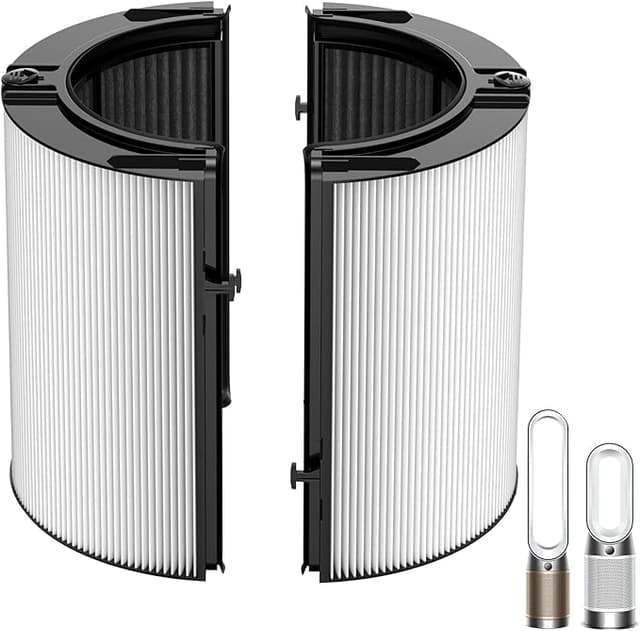
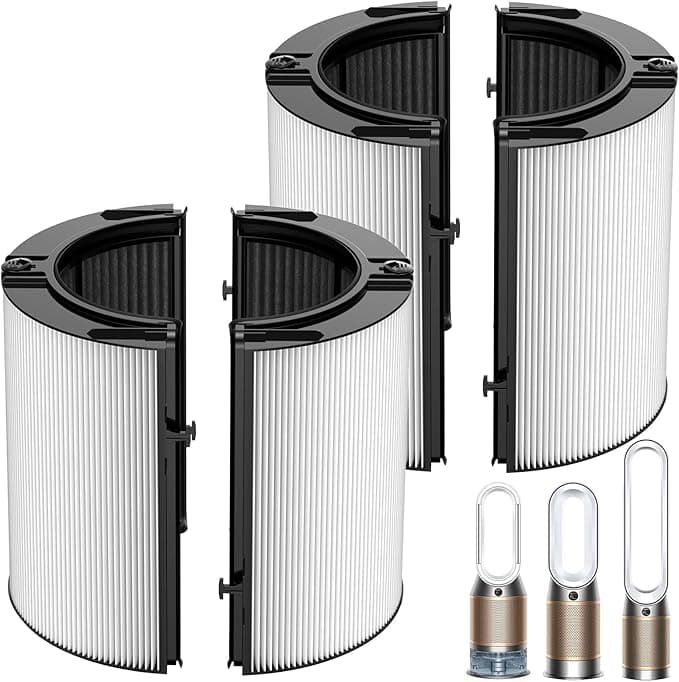
I run a Dyson PH04 in my bedroom — the purifier-humidifier combo, the tall one. Great machine. Hilariously expensive to feed. When my filter light started nagging me, I went to reorder and saw the OEM replacement sitting at around fifty bucks. For a PH04 that's basically running year-round, you're looking at one of those a year, sometimes two if you've got pets or a dusty place. That's $50–$100 annually just to keep a machine you already paid a fortune for from choking itself.
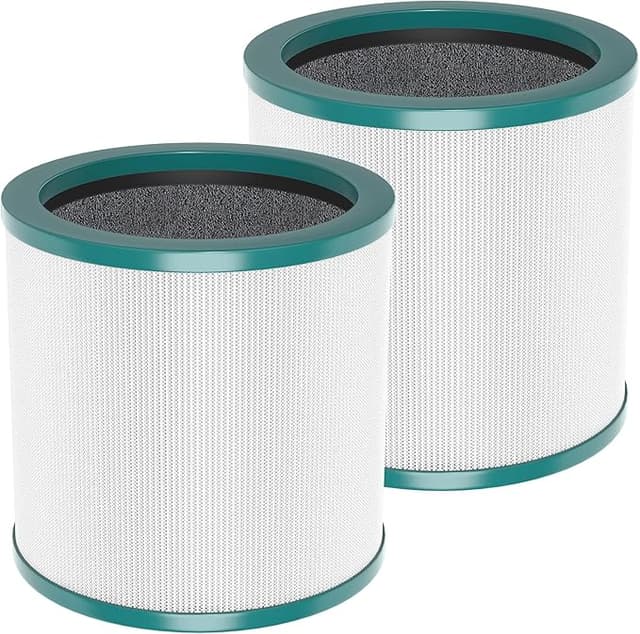
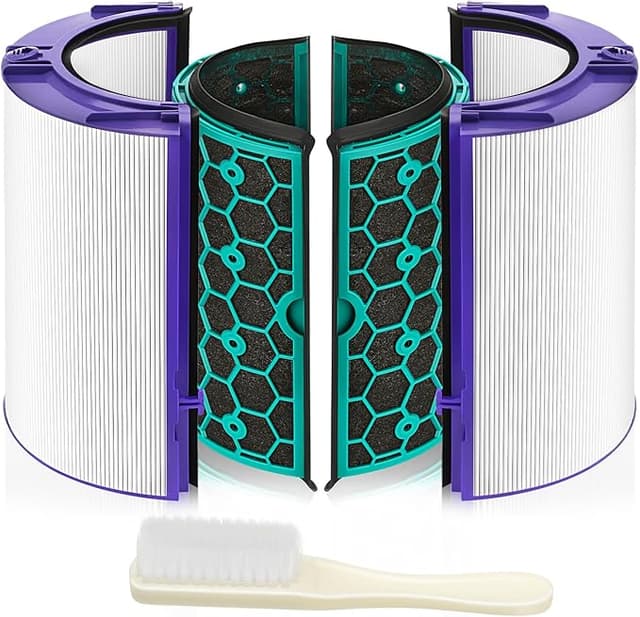
So this time I grabbed the compatible washable one. Around twenty bucks. And because it's washable, the math gets stupid in my favor fast — I'm not buying a new one every year, I'm rinsing the same one.
Does it actually seat right?
This is the part everyone's nervous about, me included. With the PH04 you pop off the dust bin, pull the old filter straight out, drop the new one in, snap the bin back. On the OEM, that snap is a clean, confident click — the housing grabs it and there's zero wiggle.
The compatible one clicks too. But honestly? The frame's a hair looser. Not loose enough to rattle or leak air around the edge — I checked, ran my hand around the seam with the unit going — but if you nudge it before the bin's fully on, it'll shift a couple millimeters where the OEM just locks. Once the dust bin's clamped back down, it's solid and stays put. I've had mine in for months and it hasn't budged. Just don't expect that machined, perfect Dyson grip. It's a touch more "good enough" than "engineered."
One install note that matters more than people think: if you rinse this thing — and the whole point of a washable filter is that you do — let it dry all the way before it goes back in. I mean bone dry, a full day on a towel. I got impatient once, put it back slightly damp, and the unit ran weird and smelled musty for an evening until it dried out internally. Patience. That's the cost of the savings.
How it actually performs
Here's what surprised me. On dust and the general allergen stuff — the visible junk, the pollen-season misery — I genuinely can't tell the difference from the OEM. The PH04's own air quality readout backs me up; it pulls the room down to clean numbers about as fast as it ever did. Suction at the intake feels strong. The whole reason a clogged filter is a problem is that the motor starts fighting a wall of packed dust, works harder, gets hot, and either dies young or starts pushing the dirty air back at you instead of trapping it. A fresh filter — OEM or this one — kills that problem dead. I felt the difference in airflow the day I swapped the old gunked one out.
Where it's a touch behind: I don't fully trust it on the fine-particle, odor, gas-phase end the way I trust Dyson's own carbon-loaded media. If you bought your PH04 specifically to chew through cooking smells, VOCs, that sort of thing, the OEM still has an edge there in my experience. For straight-up dust and allergens in a bedroom or office, I've stopped noticing any gap.
The real downside, plainly
Beyond the break-in smell and the slightly looser frame, the honest knock is lifespan-per-wash. A washable filter is a fantastic deal until it isn't — every rinse, the media degrades a little. After enough cycles you'll feel airflow soften, and that's the filter telling you it's spent. I get a solid run out of mine between rinses and several rinses before I think about tossing it, but I'm not going to pretend it's immortal. It's a consumable that you get to reuse a bunch, not a forever part. Treat it like that and you won't be disappointed.
The packaging's also just... cheap. Thin box, no instructions worth reading. Doesn't affect the filter, but it's part of why your gut whispers "is this safe?" when you open it. The filter itself is fine. The unboxing is not a Dyson experience.
So who should skip it?
If your PH04 is still under warranty and you're the type who worries a third-party part could give Dyson an excuse to deny a claim — buy OEM, sleep easy, it's your call and it's not a crazy one. And if odor and gas filtration is your whole reason for owning this thing, the OEM carbon media is worth the premium to you.
For everyone else — which is most of us, running it for dust and allergens, watching a $50 part bleed us once or twice a year — I grab the compatible washable one. It seats securely once the bin's on, it pulls the room clean as fast as I need, it rinses out in the sink, and it costs less than half. The looser frame and the two-day plastic smell are real, and I'd rather you hear them from me than be surprised. But I've bought this one more than once now, and when the airflow finally softens for good, I'll buy it again.