Troubleshooting & Analysis
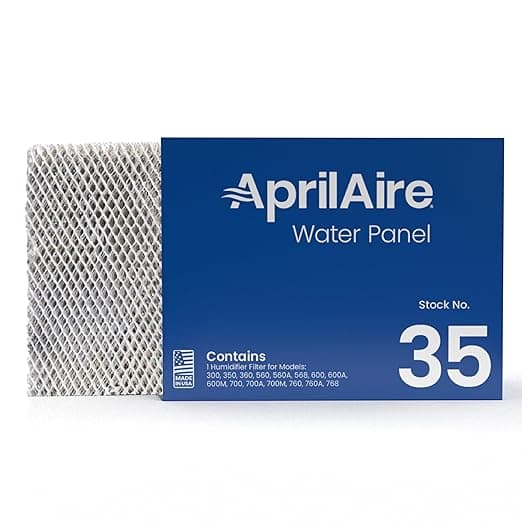
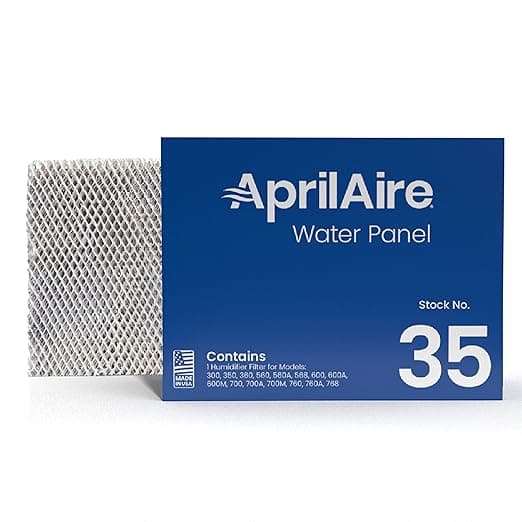
I didn't believe it either. A generic water panel for my Aprilaire whole-house humidifier was sitting there for about $14, and the genuine FILTER E and FILTER C panels run me somewhere in the $24 to $30 range every time I reorder. My first thought was the same one you're probably having right now: there's no way the cheap one breathes the same, wicks the same, lasts the same. A humidifier panel isn't a coffee filter. If it dries out or doesn't draw water right, my whole upstairs goes back to that dry winter air that cracks your knuckles and zaps you on every doorknob. So I bought one out of pure spite, half-expecting to be writing a "told you so" review.
I've now run the generic through two heating seasons. Here's the honest version.
The price thing is real, and it adds up faster than you'd think
Aprilaire wants you replacing these once a heating season, sometimes twice if your water is hard. I'm on well water that leaves a chalky crust on everything, so I'm a two-panel-a-year guy. At OEM prices that's call it $50 to $60 a year just to keep the humidifier honest. The generic FILTER E/C panels I've been buying land around $14 each — so even doubling up, I'm at roughly $28 for the year. That's a $25-plus gap annually for a part that, when it's working, you literally never look at. It hides inside the unit on the side of your furnace. Nobody's admiring your water panel.
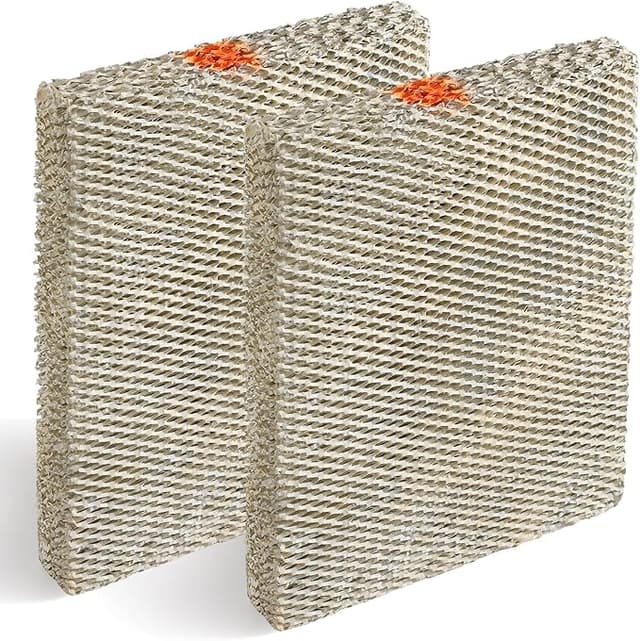
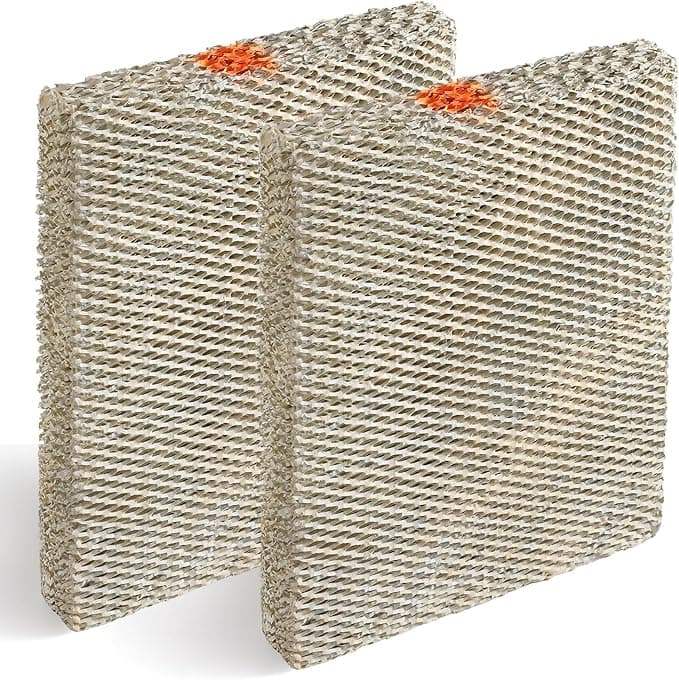
That's the part that flipped me. I could maybe see paying a premium for something I see and touch every day. This is a slab of pleated aluminum mesh that sits in the dark and gets soaked. The branding on it is worth exactly nothing once the cover's back on.
Does it actually fit and seat right?
This is where I expected the cheap one to fall apart, because Aprilaire's distribution tray and the little tabs that hold the panel are not generous with tolerances. I killed the system first — flip the humidifier and furnace off so you're not pulling dusty air around while the cover's open — popped the front cover off the unit, and slid the old crusty panel out of its frame. The old one came out looking like a stalactite, by the way, which told me it had been doing its job and was very much done.
The generic slid into the same frame with the scale-control coating facing the right way (there's usually a colored stripe or an arrow — mine had a stripe, and yes, orientation matters; backwards and it won't distribute water evenly). Snug. Maybe a hair snugger than OEM, honestly, which I'll take over loose. The frame clipped back, the cover seated with that flat click, and water started tracking down across the panel within a minute of firing it back up. No gaps where water could sheet down one side and skip the rest. That even wetting is the whole ballgame with these — a panel that only wets in one corner is a panel evaporating at a quarter of its rated output.
Performance: where it matches, and where it doesn't
Match: humidity output. My hygrometer upstairs holds the same 38 to 42 percent it did on the genuine panel. I didn't notice a single degree of difference in how the house felt, and after the dry-air paranoia that got me buying these in the first place, believe me I was watching that number like a hawk for the first two weeks.
Where it's a touch behind: longevity and scale resistance. The OEM panels have a coating that's a little more aggressive about shrugging off mineral buildup. On my brutal well water, the generic crusts up maybe a few weeks sooner than the genuine one did. If I were on city water with a softener, I doubt I'd ever notice. But I'm not, so I'm honest about it — the cheaper panel asks to be replaced slightly more often. Even factoring that in, the math still buries the OEM. An extra panel a year at $14 is nothing next to the $25-plus I'm saving.
The real downsides — more than one
Let me actually sit on this part instead of waving it off, because the upside-only reviews are the ones that get you burned.
First: the packaging is cheap and the quality control is streakier. One of the four panels I've bought across these two seasons arrived with a slightly bent corner where the cardboard sleeve had gotten crushed in shipping. It still seated fine — pleated mesh is forgiving and I bent it back with my thumb — but with the genuine ones I never had to think about it. If you're the type who'd return a dented can of soup, the occasional cosmetic ding is going to bug you.
Second: the coating story. I already said it crusts a little faster on hard water, but there's a related thing — the very first refill, you might catch a faint mineral-and-cardboard smell for a day or two as the new panel and its coating get their first soaking. It's gone by day three and it never reached living spaces in my house, just noticeable if you stick your head near the unit. Not chemical, not alarming, just new. The OEM panels were a bit more neutral out of the sleeve.
Third, and this is more about generics in general: there's no Aprilaire name to chase if something's wrong. You're trusting the seller's reviews and your own eyeballs at install, not a brand warranty. For a $14 part I'm fine with that. For a $14 part that I can visually confirm is wetting evenly in sixty seconds, I'm very fine with that.
Why I don't skip replacements anymore
The thing that actually scared me straight wasn't the dry air — it was pulling that first old panel out and seeing how much gunk it had trapped. A saturated, scaled-over panel doesn't just stop humidifying. It sits there wet and clogged, which is exactly the damp, choked environment mold likes, and it makes the humidifier and the blower behind it strain to push air and water through a brick. That's the part nobody warns you about: a dead panel quietly costs you on the energy bill and can turn the one device that's supposed to make winter air healthier into a little petri dish bolted to your furnace. Cheap panel, changed on time, beats expensive panel you stretched an extra season because it hurt to spend the money.
So who should buy what
If you've got soft city water, a meticulous streak, and you'd rather never think about a corner ding or a one-day new smell — buy the genuine Aprilaire FILTER E/C and pay the $25-plus premium for the slightly tougher coating and the brand's QC. That's a legitimate choice and I won't talk you out of it.
But me? Well water, two seasons in, watching the same humidity numbers the OEM gave me, saving real money every reorder — I grab the generic. I've bought it four times now, which is the most honest endorsement I've got. The frame's a hair tighter, the packaging's a little rough, and on my nasty water it taps out a touch sooner. For roughly half the cost, doing the exact same job in a spot nobody ever sees, I'd buy it again. And I already have.