Troubleshooting & Analysis
Two filters on the kitchen counter, one decision
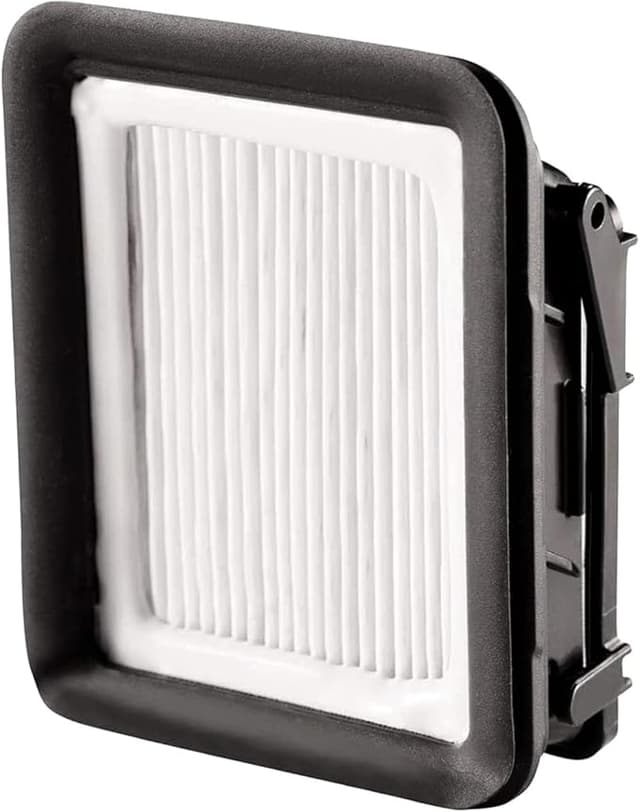
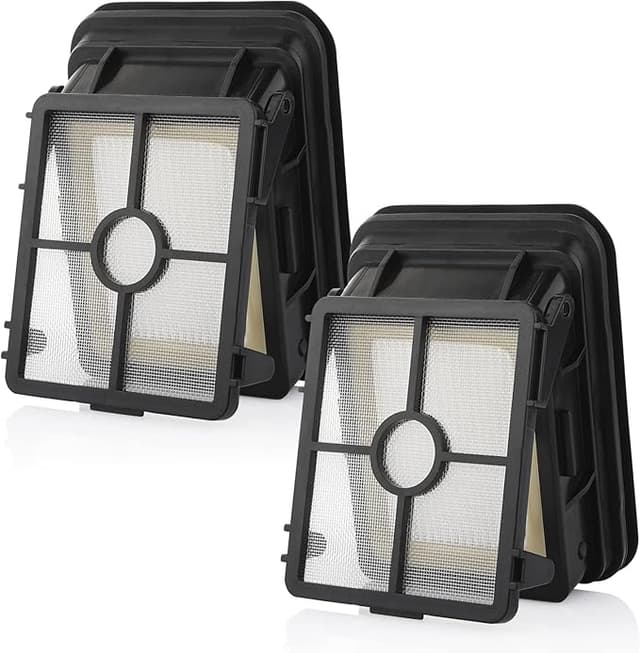
I had both of them sitting on the counter next to my CrossWave, still in their plastic. The Bissell-branded replacement filter — the white circular one with the foam ring — ran me about $13 for a single. Next to it, a compatible four-pack I'd ordered on a whim for roughly $14. Four for the price of one. And I stood there for a solid minute doing the thing everyone does: picking up the cheap one, turning it over, looking for the catch.
Because there's always a catch, right? My CrossWave is the workhorse in this house. Two dogs, a toddler, a kitchen floor that sees spaghetti night every week. If a $3 filter let dirty water slosh back into the motor housing or just collapsed after two washes, I'd have saved twelve bucks and killed a $250 machine. So I did what I do — I ran the compatible one for a full cleaning season before I'd say a word about it.
What the OEM math actually looks like
Here's the part that pushed me to even try the off-brand. Bissell wants around $13 for one of these post-motor filters. If you actually follow the care instructions — rinse it after every few cleans, swap it when it stops bouncing back — you're realistically buying two or three a year in a busy house. Call it $30-$40 annually on a part that is, at the end of the day, a molded foam ring with a plastic cage.
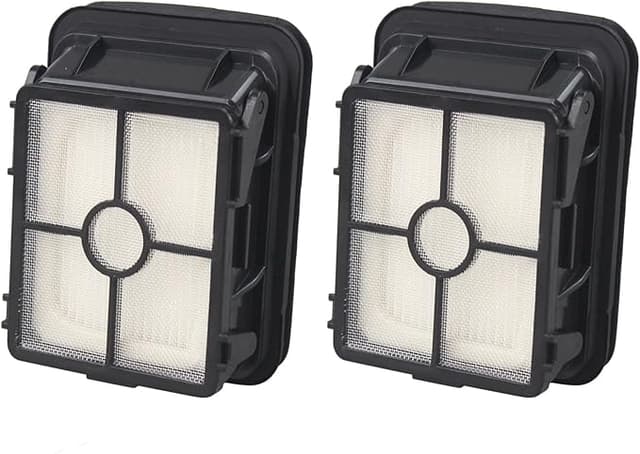
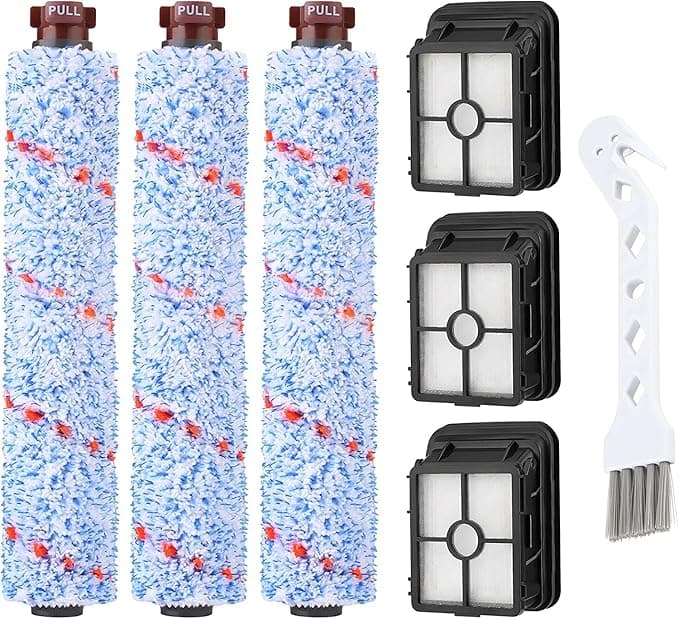
The compatible four-pack I bought works out to about $3.50 a filter. Same once-a-season swap, and now I've got spares in the drawer instead of a "I'll order it next week" filter that I never actually order — which, honestly, is how most of these machines die. Not from a bad filter. From a clogged one nobody replaced because the OEM was annoying to buy.
Does it actually seat right?
This was my real worry. The CrossWave filter isn't a drop-and-forget cartridge — it sits down inside the housing after you pop the clean-water tank, and the foam ring has to mate flush or you get air bypass and the suction goes soft. I pulled the old Bissell filter, dropped the compatible one in, and pressed.
It clicked. Seated flat. The foam ring compressed against the housing the way it's supposed to. I will say the plastic cage on the compatible one felt a hair thinner when I squeezed it — less of that dense, expensive feel the Bissell has. But once it's in the machine you're not squeezing it, you're running water and air through it, and on that front I genuinely could not feel a difference at the handle. Suction on the brush roll was the same wet pull it always is.
One install note, and this is true for the OEM too: dry it completely before you put it back. I learned this the annoying way early on with a different vac. A damp foam filter back in the housing smells like a wet dog within a day. I rinse mine, squeeze it out, and let it sit on the windowsill overnight. Compatible or Bissell, same rule.
The honest downside
So here's the real one, because a review where everything's perfect is a review I don't trust either. The first compatible filter I ran had a faint plastic-and-foam smell for the first two or three uses. Not chemical, not alarming — more like a new shower curtain. It aired out completely by the second wash and never came back. But it was there, and the Bissell one didn't do that. If you've got a sensitive nose or you're running this in a small apartment, just run it dry through one cycle before you care about it.
Second, smaller gripe: the packaging is cheap. Filters came in a thin poly bag, no rigid box, and one of the four had a slightly squashed foam ring from shipping. It plumped back to shape after a rinse and seated fine, but it didn't inspire confidence pulling it out of the mailer. The Bissell comes in a proper blister pack. You're paying for that box, partly. I decided I didn't care.
Why I don't let this part slide anymore
Quick reality check on why any of this matters. When the post-motor filter on a CrossWave clogs up — packed with fine dust, or stiff and waterlogged because nobody rinsed it — the machine has to pull harder through it. Suction drops first. Then the motor runs hot trying to compensate. That's the failure path, and it smells like warm electronics when it's happening. A clean, properly-seating filter is the cheapest insurance you'll ever buy against a dead motor. Which is exactly the argument FOR having spares on hand instead of one precious $13 one.
Who should skip it — and what I actually grab
If your CrossWave is still under warranty and you're the type who worries a non-Bissell part voids something, buy the OEM and don't lose sleep over the price. Same if you run a cleaning business and the machine is downtime-sensitive — pay for the known quantity.
But for me, in a normal messy house? I've now gone through three of the compatible filters across the better part of a year. They seat right, they pull the same suction, they survive the rinse-and-dry cycle, and I've got two left in the drawer for the cost of a single Bissell. The frame's a touch thinner and the first one smelled faintly of new foam for a day. Those are the trade-offs. For roughly ten dollars a year less and a filter I'll actually replace on time because I have spares — yeah, I'd buy these again. I already did.